Temp mail glossary: email terms explained in plain English
By the YelMail teamUpdated 15 min read
This temp mail glossary defines the email terms you run into when you use disposable inboxes, aliases and verification codes, in a few sentences each. Terms are in alphabetical order. Where a term has its own guide or tool page on yelmail.com, the definition links to it, so you can start with a quick answer and follow whichever thread you need.
Email and temp mail terms from A to Z
Each entry below is a short definition that stands on its own. Where temp mail changes how a term plays out in practice, the entry says so.
10 minute mail
A temporary email address that expires about ten minutes after it's created. It's enough for a single code and too short for anything that arrives slowly. See our 10 minute mail page, and how long temp mail lasts for the other common lifetimes.
Account recovery
The way a site lets you back in after a forgotten password or a lost device, usually through a link or code sent to your email. Once a temporary inbox expires, recovery has nowhere to go. That hurts most where you've paid for things, like game libraries, or built up history, like AI chat accounts. The fix is to move the account to a lasting address in time.
Alias
An extra email address that forwards to your real inbox, so the site never sees your main address. You can switch an alias off when it starts attracting spam. Compare temp mail vs email aliases, see how alias services like Firefox Relay and SimpleLogin differ, or set one up in Gmail, Outlook or iCloud.
Alt account
A second account on a platform, kept apart from your main one. A throwaway address can work for one, though phone checks and recovery often cause trouble later; see the notes for Discord, Reddit, Instagram, TikTok and X and Facebook. An alt made to dodge a ban breaks the platform's rules and usually costs you both accounts.
Attachment limit
The largest file an inbox will accept with an email. On YelMail, it's 5 MB on the free plan and 25 MB on Premium.
Bounce
An automatic message telling the sender an email couldn't be delivered. A hard bounce is permanent, such as an address that doesn't exist. A soft bounce is temporary, such as a full mailbox, and the sender may try again. If you get bounces for mail you never sent, someone has probably put your address in the From line; see email spoofing vs phishing.
Burner email
A disposable address you use for a while and then drop, named after the burner phone. In practice it's another word for temp mail; see burner email, and burner vs disposable vs temp mail for how the overlapping names differ. It suits marketplaces and dating apps, where strangers shouldn't get your real address.
Captive portal
The login page public Wi-Fi shows before it lets you online, like the one at the airport that wants your email. A disposable address is usually all it needs; see public Wi-Fi login emails.
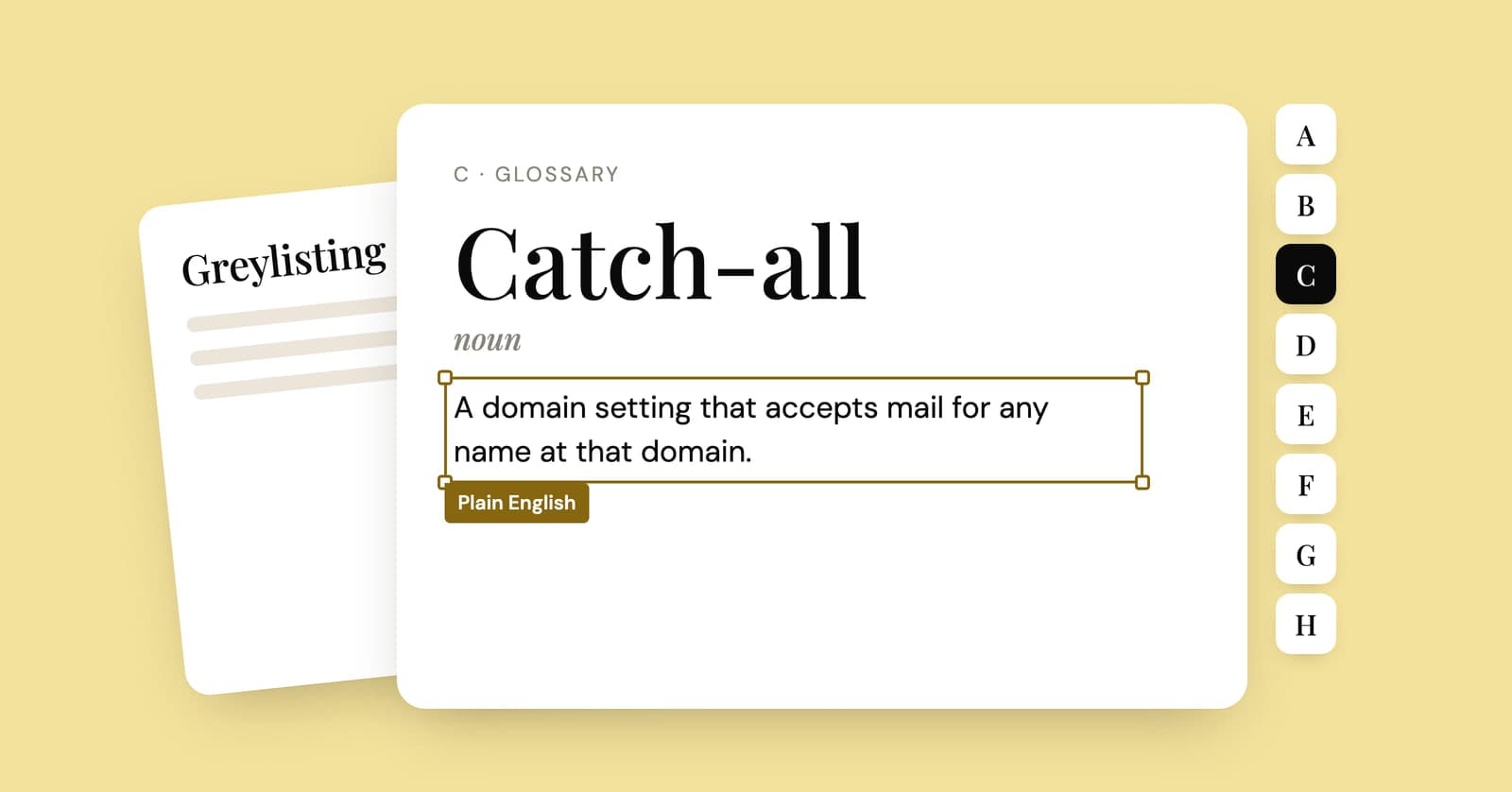
Catch-all
A mail setup that accepts email for any name at a domain, whether or not a mailbox with that name exists. Many temp mail services use it so a fresh address works the instant it's generated. You can use the same trick on your own domain to give every site its own address; see catch-all email on your own domain.
Custom address
An address where you pick the part before the @ instead of getting a random one. On YelMail, choosing your own address name is a Premium feature; see custom temp mail.
Data breach
When a company's stored customer data, often including email addresses and passwords, is stolen or exposed. If your address turns up in one, work through the data breach checklist. A temp address that has already expired leads attackers nowhere.
Disposable email
An address meant to be used briefly and abandoned. It's the umbrella term that covers temp mail, burner and throwaway addresses; see disposable email.
Disposable email domain
A domain known to belong to a temp mail service. Some sites keep lists of these and refuse sign-ups from them, which is the most common reason a temp address gets rejected. See why sites block temporary email, and for the site owner's side, should you block disposable emails?
DKIM
DomainKeys Identified Mail. The sending server signs each message with a private key, and the receiving server checks the signature against a public key published in the signing domain's DNS. A pass means that domain vouches for the message and the signed parts weren't altered on the way. On its own, it doesn't prove the From line is honest; that's DMARC's job.
DMARC
Domain-based Message Authentication, Reporting and Conformance. A domain owner publishes a DMARC policy telling receivers what to do with mail that uses the domain in its From line but doesn't pass SPF or DKIM for that same domain: do nothing special, send it to spam, or reject it. It's what makes faking a well-protected domain hard. The plain-words version is in email spoofing vs phishing.
Dot trick
Gmail ignores dots in the username, so [email protected] and [email protected] reach the same inbox. It gets passed around as a privacy trick. It isn't one; see the Gmail dot trick.
Edu email address
An address issued by a school or university, often used to prove you're a student for discounts. Temp mail can't give you one, and sites selling "free edu emails" are scams or fraud; see temp mail and edu emails.
Expiry
The point at which a temp address stops accepting mail and its messages are deleted. It's different from retention, which is how long each message is kept. What actually disappears, and what can go wrong afterward, is covered in what happens when a temp email expires.
Fake email generator
A tool that produces a random address that isn't tied to your name. The useful kind creates a real inbox that receives mail; a made-up string nobody can receive at won't get you past a verification email. See our fake email generator.
Forwarding
Passing mail from one address on to another automatically. Aliases and Apple's Hide My Email are forwarding services. On YelMail, forwarding to a verified personal address is part of Premium. Hide My Email vs temp mail shows when forwarding helps and when it just moves the spam into your inbox.
Gated content
A report, template or webinar that sits behind a form asking for your email. Filling it in usually starts a sales sequence. See how to download gated content without the spam.
Greylisting
An anti-spam method where a receiving server temporarily turns away mail from a sender it hasn't seen before and waits for it to retry. Real mail servers retry; a lot of spam software doesn't bother. The side effect is a verification email that shows up minutes late; see why verification emails are delayed.
Hashed email
An email address run through a one-way function such as SHA-256, giving a fixed string of characters that stands in for the address. The same address always gives the same hash, which is why ad tech uses hashed emails to recognize one person across different sites. More in why companies want your email.
Header
The technical lines at the top of every email: who sent it, which servers passed it along, when, and the results of authentication checks. Your mail app hides most of them. In Gmail, "Show original" reveals the lot; email spoofing vs phishing explains which lines matter.
Hide My Email
Apple's iCloud+ feature that creates random addresses forwarding to your real inbox, so sites and apps never see your actual address. It's an alias service, not temp mail: the addresses last until you turn them off. See Hide My Email vs temp mail.
IMAP
Internet Message Access Protocol, the standard a mail app like Apple Mail or Outlook uses to read messages that stay on the server, so every device sees the same inbox. POP3 is the older alternative, which usually downloads mail to one device. Temp mail is normally read in the browser instead.
Inbox token
A secret key, stored in your browser, that proves an inbox is yours. Where a service uses one, knowing the address isn't enough to read the mail. On YelMail, only the browser or account that created an inbox holds its token, so the inbox stays in that browser. See temp mail passwords and recovery and temp mail on iPhone and Android.
IP address
The numeric address of your internet connection, visible to every site you visit. A temp email address hides your email, not your IP; see can temp mail be traced?
Long-term temporary email
A disposable-style address you can keep for weeks rather than minutes, useful for order updates and trials that take a while. See long-term temporary email.
Magic link
A one-time sign-in link sent by email in place of a password. Each login needs a fresh link, so it only works while you can still read that inbox. The trade-offs against codes are in magic link vs OTP.
Mailing list
A list of addresses a company sends marketing to. Getting you onto one is the real job of the 10%-off pop-up. See why companies want your email, and for keeping shops off your main address, disposable email for online shopping.
MX record
A DNS entry that tells the rest of the internet which server accepts mail for a domain. Temp mail services point their domains' MX records at their own servers; what is temporary email shows how that fits together.
OTP
A one-time passcode: a short code, often six digits, sent to your email or phone to confirm it's you. It works once and usually expires within minutes. On YelMail you can copy it in one click. If one arrives that you didn't ask for, read verification code you didn't request.
Password reset email
The email a site sends after you click "forgot password", with a link or code to set a new one. Whoever can read that inbox can take over the account, which is why public inboxes and expired temp addresses don't mix with accounts you care about. For developers: how to test password reset emails.
Personal data
Under laws like the GDPR, any information relating to an identifiable person. An email address usually counts when it points to a specific person; see is an email address personal data under GDPR?
Phishing
A scam message, by email or text, that tries to get a password, a code, card details or money out of you, usually by pretending to be someone you trust. Spoofing is one of its tools; see email spoofing vs phishing.
Phone verification
A sign-up step that texts you a code to prove you're a real person. Sites use it to slow down fake accounts. Temporary SMS numbers are much riskier than temp email, as temp email vs temp phone numbers explains, and when it's an email provider asking for your number, see creating an email account without a phone number.
Plus addressing
Adding a tag after a plus sign, like [email protected], so mail still reaches [email protected] but you can filter by tag and see who used which one. It sorts mail. It doesn't hide your address; see Gmail plus addressing.
Public inbox
A temp mail inbox anyone can open by typing its name. Fine for a throwaway newsletter, risky for anything with a login link or code, because a stranger can read it too. See public temp inbox risks.
Receive-only
An address that accepts mail but can't send or reply. YelMail addresses are receive-only, which means nobody can use them to send spam. See can you send email from temp mail?
Reserved domain
A domain set aside by internet standards for documentation and testing, such as example.com, so nobody can register it. You can't receive real mail at it, which makes it useless for testing actual delivery; see test email addresses for developers.
Retention
How long a service keeps each message before deleting it. On YelMail, that's 2 hours on the free plan and 30 days on Premium. See how long temp mail lasts.
Right to erasure
Your right under Article 17 of the GDPR to ask a company to delete your personal data, with some exceptions. Laws elsewhere, such as California's CCPA, give similar deletion rights. How to use them: remove your email from websites.
Saved inbox
A temp inbox tied to an account, so it doesn't depend on one browser. YelMail Premium keeps up to 25; see multiple temp mail inboxes and what Premium includes.
SMTP
Simple Mail Transfer Protocol, the standard mail servers use to hand email to each other and to accept outgoing mail from your app. Every email you've received got to you over SMTP.
Social login
Signing in to a site with an account you already have, like "Sign in with Google" or "Sign in with Apple", instead of creating a password. It's quick, and it quietly adds to the list of places your address lives. To see that list: find accounts linked to your email.
Spam
Unwanted bulk email. A sudden flood usually has a cause you can trace, like a breach or a sign-up that passed your address on; see why you're suddenly getting so much spam.
Spam trap
An address that never signed up for anything, run by a mailbox provider or blocklist operator to catch senders using bought or scraped lists. Mailing one damages the sender's reputation and its ability to reach inboxes.
SPF
Sender Policy Framework: a DNS record where a domain lists the servers allowed to send its mail, so receivers can check the sending server against it. SPF checks the hidden envelope sender, not the From line you see, which is why it needs DMARC to stop spoofing.
Spoofing
Faking the sender of an email so it looks like it came from someone else. The From line is just text, so it's easy to fake unless the real domain's SPF, DKIM and DMARC records lead receivers to reject the fake. See email spoofing vs phishing.
Subscription bombing
An attack that signs your address up to a flood of newsletters and sites at once, often to bury a real alert, such as a purchase or password change, under the noise. See subscription bombing.
Temp mail
A short-lived inbox, usually free, that receives mail without an account and deletes itself after a while. Open a free temp mail inbox to try one, and read what is temporary email for how it works. If you're comparing services, read how to choose one and how temp mail sites make money. On the legal and safety side, see is temp mail legal? and is temporary email safe?
Temp mail API
An interface that lets your code create inboxes and read incoming mail, mostly used to test sign-up flows automatically. YelMail's REST API comes with Premium; see the API docs, testing sign-up emails with an API and reading verification emails in Python.
Terms of service
The rules a site sets for using it. Breaking them isn't usually a crime, but it can get your account closed, which is how most "temp mail tricks" end. See is temp mail legal? and temp mail for free trials.
Throwaway email
A disposable address you expect to use once; see throwaway email. On Reddit, "throwaway" also means a one-off account, covered in throwaway email for Reddit.
Tracked link
A link that passes through the sender's tracking server before sending you on to the real page, so the sender knows who clicked and when. Blocking images doesn't stop it. See how to tell if an email is being tracked.
Tracking pixel
A tiny, usually invisible image in an email whose web address is unique to you. When your mail app loads it, the sender learns that you opened the email, when, and often roughly where. YelMail blocks remote images and tracking pixels by default; this guide shows how to block them in Gmail, Apple Mail and Outlook.
Verification email
The message a site sends to confirm you own an address, with a link or a code. When one doesn't arrive, it's usually a delay or a block: see verification email not received and temp mail not receiving emails.
Terms people mix up
Most confusion comes from pairs of terms that sound alike but work differently. The table lines up the ones worth keeping straight.
| These terms | The difference |
|---|---|
| Temp mail vs alias | Temp mail is a separate inbox that expires. An alias forwards to your real inbox and lasts. |
| Spoofing vs phishing | Spoofing fakes the sender. Phishing is the scam, and it often needs no spoofing at all. |
| SPF vs DKIM vs DMARC | SPF lists the servers allowed to send. DKIM signs the message. DMARC checks that one of them matches the visible From domain and says what to do if neither does. |
| Retention vs expiry | Retention is how long each message is kept. Expiry is when the address itself stops working. |
| Bounce vs block | A bounce is a failed delivery reported back to the sender. A block is a site refusing your address at sign-up, before any email is sent. |
| Plus addressing vs alias | Plus addressing shows your real address with a tag on it. An alias hides it. |
| Disposable vs fake | A disposable address is real and receives mail for a while. A fake one is a made-up string nobody receives at. |
| Tracking pixel vs read receipt | A read receipt asks your permission first. A tracking pixel doesn't. |
Frequently asked questions
What is the difference between an email address and an email account?
An email address is what people send mail to. An email account is the mailbox and login behind it, with a password, settings and storage. One account can receive mail for several addresses, which is how aliases work. A no-account temp inbox is the odd one out: an address with no account behind it, reachable only from the browser that holds its token.
What does "via" next to a sender's name mean in Gmail?
Gmail shows "via" when the domain that actually sent the message doesn't match the domain in the From address. It's common and often harmless: a newsletter tool or booking system sending on a company's behalf will trigger it. Treat it as a prompt to check who really sent the email, not as proof of a scam.
Why do verification codes expire so quickly?
A short expiry limits the damage if a code is intercepted, guessed or phished, because it stops working before an attacker has much time to use it. Most sites also make a code single-use and cap how many attempts you get. If your code expires before the email arrives, request a new one and use the newest code only.
Is a disposable email the same as a fake email address?
No. A disposable address is a real, working inbox that receives mail for a limited time, so verification codes and links reach it. A fake address is just a made-up string. It might pass a form's format check, but nothing sent to it reaches anyone, so you'll never see the confirmation email and the account usually stays unverified.
Where to go from here
If one of these terms sent you looking for an inbox, open a free temp mail address and it's ready as soon as the page loads. For the bigger picture, what is temporary email is the best next read, and the FAQ covers how YelMail itself works.
Keep reading
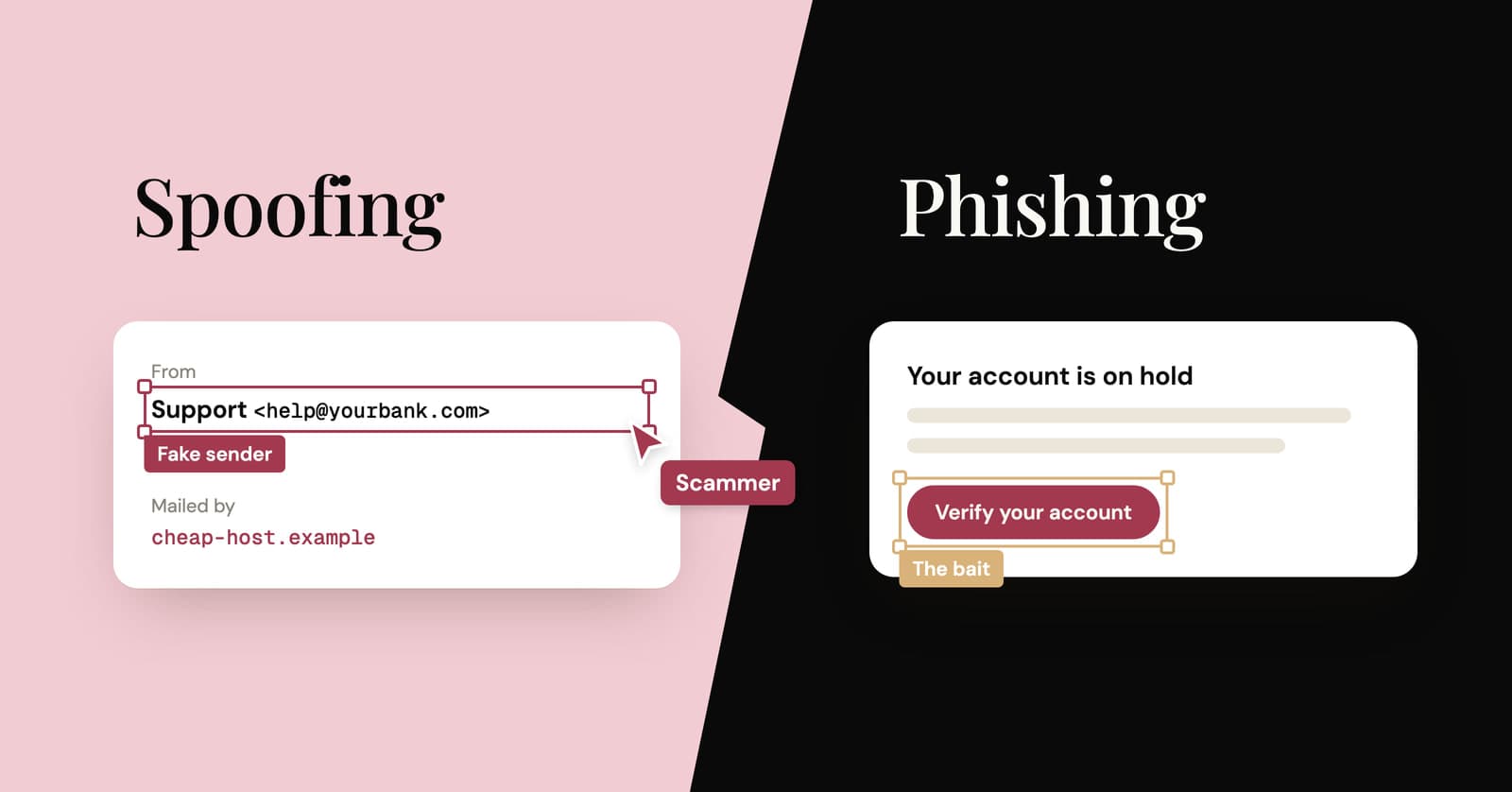
Email spoofing vs phishing: what's the difference?
Spoofing fakes who an email is from. Phishing is the scam that wants something from you. How they differ, what SPF, DKIM and DMARC catch, and how to check a sender yourself.
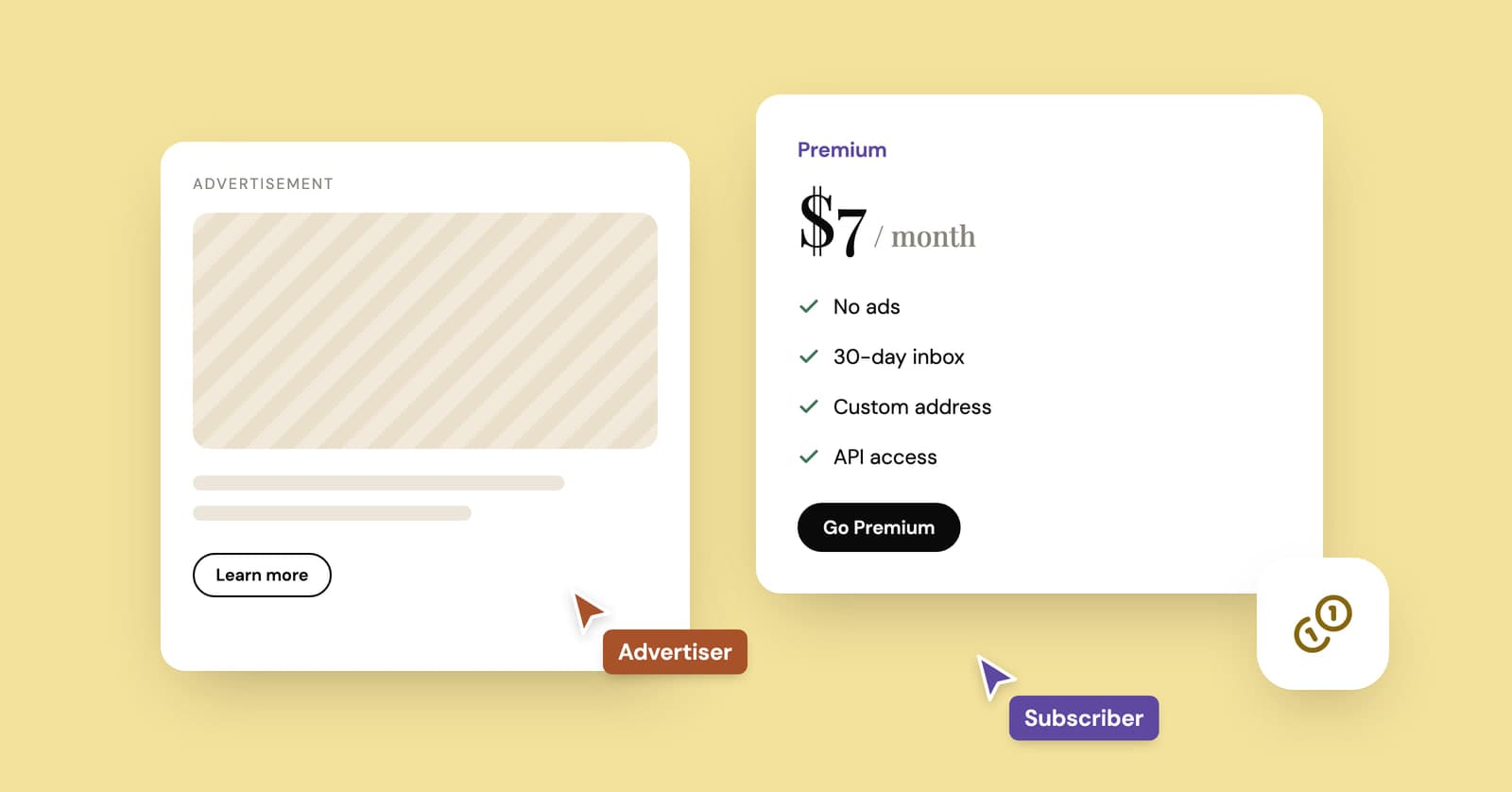
How do temp mail sites make money if they're free?
Ads, paid plans and developer APIs keep most temp mail services running. How the money works, what it costs and the signs a free inbox is paying its bills with your data.
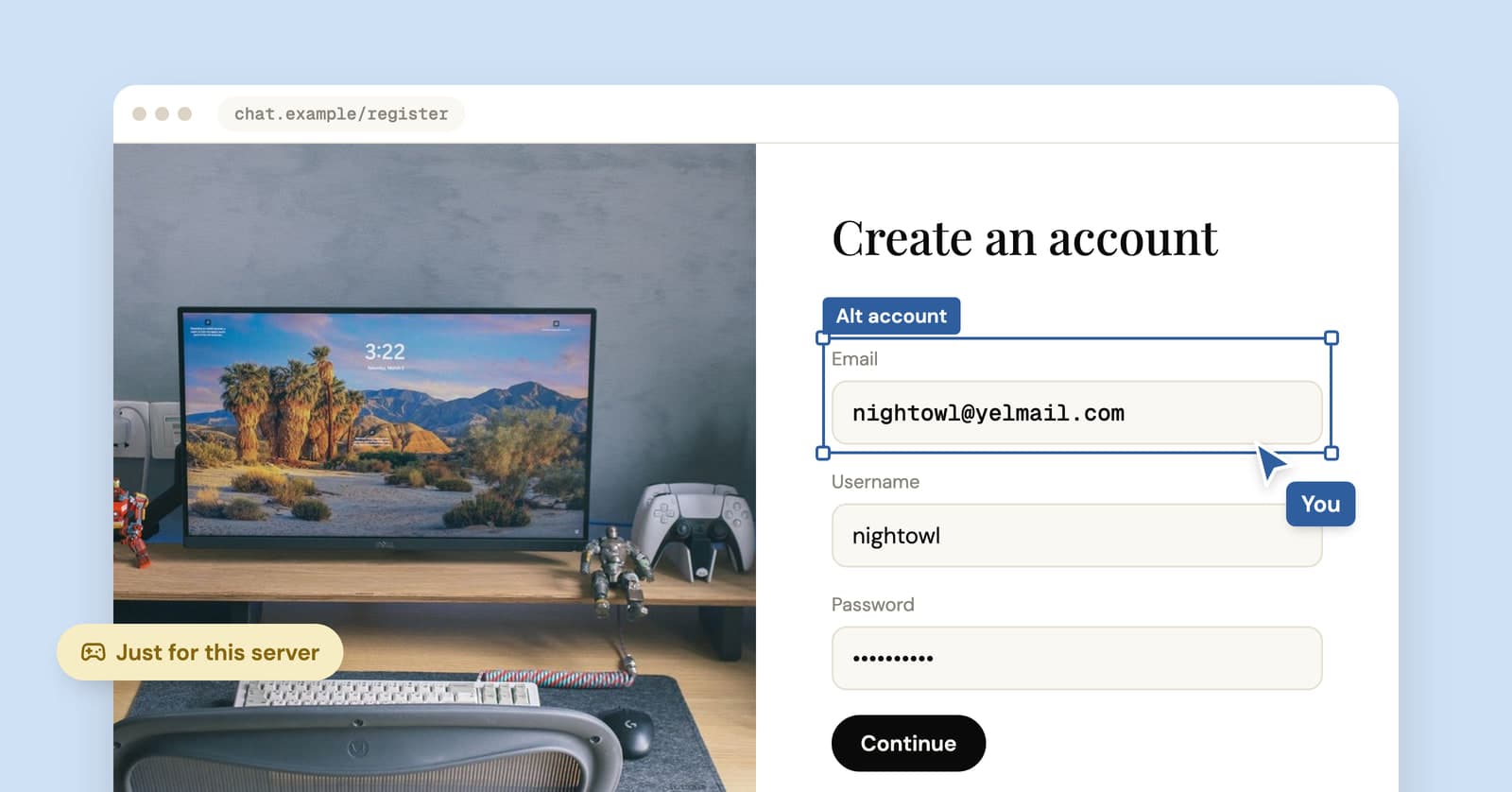
Temp mail for Discord: fine for an alt, risky for your main
A temp address gets you into Discord in a minute. Where that works, when Discord asks for a phone, and how to keep the account if you end up liking it.