Test email addresses for developers: what to use and when
By the YelMail team8 min read
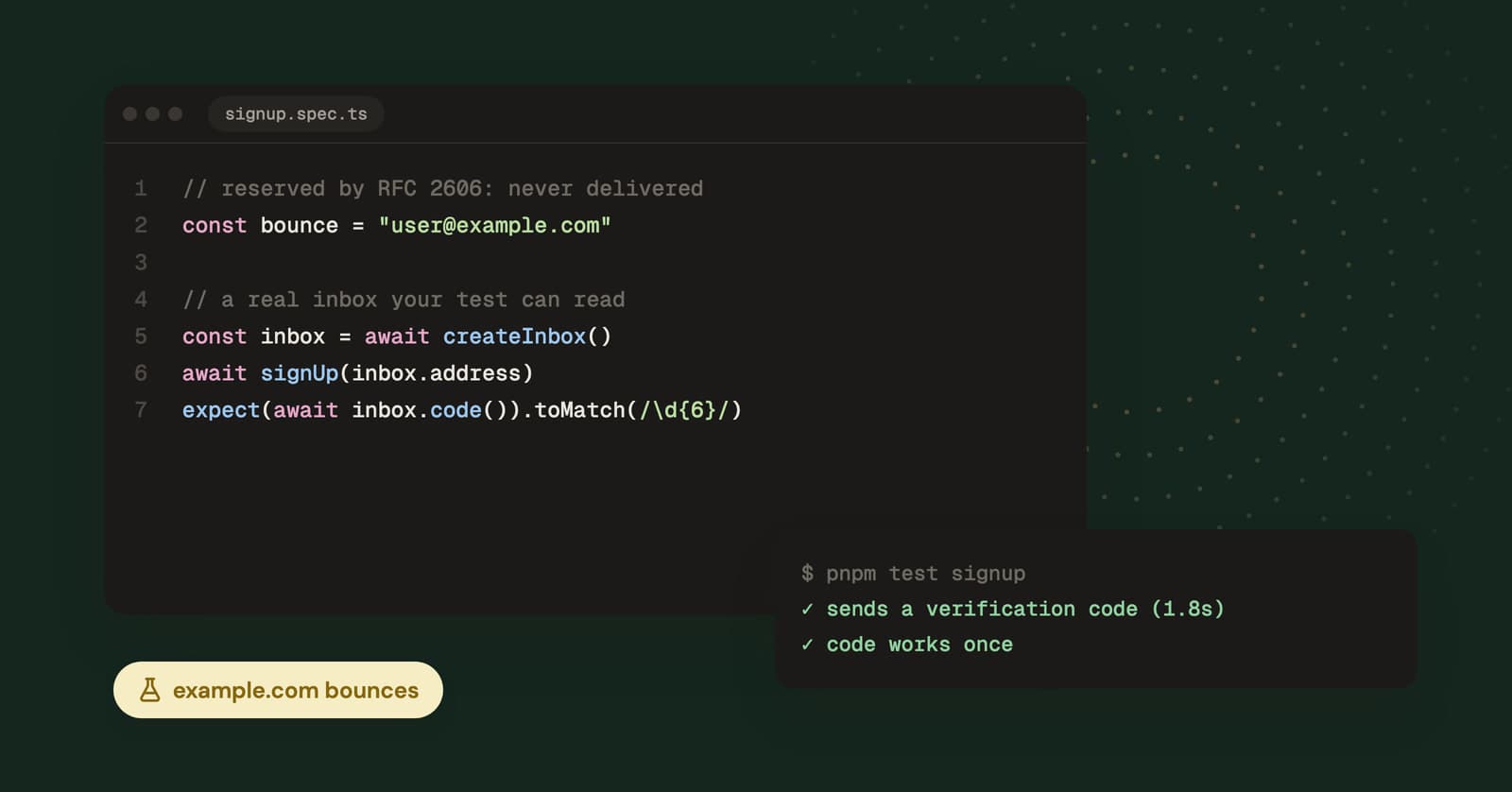
The right test email address depends on whether the email needs to arrive. For seed data, unit tests and docs, use a reserved domain like [email protected] or anything ending in .test, which can never belong to a real person. To see the email during development, send it to a local mail catcher. To test a real provider end to end, use a real disposable inbox.
Which email domains are reserved for testing?
RFC 2606 reserves example.com, example.net and example.org, plus four top-level domains: .test, .example, .invalid and .localhost. Registries won't hand them out, so no stranger can ever own the inbox your test data points at.
Each one has a slightly different job:
| Domain | Reserved for | What happens to mail sent there |
|---|---|---|
example.com, .net, .org |
Documentation and examples | The domains publish a "null MX" record, so sending servers give up at once |
anything.test |
Testing | Not in public DNS, so delivery fails |
anything.example |
Documentation | Not in public DNS, so delivery fails |
anything.invalid |
Names that must be obviously invalid | Not in public DNS; resolvers are expected to answer "no" immediately |
anything.localhost |
Your own machine | Resolves to loopback; not meant for email at all |
The null MX is the 0 . record defined in RFC 7505. It's a domain saying "I accept no mail", and a sending server that respects it fails the message on the first try instead of queueing retries for days. You can see it yourself with dig MX example.com.
RFC 6761 adds how software should treat these names. The short version: .invalid and .localhost get special handling in resolvers, while .test and the example names are meant to be treated like any other domain.
Which one should you use?
Use example.com (or .net, .org) in documentation, UI placeholders and screenshots. Use .test for fixtures and seed data, for example [email protected]. Use .invalid when a test specifically needs an address that can never work, such as a "bounced address" state in your UI.
Why not use [email protected] or a random Gmail address?
Addresses like [email protected] or a made-up Gmail address sit on real domains, and real domains can have real mail servers. At the time of writing, fake.com and email.com, two names people type into forms without thinking, both had MX records pointing at real mail servers. Somebody owns them and somebody receives that mail.
Three things go wrong when test mail goes to a real domain:
- You email a stranger. A made-up
[email protected]is very likely a real person. Now they have your staging password reset link, with your staging hostname in it. - You rack up bounces. Addresses that don't exist bounce, and email providers watch your bounce rate. Enough of them can push your production mail toward spam folders or get your sending account reviewed.
- Your tests become flaky. Whether the mail arrives depends on someone else's server, which you don't control and can't reset.
Reserved domains avoid all three because the answer is always the same: nobody's there.
Will my email validator accept reserved domains?
Not always. RFC 6761 says software should treat .test names like any other domain, but some validation libraries reject special-use domains by default. Python's email-validator package, for one, rejects .test, .invalid and .localhost addresses by default. Passing test_environment=True (or setting email_validator.TEST_ENVIRONMENT = True) lets .test through and skips the DNS check; the other two stay rejected. It accepts example.com syntactically, but its deliverability check fails because of the null MX.
That's reasonable behavior in production, where nobody should sign up with [email protected]. In your test environment it means fixtures fail validation for reasons that have nothing to do with the test. Flip the library's test switch in test config only, not globally.
The other half of this is generated data. @faker-js/faker's internet.email() picks a random free mail provider, so a seed script can quietly fill your database with plausible Gmail and Yahoo addresses. Use internet.exampleEmail() instead. In Python's Faker, safe_email() sticks to the example domains; free_email() does not.
Where should email go during local development?
During local development, email should go to a local mail catcher: an SMTP server on your machine that accepts everything and delivers nothing, with a web page to read what arrived. Point your app's SMTP settings at it and every email your code sends shows up there, whatever the recipient address.
The common choices:
- Mailpit. SMTP on port 1025, web UI on 8025, and a REST API you can call from integration tests. Its README describes it as inspired by MailHog, which is no longer maintained, so if you're still on MailHog this is the natural move.
- smtp4dev. A similar idea from the .NET world, and it works fine with anything that speaks SMTP.
- Hosted sandboxes like Mailtrap's Email Sandbox or Nodemailer's Ethereal. Same idea, run by someone else, handy when a shared staging box needs a catcher your whole team can see.
A catcher also answers "what did the email look like?" without anything leaving your laptop. For most development work it's the right tool, and the local ones are free.
Testing bounces and complaints
Catchers accept everything, so they can't tell you how your app handles a hard bounce or a spam complaint. Sending providers can. Amazon SES, for example, has a mailbox simulator with addresses like [email protected] and [email protected] that trigger those events, and AWS says mail sent to them doesn't count against your reputation metrics. See if your provider has something similar before inventing bouncing addresses of your own.
When do you need a real inbox?
You need a real inbox when the email is sent by a system you can't point at a catcher, or when what you're testing is the delivery itself. A catcher only proves your code handed a message to SMTP.
The usual cases:
- Hosted auth providers. If a third-party identity service sends your verification and magic link emails, the mail comes from their servers. Some offer a local emulator that captures it in dev, but against the real service only a real address will do.
- Staging on your production email provider. Templates stored at the provider, click tracking that rewrites your links, suppression lists: none of that runs when you send to localhost.
- Delivery timing. "Does the code arrive before it expires?" is a question only a real round trip can answer.
- Link handling. Whether a magic link or reset link survives tracking redirects and still works when clicked.
For these you have three reasonable options.
Plus addressing on your own mailbox. [email protected] lands in your QA inbox, and each tag can be a separate account. It's free and you already have it. The catch: every test shares one mailbox, your automation needs mailbox credentials, and some sign-up forms reject the +. More on the trade-offs in our guide to Gmail plus addressing.
A catch-all on a domain you own. Point a spare domain's mail at one mailbox and every address on it works. Same shared-mailbox problem, more setup. We cover it in catch-all email on your own domain.
A disposable inbox API. Each test creates a fresh address, reads its mail over HTTP and deletes it afterwards. No shared mailbox, no IMAP, no cleanup of old messages. This is what the YelMail API is for. There's a step-by-step Playwright and Cypress walkthrough, and a Python version with pytest.
For a quick manual check you don't need any of that. Open a free temp mail inbox, paste the address into your staging sign-up form and watch the email come in.
A quick way to choose
Pick by asking what the test actually needs from the email.
- The email must never be sent (unit tests, seed data, docs, screenshots): a reserved domain, such as
[email protected]or[email protected]. - You want to see the email while you build: a local catcher like Mailpit.
- You need bounce or complaint events: your provider's simulator addresses.
- A real provider sends it and you need to automate the check: a disposable inbox from an API.
- You need to see how it renders in real mail apps: real accounts you own, one per app, with plus addressing if you need several.
Keep real customers out of your test email
Most "we emailed a customer from staging" stories aren't about test addresses at all. They start with a copy of the production database.
If staging ever gets real data, rewrite every email column before the app starts, for example to user-<id>@example.com, or route all outbound staging mail to a catcher regardless of recipient. Better still, do both. And add an allowlist to staging's mailer so it only delivers to the domains your team uses for testing. It's an afternoon of work.
Frequently asked questions
Is [email protected] a real email address?
No. example.com is reserved for documentation by RFC 2606 and can't be registered by anyone else. It publishes a null MX record that tells sending servers it accepts no mail, so a message to [email protected] fails immediately and nobody reads it. That makes it perfect for docs and placeholders, and useless when you need to see the email.
What is the difference between .test and example.com?
Both are reserved and neither can receive mail, but they're meant for different jobs. example.com and its siblings are for documentation and examples that humans read. The .test top-level domain is for testing, so it suits fixtures, seed data and automated tests. .test names don't exist in public DNS at all, while example.com resolves but refuses mail.
Do bounces from test addresses hurt my sender reputation?
They can, if the test mail goes out through your real email provider. Providers track your bounce rate across the whole account, and a staging environment sending to invented addresses adds bounces to production's numbers. Send staging mail to a catcher, use your provider's simulator for bounce tests, or keep test sending on a separate account.
Can I load test my email sending with disposable inboxes?
Please don't. Sending thousands of messages to someone else's mail servers is load testing their infrastructure, not yours, and it looks like abuse from the other side. Use your email provider's simulator or sandbox for throughput tests and keep disposable inboxes for functional tests that send a handful of messages.
Start with the reserved domains
Reserved domains for data that should never be mailed, a local catcher for development, and a real inbox only when a real provider sends the email. When you get to that last step, the YelMail API docs show how to create an inbox per test and read its mail from code.
Keep reading
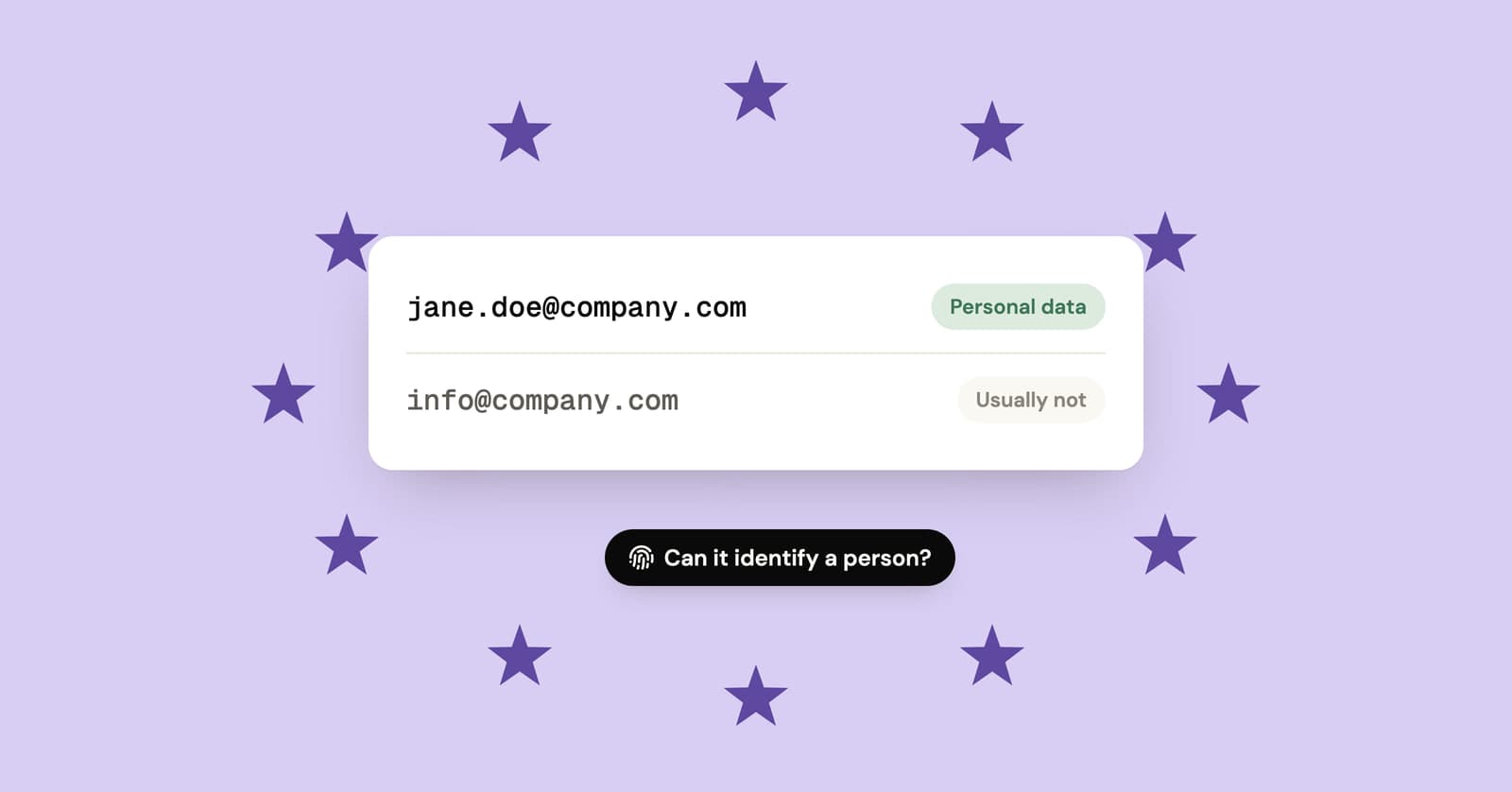
Is an email address personal data under GDPR?
Usually, yes. Named and work addresses count, shared role inboxes often don't, and random or hashed addresses are closer to personal data than most people assume.
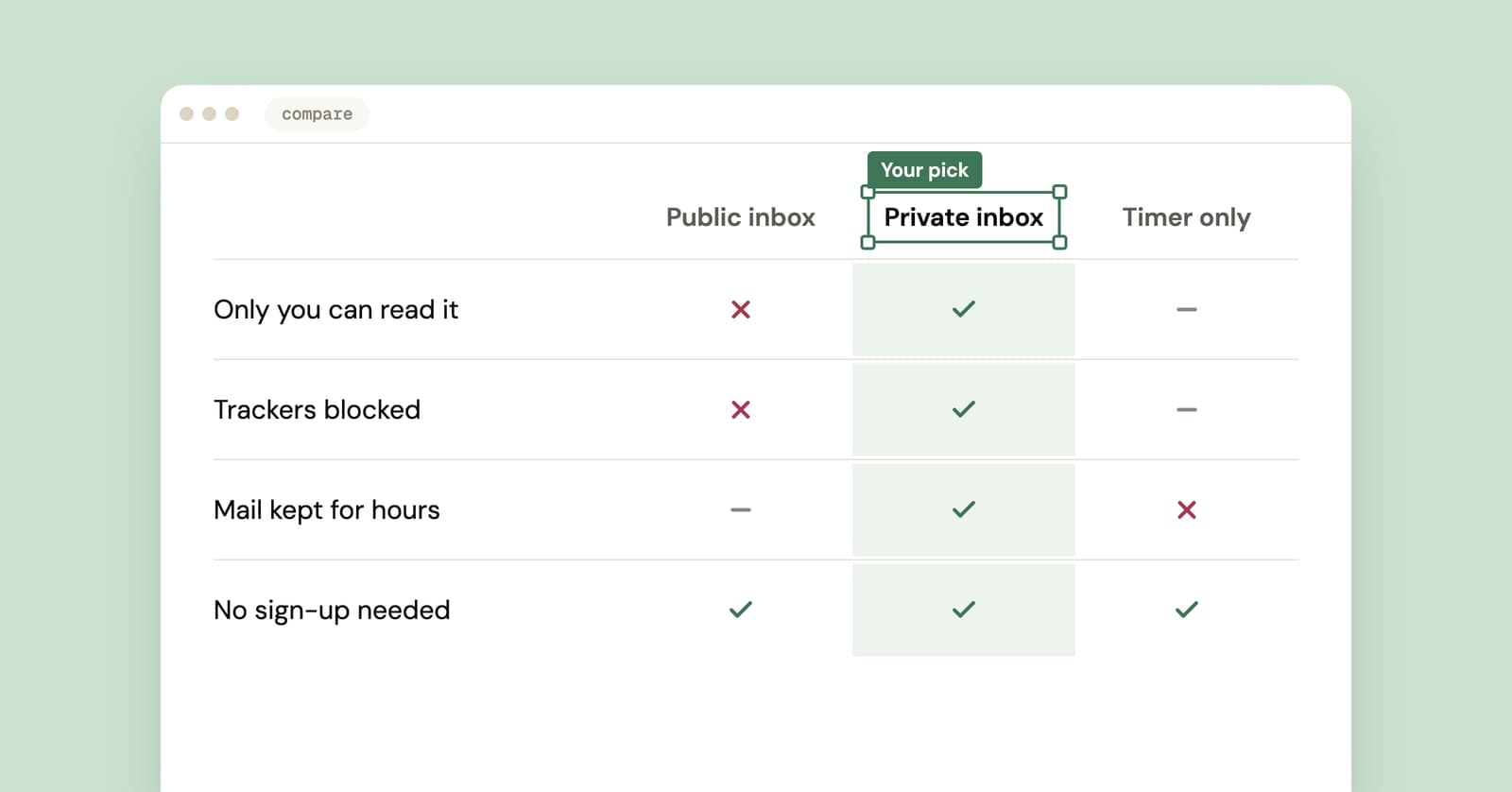
Best temp mail service? An honest checklist from people who run one
We run a temp mail service, so read this with that in mind. Here is the checklist we'd judge any provider by, us included, plus a five-minute test you can run yourself.
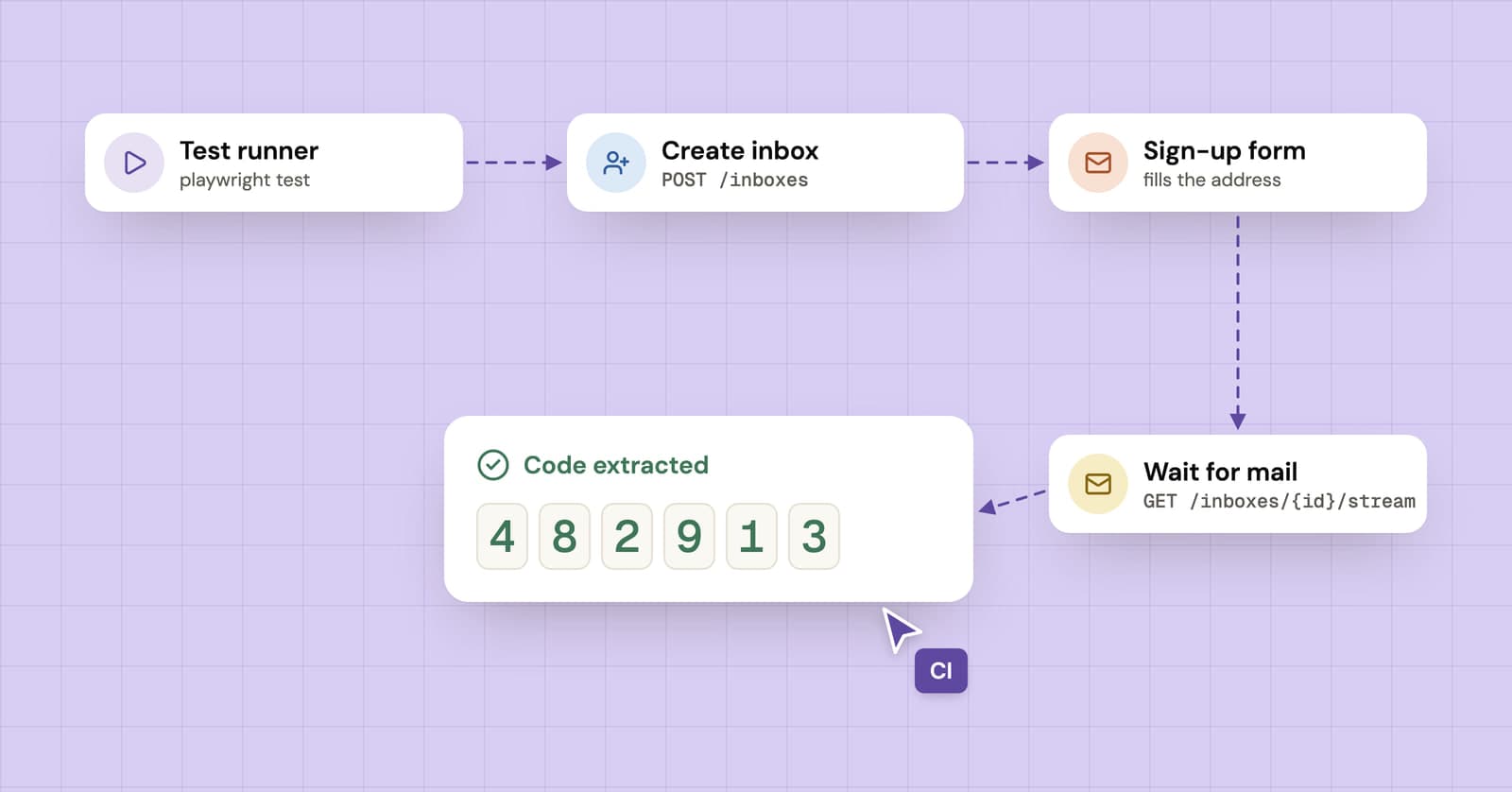
How to test sign-up and verification emails with an API
A practical guide to end-to-end email testing: create a disposable inbox from your test, wait for the verification email and pull out the code or link.