How to read verification emails in Python with a temp mail API
By the YelMail team10 min read
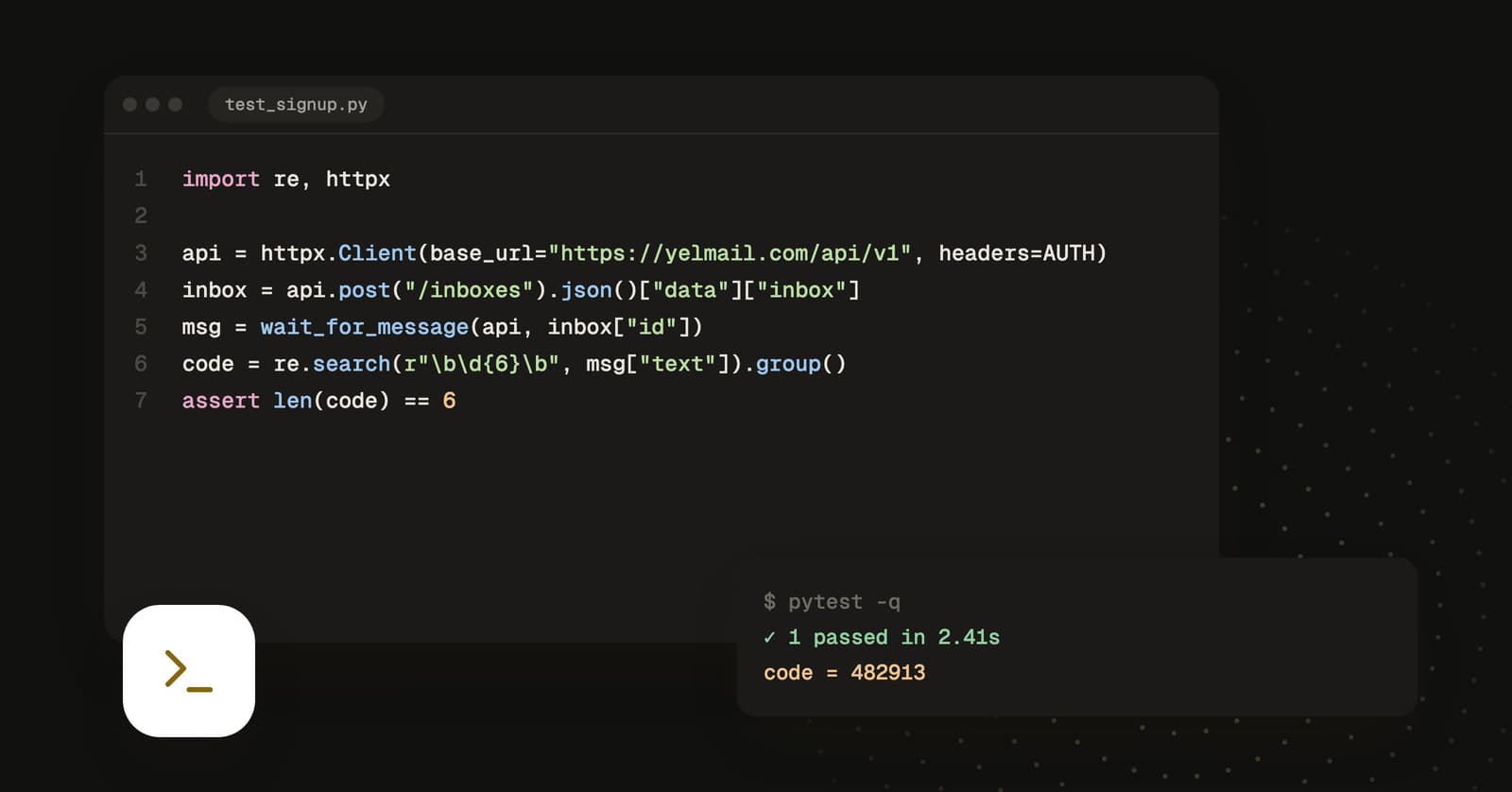
To read a verification email in Python, create a disposable inbox with a temp mail API, sign up with its address, poll the inbox until the email arrives, then pull the code out with a regular expression. With the YelMail REST API that is four HTTP calls. The helper module below does it with httpx, and a pytest fixture handles cleanup.
What do you need before you start?
You need a YelMail Premium API key, Python 3.10 or newer, and two packages: httpx for HTTP and pytest for the test at the end.
pip install httpx pytest
export MAIL_API_KEY=tm_your_key
A few things about the API that the code relies on:
- Keys start with
tm_and go in anAuthorization: Bearerheader. - The base URL is
https://yelmail.com/api/v1. - Successful responses are
{"data": ...}. Errors are{"error": {"code": ..., "message": ...}}with a matching HTTP status. - Each key gets 120 requests per minute.
You could use requests instead; either one handles everything below. httpx has a base_url option that keeps the helper short, and an async client with the same method names, so the code ports almost line for line if your suite is async. If your project already uses requests, the FAQ at the end covers the swap.
Which API endpoints does the flow use?
Five endpoints cover the whole flow: create an inbox, list its messages (or stream them), read one message, and delete the inbox.
| Method | Path | Returns |
|---|---|---|
POST |
/inboxes |
{"inbox": {...}, "token": "..."} with status 201 |
GET |
/inboxes/{id}/messages |
{"items": [...], "nextCursor": ...}, newest first |
GET |
/messages/{id} |
The full message, including text, html and attachments |
GET |
/inboxes/{id}/stream |
A Server-Sent Events stream of new mail |
DELETE |
/inboxes/{id} |
{"deleted": true} |
The API reference lists the rest, and the OpenAPI document lives at /api/v1/openapi.json.
The helper module
The whole client is short enough to paste into your test folder and own.
# mail.py
import html
import json
import os
import re
import time
from collections.abc import Callable

import httpx

BASE = "https://yelmail.com/api/v1"

client = httpx.Client(
    base_url=BASE,
    headers={"Authorization": f"Bearer {os.environ['MAIL_API_KEY']}"},
    timeout=10.0,
)


class MailApiError(Exception):
    pass


def api(method: str, path: str, **kwargs) -> dict | list:
    for delay in (1, 2, 4, None):
        res = client.request(method, path, **kwargs)
        if res.status_code != 429 or delay is None:
            break
        time.sleep(delay)  # rate limited: back off and retry
    body = res.json()
    if res.is_error:
        err = body.get("error", {})
        raise MailApiError(f"{res.status_code} {err.get('code')}: {err.get('message')}")
    return body["data"]


def create_inbox(label: str = "pytest") -> dict:
    return api("POST", "/inboxes", json={"label": label})["inbox"]


def delete_inbox(inbox_id: str) -> None:
    api("DELETE", f"/inboxes/{inbox_id}")


def wait_for_message(
    inbox_id: str,
    match: Callable[[dict], bool] = lambda summary: True,
    timeout: float = 60,
) -> dict:
    deadline = time.monotonic() + timeout
    while time.monotonic() < deadline:
        page = api("GET", f"/inboxes/{inbox_id}/messages", params={"limit": 10})
        for summary in page["items"]:
            if match(summary):
                return api("GET", f"/messages/{summary['id']}")
        time.sleep(2)
    raise TimeoutError(f"No matching email in inbox {inbox_id} after {timeout}s")


def extract_code(message: dict) -> str:
    text = message["text"] or html.unescape(re.sub(r"<[^>]+>", " ", message["html"] or ""))
    found = re.search(r"\b(\d{6})\b", text)
    if not found:
        raise ValueError(f"No 6-digit code in {message['subject']!r}")
    return found.group(1)


def extract_link(message: dict, contains: str = "verify") -> str:
    urls = re.findall(r"https://[^\s<>\"')]+", message["text"] or "")
    urls += [html.unescape(u) for u in re.findall(r'href="(https://[^"]+)"', message["html"] or "")]
    for url in urls:
        if contains in url:
            return url
    raise ValueError(f"No link containing {contains!r} in {message['subject']!r}")
The module-level client reads MAIL_API_KEY at import, so a missing key fails loudly before any test runs. That is on purpose.
Creating the inbox
POST /inboxes with an empty body gives you a random address. The optional label makes leftovers easy to find later. The response looks like this (values shortened):
{
  "data": {
    "inbox": {
      "id": "INBOX_ID",
      "address": "[email protected]",
      "domain": "example.com",
      "label": "pytest",
      "isCustom": false,
      "expiresAt": "2026-10-29T12:00:00.000Z",
      "createdAt": "2026-09-29T12:00:00.000Z",
      "forwardTo": null,
      "unread": 0
    },
    "token": "..."
  }
}
Keep inbox["id"] for the other calls and type inbox["address"] into your sign-up form. The token is for clients without an API key; with a key you can ignore it.
Waiting for the email
wait_for_message polls every two seconds until a message passes your match function or the timeout runs out. Each item in the list is a summary with id, inboxId, from (a dict with name and address), subject, snippet, hasAttachments, read and receivedAt. Match on subject or from["address"], because your app may send a welcome email and a verification email seconds apart and you want the right one.
The snippet sometimes contains the code already. Don't rely on it. Snippets are cut short, so fetch the full message.
Pulling out the code or the link
Prefer the text part. It's plain, it's stable across template redesigns, and a regex over it is easy to read. The helper falls back to the html part when an email has no text version.
Two details that save a debugging session:
- A bare
\b\d{6}\bcan match an order number or a phone extension. If your email says "Your code is 482913", anchor on the words:re.search(r"code is (\d{6})", text, re.I). - Links pulled from HTML attributes have
&encoded as&. Withouthtml.unescape, a URL like?token=abc&user=1will fail verification in a way that looks like an expired token.
How do you stream new mail instead of polling?
Open GET /inboxes/{id}/stream and read it line by line. It's a Server-Sent Events stream that pushes a message event with the new message's id as soon as the email is stored, so you stop spending requests on empty polls.
The stream sends event: ready when it opens, event: message with data like {"type": "message", "inboxId": "...", "messageId": "..."} for each new email, event: deleted when a message is removed, and event: ping every 25 seconds to keep the connection alive. Add this to mail.py:
def next_message_id(inbox_id: str, timeout: float = 60) -> str:
    deadline = time.monotonic() + timeout
    with client.stream(
        "GET", f"/inboxes/{inbox_id}/stream", timeout=httpx.Timeout(10.0, read=40.0)
    ) as res:
        if res.status_code != 200:
            raise MailApiError(f"Stream unavailable ({res.status_code})")
        event = None
        for line in res.iter_lines():
            if time.monotonic() > deadline:
                break
            if line.startswith("event: "):
                event = line[len("event: "):]
            elif line.startswith("data: ") and event == "ready":
                # Mail that landed before the stream opened won't be pushed; check once.
                items = api("GET", f"/inboxes/{inbox_id}/messages", params={"limit": 1})["items"]
                if items:
                    return items[0]["id"]
            elif line.startswith("data: ") and event == "message":
                return json.loads(line[len("data: "):])["messageId"]
            elif not line:
                event = None
    raise TimeoutError(f"No email pushed to inbox {inbox_id} within {timeout}s")
Then mail.api("GET", f"/messages/{message_id}") gets the full message, same as before.
Some notes on the choices in there:
- The read timeout is 40 seconds, longer than the 25-second ping, so a quiet but healthy stream never times out. The overall deadline is only checked when a line arrives, so in the worst case it overshoots by one ping interval.
- The check on
readycloses a race. If your app sends the email before the stream connects, no event will ever arrive for it. Looking at the list once, right after the stream opens, catches that case. - A non-200 status means fall back to polling. If live push is unavailable the endpoint returns 503, and
wait_for_messagestill works. - The server closes each stream after 30 minutes. That never matters for a test waiting 60 seconds, but a long-running listener should reconnect.
A pytest fixture and an end-to-end test
A fixture creates a fresh inbox for every test and deletes it in teardown, which pytest runs even when the test fails.
# conftest.py
import pytest

import mail


@pytest.fixture
def inbox():
    box = mail.create_inbox(label="pytest")
    yield box
    mail.delete_inbox(box["id"])
The test below signs up through your app's HTTP API, waits for the verification email, and submits the code. Swap the paths and payloads for your own.
# test_signup.py
import os

import httpx

import mail

app = httpx.Client(base_url=os.environ.get("APP_URL", "http://localhost:3000"), timeout=10.0)


def test_new_user_can_verify_email(inbox):
    res = app.post("/api/signup", json={"email": inbox["address"], "password": "a-long-test-password-123"})
    assert res.status_code == 201

    email = mail.wait_for_message(inbox["id"], match=lambda m: "verify" in m["subject"].lower())
    code = mail.extract_code(email)

    res = app.post("/api/verify", json={"email": inbox["address"], "code": code})
    assert res.status_code == 200
Run it against staging:
MAIL_API_KEY=tm_your_key APP_URL=https://staging.your-app.example pytest -q
If you drive a real browser with pytest-playwright, the fixture doesn't change. Fill the form with page.get_by_label("Email").fill(inbox["address"]), click through, then call mail.wait_for_message and type the code back in. For a magic link, use extract_link and page.goto(link). Magic links have their own testing traps, covered in magic links vs email codes.
Want a predictable address?
Premium lets you pick the part before the @. Call GET /domains to get a list of {"id", "name", "isPremium"} entries, then send a localPart and a domainId:
import uuid

domain = mail.api("GET", "/domains")[0]
box = mail.api(
    "POST",
    "/inboxes",
    json={"localPart": f"ci-{uuid.uuid4().hex[:8]}", "domainId": domain["id"], "label": "pytest"},
)["inbox"]
Local parts are 3 to 40 characters of lowercase letters, digits, dots, dashes and underscores, must start and end with a letter or digit, and can't have two symbols in a row. A name that is already taken returns 409.
Handling errors and the rate limit
Every error has an HTTP status and a stable code, so you can branch on the code instead of parsing messages. These are the ones a test suite runs into:
| Status | code |
Usual cause |
|---|---|---|
| 400 | BAD_REQUEST |
Invalid input, such as a malformed localPart |
| 401 | UNAUTHORIZED |
Mistyped or revoked API key |
| 402 | PAYMENT_REQUIRED |
The key's account has no active Premium plan |
| 404 | NOT_FOUND |
The inbox or message was deleted, expired or isn't yours |
| 409 | CONFLICT |
You already hold 25 inboxes, or the custom address is taken |
| 429 | RATE_LIMITED |
More than 120 requests in the current minute |
One thing missing from that table: a request with no key at all isn't rejected with a 401. The API treats it as an anonymous visitor on free-plan limits, and the failures show up later in stranger places. Reading the key with os.environ[...] at import makes a missing key fail on the first line instead.
Successful responses carry X-RateLimit-Remaining and X-RateLimit-Reset (a Unix timestamp in seconds) if you want to pace yourself instead of waiting for a 429.
The limit is per key, not per process. That matters with pytest-xdist: polling every two seconds costs about 30 requests a minute for each waiting test, so four workers polling at once can use the whole budget. Use the stream for parallel runs, or poll every three to five seconds. Creating inboxes is also throttled per hour, separately, so make one per test rather than one per assertion.
The 409 is the one that bites CI. If a run gets killed before teardown, its inboxes stay. A nightly job that lists GET /inboxes and deletes anything labeled pytest keeps you under the cap.
Frequently asked questions
Can I use requests instead of httpx?
Yes. Replace the client with a requests.Session, set the Authorization header on it, and prefix the paths with the base URL yourself, since requests has no base_url option. For the stream, call session.get(url, stream=True, timeout=(10, 40)) and loop over res.iter_lines(decode_unicode=True). The parsing logic stays exactly the same.
Is there an async version of this client?
Not as a package, but the port is mechanical. Use httpx.AsyncClient, put await in front of each request, swap time.sleep for asyncio.sleep, and read the stream with async with client.stream(...) and async for line in res.aiter_lines(). Run the tests with an async pytest plugin such as pytest-asyncio or AnyIO's plugin.
Why not read a Gmail inbox with imaplib instead?
You can, and for a single manual check it's fine. In CI it gets awkward: you need IMAP credentials for a real account, every test shares one mailbox and has to filter out the others' mail, and old messages pile up. A fresh inbox per test removes the filtering problem, and deleting it removes the cleanup problem.
Does reading a message mark it as read?
Yes. Listing messages leaves them alone, but GET /messages/{id} sets read to true on that message. If you ever reuse an inbox across steps, filtering the list on not m["read"] is a cheap way to skip emails an earlier step already handled.
How long do test emails stay in the inbox?
On Premium, emails are kept for 30 days, but the fixture above deletes each inbox at teardown, so nothing lingers. To inspect a failure later, skip the delete for failing tests and let a nightly cleanup job remove them. Keep an eye on the count: you can hold 25 inboxes at once, and a forgotten one counts until it's deleted.
Plug it into your suite
Grab a key with Premium, drop mail.py into your tests folder, and point the fixture at staging. If your team writes browser tests in TypeScript, the same flow is written up for Playwright and Cypress in testing sign-up emails with an API, and the reset flow gets its own checklist in how to test password reset emails.
Keep reading
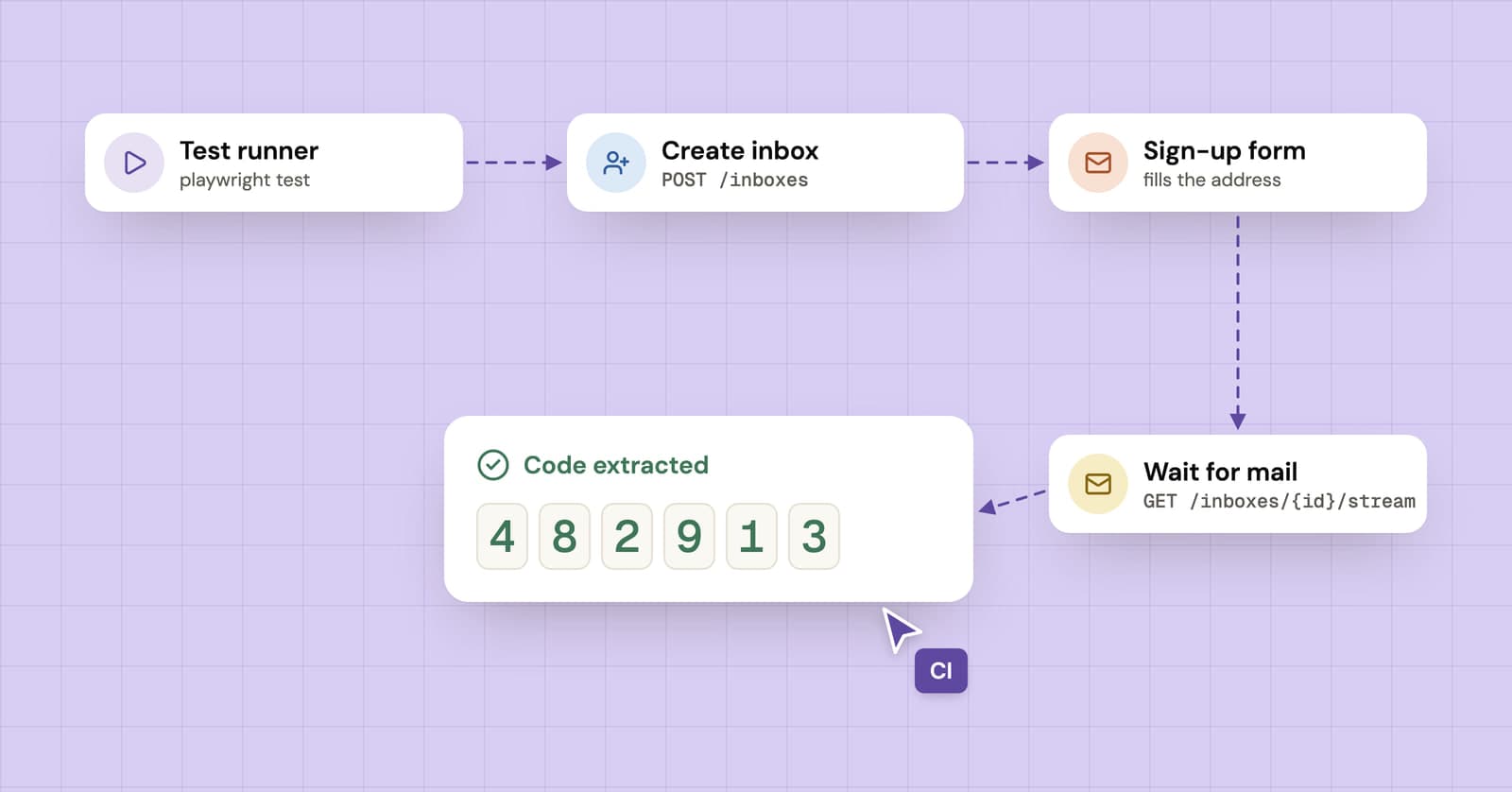
How to test sign-up and verification emails with an API
A practical guide to end-to-end email testing: create a disposable inbox from your test, wait for the verification email and pull out the code or link.
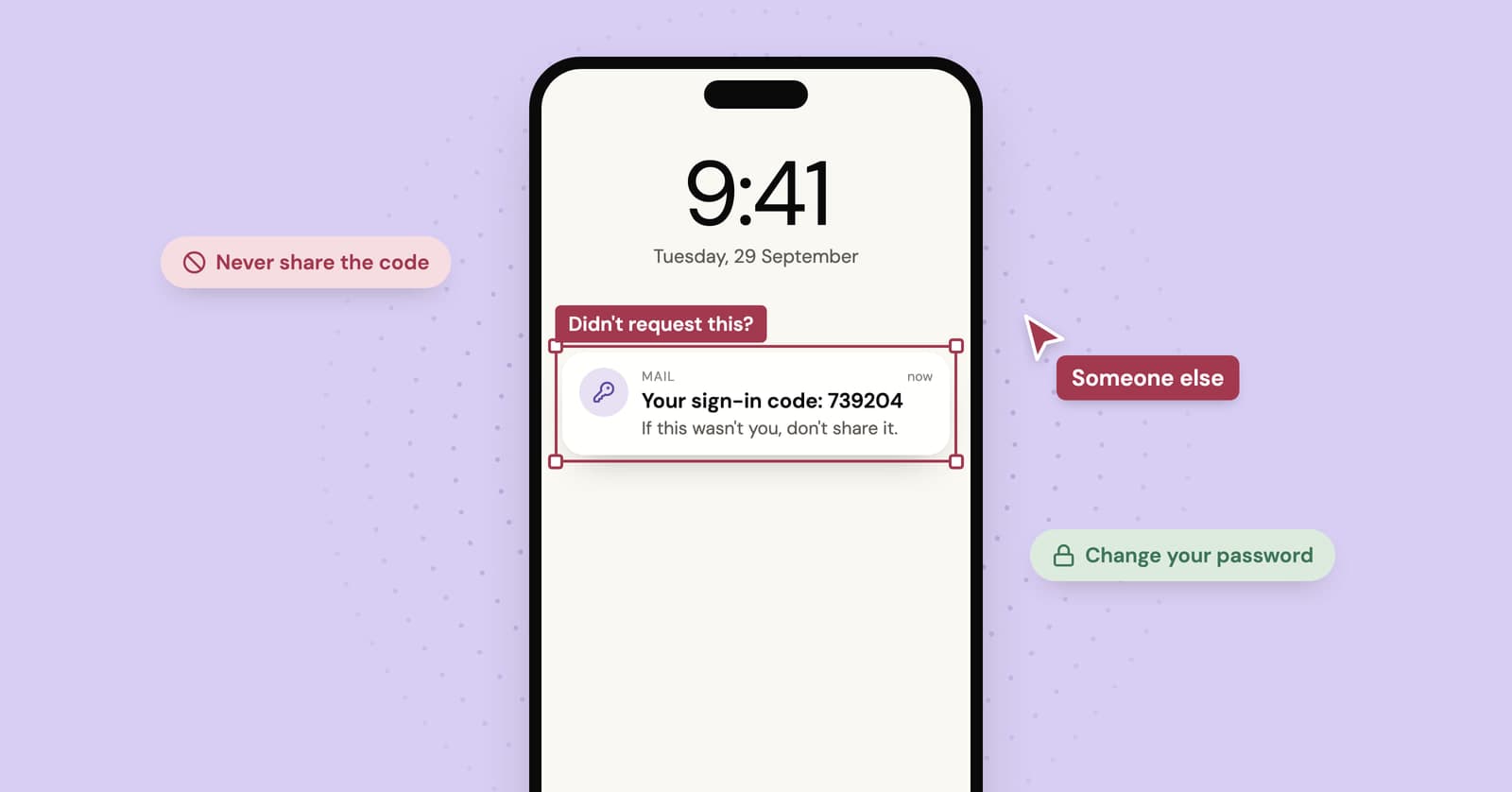
Got a verification code you didn't request? What it means and what to do
An unexpected code usually means someone typed your address by mistake. Sometimes it means someone has your password. How to tell the difference and what to do next.
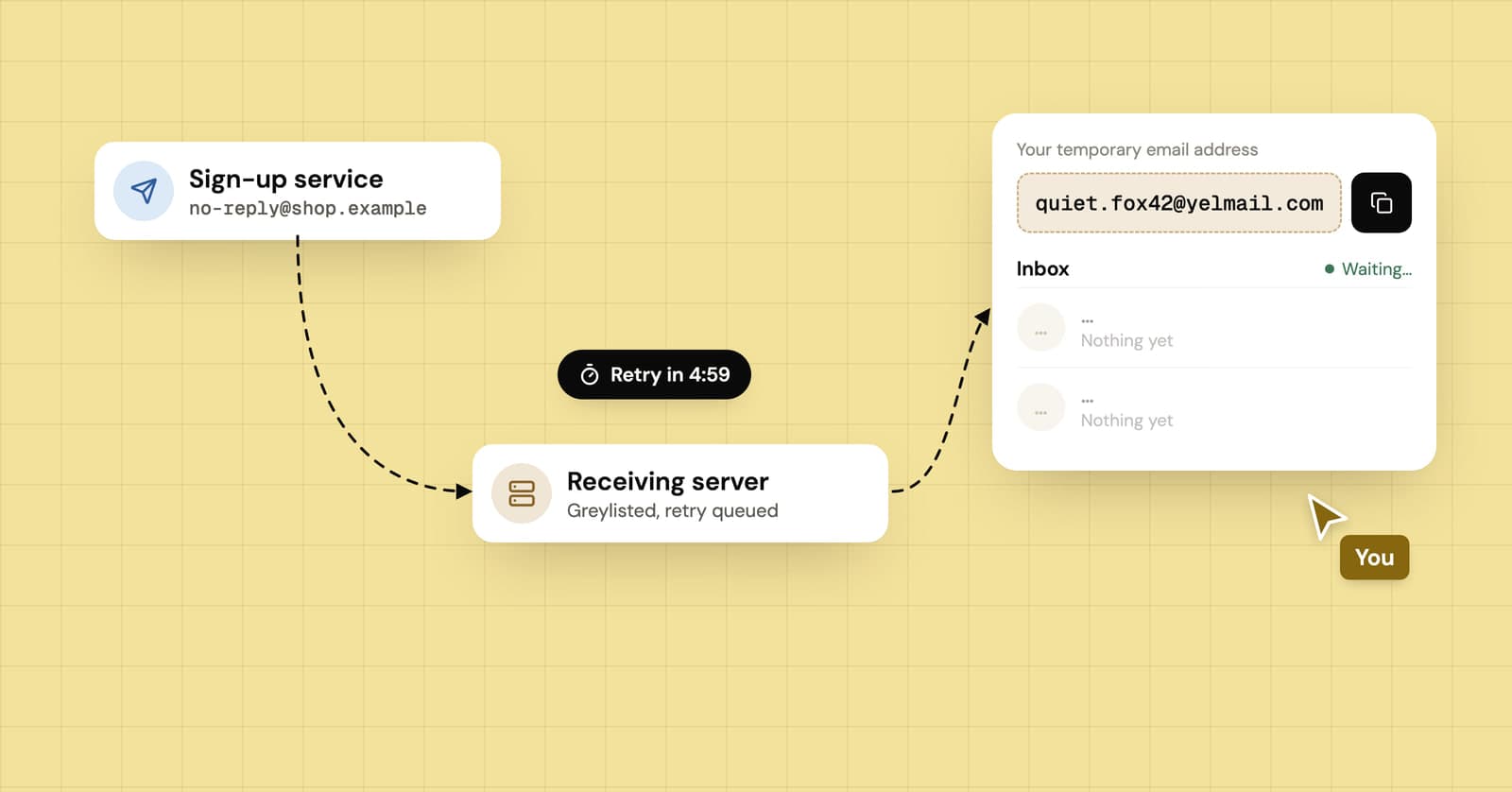
Verification email delayed or not received? Where it gets stuck
Why a verification code can take minutes or hours to show up, what greylisting and sender retries have to do with it, and how to avoid typing a code that already expired.