Got a verification code you didn't request? What it means and what to do
By the YelMail team7 min read
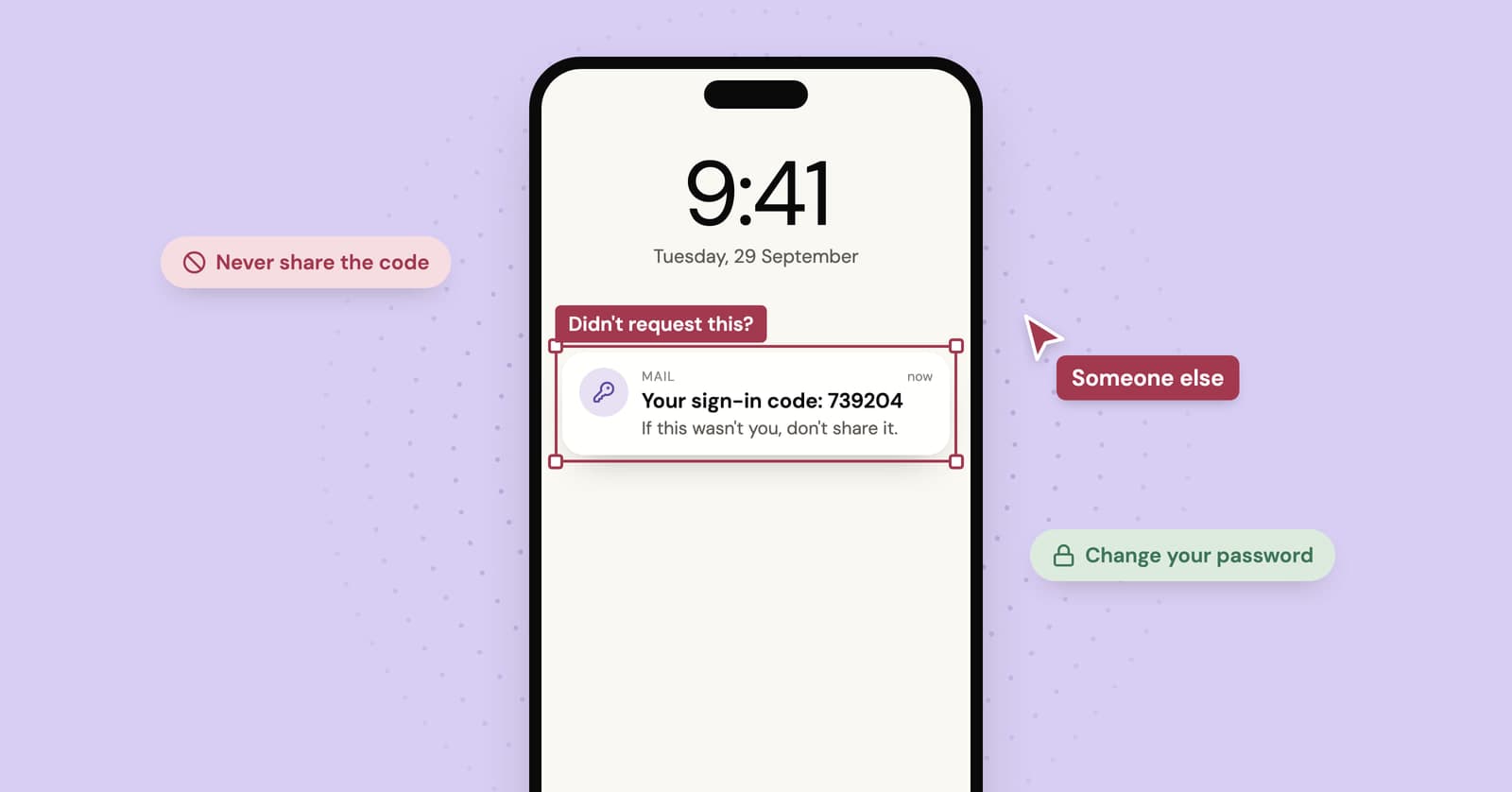
A verification code you didn't request means someone typed your email address into a sign-in, sign-up or password reset form, either by mistake or on purpose. The code on its own can't hurt you. Don't share it, don't click anything in the email, and if it was a login code for an account you own, change that password today.
Why did I get a verification code I didn't ask for?
There are three usual explanations: someone mistyped their own address as yours, someone is trying to get into one of your accounts, or a code you really did request earlier finally turned up late. Microsoft's help page on unrequested verification codes lists the same three.
Mistakes are the usual story. Short, simple addresses get other people's mail all the time: if you own samlee, the Sam Lee who owns samlee84 will sooner or later type yours. An attempt on your account is the one worth ten minutes of your time. A late code is harmless, and our piece on why verification emails arrive late explains how a code can turn up an hour after you forgot asking for it.
What kind of code was it?
The type of code tells you more than the fact that it arrived. Read the email (without clicking anything) and work out which of these it is.
A "confirm your new account" email
Someone signed up for a service using your address. It might be a typo, or someone who didn't want to give their own address. Don't confirm it. An unconfirmed account usually goes nowhere. If the messages keep coming, contact the service through its own website and ask them to remove your address, since you never verified it.
A password reset code or link
Someone entered your address on a "forgot password" page. That only proves they know your email address, which plenty of people and databases do. Your password hasn't changed. Ignore it, and if you want reassurance, sign in the way you normally do and check that everything still works.
A login code that arrives after a password step
This is the one to take seriously. On sites that use a password plus a code, the code is usually sent only after the correct password has been entered. If you get one you didn't trigger, assume someone has your password and change it now, from the site itself.
One exception: some services skip passwords and sign you in with an emailed code alone. For those, a stray login code only means someone typed your address, which puts it back in the harmless pile.
A code from a service you've never used
Almost always a typo or a stranger using your address to sign up. Nothing to protect, because there's no account of yours behind it. Leave it.
Is an unexpected code a sign you've been hacked?
Not by itself. The code is the lock doing its job: whoever triggered it can't get in without it, and the only person who has it is you. It turns into a warning sign when it's a login code that follows a password step, or when codes keep arriving from the same service.
What should you do right now?
Most of the time the answer is "nothing, delete it". When the code is for an account you care about, or you're not sure, work through these steps:
- Don't share the code. Not with a caller, not with a support agent, not with a buyer on a marketplace. The FTC's advice is blunt: never give your verification code to someone else.
- Don't click links in the email. Open the site yourself, by typing its address or using the app you already have.
- Look at recent activity. Many services show recent sign-ins and connected devices on a security page. Anything you don't recognize is a reason to act.
- Change the password if it was a login code. Make it unique. If you've used the same password anywhere else, change it there as well, starting with your email account.
- Turn on two-step verification with an authenticator app or a passkey where the site offers one.
- Check your email account's settings for forwarding rules or recovery addresses you didn't add. People who break into a mailbox often set up quiet forwarding so they keep seeing your mail after you change the password.
- Look your address up on Have I Been Pwned. Address and password pairs leaked in old breaches are a common starting point for these login attempts. Our data breach checklist walks through the rest.
Watch for the call or text that comes next
The dangerous part of an unrequested code is often the message that follows it. A scammer triggers a code to your address or phone, then contacts you pretending to be the bank, the platform's security team or a buyer who "just needs to check you're real", and asks you to read the code back. That code is the last thing they need.
No legitimate company asks for it. If someone does, end the conversation there and contact the company through its official site or app.
The same trick shows up in email form. A fake "Did you request this code? If not, click here to secure your account" message is a classic phishing layout, and the link leads to a login page that isn't real. If you're unsure whether a security email is genuine, don't use anything in it. Go to the site directly and check there.
What if the codes keep coming?
A steady stream from one service usually means an automated tool is trying your address, often with passwords from old breaches. A unique password and two-step verification stop that cold, even if the emails keep arriving for a while. If the service lets you turn off password sign-in or change how codes are delivered, that cuts the noise too.
A flood from dozens of different sites at once is something else. That's usually subscription bombing, and it's sometimes cover for a real alert (a purchase, a password change) that someone wants buried. Check your bank and main accounts before you start deleting.
What about a code in a temporary inbox?
Ignore it. On YelMail, free addresses are random and each inbox is private to the browser that created it, so an unexpected code there is almost always someone else's typo or junk aimed at the domain. There's nothing of yours behind it.
And don't use it. Using a code meant for someone else to get into their account is unauthorized access, whatever the reason. Hit Delete or Change and move on.
Two situations are different:
- You signed up somewhere with that temp address. A reset code you didn't ask for means someone is poking at that account, and an account tied to an address that will expire is already weakly held. If you want to keep it, move it to a permanent address while the inbox is still active.
- You're using a public inbox service, where anyone who types the same name reads the same mail. There you'll see strangers' codes, and they can see yours. Our guide to public temp inbox risks explains why that matters for reset links.
Frequently asked questions
Can someone hack my account with just my email address?
Not with the address alone. They also need your password, a code sent to you, or access to your mailbox itself. That's why most unrequested codes are noise. The risk goes up sharply if you reuse passwords, because address and password pairs leaked from one site get tried automatically on many others.
Should I reply to the email or report it?
Don't reply. At best it goes to an automated system, at worst to the person running the scam. If the email claims to come from a service you use, contact that service through its own website or app, reached by typing the address yourself. Mark obvious fakes as phishing in your mail app so your provider learns from them.
Why do I keep getting codes from a service I don't use?
Someone probably entered your address while signing up, either by getting their own wrong or by picking an address at random so they didn't have to give theirs. Don't confirm anything. If the messages continue, contact the service and ask them to remove your address, since you never verified it and the account isn't yours.
Is it safe to just delete the email?
Yes, once you've worked out what kind of code it was. Deleting a sign-up or password reset code you didn't request does no harm, because the request simply expires. If it was a login code for one of your own accounts, change that password first and turn on two-step verification, then delete it.
If another one turns up
An unexpected code is usually a typo and occasionally someone with your password. Either way, there's nothing in it you need to click. Don't share it, change the password if it was a login code, and keep an eye out for a follow-up call. For sign-ups you'd rather keep away from your main inbox, a free temp mail address catches the codes and the marketing that follows them.
Keep reading
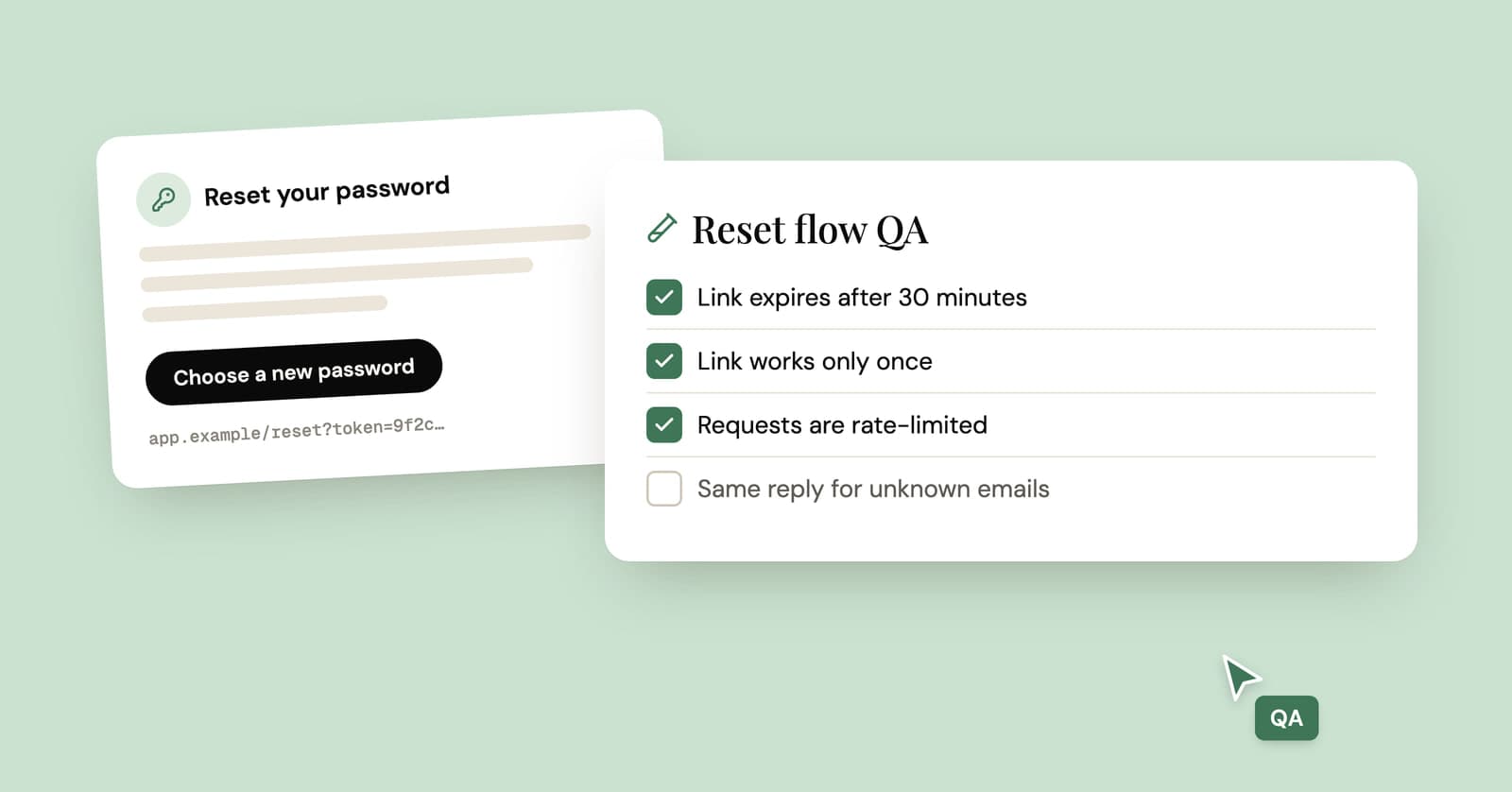
How to test password reset emails: a QA checklist
A practical checklist for testing a forgot-password flow end to end, from the request form to the confirmation email, with curl and pytest examples you can adapt.
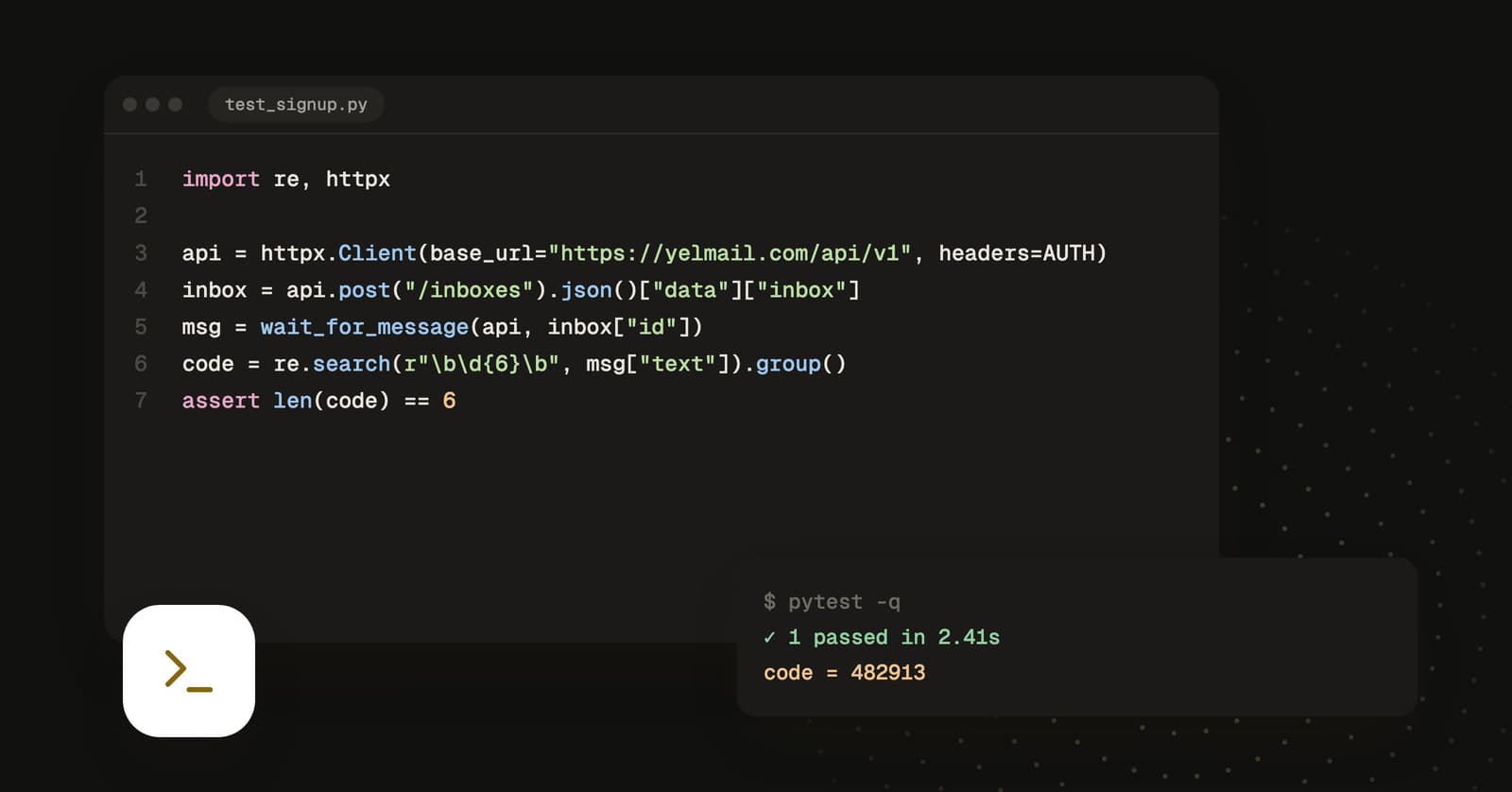
How to read verification emails in Python with a temp mail API
A working Python client for reading verification emails in tests: create a disposable inbox, wait for the message, extract the code or link, and delete the inbox afterwards.
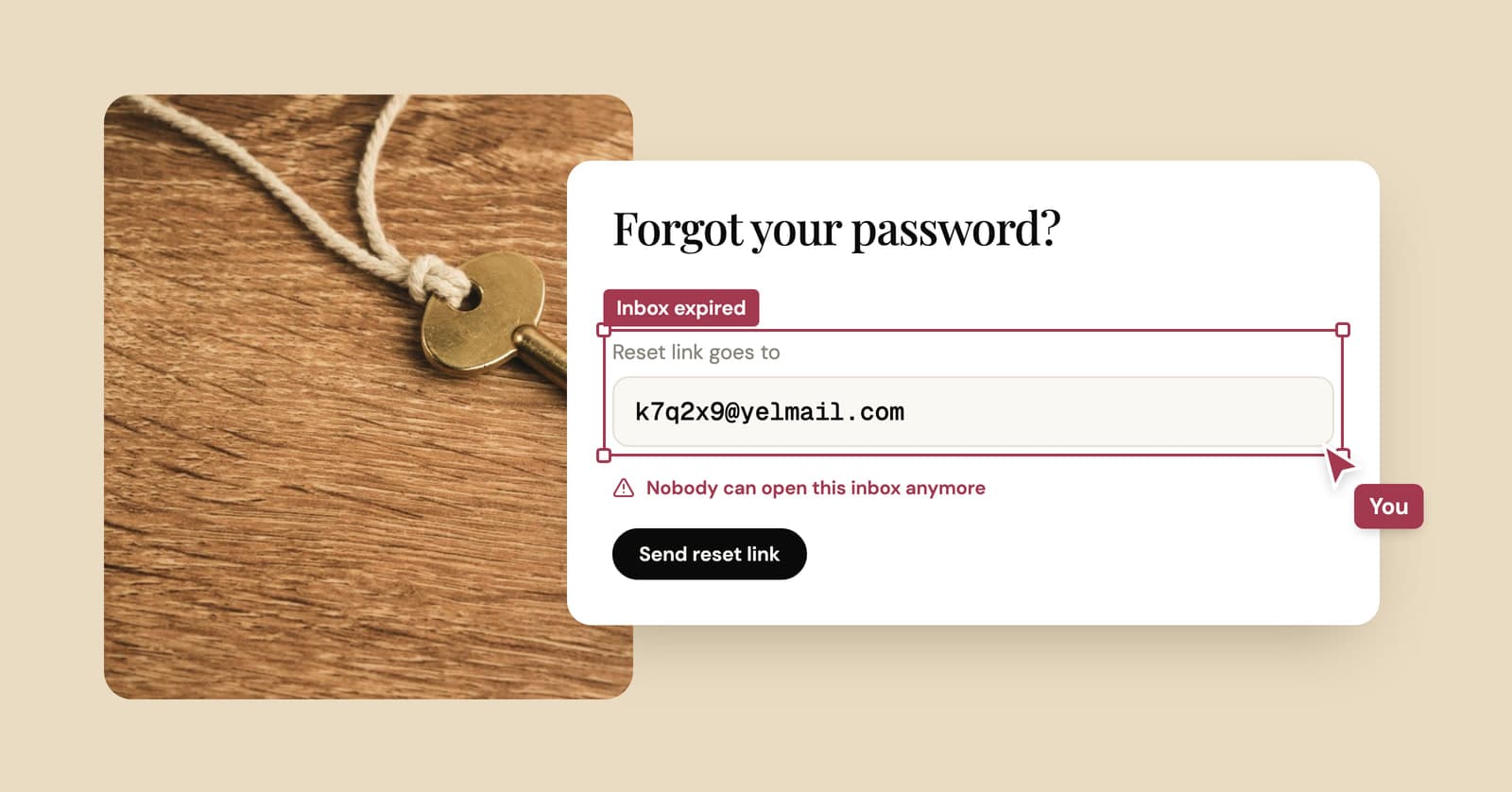
Temp mail password? There isn't one. What gets you back in instead
A free temp inbox has no login and no password. Your browser holds the key, and that decides when you can get back in and when the inbox is gone for good.