How to stop email bombing, and find what the flood is hiding
By the YelMail team8 min read
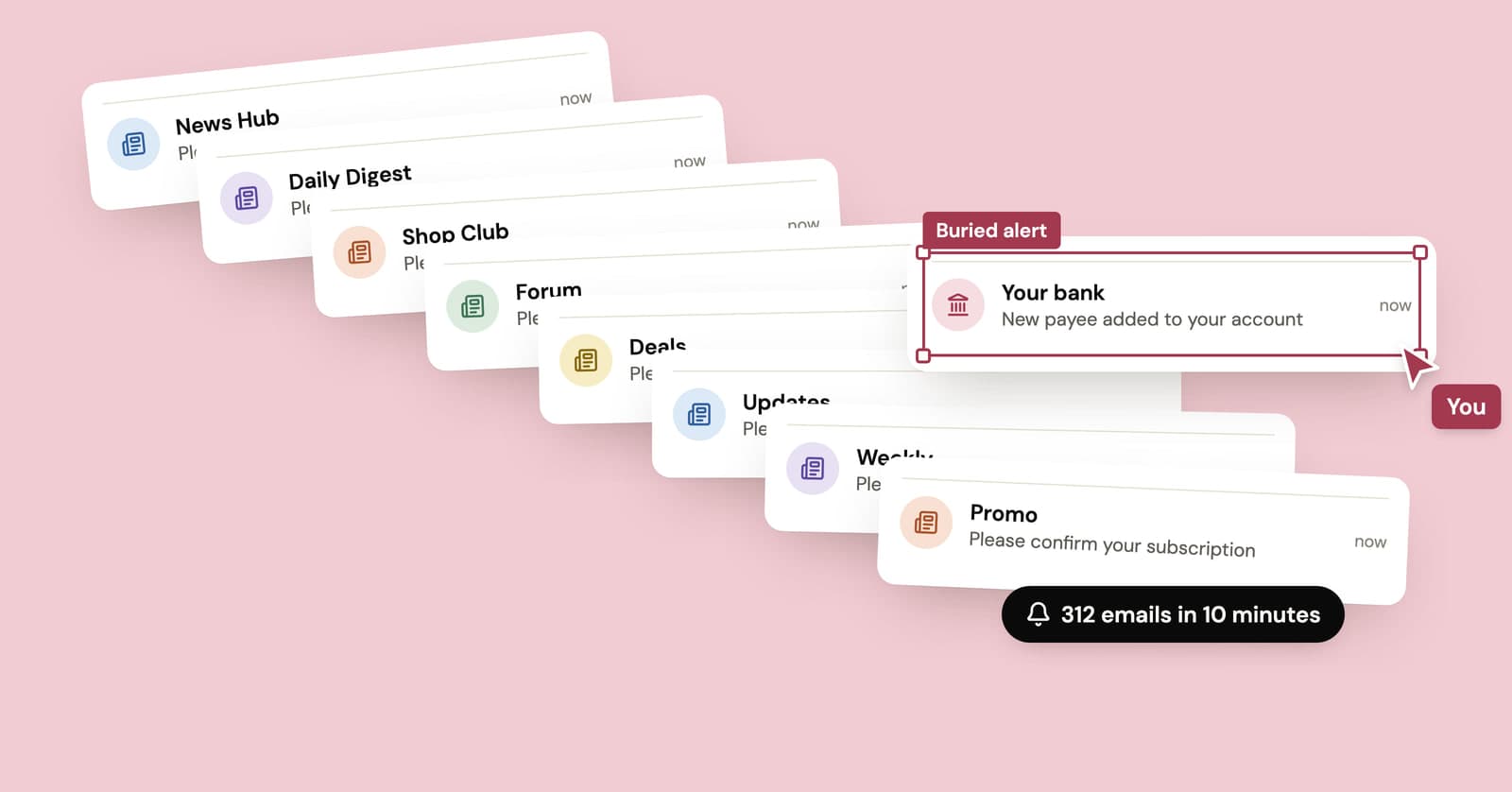
To stop an email bomb, check your bank, card and shopping accounts first, then filter the flood instead of deleting it. Subscription bombing signs your address up to hundreds of websites at once, and the pile of confirmation emails is usually cover for one message the attacker wants you to miss: a fraud alert, an order receipt or a password reset.
What is subscription bombing?
Subscription bombing is a type of email bomb where someone, usually with a bot, enters your address into hundreds or thousands of sign-up forms so that the websites themselves flood your inbox. Wikipedia's article on the email bomb calls this method list linking.
What makes it nasty is that none of the mail is fake. Every "please confirm your subscription" and "welcome to the community" comes from a real company's real mail system, so the usual signs your spam filter looks for aren't there. You get newsletters, forum registrations, shop accounts, password set-up links, often in languages you don't speak, from sites you've never heard of. More mail in an hour than you'd normally see in a month.
Why would someone email bomb you?
Most often, to hide something. The flood buys time by burying the alerts that would tell you one of your accounts has been taken over.
Wikipedia's example is a hacked shopping account: the attacker changes the delivery address, places orders, and sets off a wave of sign-up emails so the order confirmations sink out of sight. The same trick works for a bank transfer, a new card added to a payment app, or a changed recovery email.
There's a second pattern aimed at work accounts, where the flood is the opening move of a phone scam (more on that below). And sometimes it's plain harassment. You can't tell which from the inside of the flood, so assume the worst until you've checked.
What to do in the first hour
Check your money and your email account before you touch the flood. Cleanup can wait. A fraudulent order or transfer can't.
1. Don't mass-delete anything yet
The message that matters may be in there. Selecting everything and hitting delete, or emptying the trash, throws away the evidence along with the junk.
2. Search the flood for real alerts
Search your inbox, spam and trash for words that turn up in security and purchase emails: password, sign-in, new device, order, shipped, payment, transfer, plus the names of your bank and the shops you actually use. One message from your bank stands out quickly once you filter by sender. If password reset codes show up that you never asked for, someone is trying to get into that account, and our note on verification codes you didn't request explains what to do.
3. Check your accounts directly
Open your banking app, or type the website address yourself. Don't click links in any email that arrived during the flood, including ones that look like alerts. A flood is a convenient moment to slip in a phishing email too.
Look for orders you didn't place, a changed delivery address, new payees, new devices or sessions, and any change to the email or phone number on the account. If anything is off, call your bank on the number printed on your card.
4. Lock down your email account
If the attacker got into something, your inbox may have been the way in. Change your email password, turn on two-step verification, and check the forwarding settings and filter rules for anything you didn't create. A rule that quietly deletes mail from your bank is exactly what someone running this play would set up. The rest of the lockdown is in our data breach checklist.
5. Treat any offer of help as suspicious
If someone calls, messages or pops up in a work chat offering to fix the spam, assume they're part of it until you've confirmed otherwise through a contact you already know.
If it's your work email, watch for the phone call
Tell your IT or security team straight away, through a channel you already use, and be wary of anyone who contacts you first. Microsoft has documented attacks that start with exactly this kind of flood and continue with a call from someone posing as IT support, offering to clean up the spam by connecting to your computer.
The Microsoft Threat Intelligence write-up describes attackers using a remote-help tool built into Windows to get onto the machine, then stealing credentials and, in some cases, deploying ransomware. Its advice is simple: only let a helper connect to your device if you started the conversation by contacting support yourself.
If someone claiming to be IT calls about the spam before you've reported it, hang up and call back on a number from your company directory.
How to filter the flood without losing real mail
Filter the important senders in before you filter the noise out. That way, a rule that's too broad can't swallow your bank's next alert.
Start with a handful of filters for the senders that matter: your bank, card issuer, email provider's security alerts, your employer, the one or two shops you actually use. Have them star the message or apply a label you'll watch. Gmail filters can label, archive, star, delete or forward mail that matches your search, and Outlook rules can do much the same.
Then catch the flood. Build a filter on phrases that keep repeating, such as "confirm your subscription", "verify your email", "welcome to" and "thanks for signing up", and have it skip the inbox and apply a label like "flood". Don't set it to delete. You'll want to skim that label once, and it will also catch real confirmations you might be expecting.
Whatever you do, don't click the confirm buttons. Many newsletters use double opt-in: they send one confirmation email and stop there if you ignore it. Clicking signs you up for real.
Should you unsubscribe from the emails?
Not during the flood. Wait until it stops, then unsubscribe only from real companies that are still writing to you.
Much of the flood is confirmation requests that will never send a second message. Clicking hundreds of unsubscribe links is slow, and it means clicking hundreds of links in unfamiliar emails. The ones worth dealing with are the senders that added you without asking for confirmation and keep mailing weeks later. For recognizable companies, the unsubscribe link is fine. For anything that looks shady, report it as spam instead.
How long does an email bomb last?
Usually a few hours to a few days. The attacker only needs the noise to cover a short window, so floods tend to stop almost as abruptly as they start.
The tail lasts longer. Sites that signed you up without confirmation will keep sending newsletters until you unsubscribe or report them, and that trickle can go on for weeks. If a second wave arrives later, run through the account checks again. A second flood can mean a second attempt.
Can you prevent subscription bombing?
Not completely. Anyone who knows your address can paste it into sign-up forms. What you can control is how much damage the noise does.
- Give your bank and other money accounts an address you use nowhere else. A flood aimed at your everyday address then can't bury their alerts.
- Turn on two-step verification for your email and financial accounts, so there's less for a flood to cover up.
- Keep your everyday address out of places it doesn't need to be: public profiles, giveaway forms, one-off downloads. For those, a free temporary inbox or an alias means your real address circulates less.
To be clear, a temp inbox won't stop a bomb aimed at an address the attacker already has. It just keeps your real address off the lists you'd otherwise end up on. If your problem is a steady rise in junk rather than a sudden wall of confirmations, our guide on why you're suddenly getting so much spam covers the other causes.
Frequently asked questions
Does email bombing mean my email was hacked?
Not necessarily. Anyone who knows your address can paste it into sign-up forms, and that takes no access to your account. But a flood often means someone is going after an account tied to that address, so check your recent sign-in activity, forwarding settings and filter rules, and look over your bank and shopping accounts before you write it off as a nuisance.
Why are the emails in languages I don't speak?
The bots behind a subscription bomb fill in forms on any site that accepts an address without a CAPTCHA or other check, wherever that site happens to be. So the flood is usually a random mix of foreign shops, forums and newsletters. The languages tell you nothing about who is behind the attack or where they are.
Is subscription bombing illegal?
It can be. Deliberately flooding someone's inbox may count as harassment or computer misuse in many places, and when the flood is covering fraud, the fraud itself is a crime. Laws differ by country, and this isn't legal advice. If money was taken, report it to your bank first, then to the police or your country's fraud reporting service.
Should I change my email address after an email bomb?
Usually not. Floods tend to be short, and moving every account to a new address is a lot of work for a problem that usually stops on its own. A better change is giving your bank and other money accounts a separate address that you don't use anywhere else, so the next flood can't hide their alerts.
Can my email provider stop an email bomb?
Partly. Spam filters catch some of it, and reporting messages helps them learn. But the emails come from genuine senders, so a filter can't block all of them without also blocking mail you want. On a work or school account, your IT team may be able to apply server-level blocks that you can't set up on your own.
Once the flood stops
Go through the "flood" label once, unsubscribe from the real companies still writing, and delete the rest. Then move your bank to an address nobody else has. And the next time a giveaway or download form asks for your email, hand it a throwaway address instead.
Keep reading
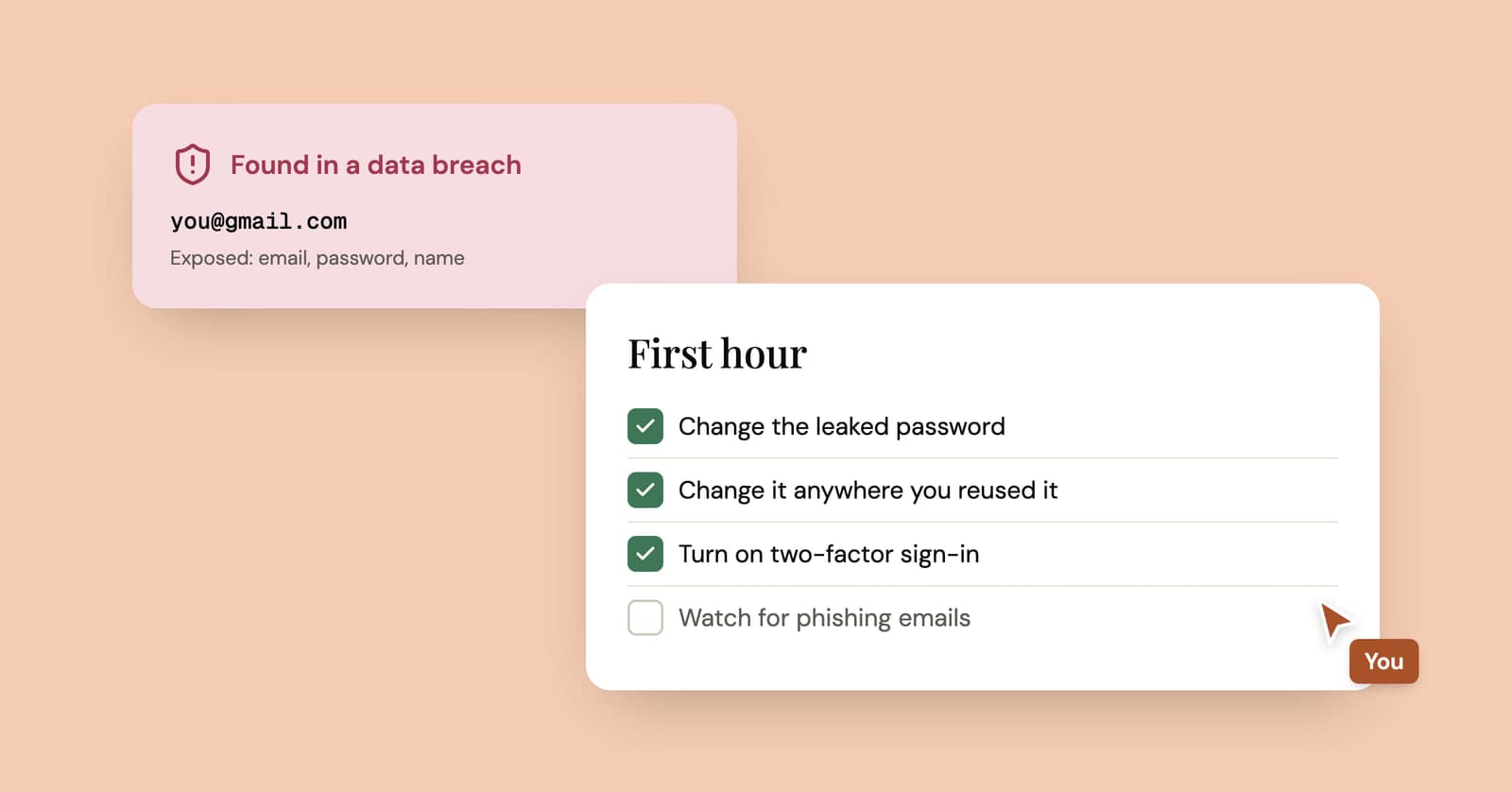
My email was in a data breach: what to do in the first hour
A breach alert sounds worse than it usually is. What to check, what to change in the first hour, and the habit that makes the next breach a non-event.
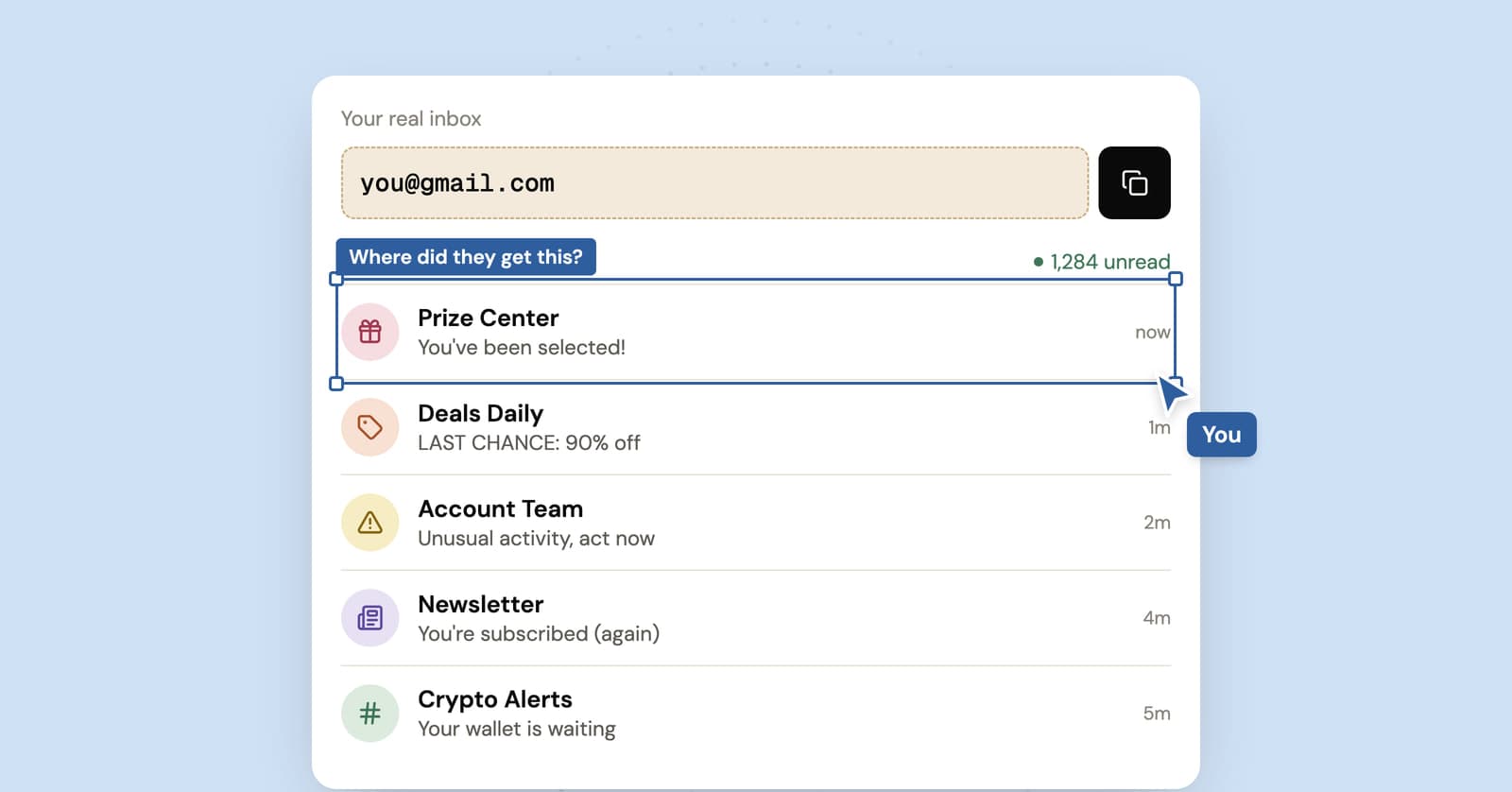
Why am I getting so much spam all of a sudden? Causes and fixes
A sudden spike in spam always has a cause, and the kind of junk you're getting usually gives it away. How to work out which one, and what to fix first.
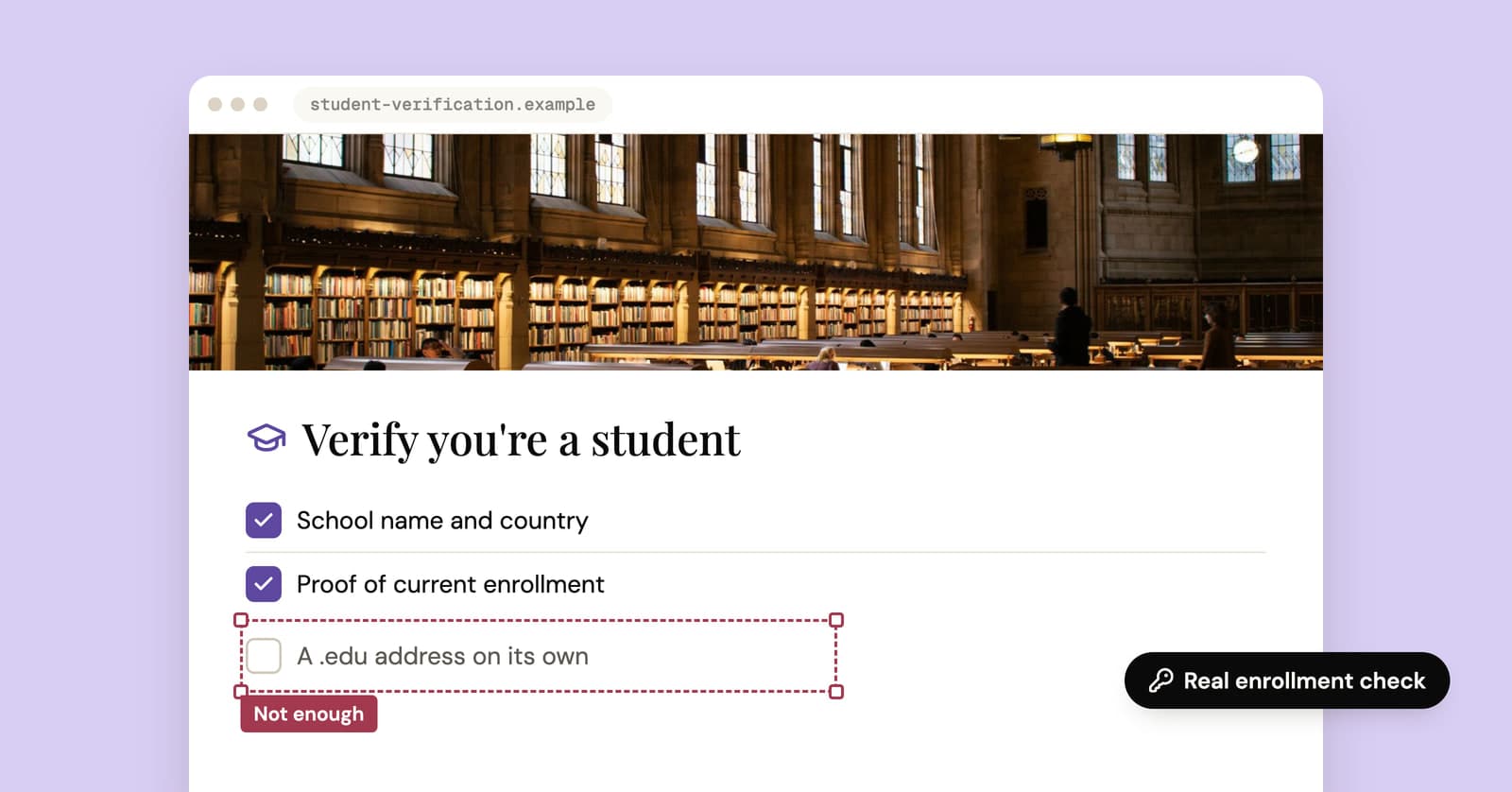
Temporary edu email: why free .edu addresses won't get you student discounts
Sites promising a free .edu address can't give you a real one, and student discounts check enrollment anyway. How verification works, and the legitimate route for students.