My email was in a data breach: what to do in the first hour
By the YelMail team7 min read
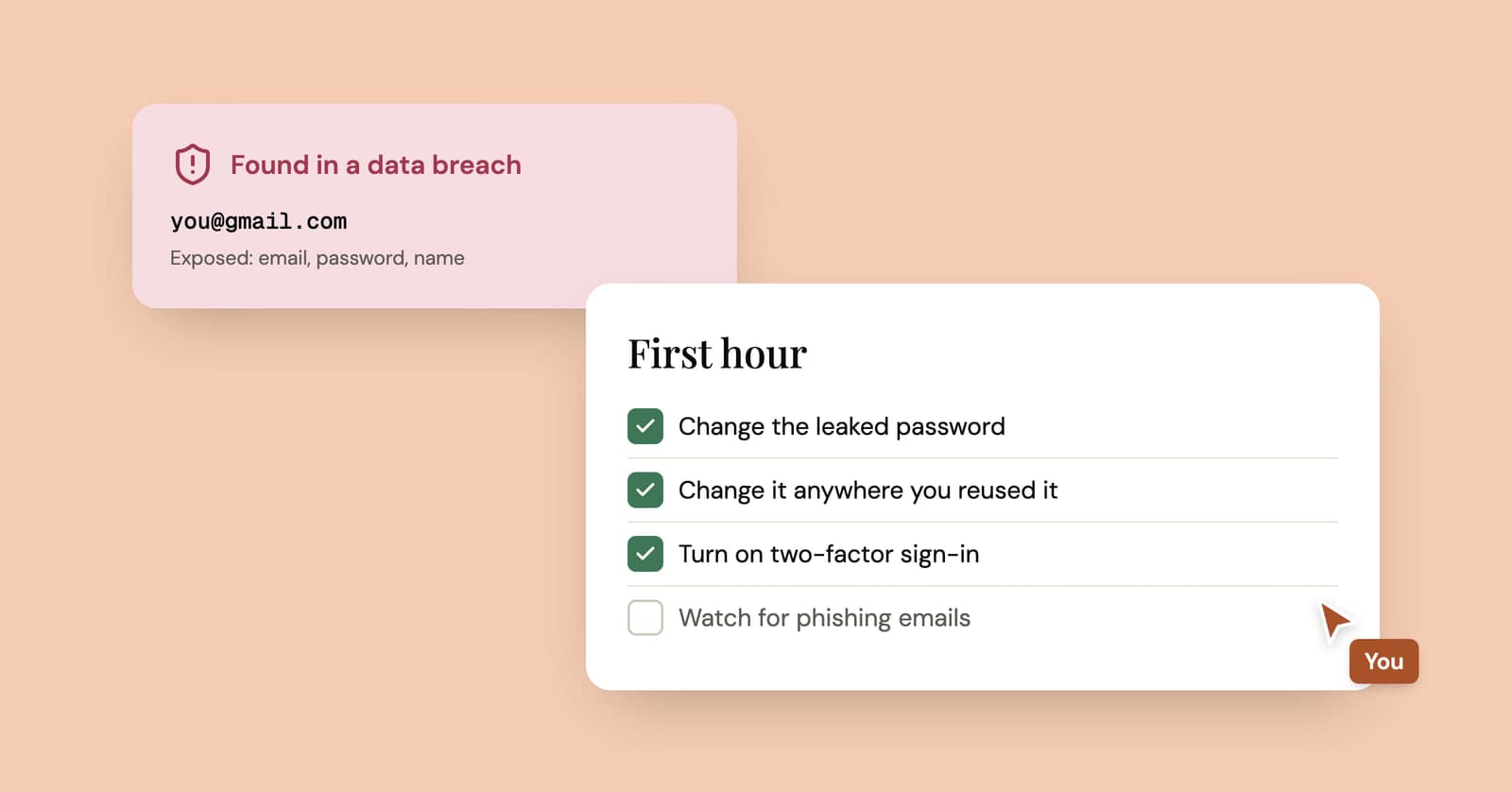
If your email was in a data breach, change the password for the breached site and for every other account where you reused it, then turn on two-factor authentication, starting with your email account. The address on its own was never much of a secret. What matters is what leaked next to it, so check that before you do anything drastic like abandoning the inbox.
What does it mean when your email is in a data breach?
It means a company that had your address lost a copy of its data, and your email was one of the rows. It does not mean your inbox was broken into.
People mix those two up all the time. A breach at a shoe shop, a forum or a fitness app exposes that company's database: usually email addresses, often usernames and passwords (hopefully stored as hashes), sometimes names, phone numbers, home addresses and dates of birth. Your email provider had nothing to do with it.
Your email account only gets pulled in if an attacker can log in to it, and the usual route is dull. You used the same password for the shoe shop and for your inbox. Attackers take leaked email and password pairs and try them on other sites in bulk, a technique called credential stuffing. That's why a breach at a site you barely remember can still cause real damage years later.
Check what actually leaked
Search your address on Have I Been Pwned, a free service that lists the known breaches containing it. Each breach shows when it happened and which kinds of data were exposed, so you can see at a glance whether passwords were involved or just addresses.
Two details help. Some breaches are flagged as sensitive and never appear in a public search; you only see them after proving you own the address. The site also lists "pastes", where addresses turned up in public text dumps rather than a named company's breach.
Once you know what leaked, the response follows from it:
| What leaked | What to do |
|---|---|
| Email address only | Nothing to change. Expect more spam and more convincing phishing. |
| Email and password (even hashed) | Change it on that site and everywhere you used the same or a similar password. |
| Password hints or security answers | Change those answers anywhere you reused them. They work like passwords. |
| Phone number | Expect scam texts and calls. Ask your carrier about an account PIN if it offers one. |
| Home address or date of birth | Distrust "delivery problem" and "verify your account" messages that quote them. |
| Card details | Call your card issuer and ask for a replacement card. |
| Government ID numbers | Follow your government's identity theft guidance. In the US, consider a credit freeze. |
If the company emailed you about the breach, read the email but don't click through from it. Fake breach notices are a phishing classic. Type the company's address into your browser yourself and log in from there.
The first-hour checklist
Do these in order, starting with the account that can reset all the others.
1. Secure your email account
Your inbox is the master key: every "forgot password" link for every other account lands there. Change its password if that password was ever used anywhere else, and turn on two-factor authentication. An authenticator app or a security key is stronger than codes by text message.
Then check the settings attackers like to change quietly: your recovery phone and recovery email, forwarding rules and filters, connected apps, and the list of signed-in devices. Sign out any session you don't recognize. A forwarding rule you didn't create is a bad sign, and it's easy to miss.
2. Change the password on the breached site
If you still use the account, give it a new, unique password. If you'd forgotten the account existed, that's your cue to delete it and ask for your data to be removed instead.
3. Replace every reused copy of that password
This is the step that stops one breach from spreading, and the one most people skip because it's tedious. Start with the accounts that would hurt most: email, banking, anything with a saved card, cloud storage, your main social accounts. The FTC's advice after a breach says the same thing: change the password on that site and on any account that uses a similar one.
Not sure whether a password is burned? The Pwned Passwords check hashes it in your browser and sends only the first five characters of that hash, so the password itself never leaves your device. If it shows up, retire it everywhere.
4. Turn on two-factor authentication where it counts
Banking, shopping sites that store your card, cloud storage, and any account people would notice if someone else posted from it. A stolen password is far less useful when it isn't enough to log in.
5. Get told about the next one
Have I Been Pwned's free Notify Me service emails you when your address appears in a new breach. You confirm by clicking a verification link, so nobody can sign up to monitor an address they don't own.
That's the first hour. Later in the week, set aside an evening for finding every account linked to your email. A breach at a site you'd forgotten usually means there are others, and each one is an old login with an old password.
Watch for phishing that uses the breach
Expect scam emails that sound better informed for a while, because attackers now know where you shop and maybe your name and phone number.
A few patterns show up again and again:
- A "security alert" from the breached company asking you to verify your account through a link.
- A payment or delivery problem that quotes your real address to look legitimate.
- An extortion email that quotes an old password and claims the sender recorded you through your webcam. The password came from a breach list, not from your camera. Don't reply, don't pay, and change that password anywhere it's still in use.
- Login codes or password reset emails you never asked for, which usually mean someone is trying your address. See what to do about a verification code you didn't request.
Do you need a new email address after a breach?
Usually not. Your address has been sitting in contact lists, receipts and mailing lists for years; one more leak doesn't make it meaningfully more public.
Changing addresses is expensive. Every account tied to the old one needs updating, and anything you miss becomes an account you can't recover. It's worth doing in two situations: you've lost control of the email account and can't get it back, or the spam is so heavy that filters can't keep up. Otherwise a strong unique password and two-factor authentication fix the actual problem.
How to make the next breach hurt less
Use a different password for every site, and let fewer sites know your real address. The first habit stops one breach from opening up your other accounts. The second shrinks what a breach can expose in the first place.
A password manager handles the first. For the second, split sign-ups by how long you need them:
- Accounts you'll keep: give each site its own alias or plus address. When a breach or a wave of spam arrives, the address tells you who leaked it, and you can shut that one address off. Our comparison of temp mail and email aliases covers the options.
- One-off sign-ups: the forum you'll read once, the PDF behind a form, the discount pop-up. Use a disposable email address. If that site is breached next year, the address in the dump points to an inbox that no longer exists.
Don't put disposable addresses on your bank, work, government or main shopping accounts. Those need a password reset to reach you, possibly years from now. We built YelMail for the throwaway case: the free inbox expires after two hours without use, and its messages are deleted with it.
Frequently asked questions
Can someone hack my email just because it was in a data breach?
Not with the address alone. An attacker needs your password, an active session or your help, which is why reused passwords and phishing are the real risks. If your email password is unique and two-factor authentication is on, a leaked address mostly means more spam and better-targeted scams. Check your account's recent sign-in activity if you want to be sure nothing slipped through.
Why is my email in a breach for a site I never signed up for?
There are several ordinary explanations. Someone may have typed your address by mistake or on purpose, the company may have been renamed or bought since you joined, or your address may have been on a marketing list or scraped dataset that later leaked. Treat it like any other breach: check what data was exposed and change the password if one was included.
How long does breached data stay in circulation?
For practical purposes, indefinitely. Leaked databases get copied, merged into bigger compilations and passed around again, so an old breach can resurface years later in a new spam run or credential-stuffing attempt. That's why retiring a reused password matters more than how recent the breach is. A password you no longer use is worthless to an attacker.
Should I pay for dark web monitoring?
For an email address, free breach alerts are usually enough. Paid services start to make sense when a breach exposed identity data such as a Social Security or national ID number, where credit alerts and help with identity theft matter more. Either way, monitoring only tells you about a problem after it happens. Unique passwords and two-factor authentication are what stop it.
Make the next one boring
Turn on breach alerts, move your passwords into a manager, and stop giving your main address to sites you'll never log in to again. For those, open a free temp mail inbox and let the address disappear on its own.
Keep reading
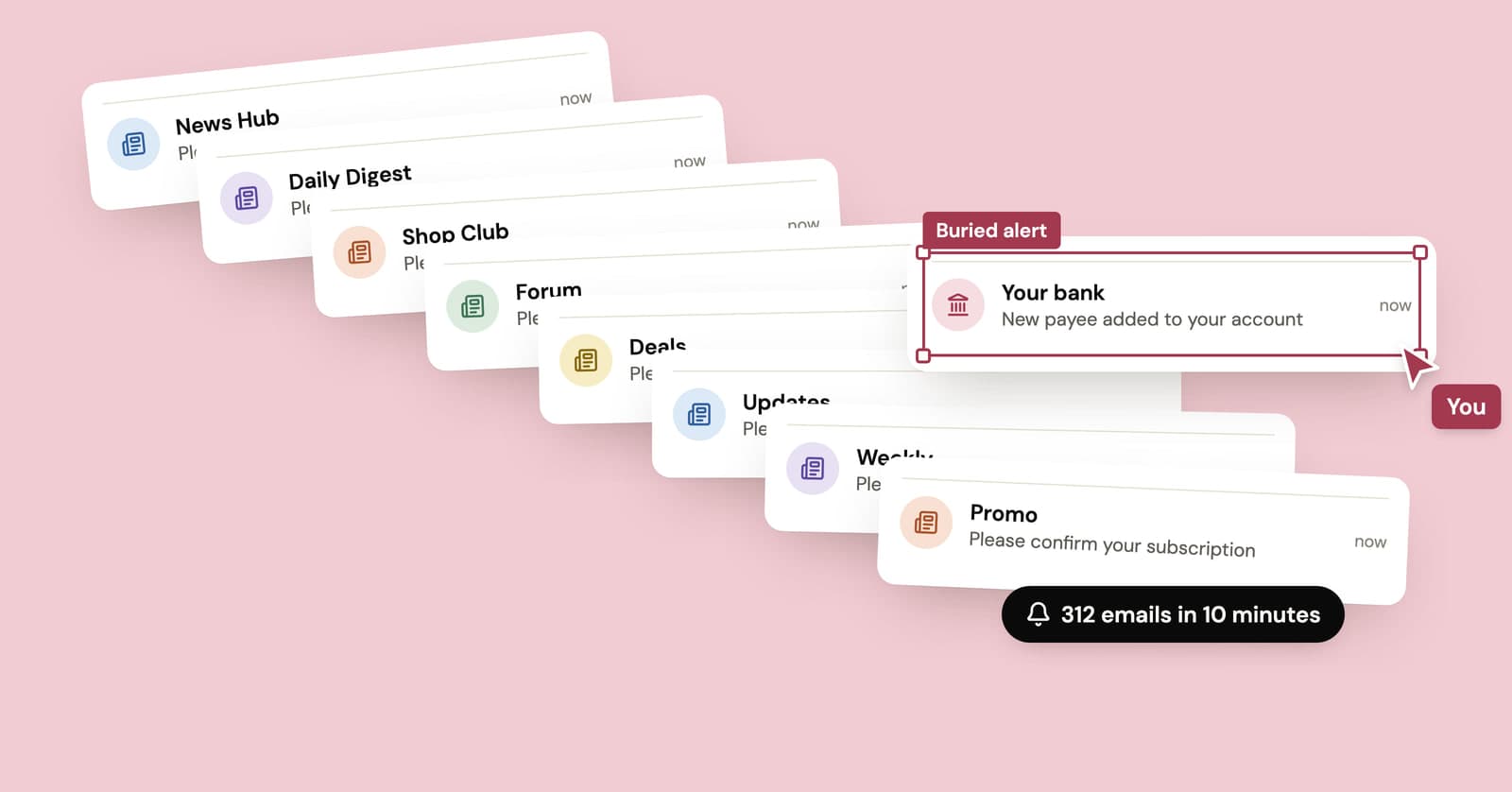
How to stop email bombing, and find what the flood is hiding
A subscription bomb fills your inbox with hundreds of real confirmation emails, usually to hide the one that matters. What to check first and how to dig out.
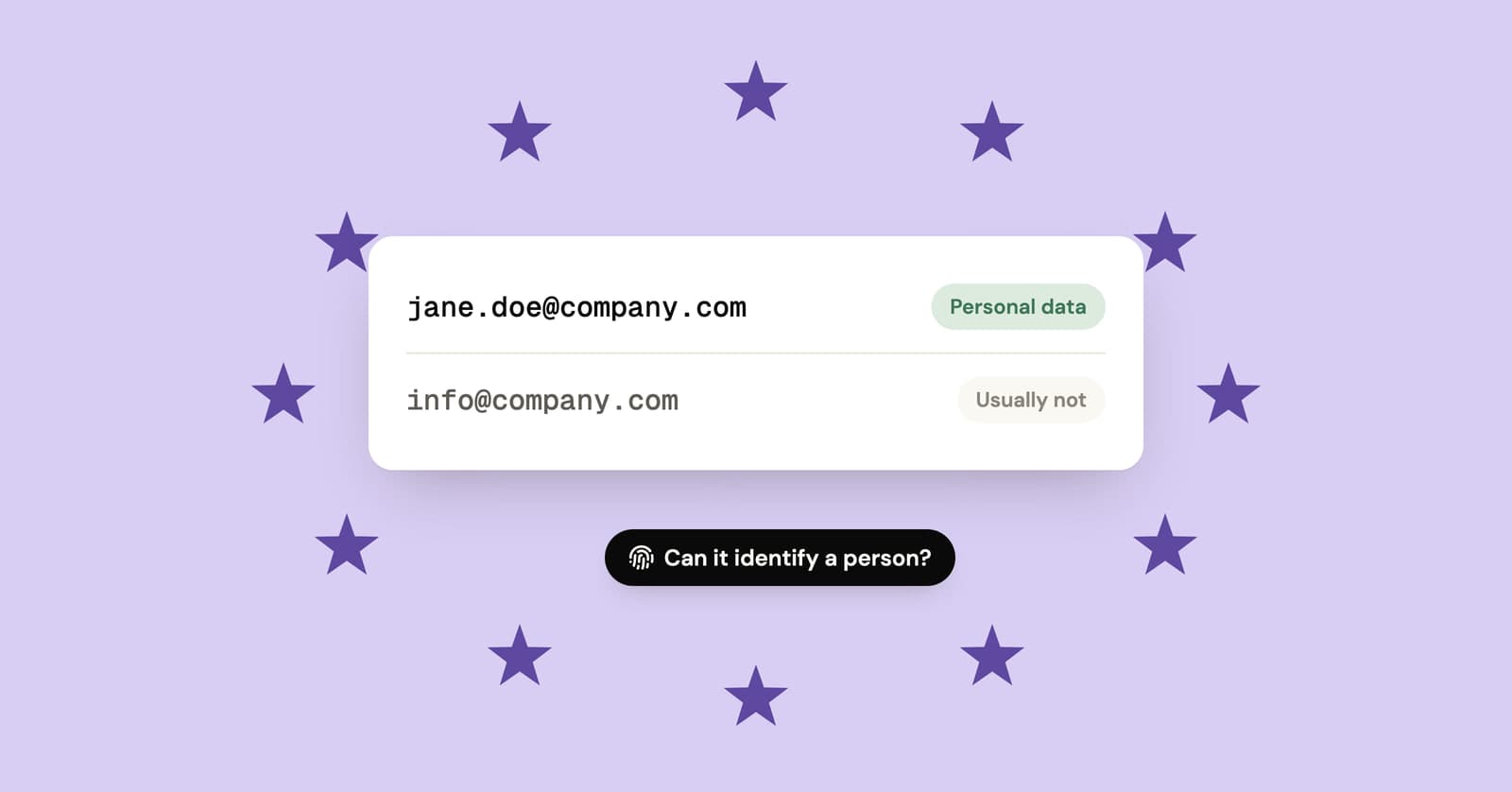
Is an email address personal data under GDPR?
Usually, yes. Named and work addresses count, shared role inboxes often don't, and random or hashed addresses are closer to personal data than most people assume.
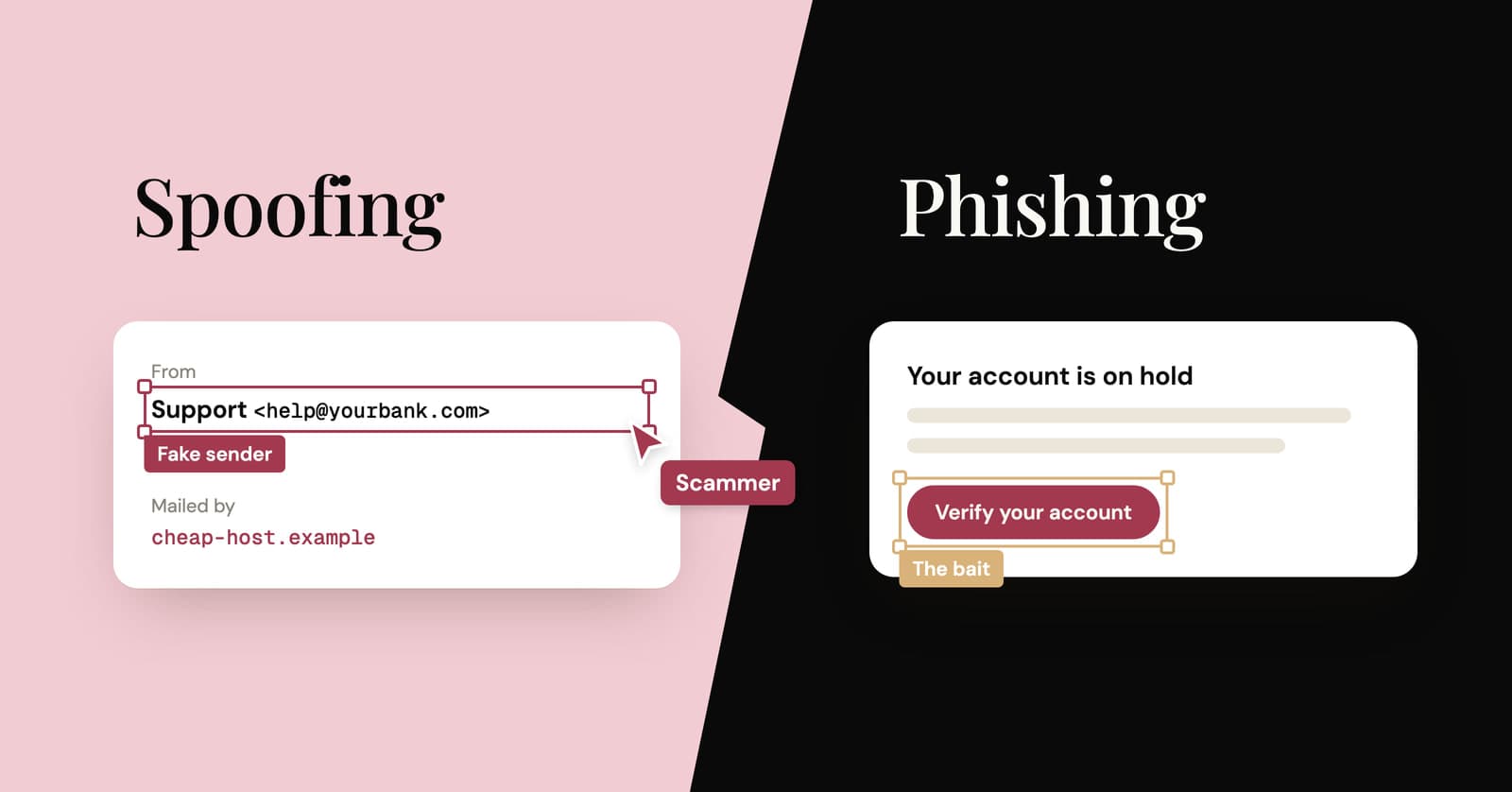
Email spoofing vs phishing: what's the difference?
Spoofing fakes who an email is from. Phishing is the scam that wants something from you. How they differ, what SPF, DKIM and DMARC catch, and how to check a sender yourself.