Temp mail vs email alias: which one should you use?
By the YelMail teamUpdated 7 min read
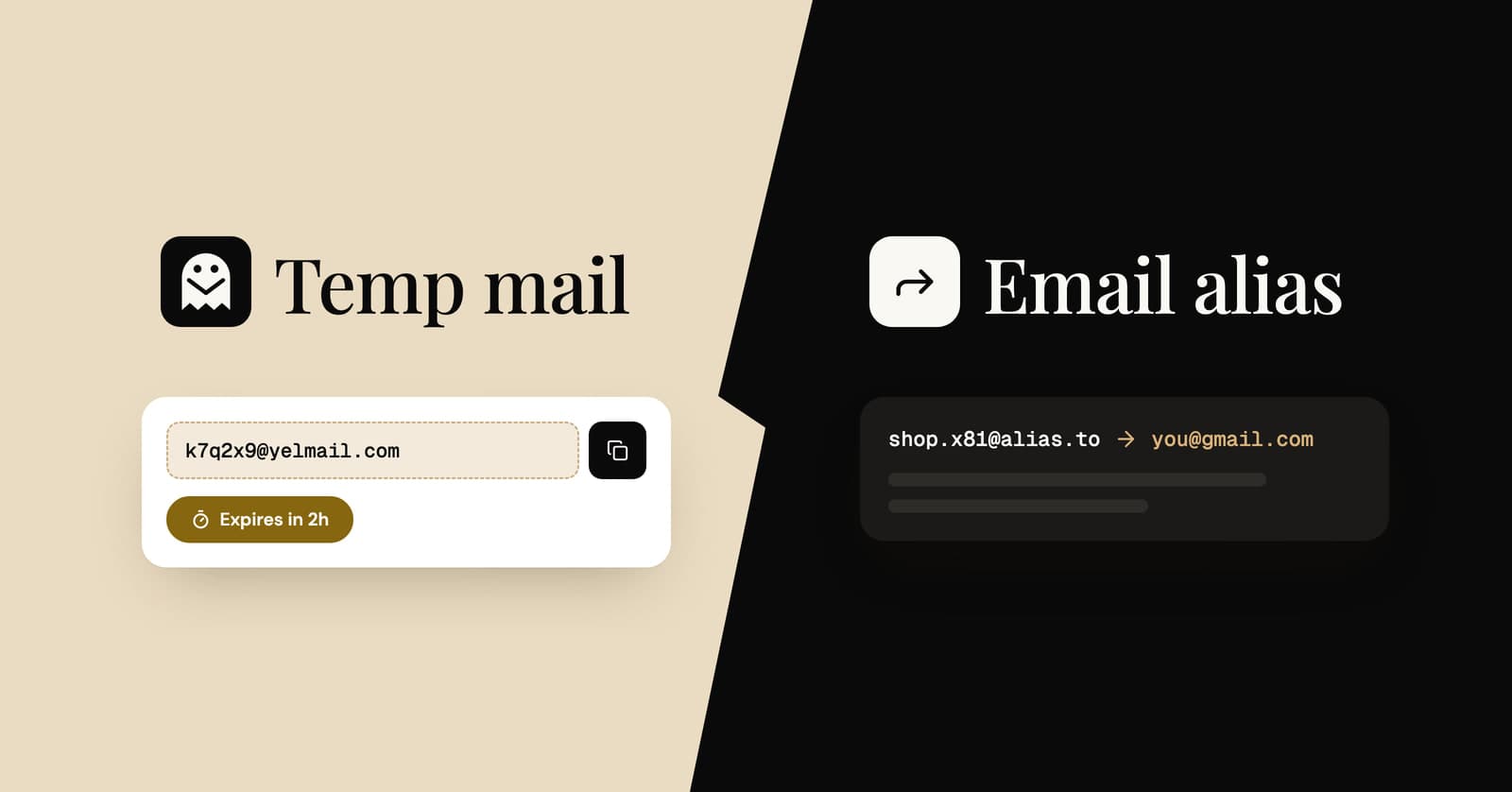
Use temp mail for one-off sign-ups you will never need again, and an email alias for accounts you want to keep but protect. Plus addressing, like [email protected], helps you sort mail but still reveals your real address. A separate secondary account suits long-term, low-stakes sign-ups you are willing to manage.
What is the difference between temp mail and an email alias?
Temp mail is a short-lived inbox that is separate from you and deletes itself, while an email alias is a lasting address that forwards mail into your real inbox. The difference comes down to time: temp mail is built to be forgotten, and an alias is built to stay.
Both keep your main address out of a company's database. That is where the similarity ends. Temp mail puts a wall between you and the sender. An alias puts a door in that wall that you can close later.
There are four common ways to avoid giving out your main address:
- Temp mail, also called disposable email
- An email alias, also called a forwarding address
- Plus addressing on your existing account
- A separate secondary email account
Each one solves a slightly different problem. The sections below explain how they work, and the table after them puts them side by side.
What is temp mail?
Temp mail is a disposable inbox that receives messages for a short time and then deletes them, with no account and no link to your identity. You open a site, copy the address it gives you and use it once.
Key traits:
- No sign-up and no personal details
- Receive-only on many services, including YelMail
- Expires on a timer, taking every message with it
- Nothing reaches your real inbox, so there is nothing to unsubscribe from
The trade-off is that it is not built to last. If a site later sends a password reset or a security alert, you may no longer have the inbox. For the full picture, see what a temporary email address is and how it works.
What is an email alias?
An email alias is an extra address that forwards incoming mail to your main inbox without revealing your main address to the sender. You create a different alias for each site, and if one starts getting spam, you switch it off.
Aliases come from a few places:
- Dedicated alias or forwarding services
- Some email providers, as a built-in feature
- Privacy features, often called "hide my email", that generate random forwarding addresses for you
Strengths of an email alias
- Lasts as long as you want. Good for accounts you plan to keep.
- Easy to switch off. Disabling one alias stops that sender without affecting the others.
- Shows who leaked your address. If spam arrives on the alias you gave one shop, you know where it came from.
- Replies are sometimes possible. Some providers let you reply through the alias, so the other side never sees your real address.
Weaknesses of an email alias
- You need an account with the alias provider, and you trust it with your mail.
- Everything still lands in your real inbox until you turn the alias off.
- If the provider shuts down or you stop paying, forwarding can stop.
What is plus addressing?
Plus addressing adds a tag after a plus sign in your normal address, so [email protected] still arrives at [email protected]. Gmail supports it, and so do many other email providers. It is free and needs no setup.
Strengths of plus addressing
- Instant: make up a tag on the spot
- Easy to filter: create a rule that labels or archives everything sent to +shopping
- Useful for spotting which site shared or sold your address
Weaknesses of plus addressing
- Your real address is visible. Anyone can delete the tag and email you directly, and spammers know this.
- Some forms reject the plus sign. Not every site accepts it as valid.
- It does not stop mail. It only helps you sort it.
Plus addressing is an organizing tool more than a privacy tool.
What about a separate secondary email account?
A secondary account is a second, full email account you use only for sign-ups, newsletters and shopping. It keeps clutter away from your main inbox while still giving you a permanent address you can recover.
Strengths:
- Permanent and recoverable
- Can send and reply
- Works almost everywhere, because it is a normal address
Weaknesses:
- Another password and another recovery setup to maintain
- Spam still piles up, just somewhere else
- Many providers ask for a phone number or recovery address, which can tie the account back to you
- Some providers close accounts that go unused for a long time
Temp mail vs alias vs plus addressing: side by side
Here is how the four options compare on the things that matter most. Details vary by provider, so treat this as a general guide.
| Temp mail | Email alias | Plus addressing | Secondary account | |
|---|---|---|---|---|
| Setup | None, instant | Account with an alias provider | None | Create a new account |
| Hides your real address | Yes | Yes | No | Yes, but it becomes a second identity |
| Mail reaches your main inbox | No | Yes, until you turn it off | Yes | No |
| Send or reply | No on receive-only services | Sometimes | Yes | Yes |
| How long it lasts | Short by design | As long as you keep it | Permanent | Permanent |
| Account recovery later | Risky | Yes, while the alias works | Yes | Yes |
| Stops spam | Yes, the inbox expires | Yes, switch the alias off | No, only sorts it | Moves it elsewhere |
| Cost | Free, with paid options | Free or paid | Free | Usually free |
| Best for | One-off sign-ups, downloads, Wi-Fi, testing | Accounts you keep but want private | Filtering and tracking leaks | Newsletters and low-stakes accounts |
Which one should you use?
Match the tool to how long you need a relationship with the sender. If it is minutes, use temp mail. If it is years, use an alias or your real address.
Use temp mail when
- You need exactly one email: a code, a link or a download
- You are trying a site you do not trust yet
- You are testing your own sign-up or password reset flow
- You do not plan to log in again
Use an email alias when
- You want to keep the account, but not the marketing
- You shop with many stores and want to be able to cut any one of them off
- You want to know which company leaked your address
Use plus addressing when
- You trust the site and mainly want tidy filters
- You want zero setup and do not mind your real address showing
Use a secondary account when
- You want one permanent, recoverable place for all non-essential mail
- You need to send email from it, not just receive
Use your real address when
- Money, health, government, work or legal matters are involved
Can you combine temp mail and an email alias?
Yes. A common pattern is temp mail for the first look, then a permanent address or alias once you decide to stay. If a site earns your trust, change the account's email in its settings before the temporary address expires.
YelMail Premium sits between the two. You can choose your own address name, keep up to 25 inboxes saved to your account, keep email for 30 days and forward incoming mail to a verified personal address. Addresses stay reserved while you are subscribed. It is still receive-only, so it does not replace an alias you want to reply from. See how custom temp mail addresses work.
What mistakes should you avoid?
The biggest mistake is using a throwaway address for an account you later need to recover. A few others to watch for:
- Assuming plus addressing hides you. It does not. Your base address is right there.
- Using a public-mailbox temp mail service for anything with a login link. Anyone who guesses the address could use that link. Read whether temporary email is safe before you rely on one.
- Forgetting which alias went where. Label your aliases, or use one per site.
- Letting the temporary address expire first. Move accounts you want to keep to a permanent address while you can still receive the confirmation email.
Frequently asked questions
Is a burner email the same as temp mail?
Yes. Burner email, throwaway email, disposable email and temp mail all describe a short-lived address you use and discard. Learn more about burner email addresses.
Does plus addressing stop spam?
No. It helps you sort and filter mail, but the spam still reaches your inbox, and anyone can remove the tag to reach you directly.
Can a website tell I am using temp mail or an alias?
Sometimes. Sites can check the domain of your address against lists of known disposable domains, and well-known forwarding domains can be spotted the same way. Plus addressing is visible to anyone who reads the address.
Can I reply from a temp mail address?
Not on YelMail. It is receive-only. If you need to reply, use an alias that supports replies or your own address.
Try it
For your next one-off sign-up, skip the alias setup. Get a free temp mail address in one click, and if you want addresses that last and forward to you, compare YelMail Premium plans.
Keep reading
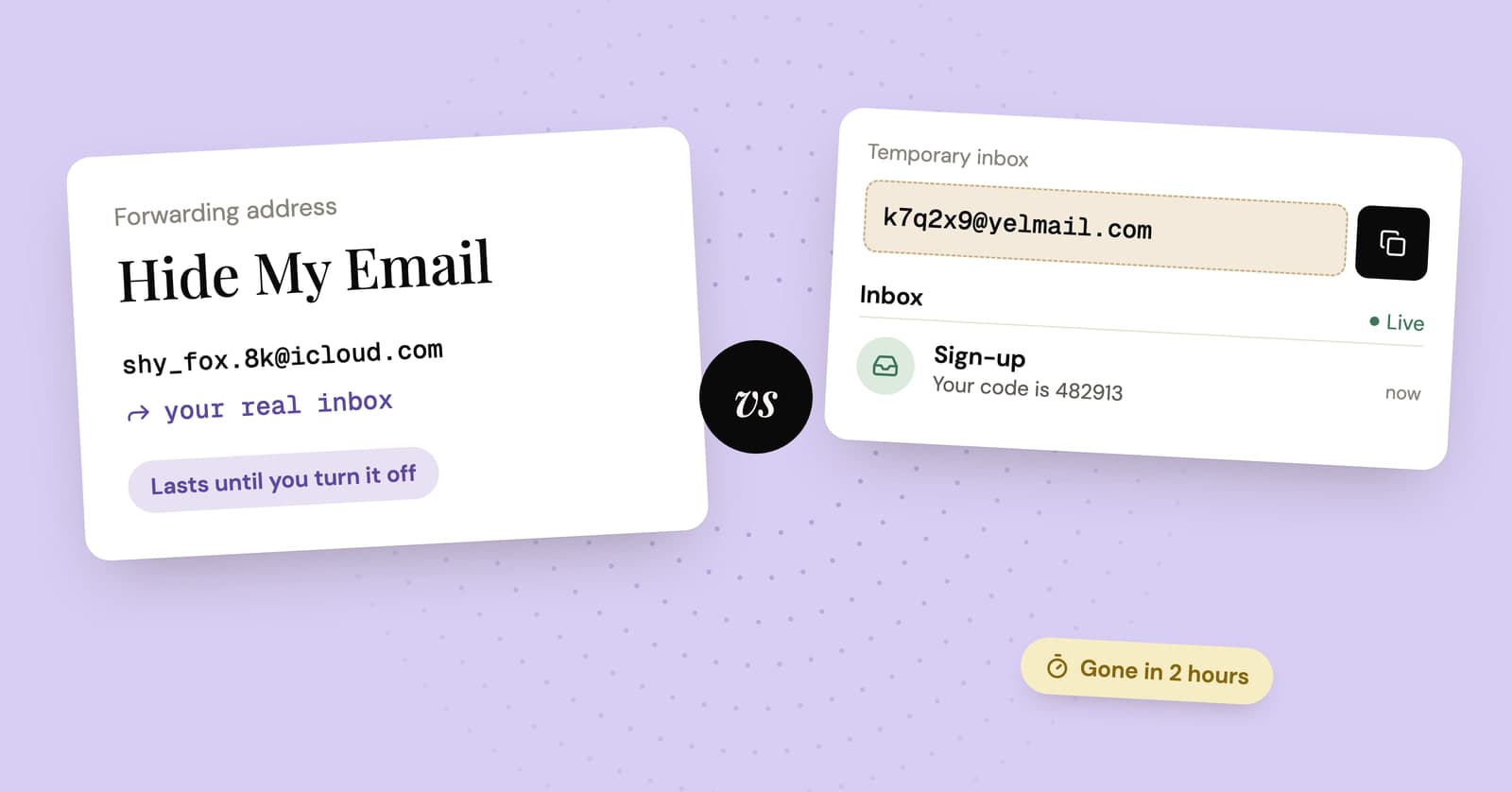
Hide My Email vs temp mail: which one should you use?
Apple's Hide My Email and a temp mail inbox both keep your real address off a form. One is built to last and the other to disappear, so the right pick depends on the sign-up.
Firefox Relay vs SimpleLogin vs DuckDuckGo vs addy.io: email alias services compared
Four popular email alias services side by side: what each free plan includes, which ones let you reply, what the paid plans cost and when a temp inbox is simpler.
Temp mail for Facebook: why it backfires, and what to use instead
A temp address can get you past Facebook's sign-up code. Why it tends to backfire later, and better ways to keep Facebook out of your main inbox.