Hide My Email vs temp mail: which one should you use?
By the YelMail team9 min read
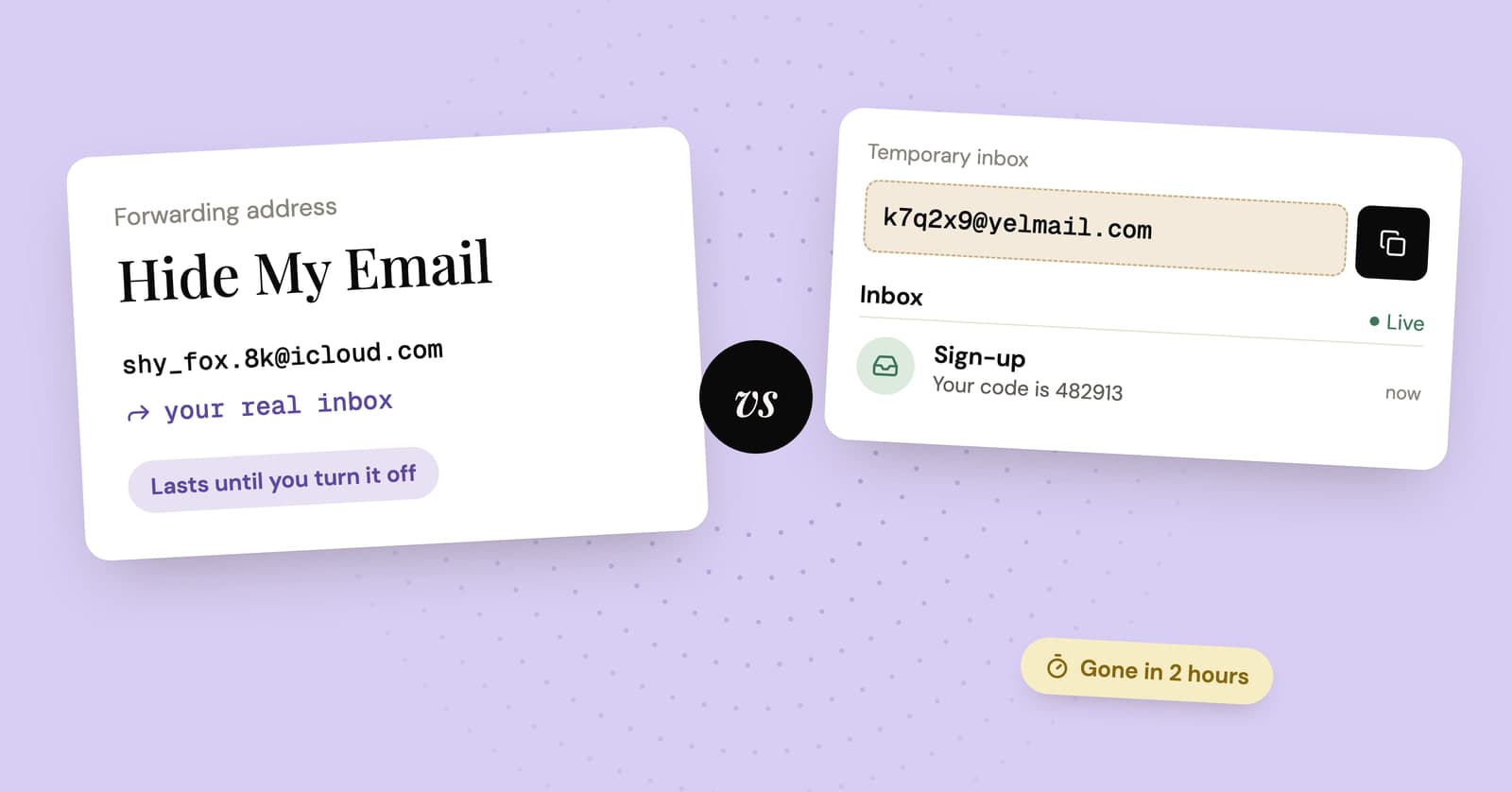
Use Hide My Email for accounts you plan to keep and temp mail for sign-ups you plan to forget. Apple's feature gives each site a random address that forwards to your real inbox until you switch it off, and it needs an iCloud+ subscription. Temp mail gives you a separate inbox, tied to no account, that deletes itself when you're done with it.
What is the difference between Hide My Email and temp mail?
Hide My Email is a forwarding service: mail sent to the random address lands in your own inbox. Temp mail is a standalone inbox: the mail stays on the temp mail site, and the whole thing disappears on a timer.
That one difference decides almost everything else. Forwarding means the address can last for years and you read everything in the mail app you already use. It also means everything the site sends, including the marketing, reaches you until you do something about it. A standalone inbox means nothing reaches you unless you go and look, and after a while there's nothing left to look at.
The second difference is who knows the address is yours. With Hide My Email, Apple does. Every address belongs to your Apple Account, which is how Apple knows where to forward it. The site only sees the random address. A no-account temp inbox isn't attached to any account at all. That doesn't make you anonymous, since the site still sees your IP address and whatever you type into its forms, but there's no account record tying the address back to your name.
How does Hide My Email work?
Hide My Email creates a unique, random address for each site or app and forwards whatever arrives to the email address on your Apple Account. It's an iCloud+ feature, and you can reply from the random address without revealing your real one.
According to Apple's iCloud user guide, you need:
- An iCloud+ subscription (Apple One plans include it)
- Two-factor authentication on your Apple Account
- iOS 15, iPadOS 15, macOS 12 or later, or iCloud.com in a supported web browser
On an iPhone or Mac, the option appears when you tap an email field in Safari, when you compose in Mail, in Apple Pay when a site asks for an email, and in some third-party apps. You can also create and manage addresses in Settings under your name, then iCloud, then Hide My Email.
Mail is forwarded to your iCloud Mail address or another address on your Apple Account. When you reply, the message goes out from the random address. On iCloud.com you can also start a new email from one, though Apple limits those to a single recipient.
When you're done with an address, you can deactivate it. Apple says mail sent to a deactivated address is returned to the sender. You can reactivate it later, or delete it for good, and a deleted address can't come back.
On privacy, Apple's page on Hide My Email with Sign in with Apple says it doesn't read or process message content passing through the relay apart from standard spam filtering, and that messages are deleted from its relay servers after delivery, usually within seconds.
Sign in with Apple is a close cousin
When an app offers Sign in with Apple, you can choose to hide your email, and the app gets a relay address ending in privaterelay.appleid.com. Apple says only mail from the app's designated sending addresses gets forwarded. Same idea, narrower use: it only works where the app or site supports Sign in with Apple.
How does temp mail work?
Temp mail gives you a working inbox on a website, with no account, and deletes the address and its messages after a set time. You read the mail on the temp mail page, not in your own inbox.
On YelMail, the inbox exists the moment the page opens. Copy the address, paste it into the form, and the verification email shows up on the same page as it arrives. Codes copy in one click. On the free plan, messages are kept for 2 hours and the inbox expires after 2 hours without use. It's receive-only, so there's no replying. Remote images and tracking pixels stay blocked. When the timer runs out, or you press Delete, the inbox is gone and can't be recovered.
Hide My Email vs temp mail at a glance
Hide My Email is a long-lived alias you can reply from, inside Apple's ecosystem. Temp mail is a short-lived, receive-only inbox that needs nothing from you.
| Hide My Email | Temp mail (YelMail free plan) | |
|---|---|---|
| What you need | Apple Account with two-factor, plus iCloud+ | A browser |
| Cost | Part of a paid iCloud+ plan | Free, ad-supported |
| Where mail goes | Forwarded to your real inbox | Stays in the temp inbox |
| How long the address lasts | Until you deactivate or delete it | Expires after 2 hours of inactivity |
| Reply or send | Yes, from the random address | No, receive-only |
| Cutting off a sender | Deactivate; mail goes back to the sender | Let it expire, or press Delete |
| Who can tie the address to you | Apple, through your Apple Account | No account behind it |
| Password resets later | Work while the address is active | Fail once the inbox expires |
| Best for | Shops, newsletters and apps you'll keep | One-off codes, downloads, Wi-Fi portals, trying a site |
When is Hide My Email the better choice?
Hide My Email wins whenever you'll need the account again. An address that doesn't expire, forwards to you and lets you reply is exactly what a long-term account needs, minus handing over your real address.
Good fits:
- A shop you'll order from again, where receipts, shipping updates and returns all come by email
- Newsletters you actually read but might want to cut off one day
- Apps where you'll need a password reset next year
- Anything where you need to write back: a support thread, a seller, a booking
If you live on Apple devices, it's also the lowest-effort option going. The prompt sits right above the keyboard.
Two caveats before you lean on it. First, it hides your address from the site, not the site's mail from you. A newsletter that turns into daily promotions keeps landing in your inbox until you deactivate that address.
Second, it depends on the subscription. Apple's page on downgrading iCloud+ says that on the free iCloud plan you no longer have access to iCloud+ features like Hide My Email. That page doesn't spell out what happens to mail sent to your existing addresses afterward. So before you cancel, move any account you care about to an address you'll still control.
When is temp mail the better choice?
Temp mail wins when you need one email and nothing after it, or when you don't have, or don't want, an Apple account in the loop.
- You need one code or link. The PDF behind a form, the forum that wants an account before it shows you the answer, the airport Wi-Fi page. For the form-and-download kind, see how to get gated content without the spam.
- You're not on Apple, or not paying for iCloud+. iCloud.com works in other browsers, but only with a subscription. Temp mail works in any browser with nothing to sign up for.
- You're trying a site you don't trust yet. If it turns out to be spammy, the spam dies with the inbox and never touches your mail app.
- You don't want another permanent address. Each Hide My Email address lives until you deactivate it. A year of one-tap sign-ups can leave you with a long list of relays, all still pointing at your inbox. Temp mail cleans up after itself.
This is the trade-off that bites people: a free temp address is gone for good once it expires. Don't use one for anything you might need to recover, and never for banking, work or your main accounts.
Can you use Hide My Email and temp mail together?
Yes, and it's the setup we'd suggest: temp mail for the first look, Hide My Email or another alias once you decide to stay.
- Sign up with a temp address when you're not sure about a site.
- If the site earns a place in your life, create a Hide My Email address for it.
- Change the account's email to the new address while the temp inbox can still receive the confirmation. Our guide to moving an account off a temp address covers the details.
- If the site starts spamming later, deactivate the relay.
There's a middle option if you want lasting addresses that aren't tied to Apple. YelMail Premium lets you choose your own address name, keep up to 25 inboxes saved to your account, hold mail for 30 days and forward it to a verified personal address. It's still receive-only, though. If you need to reply, Hide My Email is the better tool.
Will websites accept both kinds of address?
Usually, but neither is guaranteed. Some sites refuse known temp mail domains, and a site that wants to can spot well-known relay domains the same way.
If a temp address is refused, press Change for a new one or try a Premium domain. If the site still won't take it, it wants an address you'll keep, and that's a fair moment to give it an alias instead. Why sites block temporary email explains how the blocking works.
Frequently asked questions
Is Hide My Email free?
Not the version that works in any web form. Apple lists it as an iCloud+ feature, so you need a paid iCloud+ plan, and Apple One plans include one. Sign in with Apple has its own hide-my-email option, but it only works inside apps and sites that support Sign in with Apple. For a free option with no account at all, a temp mail inbox covers one-off sign-ups.
Can I use Hide My Email on Android or Windows?
Yes, through iCloud.com. Apple says Hide My Email is available there in any supported web browser, so you can create and manage addresses from a PC or an Android phone. You still need an Apple Account with two-factor authentication and an iCloud+ subscription, and you lose the one-tap prompt above the keyboard that makes it so quick on an iPhone.
What happens to mail sent to a deactivated Hide My Email address?
Apple says it's returned to the sender, so the site gets a delivery failure instead of a quiet inbox. You can reactivate the address later from iCloud.com and forwarding picks up again. Deleting is different. A deleted address is gone permanently and can't be reactivated, so deactivate first and delete only once no account depends on it.
Can a site work out my real email from a Hide My Email address?
Not from the address itself. The relay forwards mail to you and sends your replies out under the random address, so your real one stays hidden. What can give you away is everything else you share: the name on your card, a delivery address, or replying from your personal account by mistake. Keep replies inside the relay and the site only ever sees the random address.
Pick by how long you'll need it
If you'll log in again next year, use Hide My Email or another alias. If you need one code in the next ten minutes, open a free temp inbox and let it expire. Still weighing aliases, plus addressing and a second account as well? Our comparison of temp mail vs email aliases puts all four side by side.
Keep reading
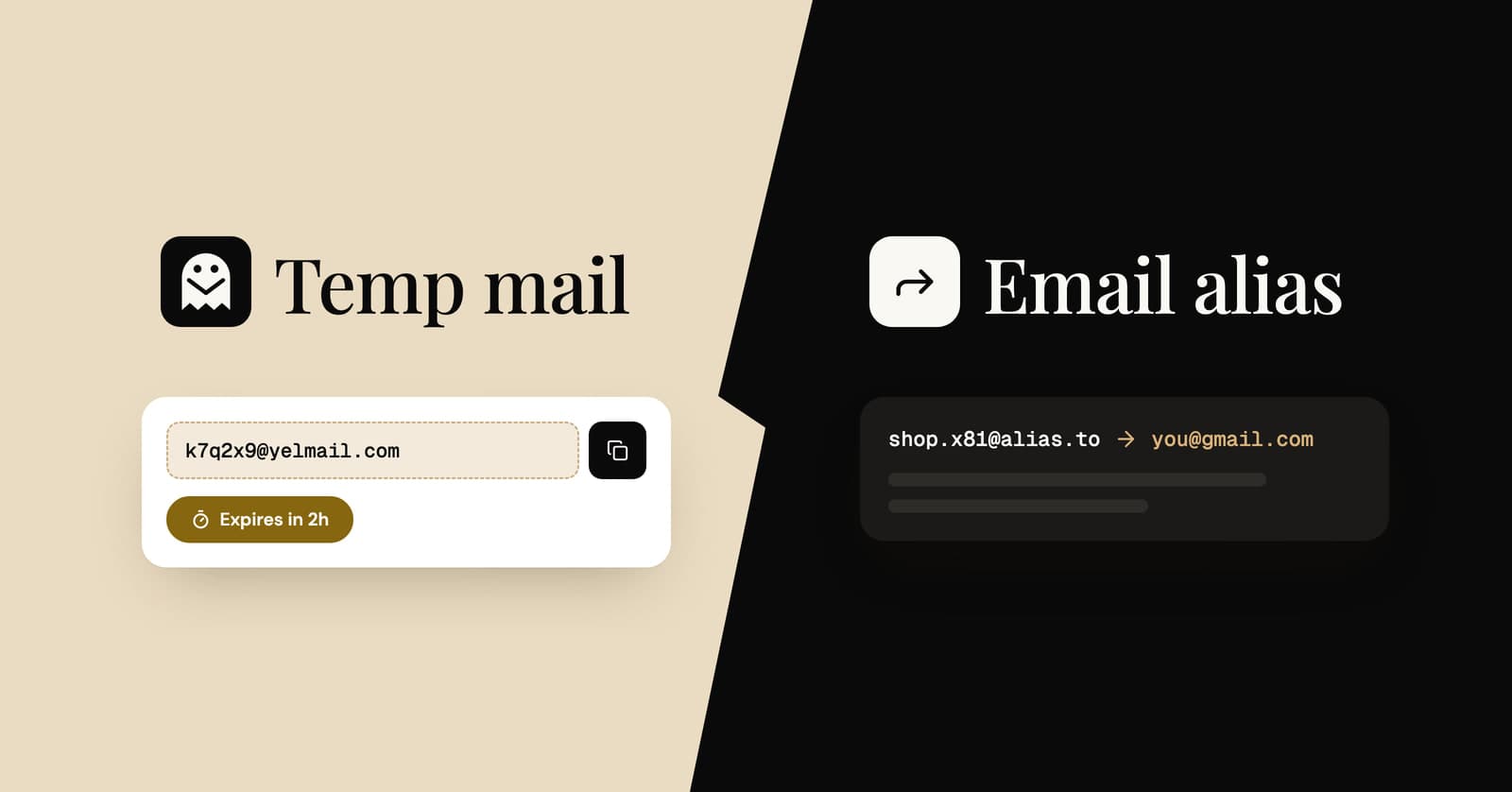
Temp mail vs email alias: which one should you use?
Four ways to keep your real address private, compared side by side, with a simple rule for choosing the right one for each sign-up.
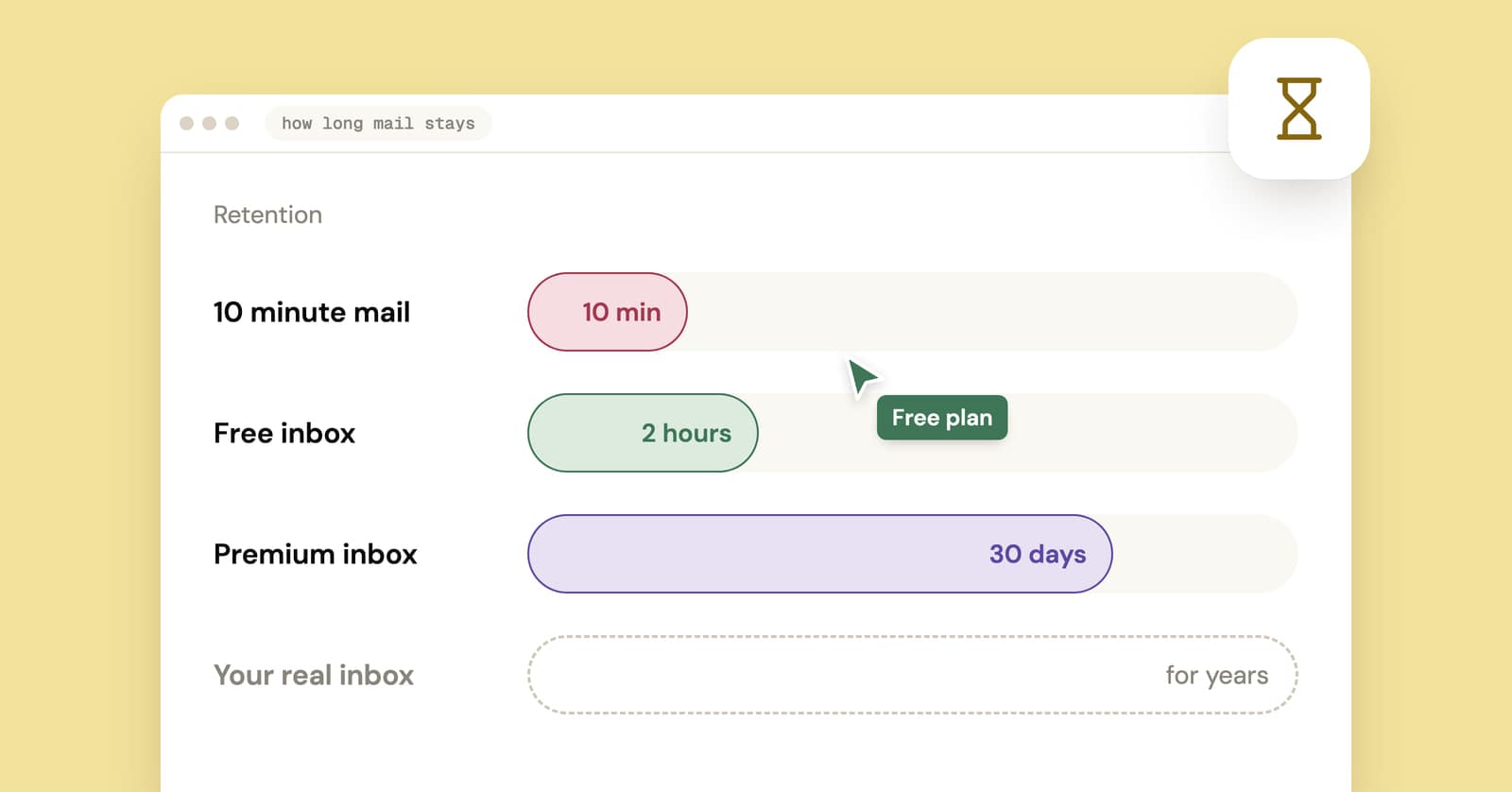
How long does temp mail last? It depends which clock you mean
Temp mail lifetimes run from minutes to weeks, and the address and its messages often expire on separate clocks. Here is how each model works and which one fits your sign-up.
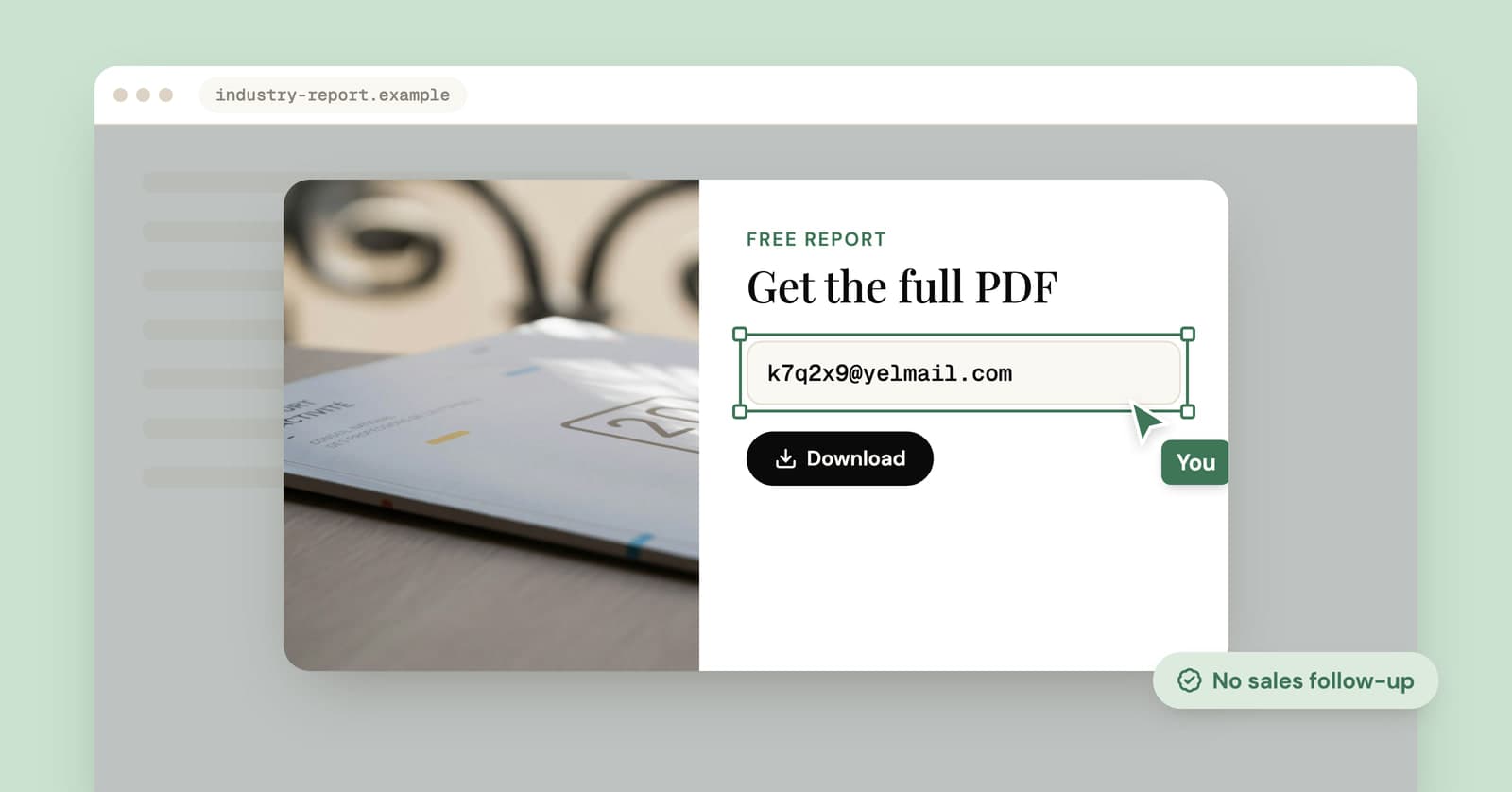
How to download gated content without the sales emails that follow
What really happens after you fill in a download form, how to get the PDF without the follow-up sequence, and when your real address is worth handing over.