How to download gated content without the sales emails that follow
By the YelMail team6 min read
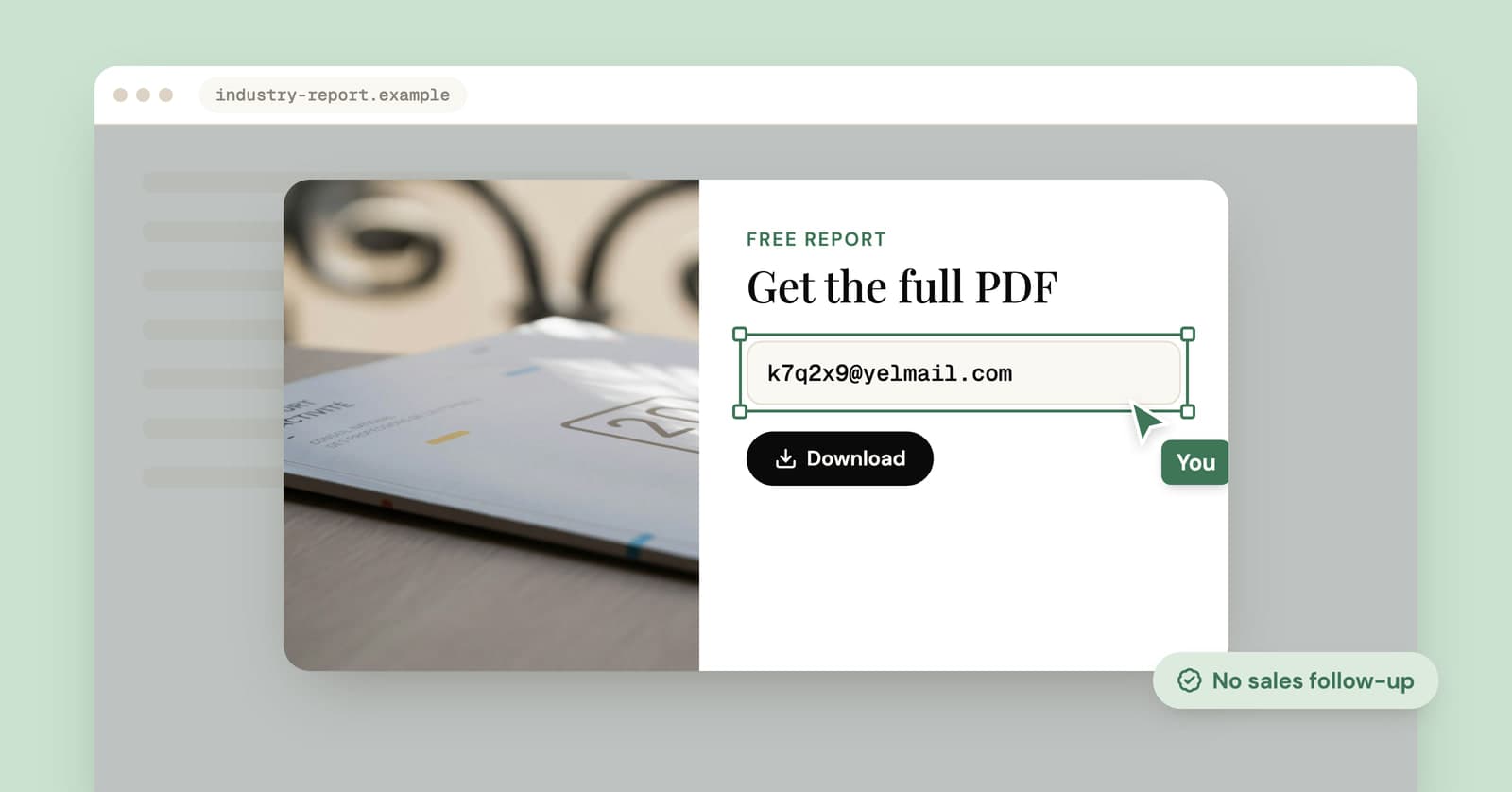
To download gated content like an ebook, whitepaper or template without the sales emails that follow, give the form a temporary address, grab the file when the link arrives, and let the inbox expire. The company still gets a working address and you still get the download. The follow-up sequence just lands somewhere you'll never look again.
What happens after you fill in a download form?
Usually your details go straight into the company's marketing system and a scheduled series of emails starts, whether or not you ever open the PDF. The download is the first message, not the last.
What tends to follow:
- The thank-you email with the link, sometimes a second one a day later in case you missed it.
- A few weeks of follow-ups: related guides, case studies, webinar invitations, "did you get a chance to read it?"
- If you filled in job title, company and company size, a salesperson may email or call. Those fields are there to decide how interested the sales team should be in you.
- On industry sites that publish sponsored reports, the small print may say your details go to the sponsors, so one form can put you on several companies' lists at once.
None of this is sinister. It's the deal on offer: a PDF in exchange for a chance to sell to you. You're allowed to take the PDF and decline the rest.
How to download it with a temporary address
The whole thing takes a couple of minutes, and most of that is the form.
- Open a free temp inbox in another tab and copy the address.
- Fill in only the required fields. Untick any boxes about marketing or sharing with partners.
- Look at the thank-you page before you do anything else. Plenty of forms put the download right there, in which case you're done.
- If the file comes by email, watch the inbox. Mail shows up live, so there's no refreshing.
- Save the file to your device straight away. Links in these emails sometimes expire or only work once, and free mail is deleted after 2 hours.
- Delete the inbox, or just close the tab and let it expire.
Two details worth knowing. Free inboxes accept attachments up to 5 MB, which covers most PDFs, though larger files usually arrive as a link anyway. And YelMail blocks remote images and tracking pixels by default, so opening the email doesn't tell the sender you read it. Clicking the download link is different: that link is often personal to you, and the click gets recorded like any other.
What if the form wants a work email?
A form that insists on a work email is telling you the content is a sales tool. Some forms accept only business addresses and turn away free webmail and temporary domains alike.
Don't make up an address at a real company, and never type in someone else's. A made-up address either bounces or reaches a real person, who then gets your sales sequence. Your honest options are to give a work address you're comfortable hearing from, look for the same material without a form (more on that below), or decide the whitepaper isn't worth it. Most of the time, it isn't.
If a form rejects your temporary address without asking for a business one, it may simply block known temp domains. Our guide on why sites block temporary email explains what's going on and what you can reasonably try.
What about the phone number field?
Leave it blank if it's optional. If it's required, decide whether the PDF is worth a sales call, because a number you make up may well belong to somebody who'll get that call instead.
Webinars and email courses need more than two hours
A webinar or a five-day email course sends mail over days, so a free inbox that keeps each email for 2 hours will miss most of it. The join link, the reminder and the recording can arrive a week apart.
For those, you have three sensible choices. Use a Premium inbox, which keeps mail for 30 days (our page on long term temporary email explains how that works). Use an alias you can switch off afterwards. Or give your real address and unsubscribe once the course or event is over.
Check for an ungated version first
A lot of gated content also exists somewhere without a form. It's worth thirty seconds before you fill anything in.
Places to look:
- The company's own blog, where the report's main findings often get written up as posts.
- Its documentation or help center, if the "guide" is really about using the product.
- A recorded talk, if the ebook started life as a conference presentation.
- The press release announcing the research, which usually quotes the headline numbers.
If by ebook you mean an actual book, your public library's lending service is a better route than any download form. Stick to copies the author or publisher put out themselves, though. A PDF from a random mirror site is a gamble with your laptop.
When to give your real address
When you actually want what comes after the download. The follow-up sequence is only spam if you didn't want it.
Give a lasting address when:
- You're evaluating the product and want the demo, the pricing call or the free trial.
- It's a newsletter or course you'll really read.
- The download needs follow-up to be useful: a license key, updated versions of a template, an event ticket, a certificate.
- You trust the company and don't mind hearing from it now and then.
There's a middle ground, too. An alias or a plus address lets you receive the follow-ups in your real inbox and cut them off later with one switch or one filter. Our comparison of temp mail and email aliases covers which fits where.
Already gave your real address?
Unsubscribe from each list, and don't feel bad about it. In the US, the FTC's CAN-SPAM guide says commercial senders must honor an opt-out within 10 business days, and the rule covers business-to-business email as well.
If the form shared your details with sponsors, you may have to unsubscribe from each of them separately. Unsubscribe links from companies you recognize are safe to use. And if you want the company to delete your details altogether, not just stop emailing, our guide to removing your email from websites covers deletion requests.
Frequently asked questions
Is it okay to use a temporary email to download a whitepaper?
For most people and most forms, yes. A working temporary address receives the file like any other, and choosing not to join a mailing list is an ordinary privacy decision. It goes wrong when someone types another person's real address, or uses fresh addresses to claim a paid or one-per-customer offer again and again. Laws differ by country, and this isn't legal advice.
Will the company know I used a temporary address?
It might. Some marketing systems check addresses against lists of known temporary domains and flag or discard those leads, and some forms refuse them outright. That's the company's decision to make. If the form accepts the address and the download arrives, you have what you came for, and the sales team has a lead that goes nowhere.
Why did the download link stop working?
Links in download emails are often tied to you personally and may expire after a set time or work only once. Save the file to your device as soon as you open the link rather than bookmarking the email. On a free YelMail inbox, the email itself is deleted after 2 hours, so a link you planned to come back to tomorrow won't be there.
Is it safe to open PDFs from download emails?
Files from a company you recognize are usually fine, but treat attachments from unfamiliar senders with care wherever they arrive. YelMail blocks tracking pixels and never runs scripts inside emails, which protects you while you read. A downloaded file is a different matter: once it's on your device, it opens in your own software, so keep that software up to date.
Can I just unsubscribe instead of using a temporary address?
You can, and legitimate senders have to honor it, but it's cleanup after the fact. By then your address is already in their system, may have been passed to a sponsor, and could turn up in a future breach of that system. A temporary address skips all of that for content you only wanted once.
Before your next download
Next time a PDF sits behind a form, open a temp inbox in another tab before you start typing. Save your real address for the companies you actually want to hear from.
Keep reading
Temp mail for Instagram, TikTok and X: lurker accounts without the lockout
A temp address gets a lurker account on Instagram, TikTok or X past sign-up. What each platform's rules say, where it goes wrong, and a setup that lasts.
Hide My Email vs temp mail: which one should you use?
Apple's Hide My Email and a temp mail inbox both keep your real address off a form. One is built to last and the other to disappear, so the right pick depends on the sign-up.
Temp mail expired? What gets deleted and what doesn't
When a temp inbox expires, the messages go and the address stops working. The accounts you signed up for with it stay behind, and that is the part worth thinking about.