How to remove your email from websites and get your data deleted
By the YelMail team8 min read
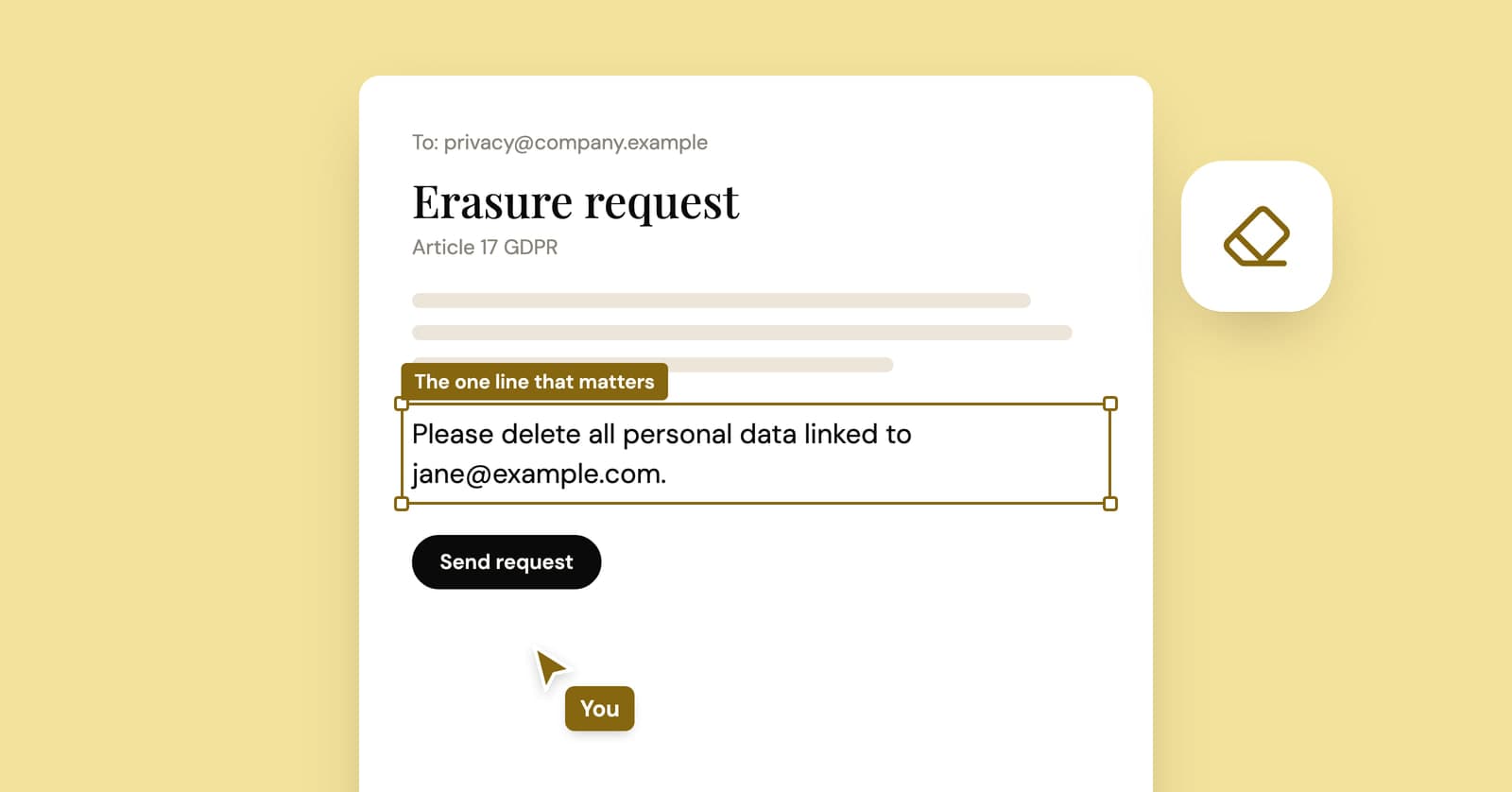
To remove your email from a website, delete your account in its settings, and if there's no delete option, email the company a deletion request. In the EU and UK that's a right to erasure request under the GDPR. In California it's a request to delete under the CCPA. Unsubscribing is a different thing: it stops the emails, and your address stays on file.
Unsubscribe, deactivate or delete: what's the difference?
Only deletion removes your address. Unsubscribing and deactivating change what you see, while the company keeps the record.
| Action | What stops | What the company keeps |
|---|---|---|
| Unsubscribe | Marketing emails | Your account, your address, your history |
| Deactivate or close | Your public profile | Usually everything, so you can come back |
| Delete the account | Your access to the account | What it needs for legal or tax reasons |
| GDPR or CCPA deletion request | Use of the data the request covers | Only what a legal exception allows |
| Google result removal | That result in Google Search | The page itself, on the original site |
Unsubscribing is still a fine first step for mail from a real company you signed up with. For obvious spam from senders you've never heard of, skip the unsubscribe link and mark the message as spam. Clicking it mostly confirms your address is live.
Step 1: find every site that has your address
You can't delete what you don't know about. Before writing to anyone, make a list of the accounts tied to your email, using the methods in our guide to finding every account linked to your email: inbox searches, your Google and Apple sign-in lists, your password manager and a breach check.
Sort the list into three piles: keep, update, delete. The delete pile is usually longer than people expect.
Step 2: delete the account from inside it
Many sites that let you sign up online also let you delete the account online, usually under account, privacy or security settings. Look for "Delete account" specifically; "Deactivate" and "Close" often just hide you.
Before you press it:
- Download anything you want to keep: photos, order history, invoices, messages.
- Cancel paid plans and remove saved cards. A subscription billed through an app store may need cancelling in the store itself.
- Read the confirmation screen. Many services hold a deleted account for a while before erasing it, and logging back in during that window can cancel the deletion.
If you can't log in any more, try the password reset first. If the reset email goes to an address you've lost, skip ahead to the deletion request.
Step 3: send a deletion request when there's no button
Write to the company's privacy contact from the email address on your account and ask it to delete your data. You don't need a lawyer or special wording, and a plain email is enough.
The privacy policy usually names a privacy email address, a data protection officer or a request form. Use that rather than general customer support, which tends to reply with instructions for unsubscribing.
A few habits save trouble later:
- Send from the address the company has on file. That's how it matches you to the account.
- Keep a copy of what you sent and note the date. Legal deadlines run from when they receive it.
- Don't attach ID documents up front. If a company asks for much more than it needs to match you to the account, ask why and what it will do with the copy.
Paste this template and edit it. Delete the legal line that doesn't apply to you, or both if neither law covers you.
Subject: Request to delete my personal data
Hello,
Please delete all personal data you hold about me, including any account, order history and mailing list records linked to the email address below.
[EU or UK: I am making this request under Article 17 of the GDPR.] [California: I am making this request under the California Consumer Privacy Act.]
Email address: [the address on your account]
Username or account ID, if any: [add it here]
Please also ask any service providers you shared my data with to delete it, and confirm in writing once this is done. If you keep any of my data for a legal reason, please tell me what you are keeping and why.
Thank you, [Your name]
What does GDPR require when you ask for deletion?
Under the GDPR, a company must erase your personal data without undue delay when one of the grounds in Article 17 applies, and it has one month to respond. For complex requests it can extend that by two more months, but it has to tell you.
This part and the next are general information, not legal advice.
The right to erasure applies when, for example:
- the company no longer needs the data for the reason it collected it
- you withdraw the consent it relied on, such as a newsletter sign-up
- you object to your data being used for direct marketing
- the data was processed unlawfully
It doesn't apply everywhere. A company can keep data it needs to meet a legal obligation (invoices for tax purposes are the everyday example), to establish or defend legal claims, or for reasons such as freedom of expression and public-interest research. The European Commission's page on when companies must delete personal data lists the exceptions in plain language.
The GDPR covers companies based in the EU and companies elsewhere that offer goods or services to people in the EU. The UK has its own version with the same right. Requests are normally free.
One thing that surprises people: after you object to marketing, a company may keep your address on a "do not contact" list. The UK's data protection regulator recommends exactly that: keep just enough to check against, so you aren't marketed to again by mistake. That's not a failure to delete.
If a company ignores you or refuses in a way you think is wrong, you can complain to your national data protection authority.
What does the CCPA require?
If you live in California, you can ask a covered business to delete the personal information it collected from you and to tell its service providers to do the same. It must respond within 45 calendar days, and can extend that by another 45 days if it tells you.
The details, from the California Attorney General's CCPA page:
- Businesses must give you at least two ways to submit a request, although one that operates only online may offer just an email address.
- They must verify that the request comes from you, so expect a confirmation step.
- They can refuse in certain cases, such as information that's publicly available, data needed to complete a transaction with you, or data they must keep by law.
- The law only covers for-profit businesses above certain size or data-volume thresholds, so a small local shop may not be bound by it.
Data brokers are harder, because you never signed up with them. California residents can use DROP, the state's free Delete Request and Opt-out Platform, to send one deletion request to every registered data broker at once.
Several other US states have passed privacy laws with similar deletion rights. If yours hasn't, ask anyway. Some companies run one deletion process for everyone rather than checking where you live.
What if your email is published on a web page?
Ask the site owner to remove it, and ask Google to drop the search result in the meantime. Those are separate requests, and you usually need both.
The owner's contact details are usually in the site's footer or privacy policy. If it's an old forum post of yours, log in and edit it, or ask a moderator.
Google's "Results about you" tool lets you request removal of search results that show your email address, phone number or home address. It only hides the result from Google Search; the page itself stays online until the owner changes it. Google may also refuse to remove results from news, government or educational sites this way.
Stop your address spreading again
Give your real address only to accounts you'll keep, and something disposable to everything else. Most of the cleanup above exists because a pop-up, a download form or a one-time checkout got your main address years ago. Our piece on why websites want your email explains what happens to it after that.
For sign-ups you'll never return to, a throwaway email address means there's nothing to delete later. A free YelMail inbox deletes its own messages when it expires. For accounts you'll keep (shopping, banking, anything with a receipt or a password reset), use your real address or an alias you control.
Frequently asked questions
Can I remove my email from data broker sites?
Yes, though usually one broker at a time. Many people-search and data broker sites have an opt-out form, often linked from the footer or the privacy policy. California residents can send a single free request to registered brokers through the state's DROP platform. Paid removal services automate the opt-outs, but they need your personal details to do it, so read their own privacy policy first.
What if the company ignores my deletion request?
Send one reminder that quotes your original request and the date you sent it. If there's still no answer after the deadline, escalate: in the EU you can complain to your national data protection authority, in the UK to the Information Commissioner's Office, and in California to the Attorney General or the California Privacy Protection Agency. Keep copies of everything, since a complaint will ask for them.
Do I have to prove my identity to get my data deleted?
Often, yes. A company has to be reasonably sure the request comes from the account holder, or anyone could delete anyone's account. Usually that means writing from the email address on file, logging in, or confirming a code. If a company asks for a passport scan to delete a newsletter subscription, it's fair to ask why it needs that and how long it keeps the copy.
Can a website keep my email after I delete my account?
Sometimes, for specific reasons. A shop may have to keep invoices, which include your email, for tax purposes, and a company can keep records it needs for a legal claim. A marketing suppression list may also hold your address so you aren't emailed again. What it shouldn't do is keep marketing to you or leave your profile active, so ask what it kept if the confirmation doesn't say.
Start with the delete pile
Make the list, delete what you can from inside each account, and send the template to the rest. Then keep the pile from growing back by handing a free temp mail address to the next form that doesn't need the real one.
Keep reading
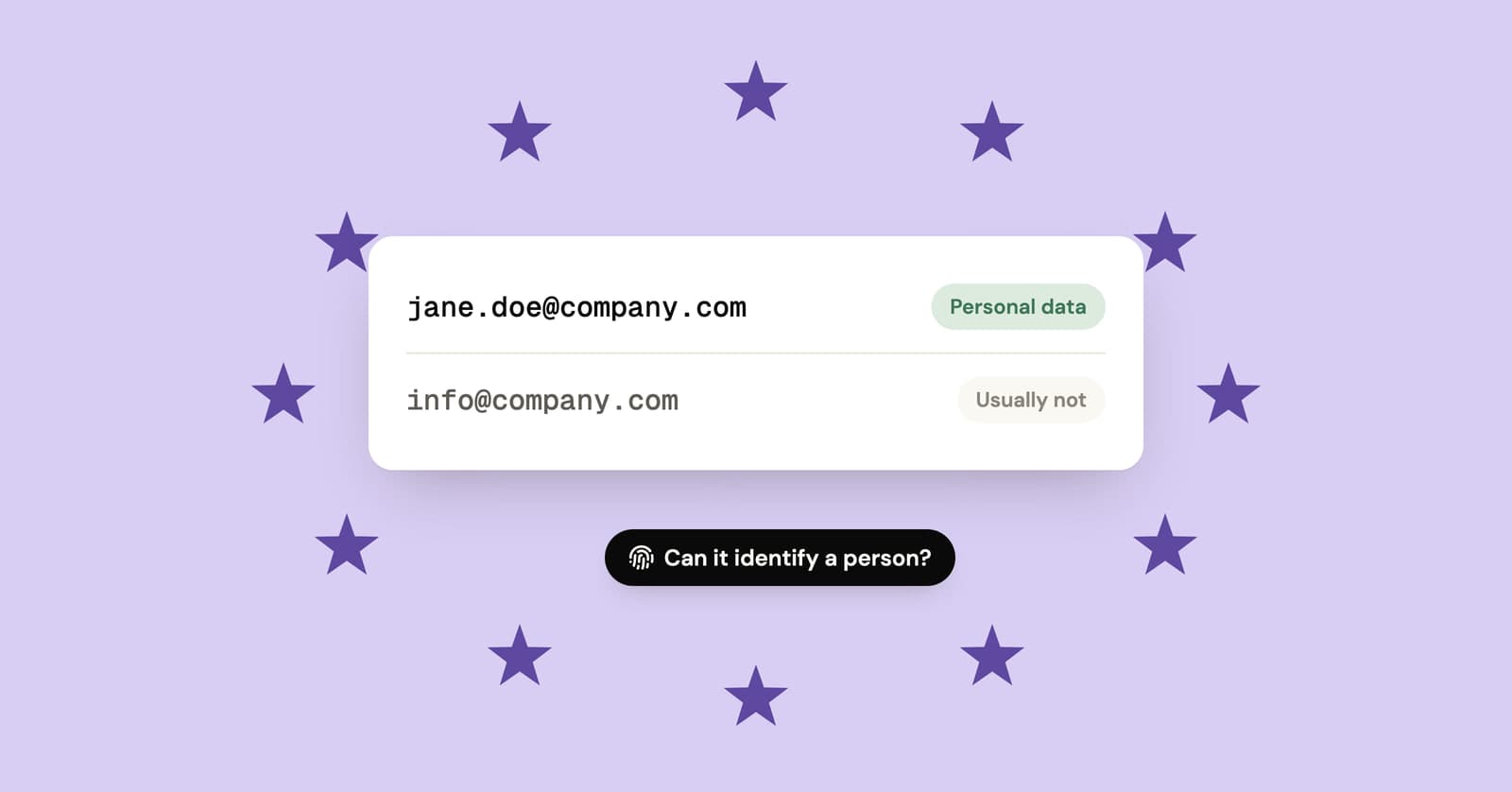
Is an email address personal data under GDPR?
Usually, yes. Named and work addresses count, shared role inboxes often don't, and random or hashed addresses are closer to personal data than most people assume.
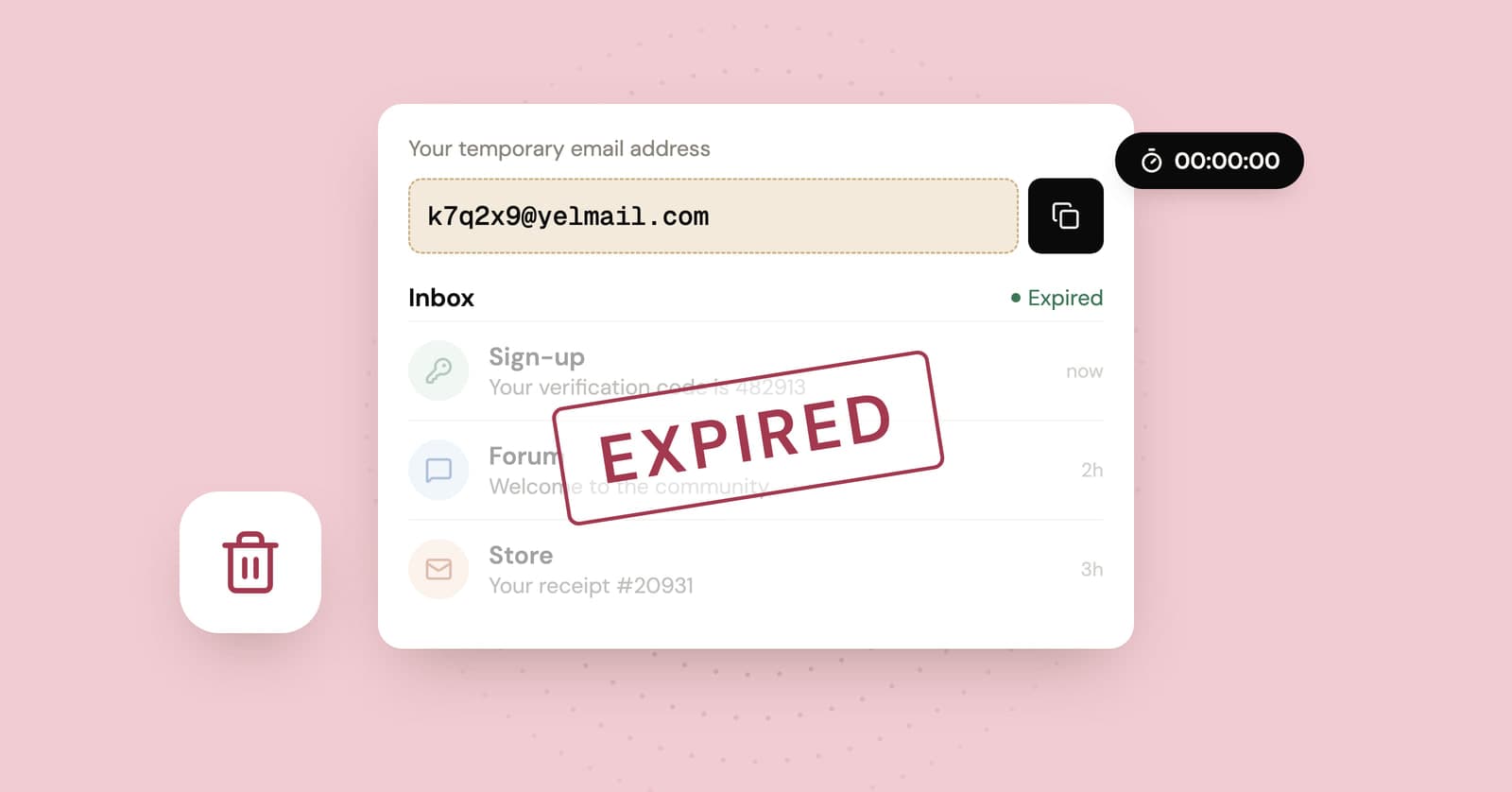
Temp mail expired? What gets deleted and what doesn't
When a temp inbox expires, the messages go and the address stops working. The accounts you signed up for with it stay behind, and that is the part worth thinking about.
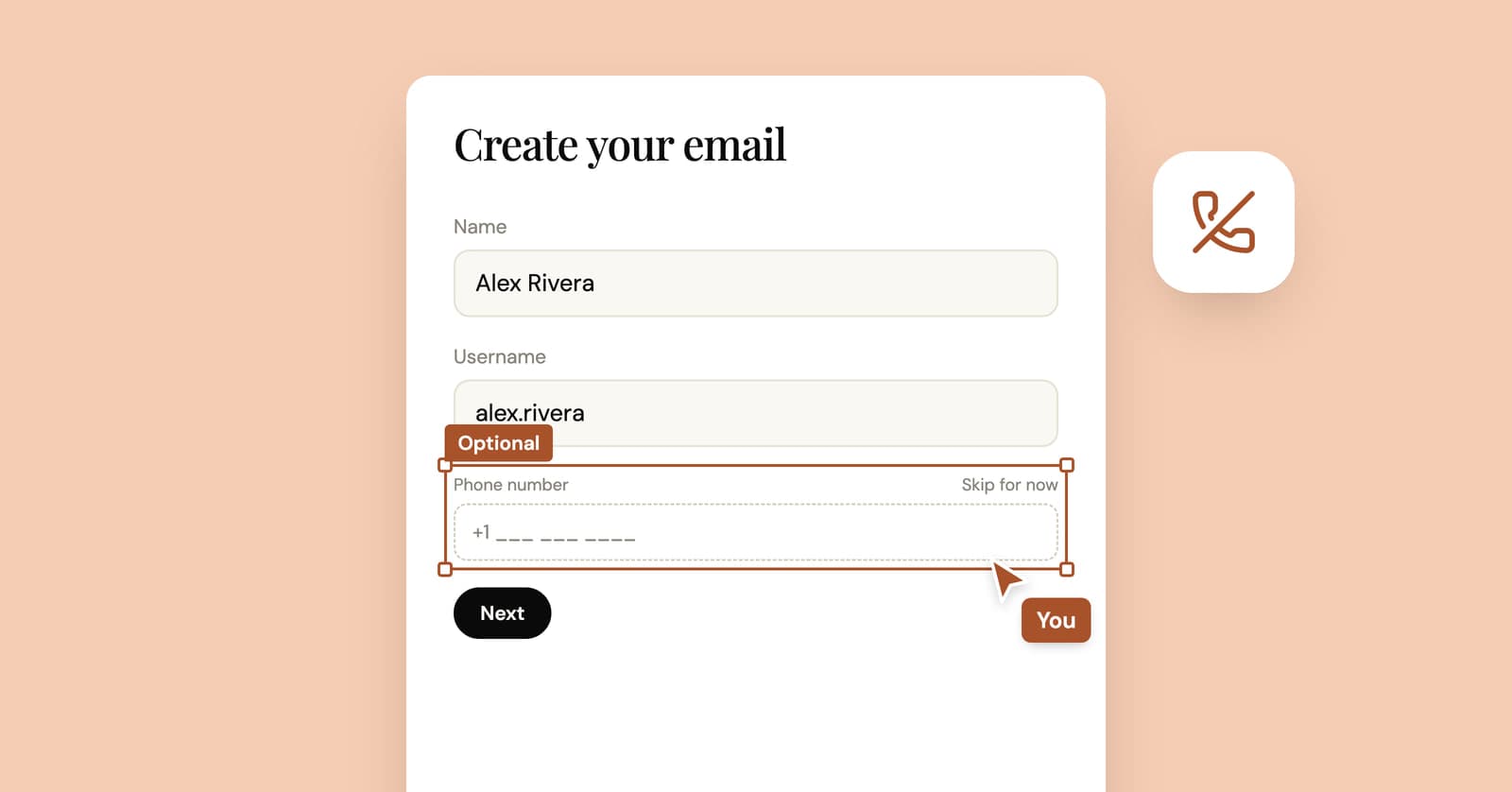
How to create an email account without a phone number
Some email providers never ask for a phone number, some ask only sometimes, and at least one lists it as required. What their own pages say, and what you give up without one.