How to find all accounts linked to your email address
By the YelMail team6 min read
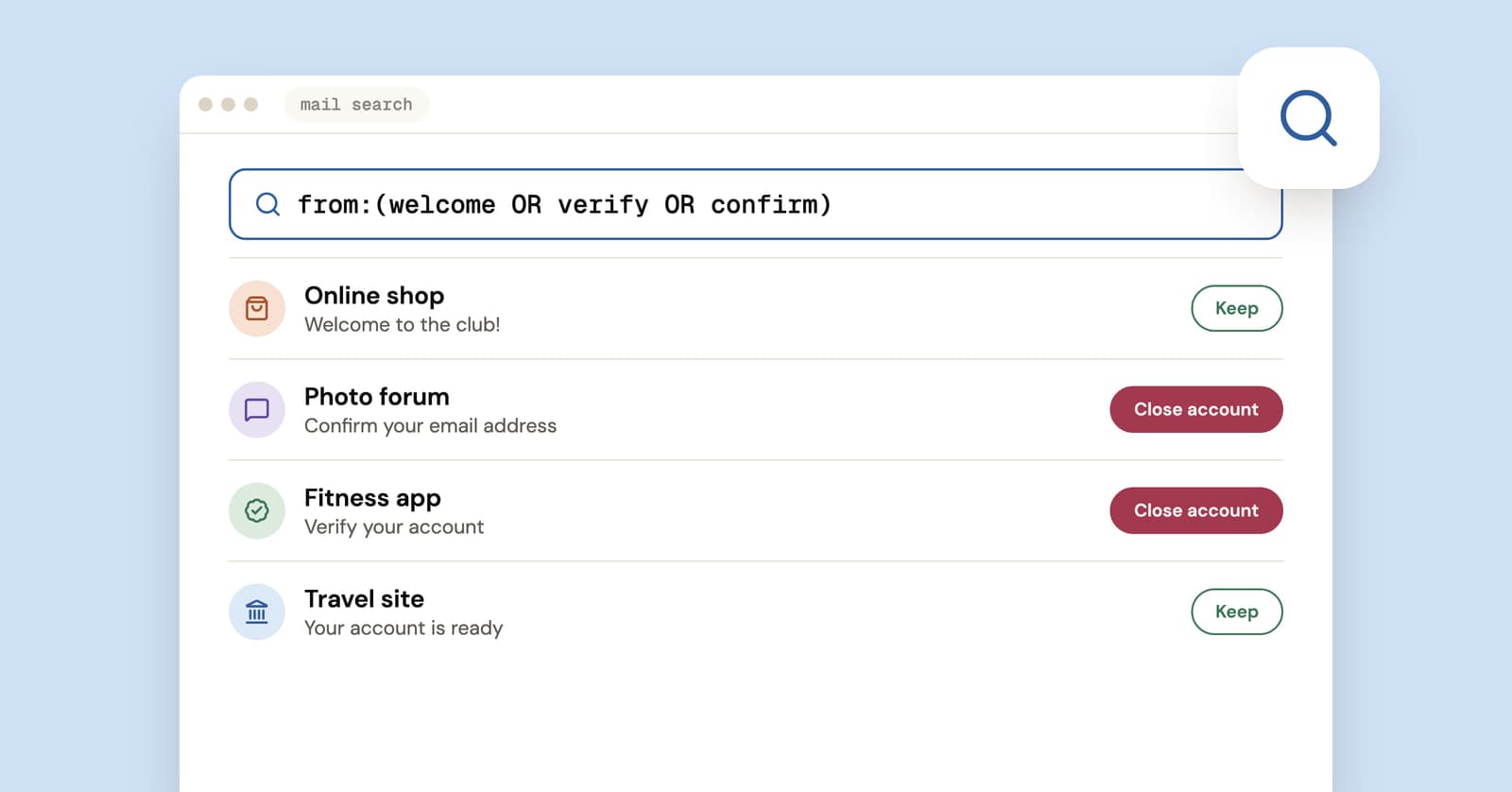
To find accounts linked to your email, combine four free checks: search your inbox for sign-up words like "welcome" and "verify your email", review the apps listed under Sign in with Google and Sign in with Apple, go through your password manager, and search your address on a breach site. No single tool sees everything. Together, those four catch most of what's out there.
Is there one tool that shows every account linked to your email?
No. There is no central register of accounts. Every company keeps its own customer list, and no service can legitimately search all of them for you.
The paid "email lookup" and people-search sites that promise a full list can only show what they've scraped or bought, and that tends to be a mix of real profiles, guesses and stale records. They also want your email address to run the search, which is a strange way to start cutting down the number of companies that have it. The free methods below are slower and more accurate.
Start with your inbox
Your inbox is the best record you have, because almost every sign-up sends at least one email: a welcome, a verification link, a receipt, a "new sign-in" alert.
Search for these one at a time rather than all at once, so each result list stays readable:
welcome"verify your email""confirm your email""thanks for signing up""your account""reset your password""new sign-in"unsubscribe
The last one is noisy, but a newsletter from a company usually means an account or at least a record exists there.
In Gmail, add in:anywhere to include Spam and Trash, and use subject: to cut the noise, for example subject:welcome. Other mail apps accept the same words in their search box, even where the extra operators differ.
Two limits. If you routinely delete old mail, older sign-ups are gone from this list. And accounts you created with a different address, an old work email or a school account won't show up here at all. Run the same searches in every inbox you've ever used.
Check where you used Sign in with Google or Apple
Accounts you created with a "Continue with Google" or "Sign in with Apple" button are listed in those accounts' settings, including ones you'd never think to search for.
Open your Google Account's linked apps page (myaccount.google.com/linkedapps). Filter by "Sign in with Google" to see every app and site you've logged in to that way. Google's help page on managing apps linked to your Google Account walks through removing them.
One thing to know before you start clicking. Stopping Sign in with Google for an app doesn't delete your account on that app. Google stops the automatic sign-in, and your data stays where it is. If you want the account gone, delete it on the app's own site first, then remove the link.
Apple
On an iPhone, open Settings, tap your name, then Sign in with Apple. On a Mac it's in System Settings under your name, and on the web it's at account.apple.com under Sign-In & Security. Apple's guide to managing apps that use Sign in with Apple has the details.
If you chose Hide My Email when signing up, the app only knows a relay address, and its mail reaches you through Apple's forwarding. Turn that forwarding off for an app and nothing from it lands in your inbox again, so this list becomes the only place the account shows up.
If you've used "Continue with Facebook" or another company's login button, look for a similar list of apps and websites in that account's settings.
Look in your password manager
If you've used a password manager, or let your browser save passwords, its list of saved logins is probably the most complete record you have. Sort or search it by username to find every entry that uses your email.
Browsers count. Chrome, Safari, Firefox and Edge all keep saved passwords, and many people have years of logins stored there without ever opening the list.
Search your address on a breach site
A breach search surfaces accounts you forgot about years ago, because it lists services that lost your data. Search your address on Have I Been Pwned and you'll often find a forum or a shop you'd completely forgotten.
If anything turns up with a password you still use somewhere, stop here and go through our data breach checklist first. Changing that password matters more than finishing this list.
Try "forgot password" on sites you suspect
For a specific site you're unsure about, use its password reset form with your address. If an account exists, a reset email usually arrives within minutes. Many sites show the same message whether or not an account exists, so the email is the tell, not the message on screen.
This is your own address and your own account, so it's a perfectly fair test. If nothing arrives, you may have used a different address there.
Close the accounts you don't use
An account you don't use is only a liability: another password to leak, another database with your address in it. Go through the list and sort it into keep, update and delete.
For the ones you're deleting:
- Download anything you want to keep, like photos, order history or invoices.
- Cancel any subscription and remove saved cards.
- Look for "Delete account" under account, privacy or security settings. "Deactivate" usually hides your profile and keeps your data.
- If there's no delete button, write to the company. Our guide to removing your email from websites includes a short deletion-request template.
For accounts you're keeping, make sure each one has a unique password and a current email address. If one of them is still sitting on a temporary address, move it to a lasting address before that inbox expires.
Keep the list short from now on
Next time a site wants an email address, ask yourself if you'll ever log in there again. For accounts you'll keep, a Gmail plus address or an alias makes each one easy to trace later. For one-off sign-ups, a disposable email address means the account never gets linked to your real inbox in the first place.
That cuts both ways. An account made with a temp address won't show up in any of the searches above, and once the inbox expires you can't reset its password. That's fine for a forum you'll read once. It's a bad idea for anything you'd miss.
Frequently asked questions
Can someone else find the accounts linked to my email?
Partly. On many sites, anyone can type your address into the sign-up or reset form and see whether it's already registered, and public breach searches show which breached services had it, apart from those flagged as sensitive. They can't see your password manager, your inbox or your Google and Apple sign-in lists. Unique passwords and two-factor authentication matter more than keeping the list secret.
Does deleting my Google account delete accounts I made with Sign in with Google?
No. Those accounts belong to the other companies, and they stay where they are. What you lose is the easy way in, because you signed in through Google rather than with a password. Before closing a Google account, visit each linked site and either set a password and a different email address there, or delete the account on that site.
How do I find accounts linked to an old email I can no longer access?
Start with your password manager and your browser's saved passwords, since they don't depend on the old inbox. Then search the old address on a breach site. For any account you want to keep, log in if you still can and change the email address to one you control. If you can't log in, contact that company's support team and explain the situation.
Are accounts made with a temporary email linked to me?
Not through your email. The account is tied to the temporary address, so it won't appear in your inbox searches or your password resets. That's the point of using one, and also the catch: when a free YelMail inbox expires it can't be recovered, and any password reset sent to it later goes nowhere.
Where to go from here
Block out an hour, work through the checks above, and delete everything you don't recognize or need. For the next sign-up that doesn't deserve your real address, open a free temp mail inbox instead.
Keep reading
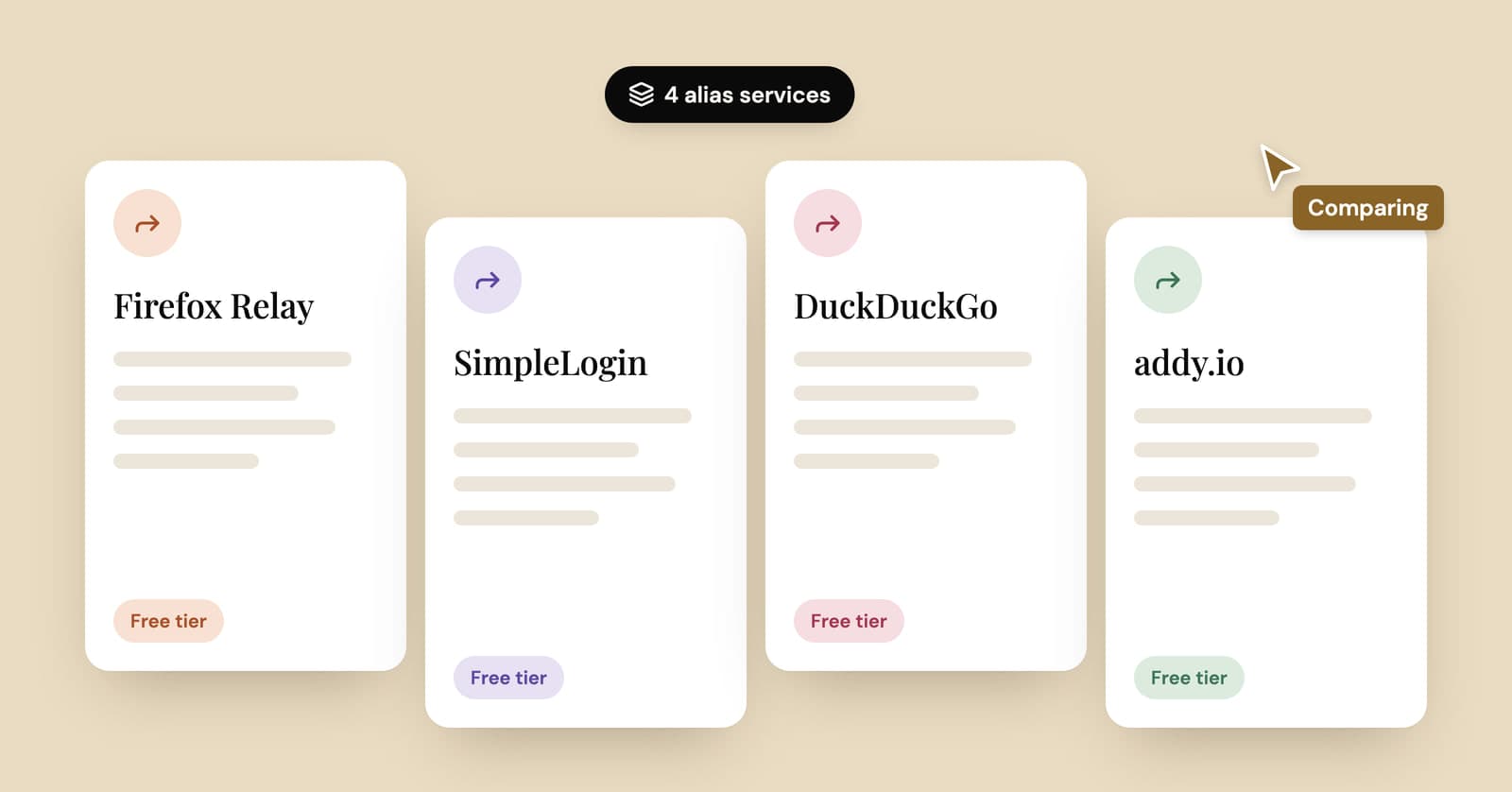
Firefox Relay vs SimpleLogin vs DuckDuckGo vs addy.io: email alias services compared
Four popular email alias services side by side: what each free plan includes, which ones let you reply, what the paid plans cost and when a temp inbox is simpler.
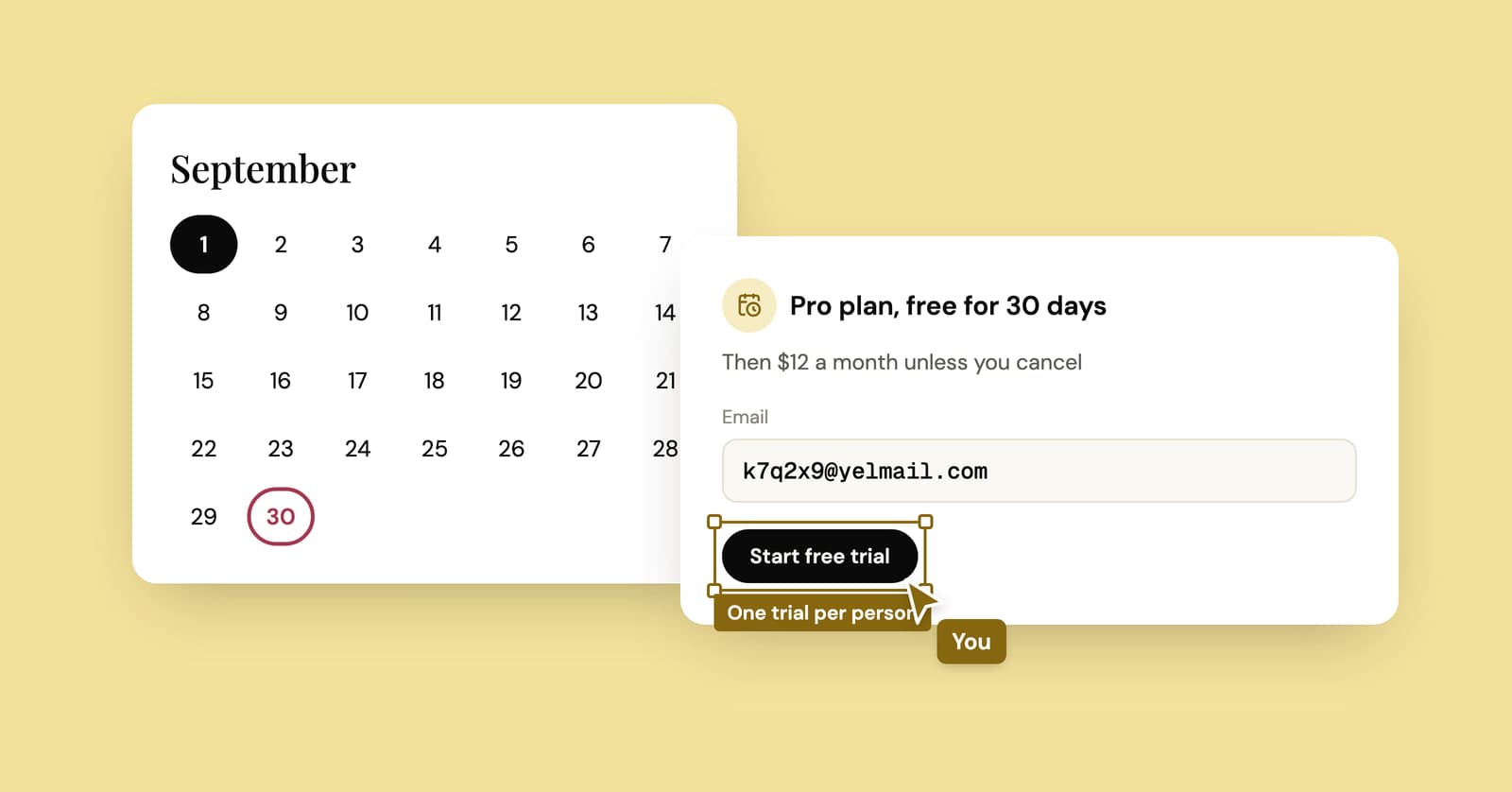
Temp mail for free trials: when it's fine and when it's trial abuse
One trial on a throwaway address to dodge the sales emails is fair. Restarting the same trial again and again is not, and it tends to end with a charge or a closed account.
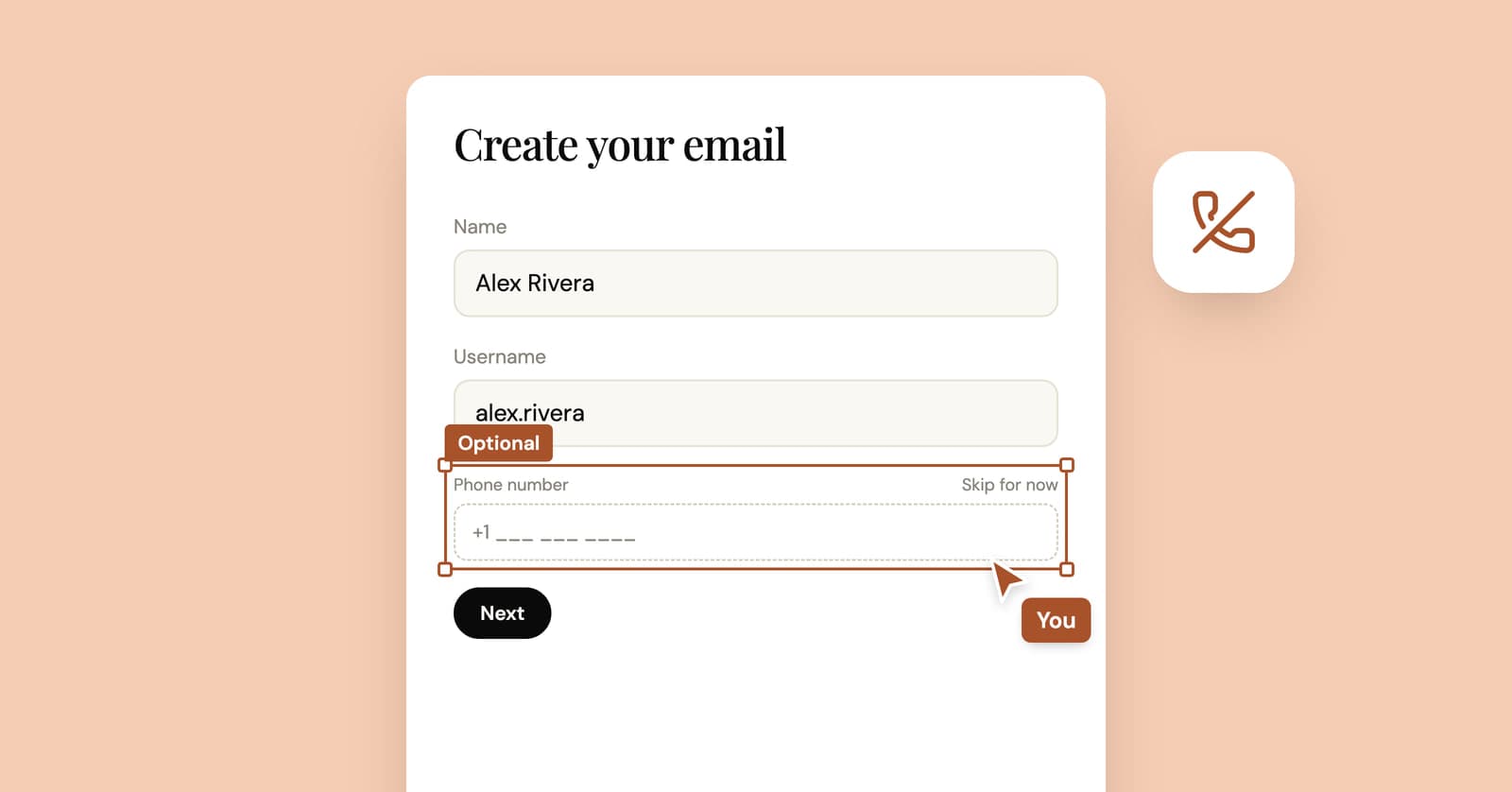
How to create an email account without a phone number
Some email providers never ask for a phone number, some ask only sometimes, and at least one lists it as required. What their own pages say, and what you give up without one.