Firefox Relay vs SimpleLogin vs DuckDuckGo vs addy.io: email alias services compared
By the YelMail teamUpdated 9 min read
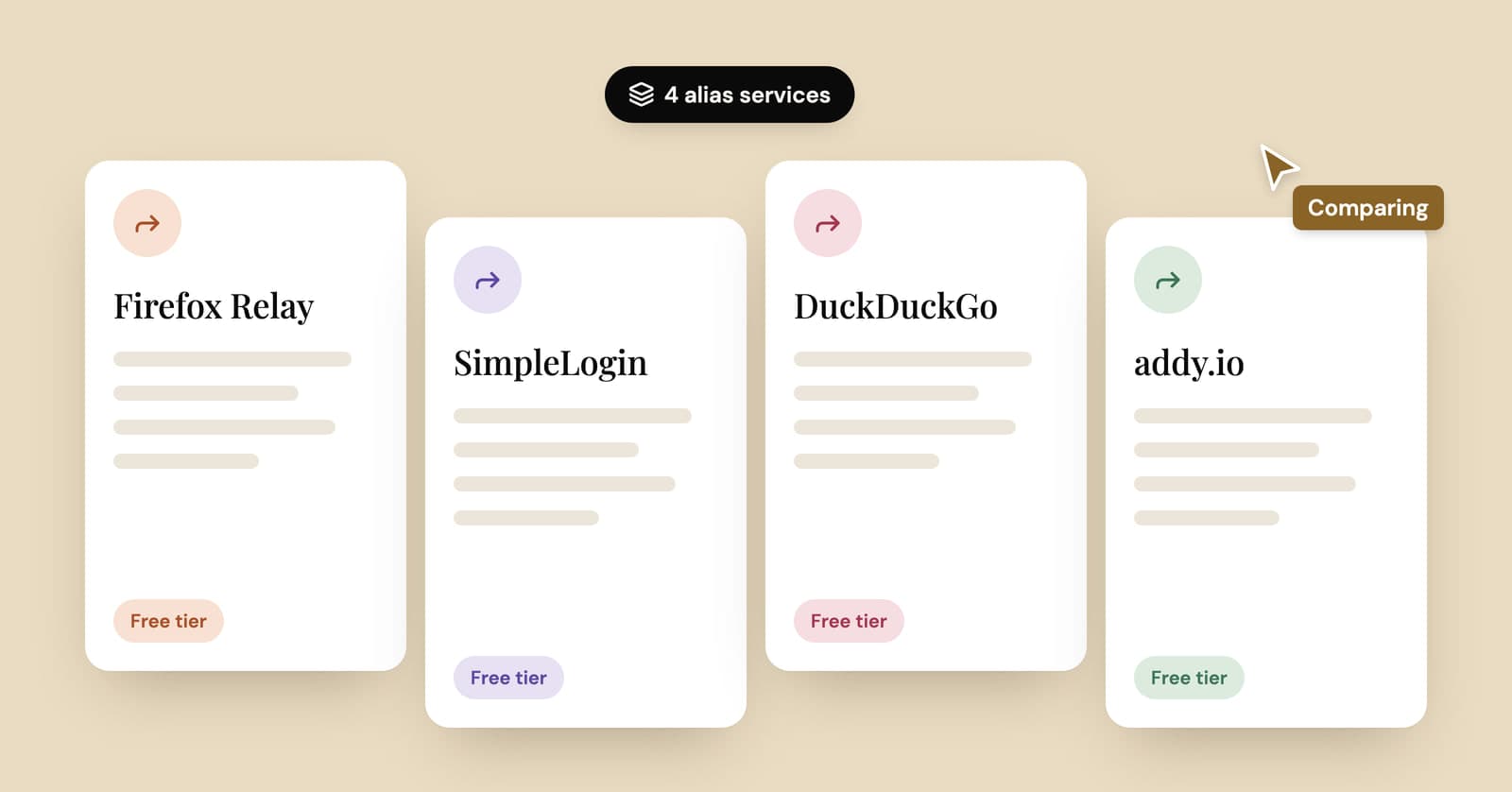
Firefox Relay vs SimpleLogin mostly comes down to replies and limits. Relay's free plan gives you 5 email masks and no replies, while SimpleLogin's gives you 10 aliases and lets you reply. DuckDuckGo Email Protection is free with effectively unlimited addresses, and addy.io lets free users invent unlimited aliases on a personal subdomain, within a 10 MB monthly bandwidth cap.
A disclosure first. YelMail is a temp mail service, not an alias service, so none of these four is a direct competitor. For accounts you plan to keep, an alias is the better tool anyway. Every limit and price below comes from the provider's own site, not from memory or a review roundup.
What does an email alias service do?
An email alias service gives you forwarding addresses that pass mail on to your real inbox, so each site gets a different address and never learns yours. When one address starts attracting spam, you switch that one off and the others keep working.
That's different from temp mail, which is a separate inbox that expires rather than a pipe into your own. Aliases suit accounts you want to keep; temp mail suits the ones you don't. Our temp mail vs email alias guide goes through that choice properly, so this post sticks to the four services.
Every alias service asks for the same trade. You stop giving your address to hundreds of companies and start trusting one company with all your forwarded mail. Pick one whose business model you understand.
How do the free plans compare?
SimpleLogin and DuckDuckGo let free users reply from an alias; Relay and addy.io keep replies for paying customers. DuckDuckGo doesn't charge for Email Protection at all.
Details below are as listed on each provider's own site, checked in September 2026. Plans change, so confirm on their site before you pay for anything.
| Firefox Relay | SimpleLogin | DuckDuckGo Email Protection | addy.io | |
|---|---|---|---|---|
| Run by | Mozilla | Proton AG | DuckDuckGo | Independent, open source |
| Free addresses | 5 masks | 10 aliases | Effectively unlimited (a daily cap stops abuse) | Unlimited on your username subdomain, plus 10 on shared domains |
| Reply from an alias for free | No | Yes | Yes | No |
| Main free-plan catch | Emails over 10 MB aren't forwarded | Forwards to 1 mailbox | Sign-up needs DuckDuckGo's browser or extension | 10 MB of forwarded mail a month |
| Tracker removal | Yes, on the free plan | Not listed on its pricing page | Yes | Paid plans |
| Your own domain | Not listed (Premium gets a custom mozmail.com subdomain) | Premium, unlimited domains | Not listed | Lite: 1, Pro: 20 |
| Paid plan | Premium: $0.99/month billed yearly or $1.99 monthly (US) | Premium: $36/year or $4 monthly | No paid email tier | Lite: $1/month billed yearly. Pro: $3/month billed yearly or $4 monthly |
Firefox Relay
Firefox Relay is Mozilla's alias service. The free plan gives you 5 masks that forward to your real address with common trackers stripped out; replies, unlimited masks and promo blocking are Premium features.
Premium adds unlimited masks and your own subdomain on mozmail.com, so you can make up a mask on the spot ([email protected]) without opening the dashboard first. It also adds replies, with a limit worth knowing: Relay's FAQ says Premium users can reply within 3 months of receiving an email. As listed on Relay's Premium page, Premium is sold in a set list of countries (the US, Canada, the UK, EU member states and a few others), and the US price is $0.99 a month billed yearly or $1.99 month to month. Bundles with phone masking and Mozilla VPN cost more.
Relay's FAQ is refreshingly upfront about the limits:
- Emails larger than 10 MB aren't forwarded.
- Some sites won't accept an address with a subdomain, and some only accept the big free providers.
- Relay records which websites you used each mask on, so it can label them for you. You can turn that off in settings.
- Mozilla itself recommends giving your true address to your bank, your doctor and your lawyer, and using it for concert tickets and boarding passes.
Good for: Firefox users who want a handful of masks for newsletters and shops and never plan to reply.
SimpleLogin
SimpleLogin is a Proton product that gives free users 10 aliases with replies included. Premium removes the cap and adds custom domains with catch-all.
The free plan, as listed on SimpleLogin's pricing page, includes 10 aliases, one mailbox to forward to, replies from aliases and unlimited bandwidth. Premium costs $36 a year or $4 billed monthly and adds unlimited aliases, unlimited custom domains, catch-all domains, 5 subdomains, 50 "directories" (usernames you can create aliases under on the fly), unlimited mailboxes, PGP encryption and the ability to start a new email from an alias instead of only replying. It now includes Proton Pass premium features as well.
Two policies worth reading before you pay. If your subscription ends, the aliases you already made keep working in both directions, but you can't create new ones once you're over the free limit of 10. And SimpleLogin says it doesn't offer refunds, pointing you to its trial period instead. The code is open source and can be self-hosted.
Good for: anyone who replies from aliases, and anyone who wants their own domain without running a mail server. If you'd rather run the domain side yourself, here's how a catch-all on your own domain works.
DuckDuckGo Email Protection
DuckDuckGo Email Protection is free and strips trackers from forwarded mail. It also lets you generate as many private @duck.com addresses as you're realistically going to need.
You get two kinds of address. A personal one ([email protected]) is for giving to people. Private ones are generated for you from random words and are meant for sign-up forms. DuckDuckGo's help pages describe private addresses as effectively unlimited: there's a daily cap to prevent abuse, but not one they expect anyone to hit. They don't expire, either. They keep forwarding until you deactivate them or close your account.
Replies work for most addresses. You reply as usual and DuckDuckGo sends it out from the Duck address. The exception, per its help pages, is a forwarding address on a domain with no SPF record. Starting a brand-new email from your Duck address is clumsier, since it means typing the recipient into a special encoded address.
The real catch is getting in. You sign up from a DuckDuckGo browser on your phone or computer, or from the DuckDuckGo extension in Firefox, Chrome, Edge, Brave or Opera. Deactivating a private address happens from the banner DuckDuckGo adds to forwarded emails, or from the Passwords menu in its browser.
Good for: people who want free and unlimited and don't mind installing DuckDuckGo's browser or extension to get it.
addy.io
addy.io gives free users unlimited aliases on a personal subdomain, like [email protected], created automatically the first time mail arrives. The limits are bandwidth and replies.
You pick a username, and any name at your subdomain works without setting it up first. That's a catch-all, and addy.io turns it on by default. The free plan, as listed on addy.io, includes unlimited standard aliases, 10 active aliases on shared domains (addresses that don't contain your username), one real address to forward to and 10 MB of forwarded mail a month. Its FAQ estimates 10 MB at roughly 140 average emails, and on the free plan, mail over the limit is rejected until the next month starts. Replying and sending from aliases begin on the paid plans.
Lite costs $1 a month billed yearly and brings 50 shared-domain aliases, one custom domain, 50 replies or sends a day, 100 MB of bandwidth and tracking pixel blocking. Pro costs $3 a month billed yearly or $4 monthly, with unlimited shared-domain aliases, 20 custom domains, 200 replies or sends a day and unlimited bandwidth.
Two things to weigh. Your username sits in every standard alias, so they all point back to one account; addy.io suggests choosing a username that isn't tied to your real name, or using shared-domain aliases. And because of the catch-all, spam sent to random names (contact@, admin@) turns up as new aliases in your account. The paid plans let you switch catch-all off if that bothers you. addy.io is open source, can be self-hosted and supports GPG encryption.
Good for: people who like making up addresses at the checkout, and anyone who wants the option to self-host.
Which email alias service should you choose?
Choose by the feature you'll actually use. For most sign-ups the deciding question is if you'll ever reply from the address. After that, it's how many addresses you need.
- You never reply and want it free: DuckDuckGo, or Relay if 5 masks is plenty.
- You reply from aliases and want to pay nothing: SimpleLogin for up to 10 aliases, or DuckDuckGo.
- You want a new address for every site without clicking anything: addy.io, as long as your mail fits the free bandwidth, or one of its paid plans.
- You want your own domain behind the aliases: SimpleLogin Premium or addy.io's paid plans.
- You already pay for iCloud+: Hide My Email is included, and we compared it in Hide My Email vs temp mail.
When is temp mail a better choice than an alias?
When you'll never need the account again. An alias keeps a line open to your real inbox until you close it. A temp inbox closes itself.
Think of the PDF behind a download form, the airport Wi-Fi portal, the forum that makes you register to read one answer. An alias works for all of those, but it needs an account with the alias provider, and a year later you'll have a dashboard full of addresses for sites you've forgotten. A free temp mail inbox needs nothing and deletes itself.
It cuts the other way too. For anything you'll log back into, pay for or need to recover, temp mail is the wrong tool and an alias (or your real address) is the right one. Neither is immune to blocking: sites that refuse disposable domains sometimes refuse alias domains as well, and Relay's own FAQ says so.
YelMail Premium sits in between. You can choose your own address name and keep up to 25 saved inboxes with mail kept for 30 days. Incoming mail can also be forwarded to a verified personal address. It's receive-only, though, so if replying matters, an alias service is the better fit. The plans are on our pricing page.
Frequently asked questions
Are email alias services safe to use?
They're as trustworthy as the company running them, because every forwarded email passes through their servers. Look at who runs the service and how it pays its bills. Firefox Relay says it only stores mail temporarily when forwarding fails, and never for longer than three days. SimpleLogin and addy.io publish their code and can be self-hosted if you'd rather not trust anyone.
What happens to my aliases if the service shuts down?
Forwarding stops, and every account registered with those aliases stops receiving email, password resets included. Mozilla says it would give Relay users advance notice to change their addresses. The best insurance is using the service with a domain you own: if the provider disappears, you point the domain at another one and your addresses keep working.
Can websites block email aliases?
Yes. Some sites reject known alias domains the same way they reject temporary ones, and Relay's FAQ notes that some won't accept subdomain addresses at all. If a site refuses your alias, try one on a different domain, or ask yourself if the account is important enough for your real address. Our post on why sites block temporary email explains how those blocklists work.
Does an email alias hide my IP address or identity?
No. An alias hides your email address from the site and nothing else. The site still sees your IP address, your browser and anything you type into its forms, including your name and card details. If you pay with your own card, the alias keeps your inbox private, not your identity.
The short version
If you want free and don't mind DuckDuckGo's browser or extension, start there. If you reply from aliases, try SimpleLogin's free plan first. And for sign-ups you'll never think about again, skip the alias and open a free temp mail inbox.
Keep reading
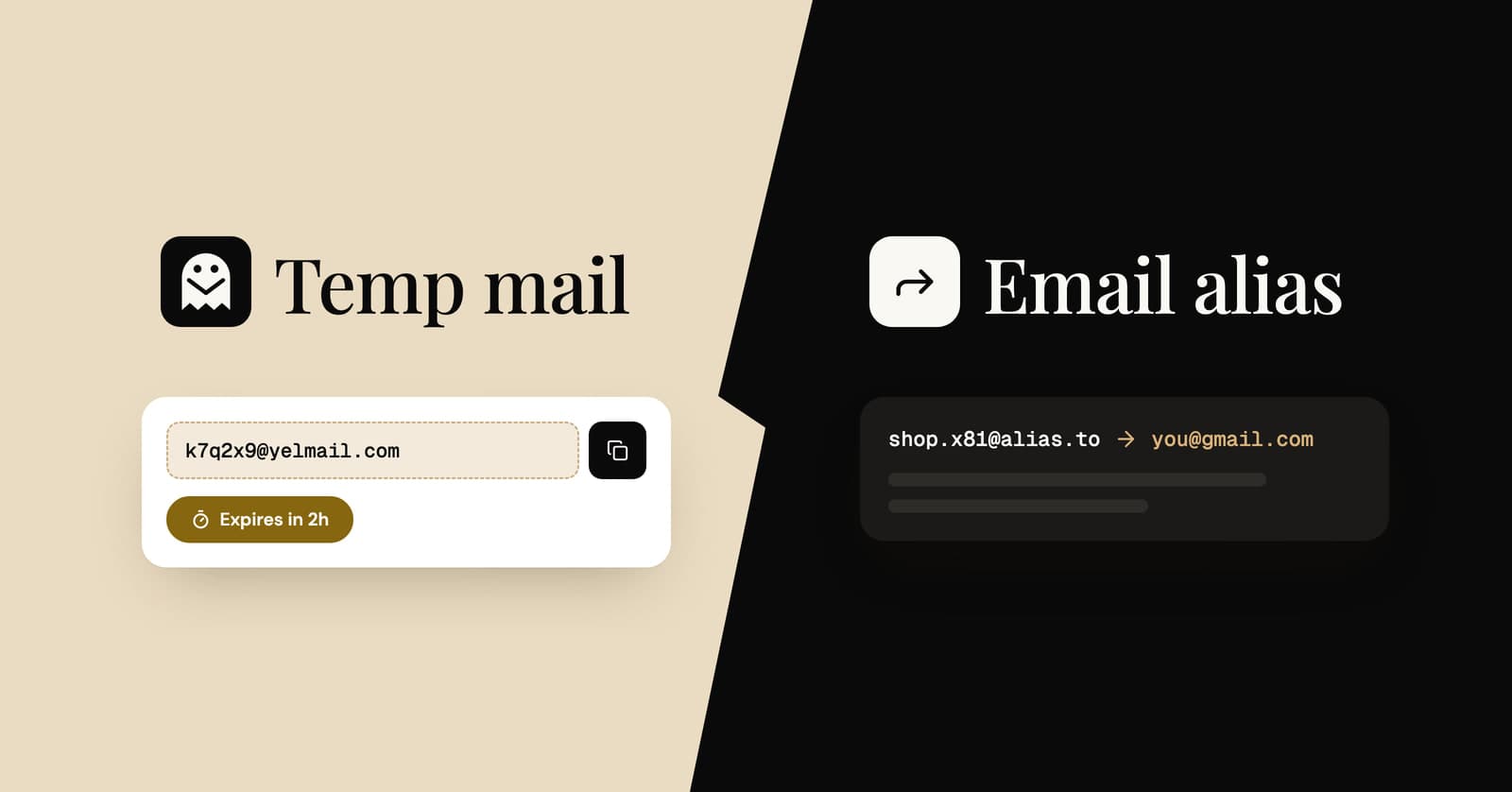
Temp mail vs email alias: which one should you use?
Four ways to keep your real address private, compared side by side, with a simple rule for choosing the right one for each sign-up.
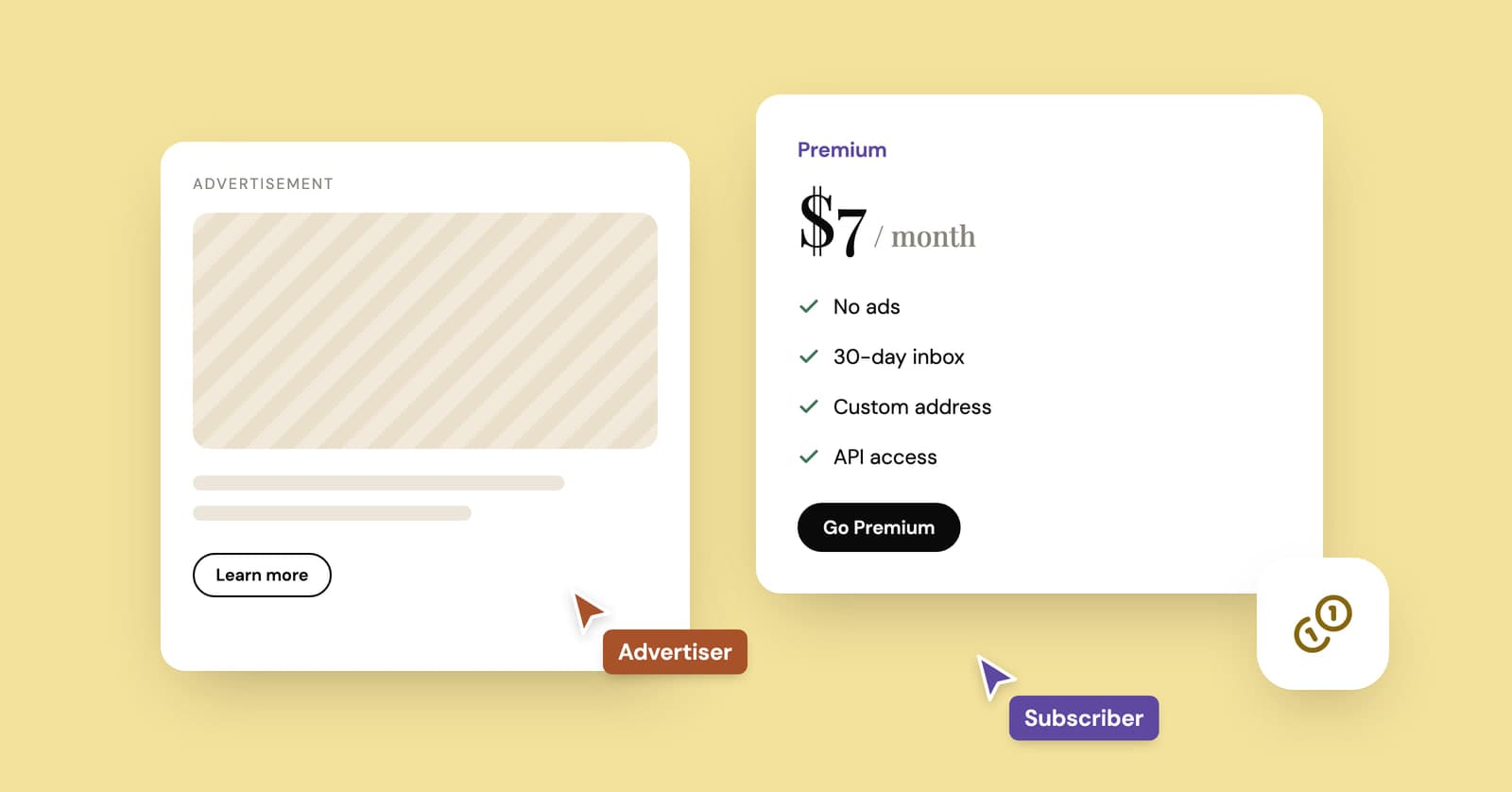
How do temp mail sites make money if they're free?
Ads, paid plans and developer APIs keep most temp mail services running. How the money works, what it costs and the signs a free inbox is paying its bills with your data.
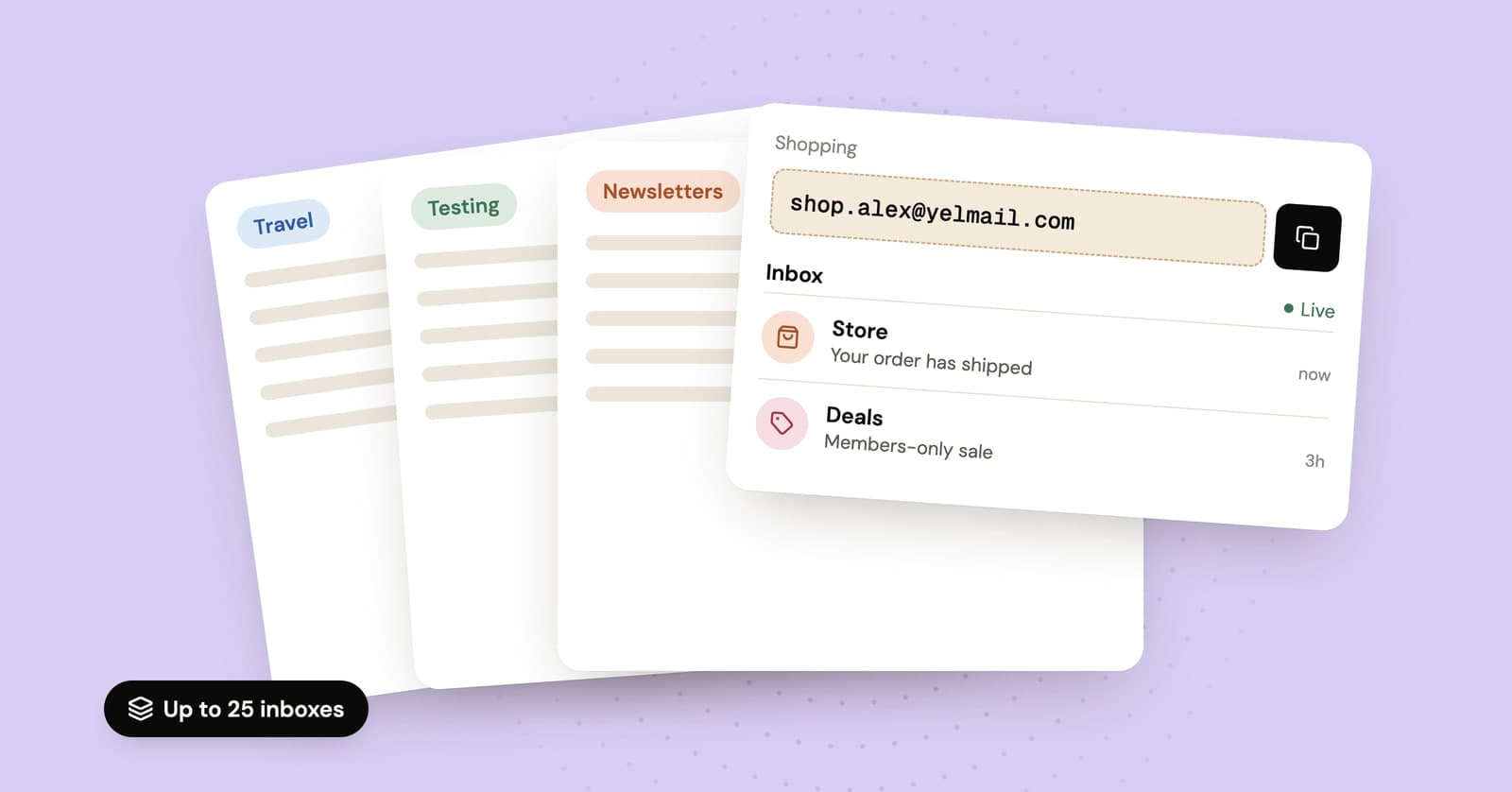
How to use multiple temp mail inboxes without losing track
Why you might want several temporary inboxes, how to juggle them on the free plan, and when saved Premium inboxes or an alias service make more sense.