How to use multiple temp mail inboxes without losing track
By the YelMail team7 min read
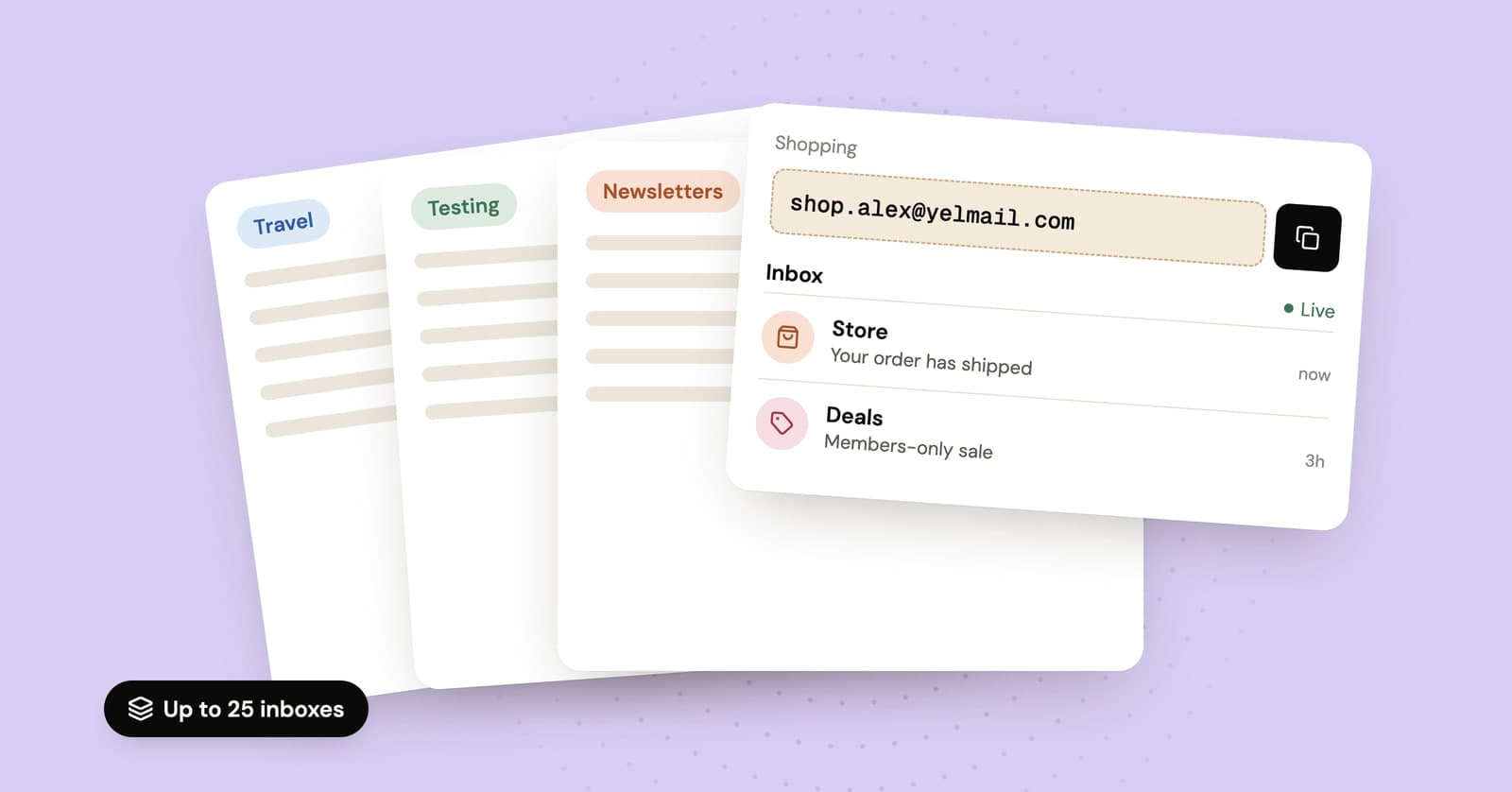
You can run multiple temp mail inboxes in two ways: one at a time, swapping the address whenever you move on, or several at once on a plan that saves them. On YelMail, the free plan holds one inbox and Change swaps it for a new random address. Premium keeps up to 25 inboxes saved to your account, with names you choose and 30 days of mail.
Why would you want more than one temp inbox?
Mostly to keep different parts of your online life apart, so one noisy sender can't bury the mail you actually care about. The reasons usually fall into a few groups:
- Separation. Shopping in one place, newsletters in another, travel bookings in a third.
- Tracing leaks. Give every site its own address, and when spam turns up at one of them, you know exactly who passed it on.
- Overlapping timelines. You're waiting on a delivery update in one inbox while signing up for something else.
- Testing. You're checking your own app's sign-up flow and need several fresh users, not one.
If you only ever need one code at a time, you don't need any of this. One inbox and the Change button will do.
How many inboxes does the free plan give you?
One at a time. The free inbox is created the moment the page opens, and Change swaps it for a new random address when you're finished with the old one.
That makes Change a swap, not an addition. Copy the code, click the link or save the file before you press it. Each email is kept for 2 hours, the inbox expires after 2 hours of inactivity, and an expired free address can't be recovered. If you want the inbox gone right now, Delete destroys it and its messages at once.
For a string of one-off sign-ups, the free routine looks like this:
- Copy the address and use it on the first site.
- Wait for the email to arrive, which happens live on the page.
- Copy the code or open the link, and save any attachment you need.
- Press Change for a new random address.
- Move on to the next site.
Opening a second tab won't give you a second inbox. The key to a free inbox lives in the browser that created it, so every tab in that browser shows the same one. If the form you're filling in is on your phone, the QR code button puts the address on your phone so you can paste it there, but the mail still arrives in the browser where the inbox was created.
When should you keep several inboxes at once?
When you need mail from more than one sender over days or weeks rather than minutes. That's where the free 2-hour window stops fitting.
Some everyday examples:
- An online order, a hotel booking and a two-week trial all running at the same time, each sending updates on its own schedule.
- One address per site for the dozen or so services you don't fully trust, so a leak points straight at the culprit.
- A hobby forum, a local club and a side project you'd like to keep out of your personal inbox.
- QA work where several test accounts need to receive mail across a few days.
None of those is a single moment. Each needs an address that's still yours next Tuesday.
What Premium changes
Premium keeps up to 25 inboxes saved to your account at once, lets you choose each address name, adds premium domains and holds every email for 30 days. Those four are what matter when you're running several inboxes.
| Free | Premium | |
|---|---|---|
| Inboxes at once | 1 | Up to 25, saved to your account |
| Address | Random | Random, or a name you choose |
| Domains | Standard | Premium domains as well |
| How long email is kept | 2 hours | 30 days |
| Where the inbox lives | The browser that created it | Your account, on any device you sign in from |
Premium also removes ads, allows bigger attachments and adds forwarding to a verified personal address. Testers get a REST API, documented in the API docs, so a test suite can create and read inboxes on its own.
It costs $7 a month or $69 a year, with a 14-day money-back guarantee on the first payment. If you only ever need one address at a time, don't pay for it. The free inbox does that job. The pricing page has the full comparison.
A naming scheme that actually helps
Name each address after the site or the job it's for, and keep your real name out of it. A good name tells you, six months from now, exactly where that address has been.
| Scheme | Example names | Good for |
|---|---|---|
| One per site | bikeshop, citylibrary, recipeforum |
Spotting who leaked or sold an address |
| One per purpose | travel, deals, newsletters |
Sorting mail by what it's for |
| Numbered | qa-signup-01, qa-signup-02 |
Test accounts you'll reset often |
A few habits make the scheme hold up:
- Skip anything that points back to you: your name, your birth year, your usual username.
- If the name you want is taken on one domain, try a small variation or another domain.
- When an address starts attracting junk, delete it. With one address per site, you lose exactly one sender.
Custom names are a Premium feature. Our page on custom temp mail shows how to set one up.
How to keep track of which address went where
Keep the record where you already keep logins: your password manager. It saves the email address next to each site's password anyway, so it becomes a map of which inbox belongs to which account without any extra work.
Beyond that, the naming scheme does the job. If the address is called bikeshop, you don't need a spreadsheet to remember what it's for.
When an alias service is the better fit
If the accounts are ones you'll keep for years, or you need to reply to people, use email aliases instead. Temp inboxes, ours included, are receive-only, and even Premium's 30 days is still a limit.
An alias forwards mail into your real inbox for as long as you keep it switched on, and some alias services let you reply through it. That suits the accounts you log into every week: the streaming service, the utility company, the shop you actually buy from. Our comparison of email alias services covers the main options. If you use Gmail, plus addressing is a free halfway step, though anyone who deletes the tag sees your real address.
A sensible split: aliases for the accounts you keep, temp inboxes for everything around them that's one-off or short-lived.
What multiple inboxes aren't for
Several addresses are for keeping your own mail apart, not for posing as several people. Opening extra accounts on one site to repeat a free trial, stack sign-up bonuses, claim referral rewards or vote more than once breaks most sites' terms, and ours.
It also tends not to work. Many sites look at payment details, devices and behavior, not just the email address, and accounts that get flagged are usually closed along with whatever was in them.
Frequently asked questions
Can I open two tabs to get two free inboxes?
No. Every tab in the same browser opens the same inbox, because the key that opens it is stored in that browser. The free plan holds one inbox at a time, so getting a different address means pressing Change, which replaces the current one. If you need several addresses working at the same moment, Premium's saved inboxes are built for exactly that.
Do Premium inboxes work on other devices?
Yes. Premium inboxes are saved to your account rather than to a single browser, so you can sign in on your phone or another computer and find all of them there. Free inboxes work differently: each one stays in the browser that created it. The QR code only carries the address over to your phone for pasting into a form, and the messages still arrive in that original browser.
Can one address per website show who sold my email?
Yes, and it's one of the best reasons to keep several. Give each site its own address, ideally named after the site, and if spam starts arriving at one of them, you know exactly who passed it on. Delete that address and the spam goes with it. Aliases and plus addressing can do the same job, with different trade-offs.
How many temp inboxes do I really need?
Fewer than you'd think. A handful covers most people: one for shopping, one for travel, one for newsletters and a few for single sites they don't trust. Even if you give every site its own address, 25 goes further than it sounds, because one-off sign-ups can still use a random inbox that you delete straight afterwards, freeing the slot.
Where to go from here
If one address at a time covers what you do, keep using the free inbox and the Change button. If you're juggling orders, bookings and newsletters at once, Premium's saved inboxes are the tidier way to keep them apart.
Keep reading
Firefox Relay vs SimpleLogin vs DuckDuckGo vs addy.io: email alias services compared
Four popular email alias services side by side: what each free plan includes, which ones let you reply, what the paid plans cost and when a temp inbox is simpler.
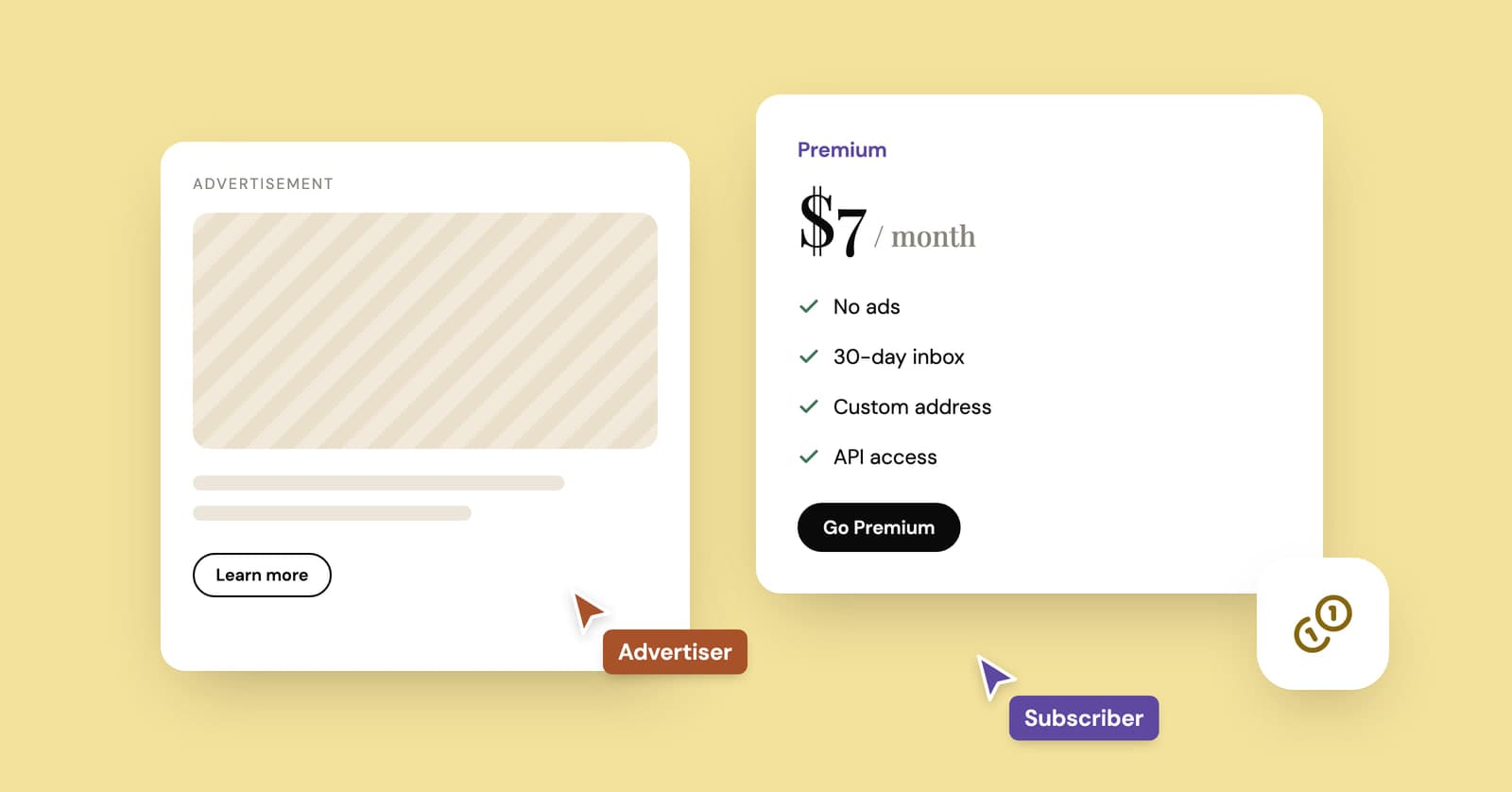
How do temp mail sites make money if they're free?
Ads, paid plans and developer APIs keep most temp mail services running. How the money works, what it costs and the signs a free inbox is paying its bills with your data.
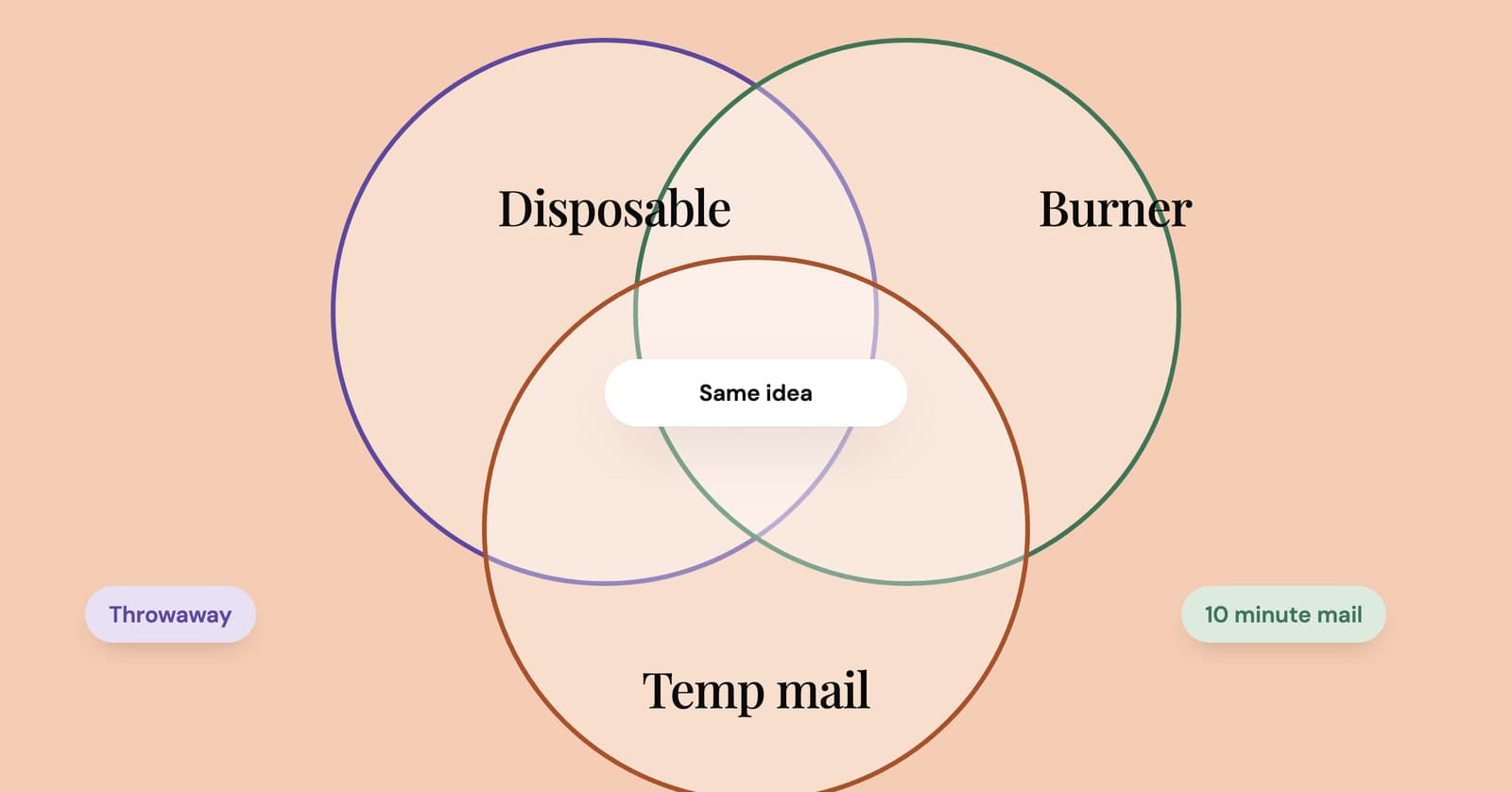
Burner email vs disposable email vs temp mail: what's the difference?
Burner, disposable, throwaway, 10 minute, alias: what each word actually means, and the four questions that matter far more than the label on the tool.