How do temp mail sites make money if they're free?
By the YelMail team6 min read
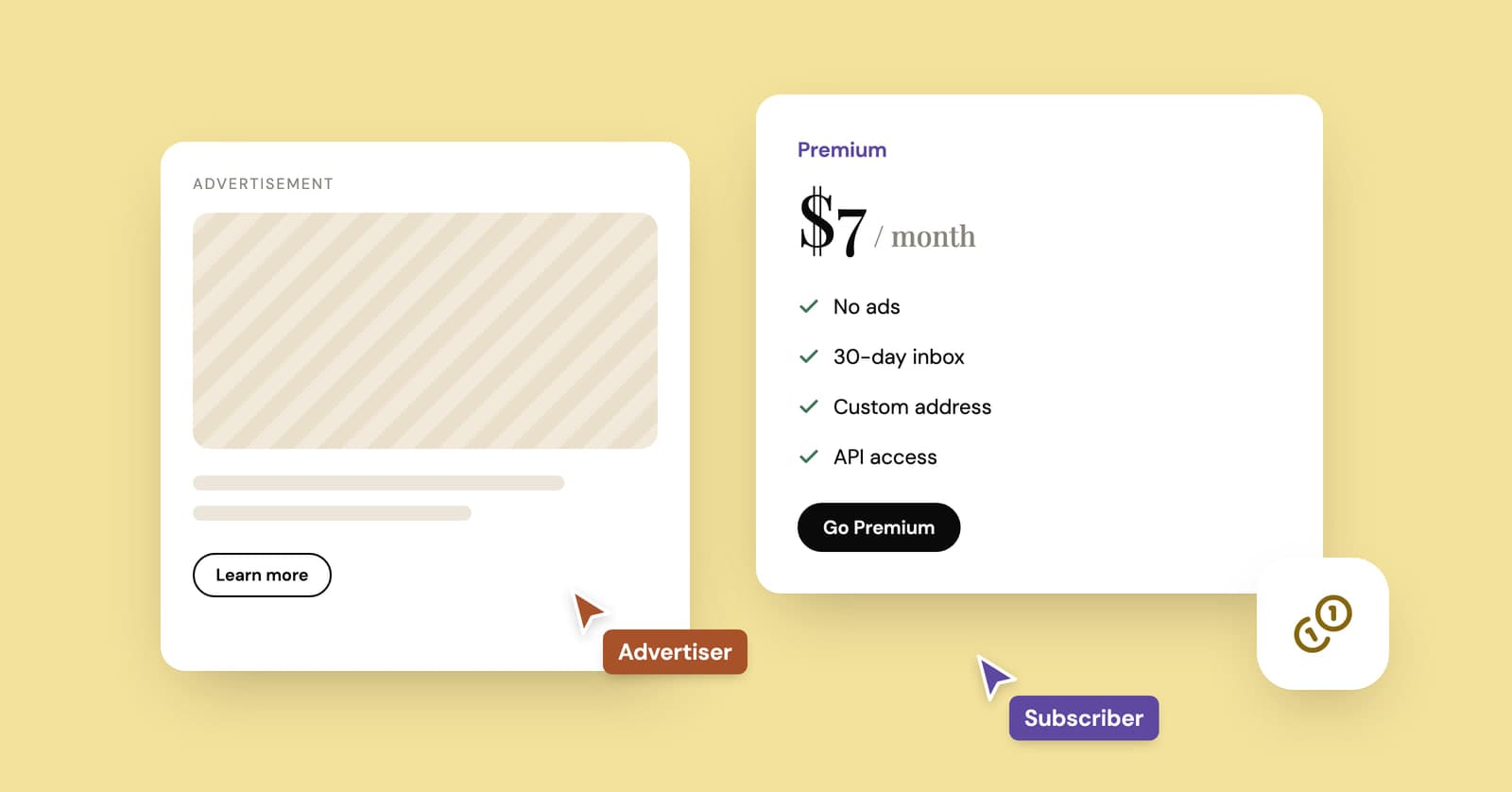
Most temp mail sites make money from display ads on the free inbox and from paid plans that remove the ads and add features like custom addresses, longer storage and developer APIs. A few rely on donations or affiliate links. The services worth worrying about are the ones whose income you can't see, because an inbox full of strangers' receipts and codes is worth money to the wrong buyer.
We run a temp mail service, so read this knowing who wrote it. Our own model is laid out plainly further down.
Why does a free temp inbox cost money to run?
Because accepting mail for strangers around the clock takes servers, domains and a steady amount of abuse handling, and none of that is free.
The bill looks roughly like this:
- Mail servers that accept, filter and store incoming mail every hour of every day
- Storage for messages and attachments, however briefly they're kept
- Bandwidth for the site itself and for live updates to every open inbox
- Domains, plus new ones when sites add the old ones to their blocklists
- Abuse handling: spam, phishing, people trying to misuse the service and the reports that follow
- Development and support, like any other web product
None of that shrinks because the product is free. Someone pays for it, and the candidates are below.
How do temp mail services make money?
Four models cover nearly all of them: ads, paid plans, developer APIs and smaller extras such as donations or affiliate links. Most services mix two or three.
Display ads
The oldest model. The free inbox page carries banner ads, and the traffic pays for the servers. You can see it on YOPmail, whose pages carry ad slots. Done properly, the ads sit on the page around the inbox and never inside your mail. The trade-off is that ad networks bring scripts and cookies of their own, and that's part of the price of a free page.
Paid plans
Pay a few dollars and you get what the free inbox can't offer: an address name you choose, several inboxes, mail kept for weeks instead of hours, bigger attachments and no ads. The people who rely on temp mail most tend to be the ones who pay, and they help carry everyone else.
APIs and testing tools
Developers pay for inboxes they can create and read from code, mostly to test sign-up and password reset emails automatically. Mailinator is the clearest example: its homepage leads with email and SMS testing plans for QA teams, and the free public inbox is one piece of a bigger testing business. This is the model where the customer is obvious, which makes it the easiest to trust. Ours is described in the API docs.
Donations, affiliate links and extras
Some services ask for donations. Others place affiliate links to VPNs or privacy tools and earn a commission when you sign up, or charge for extras like adding your own domain. All of that is fine when it's labeled as what it is.
How does YelMail make money?
Two ways: ads on the free inbox, and Premium subscriptions. We picked the boring model on purpose.
The free inbox needs no account, keeps email for 2 hours and is supported by ads. Premium costs $7 a month or $69 a year and removes the ads. It also adds features for heavier use: your own address name, premium domains, up to 25 saved inboxes, email kept for 30 days, attachments up to 25 MB, forwarding to a verified personal address and a REST API. The first payment comes with a 14-day money-back guarantee, and the details are on the pricing page. Longer storage still doesn't make a temp address the right home for your bank, your work accounts or anything you'd need to recover. Those belong on your real address.
What we don't do matters as much. We don't sell personal data, and we never use the content of your email for advertising, profiling or training AI. Messages delete themselves when they expire. Our privacy policy has the full wording.
A temp mail service that mines its inboxes is selling the exact thing its users came to protect. We'd rather show you a banner.
Do temp mail sites sell your data?
A trustworthy one doesn't, and it says so in writing. The address itself is close to worthless to sell, since it expires and nobody reads it. What could be worth money is what arrives in the inbox and what the site learns about you while you use it.
Think about what lands in a temp inbox: order confirmations with names and delivery addresses, verification codes, usernames, the odd invoice. To a data company, that's a stream of purchase and sign-up information.
This isn't hypothetical in the wider email world. The FTC settled with Unrollme in 2019 over charges that the inbox cleanup service told people it wouldn't "touch" their personal emails while sharing their e-receipts with its parent company. Those receipts could include names, billing and shipping addresses and what was bought. Unrollme wasn't a temp mail service, but the lesson carries over: a free tool that can see an inbox has a buyer for what's in it.
Red flags that a temp mail site is making money from you
Be wary of any free inbox whose income you can't identify, and of any that wants more from you than an inbox needs.
- No ads, no paid plan, no donation link and no explanation. The servers aren't free, so something is paying for them.
- No privacy policy, or one that talks about sharing data with "partners" for marketing.
- Links inside your emails rewritten to pass through the temp mail site's own redirect first. Hover over a link, or long-press on a phone, and check where it really goes.
- Ads or promotions inserted into the email content itself.
- A wall of pop-ups, redirects and fake "Download" buttons, which tells you nobody is vetting the ads.
- A "free anonymous" inbox that wants your real email or phone number before it will work properly.
- Public inboxes that anyone can open, marketed as "secure" or "private".
That last one is worth a closer look. Public inboxes aren't a scam in themselves, and the honest ones say so. But if a service calls itself private and anyone can read an inbox by typing its name, it's misleading you about the thing that matters most. Our guide to public temp inbox risks shows how to check in under a minute.
Frequently asked questions
Why is temp mail free?
Because ads and paying customers cover the people who don't pay. Many visitors use the free inbox once for a sign-up and leave, and the ads on that page, plus paid plans for heavier users and developers, pay for the servers and domains. If a service has neither ads nor paid plans nor any visible means of support, it's fair to ask what's paying for it.
Can a temp mail site see my verification codes?
Technically, yes. The service has to store each message to show it to you, so codes and links pass through its servers like everything else. That's why the privacy policy matters: look for plain wording that rules out using email content for ads, profiling or AI training, and for short, fixed retention. Codes usually expire within minutes, which limits what anyone could do with one.
Is a paid temp mail service more private than a free one?
Not automatically. Paying usually removes ads and the ad-network scripts that come with them, which helps. But privacy depends mostly on whether each inbox is private or public, how long mail is kept and what the policy allows. A paid service with guessable, open inboxes would still be less private than a free one with token-protected inboxes and short retention.
Why do some temp mail sites have so many pop-ups?
Because they use ad networks that pay for aggressive formats like pop-unders, redirects and fake download buttons. It's a sign the operator puts ad revenue ahead of its users, and those formats are a known route for scams and unwanted downloads. Don't click anything on the page except the inbox itself, and if the site keeps opening tabs on its own, find another service.
Follow the money before you trust the inbox
Any free service you rely on should be able to explain how it pays for itself in one sentence. Ours is ads on the free inbox and Premium for people who want more. Open a free temp mail inbox to see what that looks like, or read how to choose a temp mail service for the rest of the checklist.
Keep reading
Firefox Relay vs SimpleLogin vs DuckDuckGo vs addy.io: email alias services compared
Four popular email alias services side by side: what each free plan includes, which ones let you reply, what the paid plans cost and when a temp inbox is simpler.
Temporary edu email: why free .edu addresses won't get you student discounts
Sites promising a free .edu address can't give you a real one, and student discounts check enrollment anyway. How verification works, and the legitimate route for students.
Temp mail for Discord: fine for an alt, risky for your main
A temp address gets you into Discord in a minute. Where that works, when Discord asks for a phone, and how to keep the account if you end up liking it.