Temp mail for Discord: fine for an alt, risky for your main
By the YelMail team7 min read
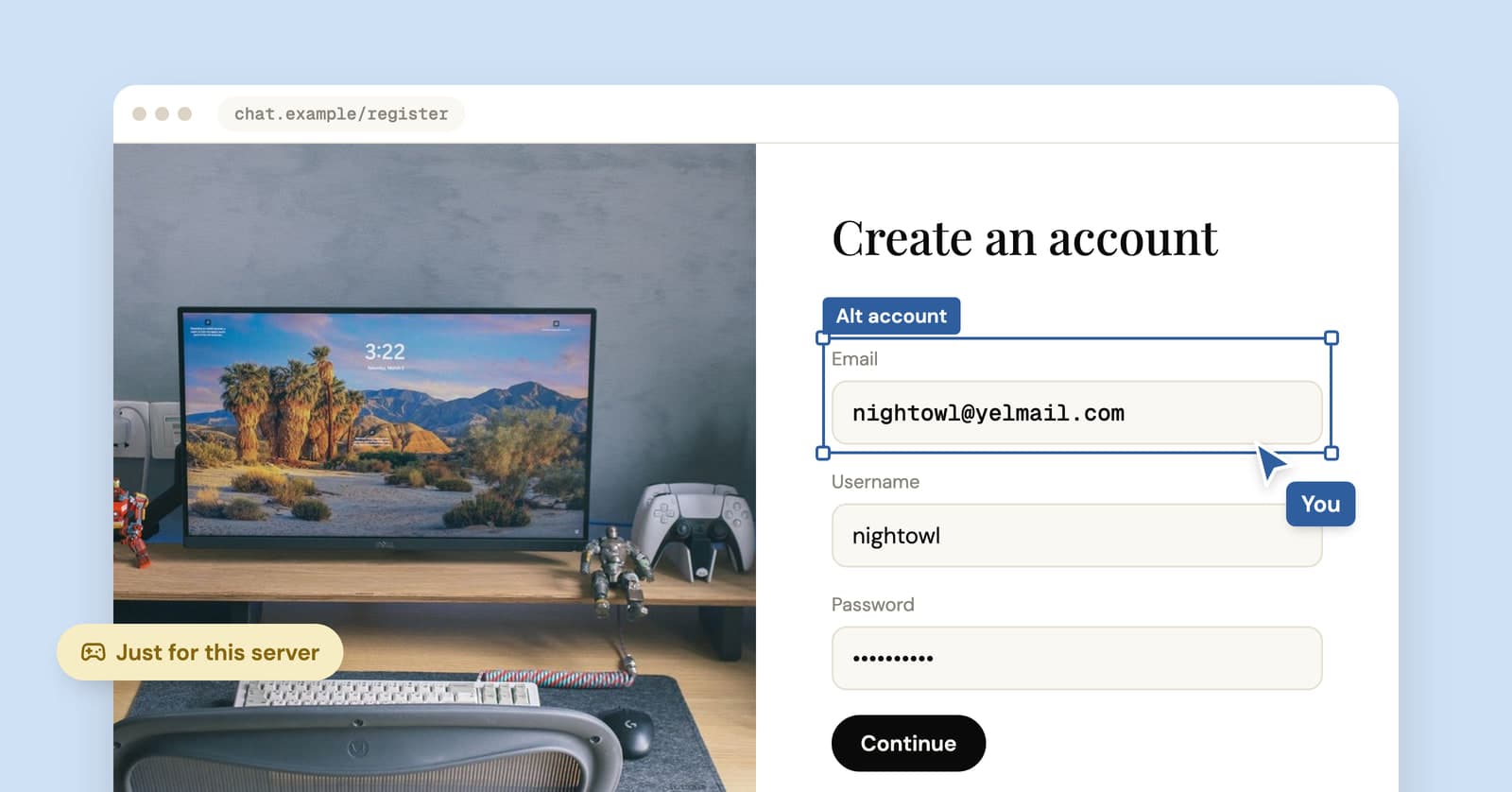
Yes, you can use temp mail for Discord, and for an alt, a bot test account or a server you only want to peek into, it works fine. Discord sends a verification email, your temp inbox receives it, you're in. The risk shows up later: Discord's support team can't change the email on an account, so once that inbox expires, a forgotten password can be the end of it.
Can you use a temporary email for Discord?
Usually, yes. Signing up needs an address that can receive one verification email, and a temp inbox receives mail like any other address.
"Usually" is doing some work there. Sites can refuse domains they recognize as disposable, and filters change without notice, so a particular address may be rejected on a particular day. If that happens, or nothing arrives after a few minutes, press Change in YelMail for a fresh address and try again. Our post on why sites block temporary email covers the other causes.
If the email is slow, or the link has expired, Discord lets you send it again. On desktop, open User Settings, go to My Account and use the "Resend Verification Email" banner at the top. On mobile, it's the "Verify" banner under Account.
Where a temp address makes sense on Discord
A temp address fits any Discord account you could lose without much pain. There are more of those than you'd think.
- An alt for one community you'd rather keep apart from your main, like a support server for something personal
- A test account for a bot you're building, so you can see what an ordinary member sees
- A look around before you decide Discord deserves a real address
- A one-off server for a game night, a conference or a product launch
What it isn't for: getting back into a place that removed you. Discord's Community Guidelines say not to evade permanent Discord-level enforcement, including by creating new accounts after being removed, and they list ban or block evasion as a form of harassment. A fresh email doesn't change that, and an account made to dodge a ban is exactly the kind Discord removes.
Will Discord ask for a phone number?
Sometimes. Discord says it may require you to verify your email and your phone number as part of its safety system, and a temp email only covers the first half.
According to Discord's help article on account verification, the phone prompt can appear when you join a server that requires it, or when its systems notice things like:
- joining lots of servers in a short time
- messaging many people who aren't your friends
- posting faster than a person could manage
- using third-party clients or modifications
A brand-new account doing several of those at once looks exactly like what the check is built to catch.
Server owners also set their own bar. On Discord's verification levels, Low needs a verified email, the middle levels add waiting periods, and Highest adds a verified phone. A verified phone number skips all of those requirements at once.
If you do get the phone prompt, two limits apply. Discord says VOIP, burner and landline numbers can't be used, and the number can't already belong to another Discord account. So don't go hunting for a free SMS number; our comparison of temp email and temp phone numbers explains why those are a bad idea on any site. And once the account carries your real phone number, it's no longer anonymous to Discord, whatever email you signed up with.
What happens when the temp inbox expires?
Nothing happens to the account itself. You stay logged in and your servers and DMs stay where they are. What you lose is every path that runs through email.
This is the part that's easy to miss when you sign up. Discord's help center is blunt: its support team can't change the email address on your account, and changing it yourself requires access to the current inbox. If you've lost access, Discord suggests contacting your email provider. With an expired temp address, there's no provider left to ask.
| After the temp inbox expires | Still works? |
|---|---|
| Staying logged in on a device | Yes |
| Logging in with a saved password | Yes |
| Logging in with a phone number, if one is on the account | Yes |
| Resetting a forgotten password by email | No |
| Changing the account's email yourself | No, it needs the current inbox |
| Asking Discord support to change it | No, they can't |
A phone number lets you keep logging in, but the email stays stuck on the dead address for good.
How to sign up for Discord with temp mail
1. Get an address
Open the free YelMail inbox. The address is ready when the page loads, and one click copies it.
2. Register and verify
Paste the address into Discord's sign-up form. The verification email shows up in your inbox the moment it arrives, no refreshing needed. Open it and confirm.
3. Save the password somewhere real
Use a password manager, not your memory. The inbox won't be around to reset it.
4. Decide before the inbox expires
On the YelMail free plan, emails are kept for two hours and the inbox expires after two hours without use. If there's any chance you'll keep this account, move it to a permanent address now, while the temp inbox can still receive Discord's messages. An expired free address can't be brought back.
How to move a Discord account to a permanent address
Change the email while the temp inbox still works, because Discord needs the current inbox to make the change.
On desktop or in a browser, open User Settings with the cog next to your username, stay on My Account, press Edit next to your email and follow the pop-up. On mobile, tap your avatar, then the cog, then Account, then your email address. Discord then sends a verification email to the new address. Discord's own steps are here if the menus have moved.
Two errors you might hit. "Email is already registered" means the new address already belongs to another Discord account. "You are changing your e-mail too fast" means wait 24 hours and try again, so don't leave this until the last ten minutes of your inbox's life.
Our guide to moving an account off temp mail covers the same process on other sites, and what to try if the inbox is already gone.
What to use for your main Discord account
For your main account, use an address you'll control for years. That's the account with your friends list, years of DMs, servers you moderate and maybe a paid subscription. A temp address there is a bad idea.
If you want your personal inbox out of it, an email alias is the better tool: it lasts, forwards to you and can be switched off if it leaks. Our temp mail vs email alias comparison walks through the options. YelMail Premium sits in between: a saved inbox on an address name you choose, with email kept for 30 days and optional forwarding to a verified personal address, so Discord's security emails still reach you. Details are on the pricing page.
Frequently asked questions
Can Discord tell you're using a temporary email?
Discord can see the domain of any address you enter, like every site can, and some services compare domains against lists of disposable providers. Discord doesn't publish how it treats them. Its help pages talk much more about behavior, such as joining many servers quickly or messaging strangers, as the reason an account gets asked for extra verification.
Can I use one temp address for two Discord accounts?
No. Discord ties each email address to one account, and reusing one gives you an "Email is already registered" error. That's for the best anyway. If two accounts shared an inbox, losing that inbox would cost you both of them. Press Change for a new address before you create each account.
Should I add a phone number to a Discord alt?
It helps and it costs. A verified phone gives you a way to log in after the temp inbox is gone, and it satisfies servers that require one. But Discord won't accept a number that's already on another Discord account, so if your main account has your phone, the alt can't use it. And once it's there, the alt is tied to you.
Is using temp mail against Discord's rules?
The Community Guidelines focus on behavior: harassment, ban evasion, spam, self-bots and fake profiles meant to deceive people. They don't mention disposable email at all. Using a temp address for a harmless alt is a different thing from using one to get around a ban, and it's the second that gets accounts removed.
Where to go from here
Open a free temp mail inbox for the alt, the bot test or the one-off server. If the account starts to matter, move it to a lasting address the same day, before the inbox runs out.
Keep reading
Temp mail for ChatGPT and other AI tools: what works and what you lose
A throwaway address can get you into ChatGPT, Claude or a coding assistant in a minute. Keeping that account is another story, because your chats and any paid plan hang off the email.
Temp mail for Instagram, TikTok and X: lurker accounts without the lockout
A temp address gets a lurker account on Instagram, TikTok or X past sign-up. What each platform's rules say, where it goes wrong, and a setup that lasts.
Temp mail for Steam and Epic Games: fine for a look, risky for your library
A throwaway address works for a demo, a beta or a game forum. On an account with games you paid for, it's a lockout waiting to happen at the next new-device login.