Temp mail for ChatGPT and other AI tools: what works and what you lose
By the YelMail team7 min read
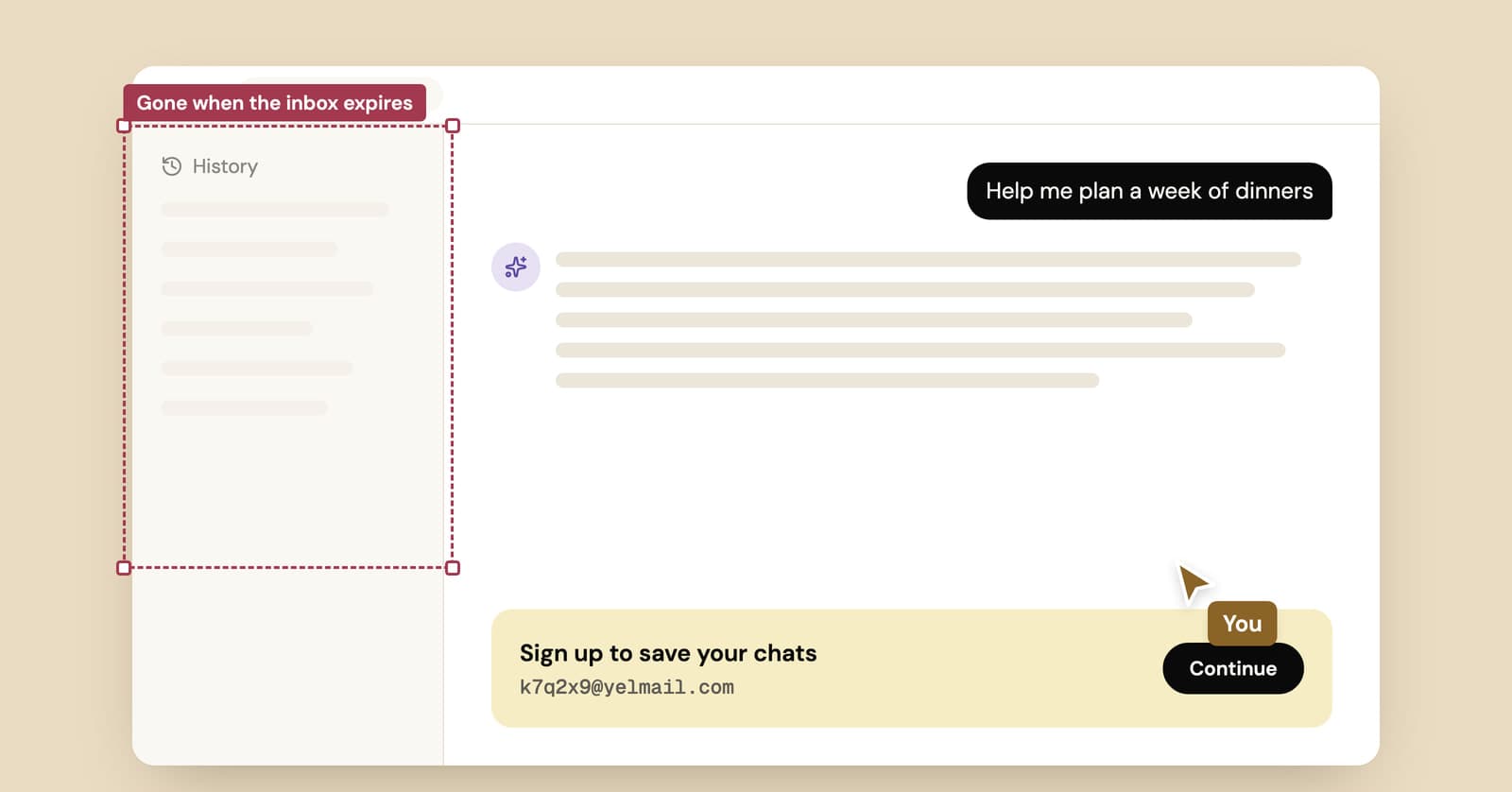
You can sign up for ChatGPT with temp mail if OpenAI accepts the domain on the day you try, and for a quick test it keeps your real address out of one more database. The trouble comes later. Your chat history, projects and any paid plan are tied to that address, and once a temporary inbox expires you may not get back in. Most AI tools work the same way.
Can you sign up for ChatGPT with a temporary email?
Sometimes, but nobody can promise it. AI companies don't publish lists of the email domains they accept, and a domain that works this morning can be refused tonight.
When a tool doesn't want your address, you'll usually see one of two things. Either the sign-up form says the email is invalid, or it accepts the address and the code never arrives. The first is a block. The second can be a block or just a slow sender, and our guide to why sites block temporary email covers how to tell them apart.
On YelMail, the Change button gives you a new random address to try, and Premium domains are another option. Neither is guaranteed to work on any particular site. Better to know that before you spend ten minutes on it.
Some AI tools also ask for a phone number, either at sign-up or before certain features. A temp email does nothing for that step, and temporary SMS numbers carry risks of their own, which we cover in temp mail vs temp phone numbers.
What happens to your AI account when the temp email expires?
The account keeps working while you're signed in. Problems start the next time the service needs to email you: a login link, a password reset, a check on a new device. If the inbox is gone, that email goes nowhere.
That hurts more with AI tools than with most sign-ups, because of what builds up inside the account:
- Months of chat history, some of it work you'd want back
- Projects, custom instructions, uploaded files and custom GPTs
- A paid plan billed to your card
- API keys and usage credits, if you use the developer side
How bad it gets depends on the tool.
ChatGPT
OpenAI lets eligible accounts change their email in ChatGPT on the web, under Settings, then Account, and says your chats, projects and custom GPTs stay intact when you do. That only helps while you can still sign in. If you can't, the OpenAI help center says it cannot transfer your ChatGPT history to a new account. For a Plus subscription on an account you can no longer reach, the route it describes is to cancel that subscription and subscribe again from a new account.
Claude
Claude is stricter. Anthropic's help center says the email on a Claude account can't be changed and asks you to sign up with an address you'll have long-term access to. Email logins work through a secure link sent to your inbox, with no password option. So once the temp inbox is gone and your session ends, email login has nowhere to send the link. Support can help you cancel and delete the old account, but deleting it means losing your saved conversations.
Gemini
Gemini signs you in with a Google account, so temp mail doesn't really come into it. Google's help center says some features of the Gemini web app work without signing in, which is a cleaner way to try it than making up an account.
Cursor and other coding assistants
Coding tools add subscriptions, usage quotas and team seats to the pile, all tied to the login. Before you pay for anything on a throwaway address, find out whether the tool lets you change the account email later. If its help pages don't give a clear answer, assume it doesn't.
Can you use temp mail to get more free AI credits?
You shouldn't, and it rarely lasts. A single account on a private address is a privacy choice. Opening extra accounts to get more free usage is something else.
OpenAI's terms of use, for example, ask for accurate and complete information when you register, and prohibit attempts to "circumvent any rate limits or restrictions" on the service. Rotating new accounts to reset a free message cap, or to claim new-account credits a second time, is hard to describe any other way.
It also tends to fall apart. Every free message costs an AI company real computing money, so they have every reason to watch for repeat sign-ups. The email is the easiest detail to change, so it's the one they can rely on least. Phone numbers, payment cards, devices and network details all link accounts together. A service that decides you're farming free tiers can close every account it connects to you, including the one you actually pay for.
When does temp mail make sense for AI tools?
Temp mail fits the short, low-stakes end of AI use: you want to see what a tool does, and you don't want its newsletter.
- Trying a new AI app for an afternoon before deciding whether it deserves your real address
- Joining a waitlist or beta for a tool you might forget about by Friday
- Grabbing a prompt pack, course sample or AI report that sits behind an email form
It fits badly once the account holds something you'd miss. A workable rule: the day you'd be annoyed to lose the chat history is the day to move the account to a real address.
How do you keep an AI account you opened with temp mail?
Change the account email to one you own before the temp inbox expires. After that, it's a normal account.
- Keep the temp inbox open. On YelMail Free, messages are kept for 2 hours and the inbox expires after 2 hours without use.
- Open the tool's account settings and find the email field. For ChatGPT, that means the website, since OpenAI says the change can't be made in its iOS or Android apps.
- Enter your real address or an email alias and complete the verification. Some services also send a code to the old address, which is why step 1 matters.
- Sign out and back in with the new address to confirm it stuck.
If the tool doesn't allow email changes at all, as Claude doesn't, you can keep using the account while your session lasts, or save what you need and start again with a proper address. Our guide to moving an account off temp mail goes through the options, including what to try when the inbox has already expired.
Your email is not the sensitive part
With AI tools, the address you sign up with says far less about you than what you type into the chat. A throwaway email keeps your name off the account record. It does nothing for the contract you pasted in for a summary, the health question you asked at 2 a.m., or the card you pay with.
If privacy is why you reached for temp mail, spend two minutes in the tool's settings too. Look for the control that decides if your conversations can be used to train models, then check how long your history is kept and how to delete it. And leave out personal details you wouldn't want stored on someone else's server.
Frequently asked questions
Should I sign up for AI tools with my work email instead?
Only for work your employer knows about. OpenAI's terms say an account created with an email address owned by an organization, such as your employer, may be added to that organization's business account, and its administrator can then access the content and restrict or remove your access. Personal chats don't belong there. Use a personal address or an alias for your own account.
Will I lose ChatGPT Plus if my temp email expires?
The subscription keeps billing, but you can lose access to the account it's attached to. If you can't sign in, OpenAI's help center says the option is to cancel the subscription on that account and subscribe again from a new one, and that it can't move your chat history across. Put the account on a lasting address before you pay.
Can AI companies tell I used a disposable email?
Often, yes. The domain is right there in the address, and widely shared lists of disposable email domains make them easy to spot. Beyond the email, the service still sees your IP address and device, plus your card if you pay. A temporary address hides your real inbox. It doesn't make you anonymous to the service.
Is a public temp inbox safe for an AI account?
No. On public temp mail services, anyone who types the same address can read the inbox, including your login links and password reset emails. For an AI account, that could mean a stranger signing in and reading your chats. If you use temp mail at all, use a private inbox like YelMail's, where only the browser that created it holds the key.
Try it without handing over your inbox
Open a free temp inbox for the test drive, and let it expire if the tool doesn't earn a place in your day. If it does, switch the account to your real address or an alias the same day, before the history piles up.
Keep reading
Temp mail for Discord: fine for an alt, risky for your main
A temp address gets you into Discord in a minute. Where that works, when Discord asks for a phone, and how to keep the account if you end up liking it.
Temp mail for Steam and Epic Games: fine for a look, risky for your library
A throwaway address works for a demo, a beta or a game forum. On an account with games you paid for, it's a lockout waiting to happen at the next new-device login.
Best temp mail service? An honest checklist from people who run one
We run a temp mail service, so read this with that in mind. Here is the checklist we'd judge any provider by, us included, plus a five-minute test you can run yourself.