Temporary edu email: why free .edu addresses won't get you student discounts
By the YelMail team6 min read
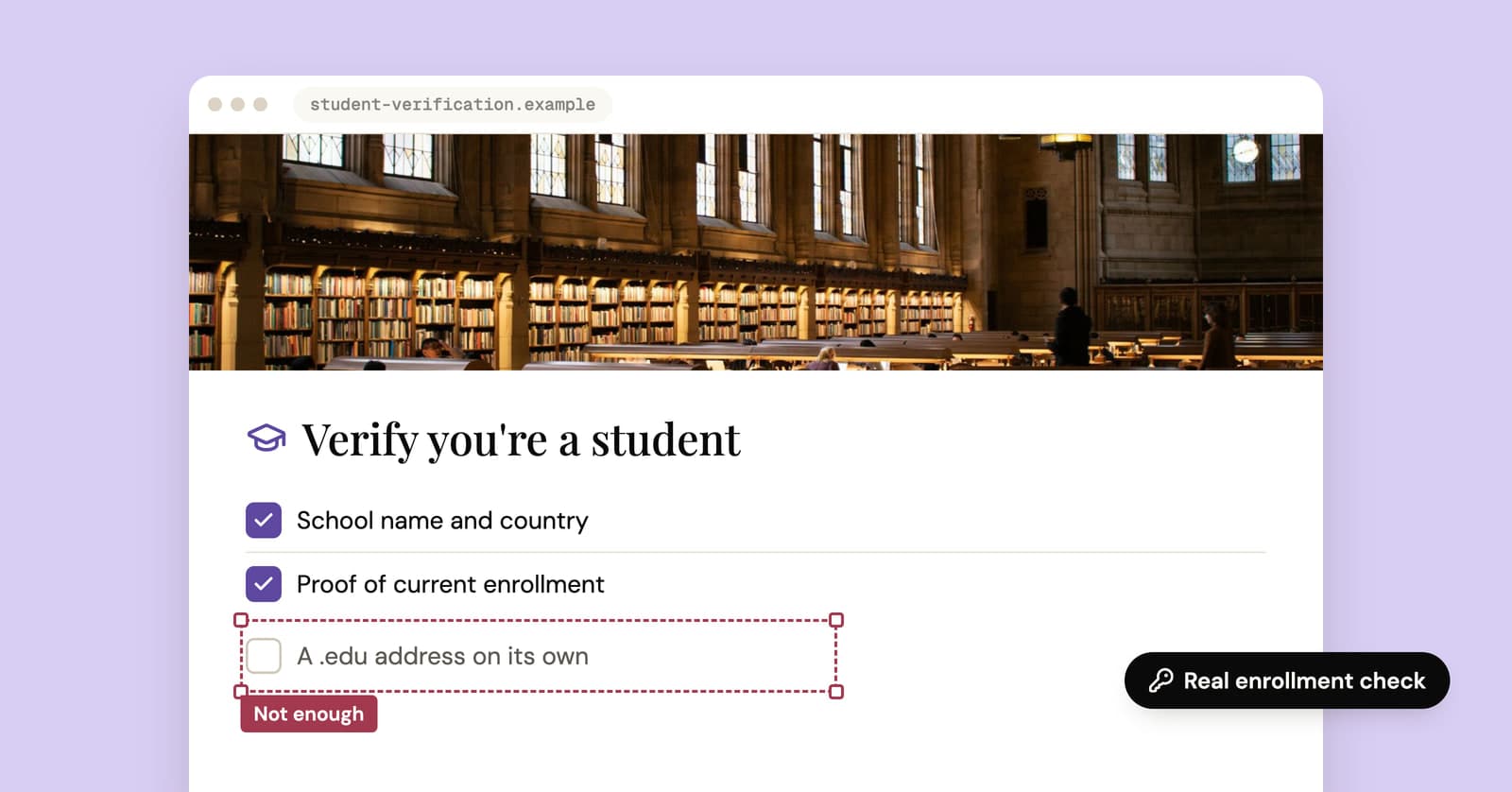
A temporary edu email won't get you student discounts, and a temp mail site can't legitimately give you a real .edu address. New .edu domains only go to accredited US colleges, and student programs check enrollment, not just the end of your email. "Free edu email" generators offer lookalike addresses or a shortcut to misrepresenting yourself. If you're actually a student, the real route is quicker.
Can you get a real .edu email from a temp mail site?
No. A temp mail service can only hand out addresses on domains it controls, and a genuine .edu domain belongs to a school. Since 2001, new .edu registrations have been limited to postsecondary institutions accredited by an agency the US Department of Education recognizes.
What the "edu temp mail" sites give you instead is a domain with "edu" somewhere in the name: a country-level academic domain, a lookalike, or an ordinary domain with the word stuffed in. Some of these sites admit in their own fine print that the addresses aren't school-issued and shouldn't be used to claim student status. That disclaimer is the most honest line on the page.
You won't find an edu option on YelMail. It wouldn't do what people want it for.
How do student discounts check that you're a student?
They check enrollment, usually through a verification service or the school itself. The ending of your email is one input at most, and often not the deciding one.
- SheerID runs the details you enter against an authoritative data source, such as school records, and approves you if there's a match. When it can't verify you instantly, it asks for documents, which are reviewed for authenticity before you're approved. Its developer documentation describes the flow.
- UNiDAYS verifies your enrollment status and then opens up the student offers of the brands that work with it.
- GitHub Education, which runs the Student Developer Pack, asks for documents that prove your current student status, such as a school ID showing a current enrollment date, a class schedule, a transcript or an enrollment letter.
Look at what these have in common. They want evidence that you're enrolled now. A made-up address has nothing to match against, and even a real .edu address from a school you left years ago won't necessarily pass.
Are free edu email generators legit?
At best they're ordinary temp mail with a misleading label. At worst they're a route to fraud, and not a safe one for you.
The usual ways it goes wrong:
- Some are public inboxes, where anyone who types the same address reads the same mail, including your verification codes. Our post on public temp inbox risks explains why that matters.
- The address expires, and any account attached to it is stranded when it does.
- The verification service is checking enrollment, so the application is likely to fail or be flagged for review.
- If a discount does slip through, the seller can reverse it later by canceling the order, charging the difference or closing the account.
You'll also find guides that suggest applying to a college you have no plan to attend, purely to be issued an address. That's a false application to a real institution, filed to get a discount. Skip it.
Is using a fake student email illegal?
Claiming a student discount you're not entitled to is misrepresentation. At minimum it breaks the offer's terms, and sellers generally reserve the right to cancel the order, charge full price or close the account. Depending on where you live and how much money is involved, it can also count as fraud.
This isn't legal advice. For the general line between privacy and deception, see is temp mail legal.
Someone does end up paying for this. Student pricing exists because students have less money. When a program gets abused, the usual response is stricter checks, and that makes the discount harder to claim for the students it was meant for.
What should students do instead?
Use the email your school gives you and verify through the program's own flow. It's usually faster than any workaround, and it can't blow up on you later.
- Activate your school account as soon as it's available. Some schools issue it once you've accepted a place, before classes start.
- Enter your details exactly as your school holds them: legal name, school name, date of birth if asked.
- If the instant check fails, upload a current document. A dated student ID, class schedule, transcript or enrollment letter are the usual options. Make sure your name, school and a current date are all visible.
- No school email? Some schools don't issue one. GitHub, for example, accepts official documentation explaining that policy, such as a school webpage or a letter on school letterhead. Other programs have document routes too.
- Expect to re-verify from time to time, so keep your school login working.
Your school email is temporary too
A school address is a kind of temporary email with a longer fuse. Schools can close or restrict it after you graduate or leave, on their schedule rather than yours.
So use it for verification and school business, not as the login for accounts you'll want in ten years: your bank, your cloud storage, your main social accounts. Before you graduate, move anything important to a personal address, the same way you'd move an account off temp mail.
Where does temp mail help students?
Temp mail is useful for the sign-ups around studying, not for proving you're a student.
- Downloading a study guide, citation template or sample chapter that sits behind an email form, as in our guide to gated downloads without the spam
- Trying a flashcard or note-taking app before you commit
- Logging in to café or library Wi-Fi portals that ask for an email
None of these care who you are. They just want an address to send a link to, and a throwaway keeps both your school inbox and your personal one free of the follow-up.
Frequently asked questions
Is there any legitimate way to get a free .edu email?
Yes: be enrolled at, or work for, a school that issues them. Some institutions also offer addresses to alumni, though what alumni get varies and it won't count as current enrollment for student offers. There is no legitimate free .edu address for people with no connection to a school, whatever a generator site claims.
Can I use temp mail for the GitHub Student Developer Pack?
No. GitHub asks for documents that prove current student status, such as a dated school ID, class schedule, transcript or enrollment letter, and a temporary address proves none of that. If your real school email isn't recognized, GitHub's documentation describes supplying other official proof instead. Apply with your actual school details.
Why was my real student email rejected for a discount?
Usually because the instant check couldn't match you to school records. Your school may not be in the provider's database, or your name or dates don't line up with what the school holds. Upload a current document when asked, making sure your name, school and a current date are visible, or contact the verification service's support team.
Can other people read the inbox on an edu temp mail site?
On some, yes. With public temp mail services, anyone who types the same address sees the same inbox, including verification codes and password reset links. Check whether a service ties each inbox to a private key before you use it for anything. YelMail inboxes are private to the browser that created them, though that still won't make an address pass student verification.
The honest shortcut
If you're a student, your school email and a photo of your student ID will get you further than any generator. If you're not, pay the regular price, and keep a free temp inbox for the sign-ups that don't need you to be anyone in particular.
Keep reading
Throwaway email for Reddit: keep the throwaway actually separate
Reddit lets you run more than one account. How to give a throwaway its own email, what exposes throwaways anyway, and the two things Reddit won't tolerate.
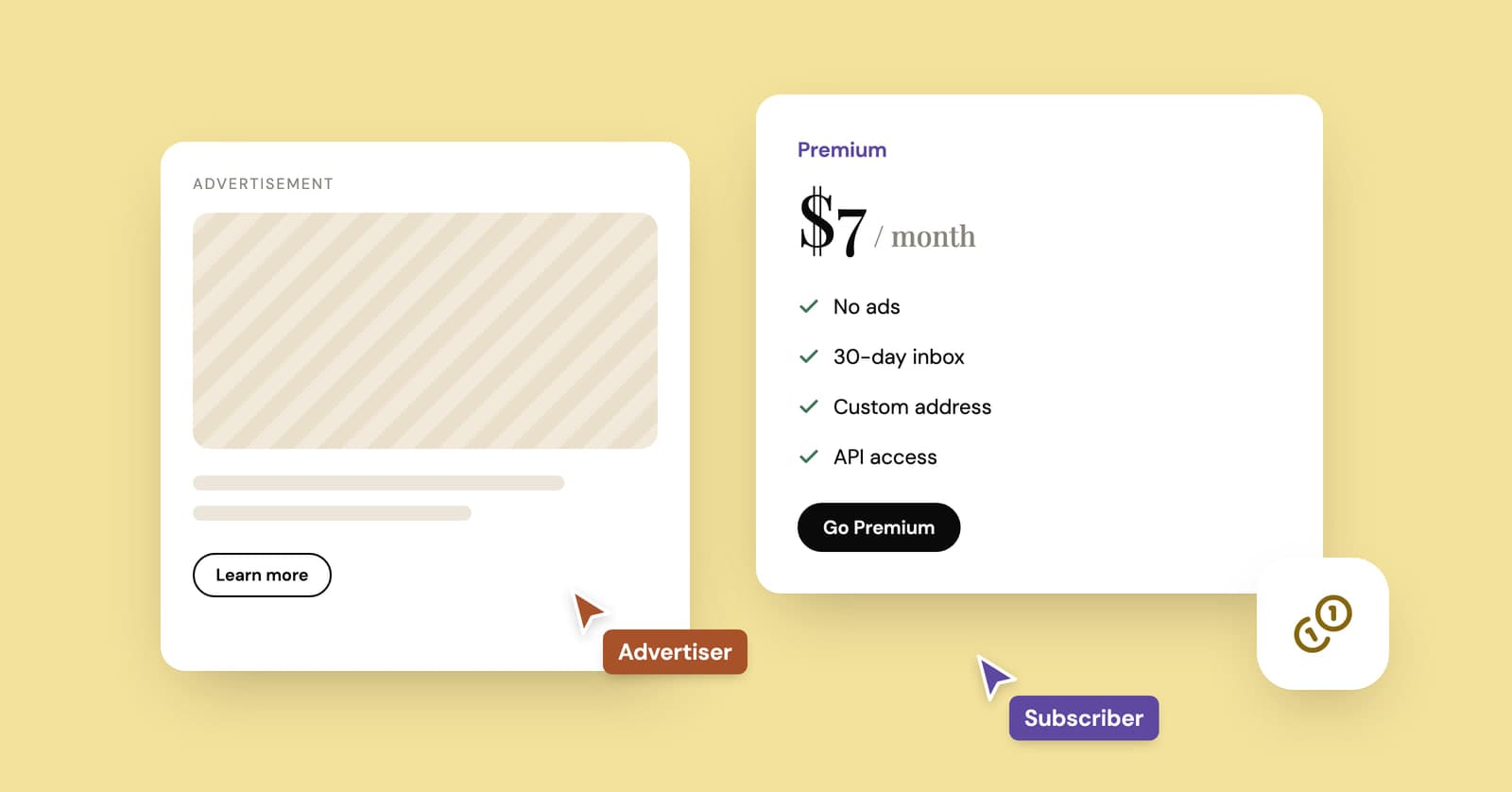
How do temp mail sites make money if they're free?
Ads, paid plans and developer APIs keep most temp mail services running. How the money works, what it costs and the signs a free inbox is paying its bills with your data.
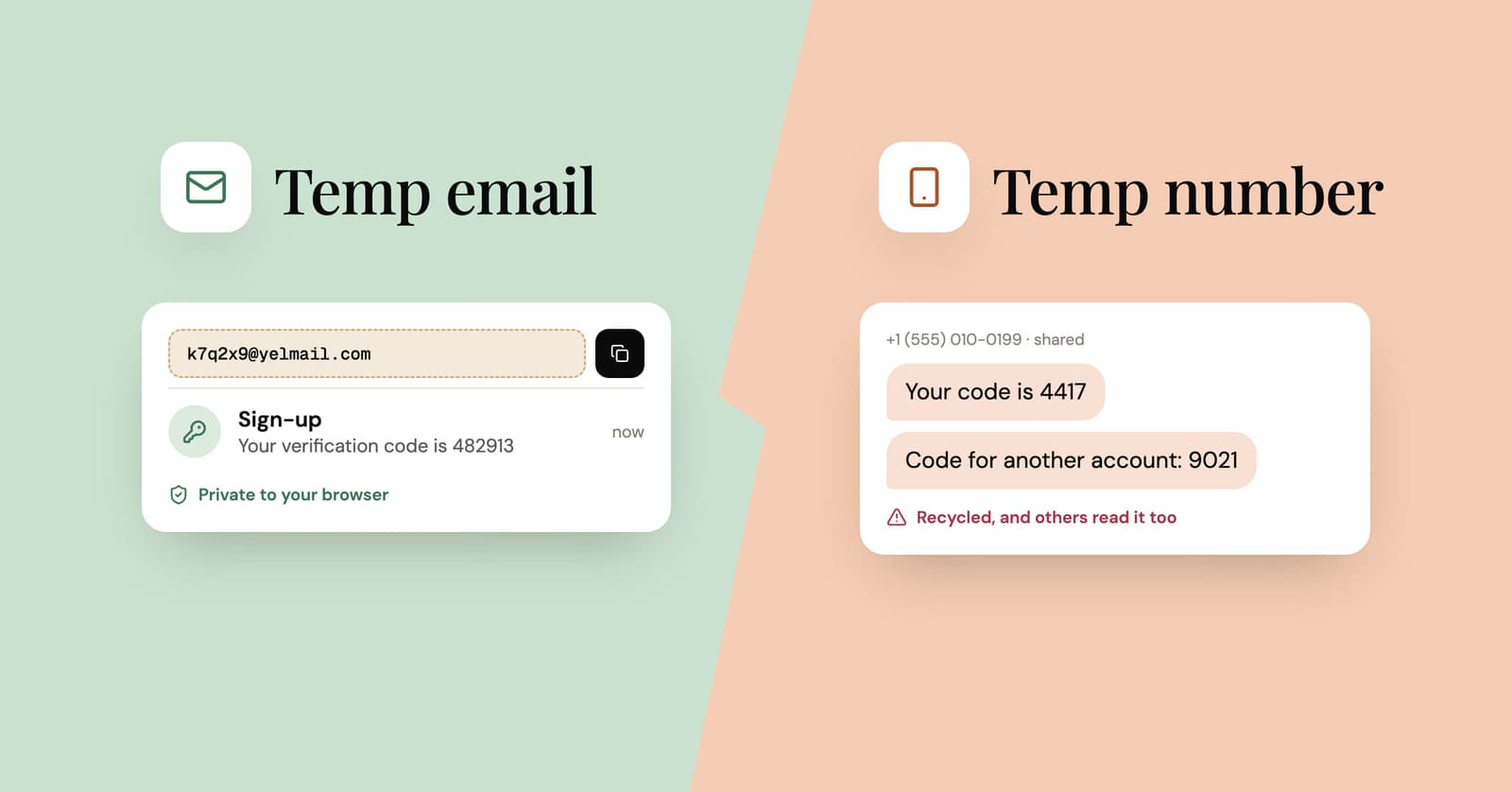
Temp mail vs temp phone numbers: why the number is the bigger risk
Sites ask for a phone number because numbers are hard to fake in bulk. Why free SMS numbers are riskier than temp mail, and what to do when a sign-up insists on one.