Catch-all email on your own domain: a different address for every site
By the YelMail team8 min read
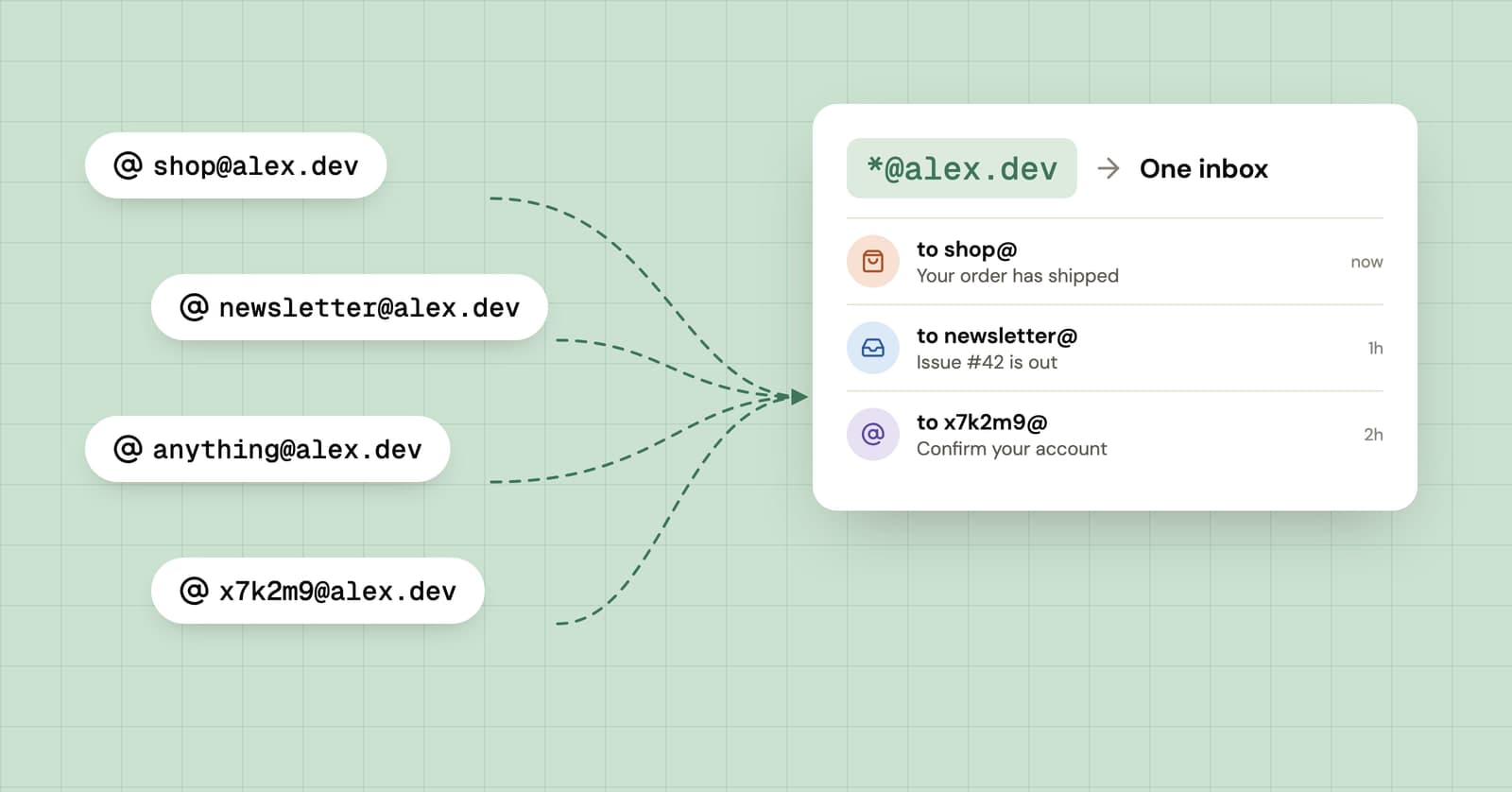
A catch-all email address accepts mail sent to any name at your domain, so [email protected], [email protected], and whatever you make up at the next checkout all land in one inbox without being created first. On your own domain, that means every site can get its own address. The cost is spam: names a spammer guesses get delivered too.
What is a catch-all email address?
A catch-all is a mail server setting that delivers mail for any address at a domain, including addresses nobody ever set up, to one mailbox. Without it, mail to an unknown name bounces back to the sender.
Apple describes its version of the switch in plain terms. With Allow All turned on for an iCloud+ custom email domain, mail that isn't sent to an active address goes to the domain owner's inbox. With it off, that mail is returned to the sender. Other providers call it a catch-all rule, a default address, a wildcard, or an accept-all domain. Same idea.
How does a catch-all work?
Your domain's MX records tell the rest of the internet which server accepts its mail, and a catch-all tells that server to say yes to every name instead of checking a list.
When a shop sends a receipt to [email protected], the sending server looks up your MX record, connects to your mail host and asks to deliver to that name. A normal server checks its list of mailboxes and refuses the message if bakery isn't on it. A catch-all server accepts it and drops the message into your inbox, with the original To address still on it.
That last detail is what makes it useful. You invent bakery@ in the sign-up form, and from then on you can filter, search, or block by it. What you get:
- A separate address for every site, with no setup at the moment you need it.
- A clear answer when spam arrives. If
bakery@starts getting mail from strangers, you know which sign-up leaked it, and unlike a Gmail plus address, the address doesn't contain your real one for anyone to strip back to. - Addresses that outlive your mail provider. Move the domain's mail to a different host and every address you've ever handed out moves with it.
- Nothing for the site to spot. A made-up name on your domain looks exactly like a mailbox you set up by hand.
How do you set up a catch-all on your own domain?
You need a domain, a mail host or forwarding service that supports catch-all, and access to the domain's DNS settings. The catch-all itself is usually a single switch.
- Register a domain you're happy to keep for years, and turn on auto-renew. If your registrar offers privacy for the domain's public registration details, turn that on as well.
- Decide where the mail should end up: a full mailbox host, or a forwarding service that passes everything on to an inbox you already use.
- Add the MX records your host gives you in your domain's DNS settings, along with any SPF or DKIM records it asks for.
- Turn on the catch-all and pick the mailbox or address it should deliver to.
- Send a test from another account to a name you've never used, like
[email protected], and check that it arrives. - Set up filters in your inbox that sort on the To address.
Where the switch lives with a few common providers, according to their own help pages:
| Provider | Where the setting is | Worth knowing |
|---|---|---|
| iCloud+ Custom Email Domain | iCloud.com, Custom Email Domain, pick the domain, Turn On Allow All | You have to be the domain owner |
| Google Workspace | Admin console, Gmail Routing, a rule covering "All inactive and unrecognized accounts" | An admin sets it up; changes can take up to 24 hours |
| Cloudflare Email Routing | Email Routing, Routing Rules, Catch-all set to Active | Can send to an email address, send to a Worker, or drop |
Google's catch-all routing instructions walk through the Workspace rule field by field, and Cloudflare's Email Routing docs cover its catch-all rule and actions. Some alias services offer the same thing for custom domains on their paid plans, SimpleLogin and addy.io among them, which saves you running the mail side yourself.
What are the downsides of a catch-all?
Spam is the obvious one. A catch-all accepts every name a spammer tries, so guessed addresses reach you along with the real ones. The less obvious risks are about the domain itself.
Mail to names you never gave out
Spammers try the predictable names (info, admin, contact, sales) and plenty of random strings, and a catch-all says yes to all of them. addy.io, which turns catch-all on by default for custom domains, warns its users about exactly this in its FAQ. Your mailbox's spam filter still runs, but it has more to chew through.
Switching off one address takes a rule
With a normal alias, you delete the address and it's gone. With a catch-all there's nothing to delete, because the name was never created. Instead you add a rule for that exact address that drops or bounces it (Cloudflare's Drop action, for example), and that rule has to stay in place for good.
The domain is you
Every address at your domain leads back to one person. A catch-all hides your main inbox from a site, but not who you are, and if the domain carries your surname, the site knows that before you've typed anything else. A random alias on a shared domain gives away less.
If the domain lapses, someone else gets your mail
This is the one to take seriously. If a renewal fails and someone else registers the domain, they can set up their own catch-all and receive every password reset for every account you ever opened with it. Keep auto-renew on, keep the payment card current, and protect the registrar account with two-factor authentication. For your bank or anything official, use an address that doesn't depend on a yearly renewal.
Sending is a separate job
A catch-all only receives. To reply as [email protected], your mail host has to let you send from any address on the domain, or you set each one up by hand. For sign-up addresses you rarely need to reply, so this matters less than it sounds.
How do temp mail services use a catch-all?
Temp mail is a catch-all turned into a product. The service points its domains' MX records at its own mail server and accepts mail for every name, which is how it can hand you a working address the moment you open the page.
YelMail works exactly this way. The address you get is a random name on one of our catch-all domains, and nothing is created in advance. The name doesn't make the inbox yours. A secret access token kept in your browser does, which is why typing someone else's address into the site won't let you read their mail. Our explainer on how temporary email works follows a message from sender to screen.
The real difference from your own domain is ownership. Temp mail domains are shared and the inboxes are meant to go away: on our free plan, an inbox expires after two hours of inactivity. Your own domain lasts as long as you keep paying for it. If you want something in between without touching DNS, YelMail Premium lets you choose your own address name on premium domains and keep saved inboxes.
Catch-all, alias service or temp mail?
Use a catch-all if you want permanent per-site addresses and don't mind looking after a domain, an alias service if you want much the same without DNS, and temp mail for sign-ups you'll never need again.
| Catch-all on your domain | Alias service | Temp mail | |
|---|---|---|---|
| Setup | Domain, DNS, and a mail host | An account | None |
| New address for each site | Invent it anywhere | Generate it, or invent it on a custom domain | A fresh random one each time |
| Hides who you are | No, the domain points to you | Mostly, on shared domains | Yes |
| How long it lasts | As long as you renew the domain | As long as the service runs | Short by design |
| Spam to guessed names | Yes | Only with catch-all turned on | Never reaches your inbox |
Our comparison of email alias services covers the middle column, including which ones let you bring your own domain.
Frequently asked questions
Is a catch-all email address safe?
It's safe enough for sign-ups if you look after the domain. The realistic risks are more spam and losing the domain to a failed renewal. Protect the registrar account with two-factor authentication, keep auto-renew on, and think twice before putting banking or government accounts on it, since losing the domain would lock you out of the accounts that matter most.
Can I use a catch-all with Gmail?
Not with a plain @gmail.com address, because a catch-all needs a domain you control. What you can do is point your own domain at a forwarding service with a catch-all and have it deliver into Gmail, then filter on the To address. Replying from those addresses takes extra setup, and not every forwarding service supports it.
How do I stop spam on a catch-all address?
Block the specific names that attract it with a rule that drops or rejects them, and let your mailbox's spam filter handle the rest. If it gets out of hand, switch the catch-all off and create addresses one at a time instead. Spam aimed at names you never handed out is the sign that it's time to tighten things.
What happens if I turn the catch-all off later?
Mail to every name you haven't set up individually starts bouncing, including the addresses you gave to websites. Before you switch it off, go through your inbox and list the To addresses that actually receive mail you want, then create those as real addresses or aliases first. Otherwise password resets for those accounts will start failing.
Where to go from here
If running DNS isn't how you want to spend a weekend, an alias service gets you most of the benefit with none of the domain upkeep. And for the sign-up that doesn't deserve even a made-up name on your own domain, a free temp mail inbox takes one click.
Keep reading
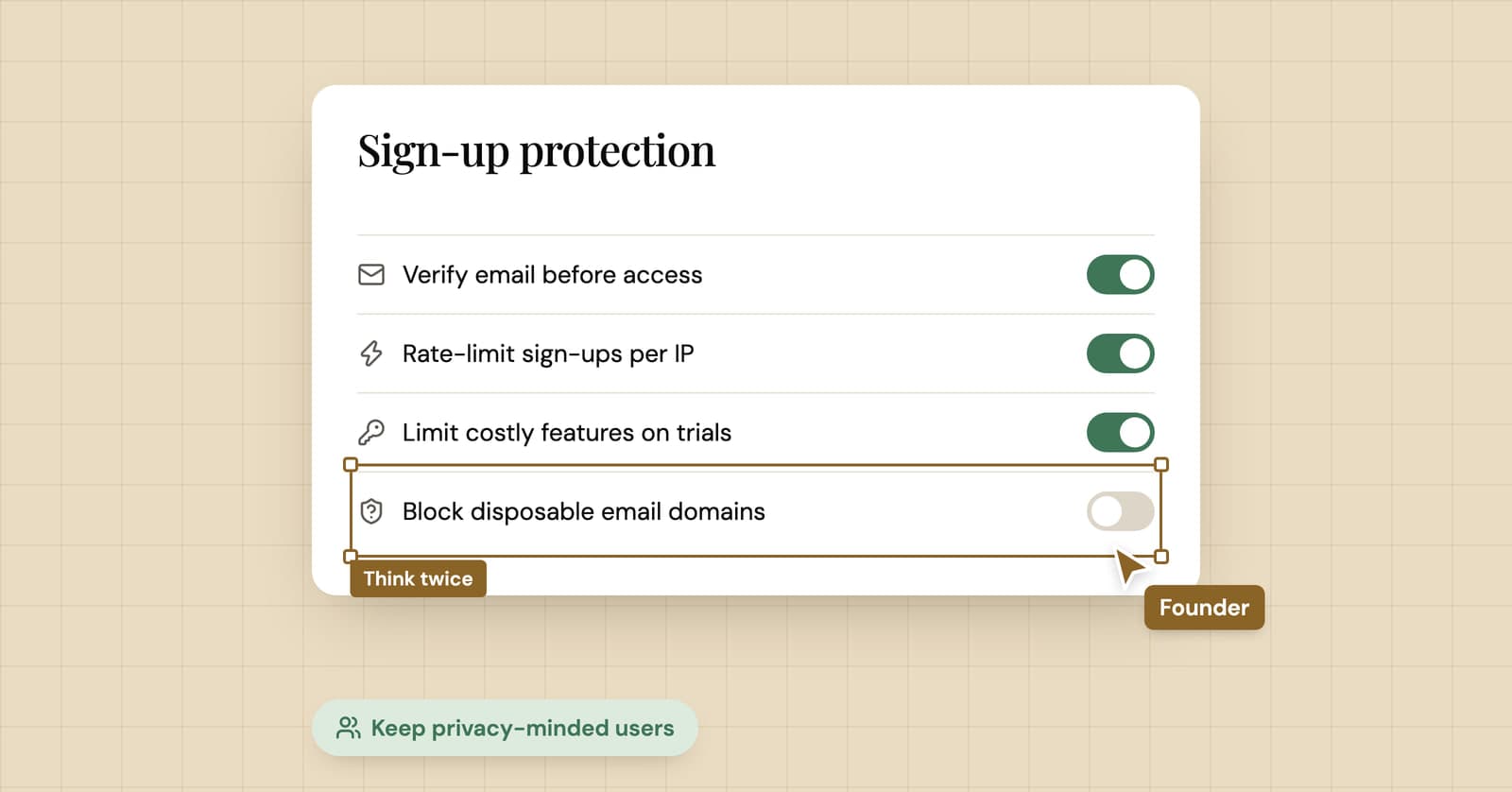
Should you block disposable email addresses at sign-up?
A temp mail company's honest take on blocking disposable email: what it costs you, what it doesn't stop, what works better, and the cases where you should block anyway.
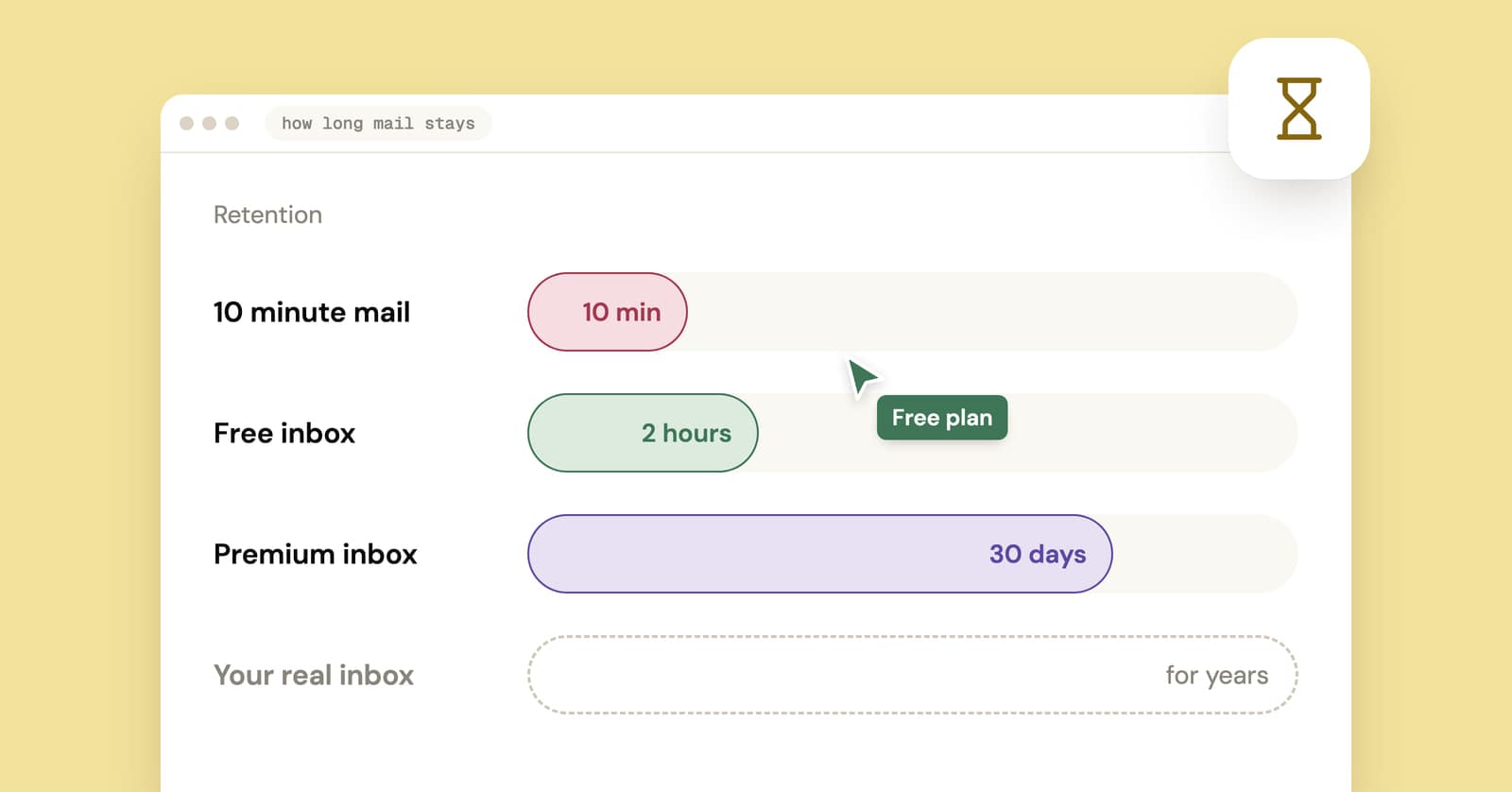
How long does temp mail last? It depends which clock you mean
Temp mail lifetimes run from minutes to weeks, and the address and its messages often expire on separate clocks. Here is how each model works and which one fits your sign-up.
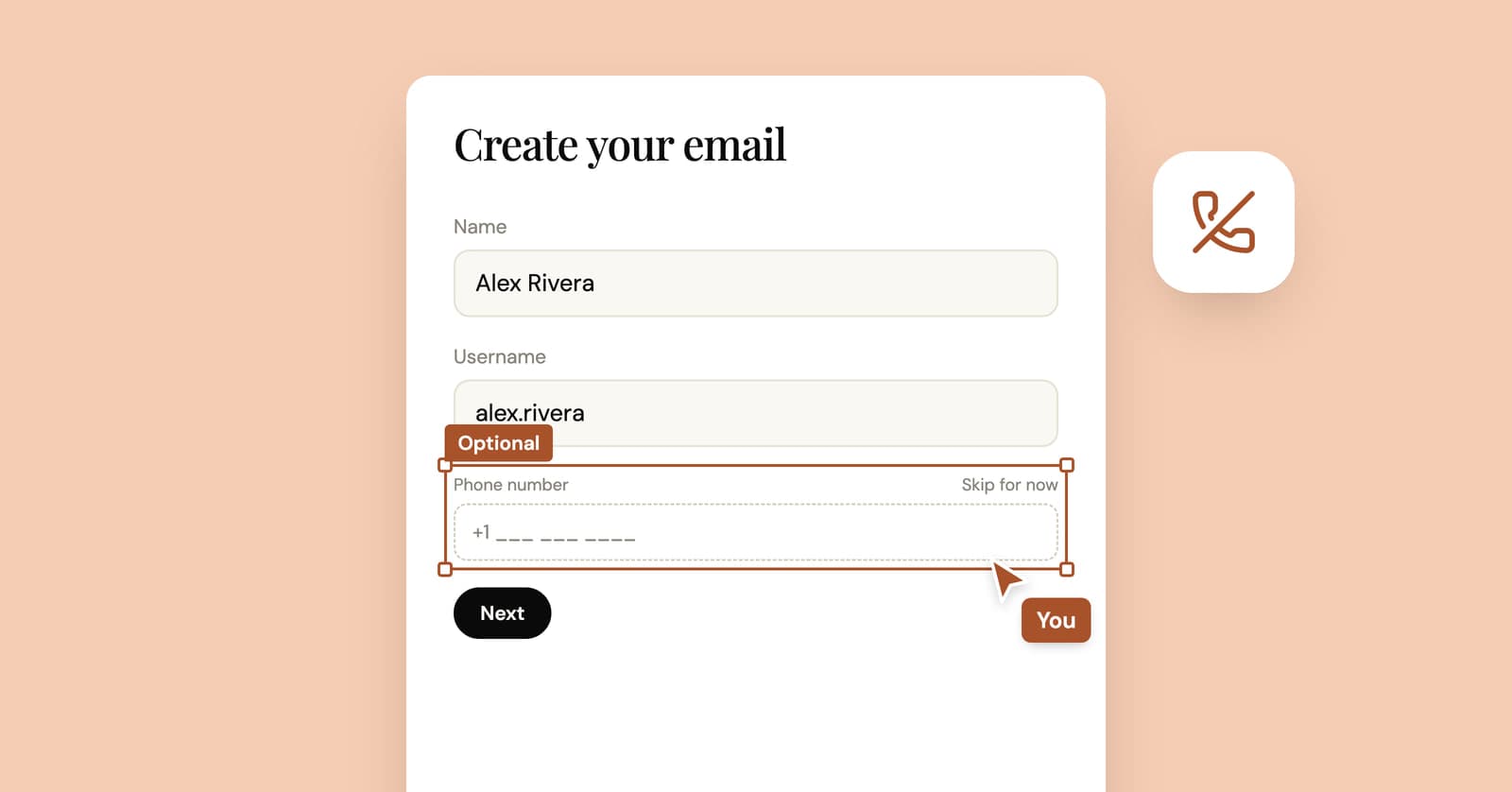
How to create an email account without a phone number
Some email providers never ask for a phone number, some ask only sometimes, and at least one lists it as required. What their own pages say, and what you give up without one.