Should you block disposable email addresses at sign-up?
By the YelMail team8 min read
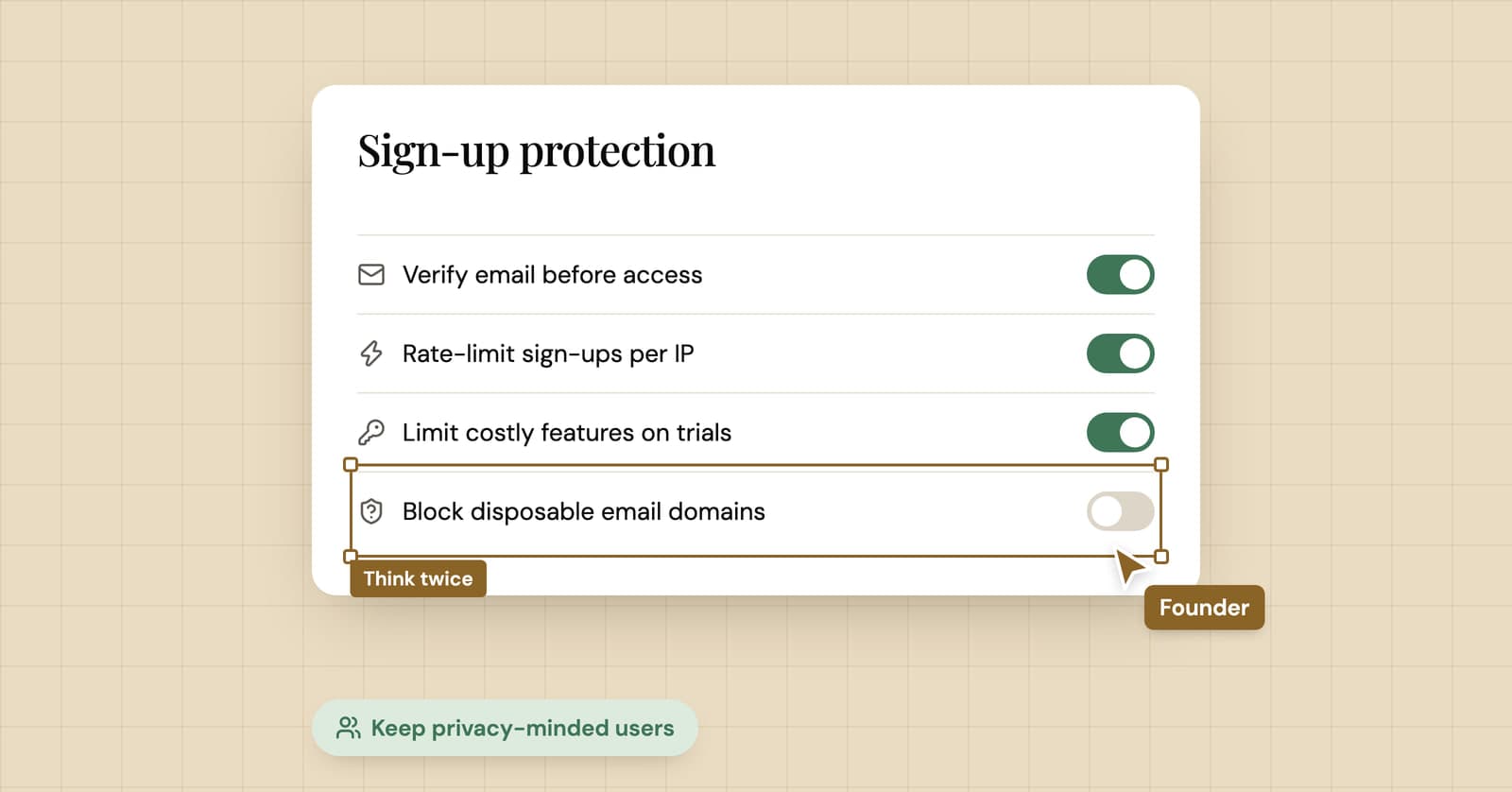
Usually not at sign-up. Blocking disposable email addresses filters out some honest, privacy-minded users and the laziest abusers, while anyone determined just opens a free webmail account instead. Block at the point where a throwaway address costs you real money, such as free credits or referral payouts, and use verification, rate limits and behavior signals everywhere else.
A disclosure before anything else: we run YelMail, a temp mail service, so we have an obvious interest in sites accepting disposable addresses. Weigh what follows with that in mind. We've tried to write the advice we'd give a friend building a SaaS product, including the cases where blocking services like ours is the right call. There are a few.
What do you lose by blocking disposable email?
You lose some real users who wanted to try your product before trusting it with their inbox, and you risk false positives on addresses that aren't disposable at all. Neither shows up in your dashboard, because people who get blocked don't become rows in your database.
People who were going to convert later
A common reason to reach for temp mail is "let me see what this is first". Someone wants to read the docs behind your sign-up wall, or poke at the free tier for ten minutes. If the product earns it, some of them come back with a real address. If you block them at the door, they close the tab and you never find out whether they would have.
Relay and alias users
This is the false positive that stings. Privacy relays hand out random-looking addresses that forward to a real, long-lived inbox. Apple's Sign in with Apple, for example, lets people hide their email behind a unique @privaterelay.appleid.com address that forwards to their personal inbox. Firefox Relay, SimpleLogin, DuckDuckGo and others do something similar.
These users are reachable and they can reply. Picking a relay instead of a temp inbox suggests someone who plans to stick around. Yet crude blocklists and "looks random" heuristics catch them: Firefox Relay's alias domain was added to one community blocklist and taken off again after Mozilla objected. If you want to understand the difference from the user's side, our comparisons of email alias services and Hide My Email vs temp mail cover it.
Accuracy you can't fully verify
Lists drift. Domains get sold, services shut down, and entries stay. The maintainers of a widely used open list, disposable-email-domains, are upfront about this: they can't guarantee every entry is still disposable, only that it was at some point.
The address you get instead
This is the one people miss. Block a temp address and some people hand you a real address they never read instead: an old webmail account, a folder that filters you straight to archive. You've swapped a visible throwaway for an invisible one, and your list now looks healthier than it is.
What does a disposable email blocklist not stop?
A blocklist doesn't stop anyone who is actually trying to abuse you. It stops people who weren't hiding.
Someone farming your free tier has plenty of options besides a temp mail site: new webmail accounts, a domain of their own with a catch-all, or accounts bought in bulk. None of those appear on a disposable list, and all of them pass email verification. Treating the blocklist as your abuse control means the honest visitor gets the error message and the organized abuser gets the credits.
The list still has a use, as a small filter in front of the controls that actually stop abuse.
What works better than blocking disposable email?
Controls attached to the thing being abused work better than controls attached to the email domain. Ask what a fake account actually costs you, then guard that.
- Verify before you give anything away. Email verification proves the address can receive mail right now, nothing more. That's still useful: hold free credits, API keys or invites until the address is confirmed, so bots that never check an inbox get nothing.
- Rate limit the expensive parts. Limit sign-ups per IP range and device, and limit the costly actions (API calls, exports, AI generations) per new account. Abuse is a volume business. Make volume expensive.
- Normalize addresses for duplicate checks. Lowercase the address and strip
+tagsbefore checking for an existing account, and for Gmail only, ignore dots in the local part. Store what the user typed; use the normalized form as a lookup key. Never block plus addressing itself. It's a real inbox, and people use it precisely to track who leaks their address, as our guide to Gmail plus addressing explains. - Ask for stronger proof where the cost is. A card on file for a trial that burns real compute. A verified payment method before a referral payout. Phone checks work too, with their own cost to privacy and to people without a stable number.
- Watch behavior, not domains. New accounts that go straight to your most expensive endpoint, many accounts from one device, referral chains that loop back on themselves. These signals don't care which email provider someone used.
None of these punish a person who used a disposable address to look around and then left.
When does blocking disposable email make sense?
Block, or at least require a permanent address, when a brand-new account is worth something on day one. That's when a throwaway address stops being privacy and starts being a cost.
The clear cases:
- Free tiers that hand out real compute, API credits or AI usage
- Sign-up or referral bonuses paid in money or account credit
- One-per-customer promotions and discount codes
- Marketplaces and review platforms, where accountability is the product
- Accounts you must be able to reach later, such as anything handling money or regulated services
Even then, you rarely need to block at the front door. Let people sign up and look around with any address, and ask for a permanent one at the moment they claim the credits, the payout or the discount. Someone who has got that far has a reason to switch, and someone who was only browsing never hits the wall.
For common product types, that works out like this:
| Your situation | Block at sign-up? | What to do |
|---|---|---|
| Content site, newsletter, forum | No | Double opt-in, remove addresses that bounce |
| Free tier with low running cost | No | Verify, rate limit, delay the heavy features |
| Free trial with real compute or credits | No, block at the credit | Permanent address or card before credits are granted |
| Referral bonuses or promo codes | Block for the reward | Normalize addresses, one reward per payment method |
| Marketplace or reviews | Often yes | Pair with behavior signals and reputation |
If you're on the other side of this and just hit a trial wall, our post on using temp mail for free trials explains why repeat-trial tricks break the rules and often fail anyway.
How do you block disposable emails without hurting real users?
Check server-side against a maintained list, match on the domain properly, allowlist privacy relays, and tell people why you're refusing their address. Most of the damage from blocking comes from doing it silently or sloppily.
A checklist:
- Run the check on the server. Client-side checks are hints; anyone can skip them.
- Use a maintained list and update it on a schedule. A list you downloaded once goes stale.
- Match the domain and its parents, not just the exact string, so
x.tempdomain.exampleis caught by an entry fortempdomain.example. - Keep an allowlist for relay domains, and check it before the blocklist.
- Say why in the error: "We can't send account emails to temporary inboxes. Please use an address you'll keep, or an alias." That tells people what to do next, which "Invalid email" doesn't.
- Never accept the address and then quietly send nothing. Users sit waiting for a verification email that isn't coming, which is exactly the confusion we explain in why sites block temporary email.
- Start in report-only mode. Log which sign-ups would have been blocked for a few weeks, then look at what those accounts actually did before you switch it on.
Points 3 and 4 in code, using the open list:
import { readFileSync } from "node:fs";

const blocklist = new Set(
  readFileSync("disposable_email_blocklist.conf", "utf8")
    .split("\n")
    .map((line) => line.trim().toLowerCase())
    .filter((line) => line && !line.startsWith("#")),
);

// Relays forward to a real, long-lived inbox. Never treat them as disposable.
const allowlist = new Set(["privaterelay.appleid.com", "mozmail.com"]);

export function isDisposable(email: string): boolean {
  const labels = email.trim().toLowerCase().split("@").pop()!.split(".");
  // Try "a.b.example.com", then "b.example.com", then "example.com".
  for (let i = 0; i < labels.length - 1; i++) {
    const domain = labels.slice(i).join(".");
    if (allowlist.has(domain)) return false;
    if (blocklist.has(domain)) return true;
  }
  return false;
}
Run it in report-only mode first: call isDisposable, log the result next to the account id, and decide later with your own numbers instead of a vendor's.
Frequently asked questions
Is Apple Hide My Email a disposable email address?
No. A Hide My Email address from Sign in with Apple forwards to the person's real inbox, they can reply from it, and it keeps working as long as they leave forwarding on. It's closer to an alias than to temp mail. Blocking privaterelay.appleid.com mostly locks out careful users who chose Apple's privacy option, and it can break your own Sign in with Apple flow.
Should I block plus addresses like [email protected]?
No. A plus address delivers to the person's real mailbox, so it's as permanent as their main address. People use tags to sort mail and to spot who sold their address. If you're worried about one person creating several accounts, normalize addresses when you check for duplicates rather than rejecting the plus sign.
Will blocking disposable emails improve my deliverability?
A little, at best. Mail sent to an expired temporary inbox can bounce or disappear, and a list full of dead addresses drags down engagement. But ordinary addresses go dead too. Removing addresses that hard bounce and pausing mail to people who haven't opened anything in months fixes the same problem for every address, disposable or not.
Do disposable email blocklists catch every temp mail domain?
No. New domains appear all the time, and public lists add them after someone notices and reports them. Checking where a domain's MX records point catches more, because many temporary domains share mail servers, but it adds a DNS lookup to every sign-up and needs upkeep of its own. Treat any list as a filter that catches most of the obvious cases.
Where we land
Blocking disposable email is a blunt tool that mostly hits the people who weren't the problem. Guard the expensive things directly, block at the moment of reward when you have to, and let people look around with whatever address they like. If you want to see your sign-up the way these users do, open a disposable email inbox and try it.
Keep reading
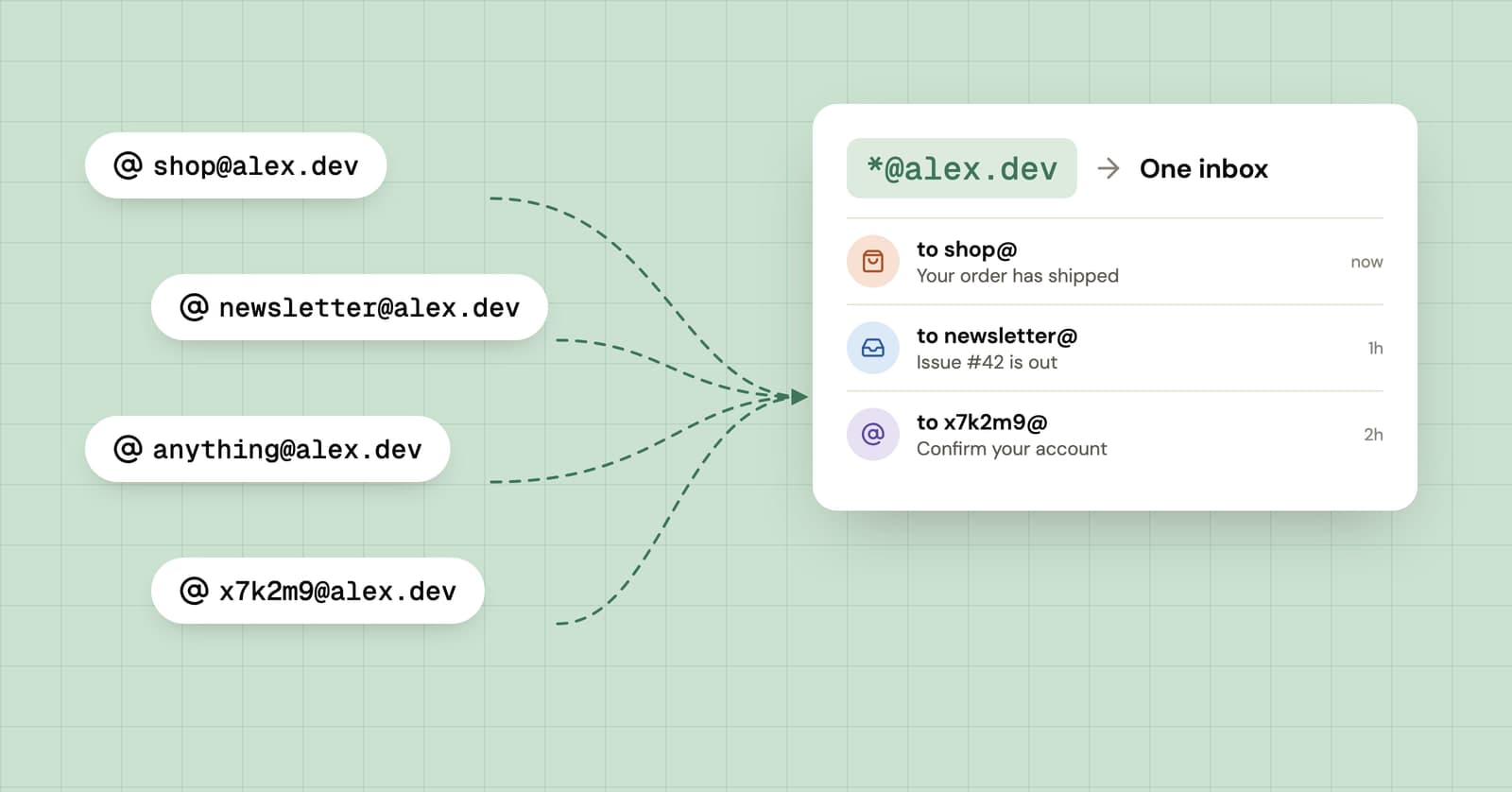
Catch-all email on your own domain: a different address for every site
Point your own domain at a catch-all and you can invent a new address for every sign-up on the spot. How it works, how to set it up, and what it costs you in spam.
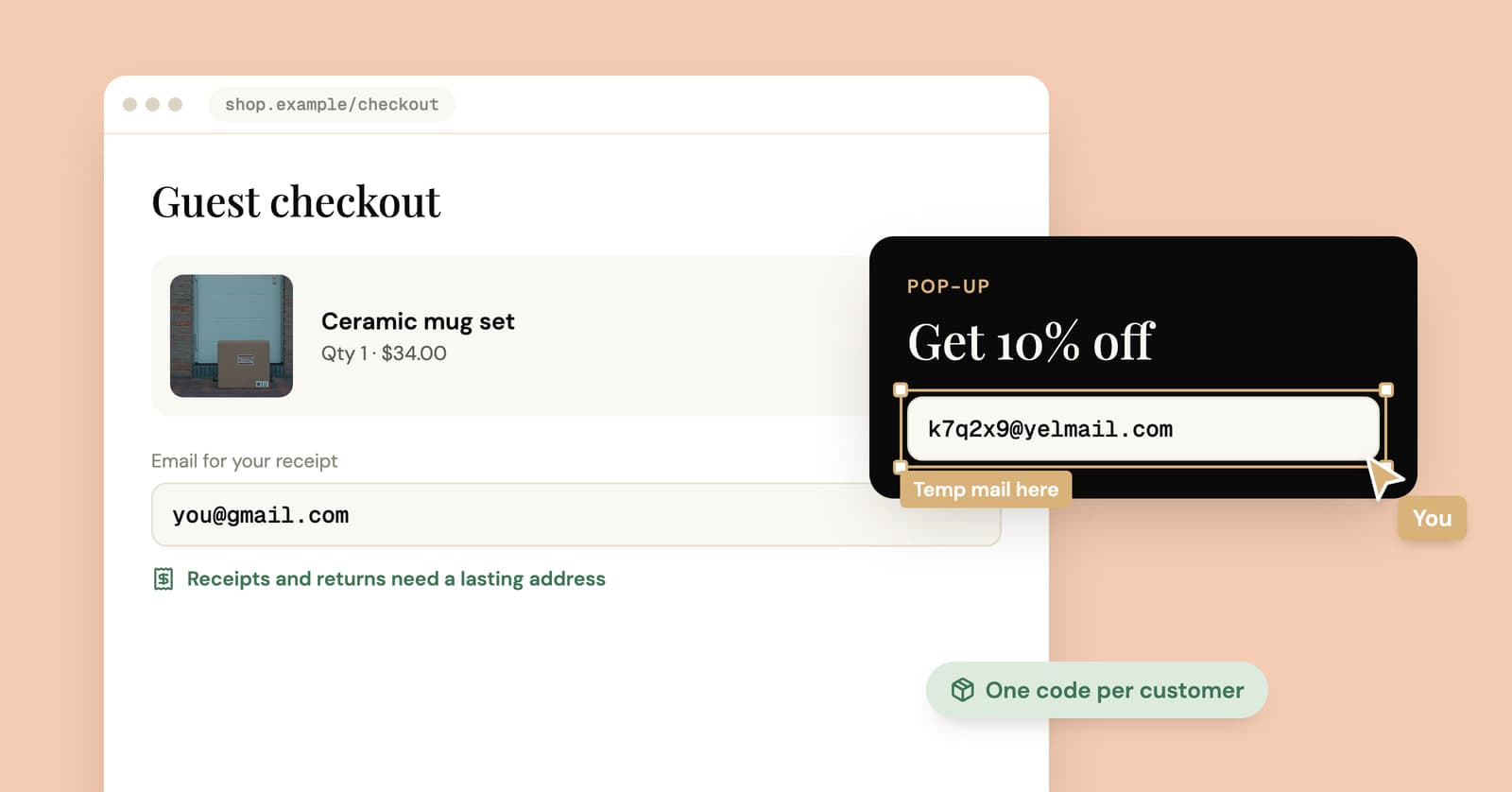
Disposable email for online shopping: where it helps and where it costs you
Use a throwaway address for the discount pop-up and the price alert. Use something that lasts for anything you might return, dispute or claim a warranty on.
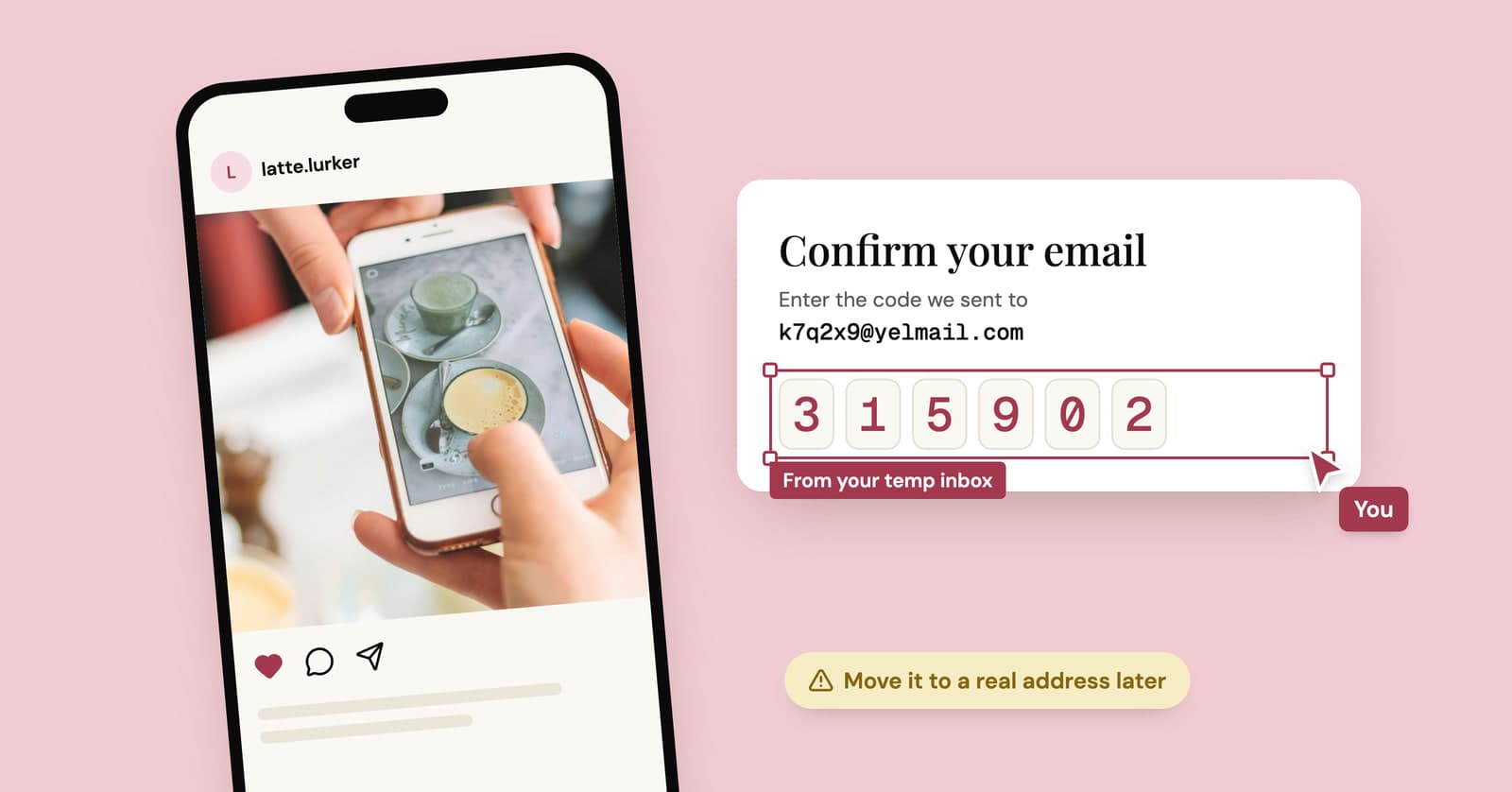
Temp mail for Instagram, TikTok and X: lurker accounts without the lockout
A temp address gets a lurker account on Instagram, TikTok or X past sign-up. What each platform's rules say, where it goes wrong, and a setup that lasts.