What is a temporary email address? How temp mail works
By the YelMail teamUpdated 7 min read
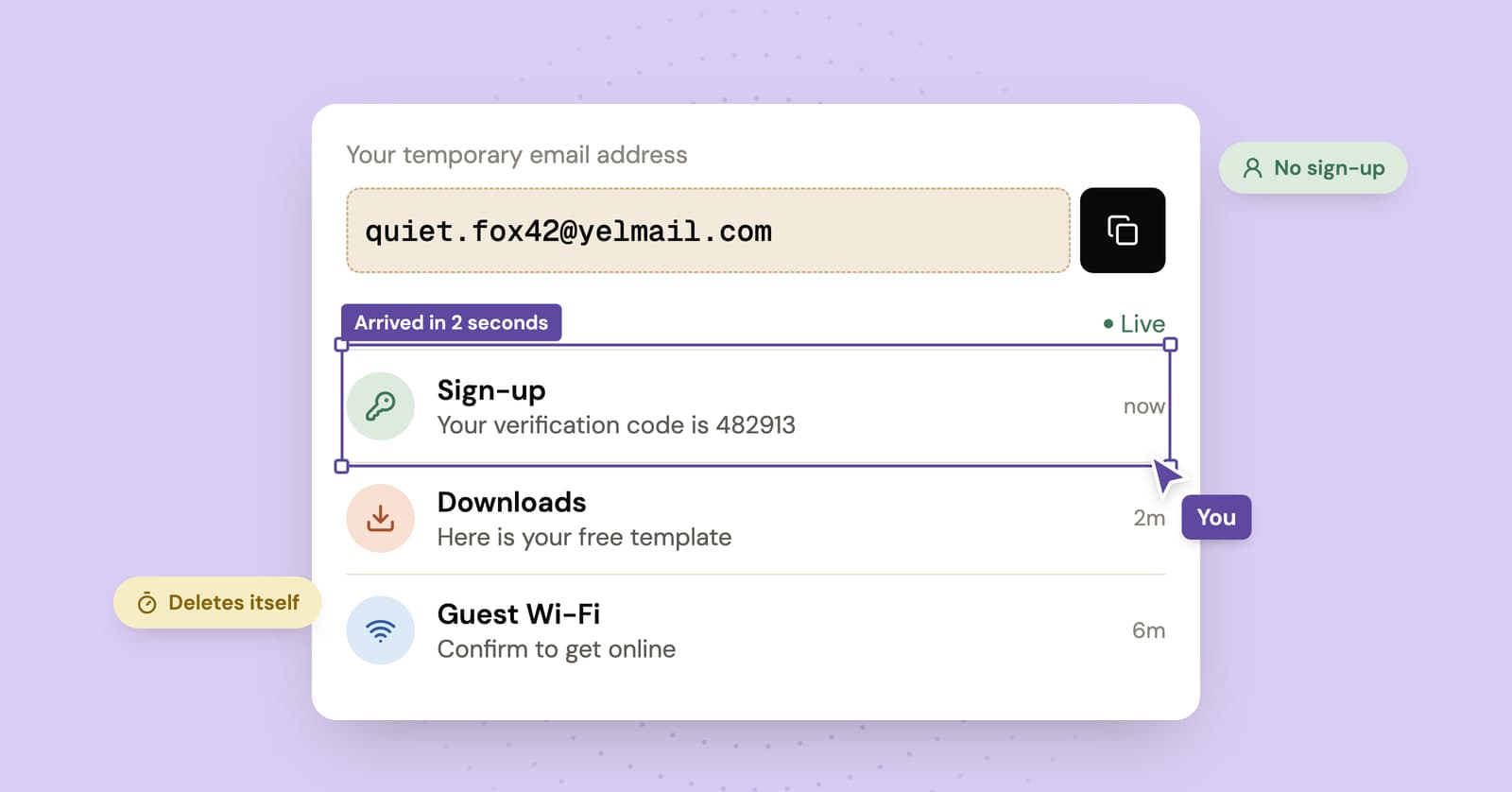
A temporary email address is a disposable inbox that receives mail for a short time and then deletes itself, along with every message in it. You use it instead of your real address for sign-ups, downloads and one-off verifications, so spam and trackers never reach your personal inbox. No registration is needed.
What is a temporary email address?
A temporary email address is a real, working email address that is meant to be used briefly and then thrown away. It receives messages like any other address, but it expires on a timer and nothing in it is kept.
You will see the same idea under many names:
- Temp mail or temporary email
- Disposable email
- Throwaway email or burner email
- 10 minute mail, named after services with a very short timer
They all describe the same thing: an inbox you can hand out without handing out your identity. The address is not linked to your name, your phone number or your main email account. When it expires, the trail ends there.
How does temp mail work?
Temp mail works by pointing a domain's email at a server that accepts messages for any address on that domain, then showing each message only to whoever holds the key for that address. When the timer runs out, the address and its messages are deleted. Here is what happens behind the scenes, in plain words.
1. A domain is set up to catch all mail
Every email domain publishes MX records. These are DNS entries that tell the rest of the internet which server accepts mail for that domain. A temp mail service points the MX records of its domains at its own mail server and sets that server up as a catch-all. A catch-all accepts mail for any name at the domain, so no mailbox has to be created in advance.
2. The service generates an address for you
When you open the site, the service picks a random name on one of its domains and shows it to you. On YelMail, this happens automatically the moment the page opens, and one click copies the address. Because the name is random, nobody else is likely to guess it.
3. An access token keeps the inbox yours
The address alone should not be enough to read the mail. Good services create a secret access key, often called a token, and keep it in your browser. Every time your browser asks for new messages, it presents that token. On YelMail, only the browser that created the inbox holds its key, so there is no public mailbox anyone can browse by typing in an address.
4. Messages show up as they arrive
When a sender delivers an email, the mail server stores it and matches it to your address. Your browser then displays it. YelMail pushes new mail to the page live and falls back to refreshing every 10 seconds if the live connection drops. Signing up on your phone? Scan the QR code next to the address to copy it there.
5. Everything expires
Temporary inboxes delete themselves. On the YelMail free plan, emails are kept for 2 hours, and the inbox expires after 2 hours of inactivity. The timer resets while you use it. Once an address expires, its messages and attachments are deleted, and a free address cannot be recovered.
What is temporary email used for?
Temporary email is used anywhere you have to give an email address but do not want an ongoing relationship with the sender. Think of it as a spam filter you apply before the spam starts.
Common, legitimate uses:
- Downloading a report, template or ebook that sits behind an email form
- Logging in to public Wi-Fi at an airport, café or hotel
- Trying a new app or website before deciding whether to trust it with your real address
- Reading a forum or community that requires sign-up to view posts
- Getting a one-time discount code
- Testing your own website's sign-up and password reset emails
The common thread: you need the first email, maybe two, and nothing after that.
When should you not use a temporary email?
Do not use a temporary email for anything you will need to access again. If you might need a password reset, a receipt, a security alert or an official notice months from now, use an address you control for the long term.
Avoid temp mail for:
- Banking, payments and investment accounts. Security alerts and account recovery depend on your email.
- Government, tax, health and insurance services. Official notices must reach you.
- Work and school accounts. They usually require your real address anyway.
- Your main social media, cloud storage or shopping accounts. Losing the address can mean losing the account.
- Purchases with warranties, subscriptions or delivery updates. You will want those emails later.
- Anything where the other side needs to reach you. Job applications, landlords and doctors expect a stable address.
The risk is simple. When a temporary address expires, you can no longer receive mail at it. If an account depends on that address for recovery, you may be locked out for good.
Is temporary email safe?
Temporary email is safe for low-stakes sign-ups when the service keeps your inbox private. The main risks come from services where anyone can open any mailbox, from clicking links in unknown emails, and from using a throwaway address on an account you care about.
Two questions matter most:
- Can anyone else read the inbox? Some services use public mailboxes: anyone who types in the same address sees the same mail. Others, like YelMail, tie each inbox to a private token in your browser.
- Does it block tracking? Many marketing emails load remote images that report when and where you opened them. YelMail blocks remote images and tracking pixels until you click "Show images", and shows email HTML in a sandboxed frame where scripts and forms never run.
For a deeper look at privacy, phishing and legal questions, read our guide on whether temporary email is safe.
Temp mail vs email alias: what is the difference?
Temp mail is a short-lived inbox that is completely separate from you, while an email alias is a long-lived address that forwards mail into your real inbox. Temp mail is for things you want to forget. An alias is for accounts you want to keep but protect.
If you are choosing between temp mail, an alias, plus addressing or a second email account, our comparison of temp mail and email aliases walks through each option.
How do you choose a good temporary email service?
Choose a service that keeps each inbox private, blocks trackers, cannot be used to send mail and tells you clearly how long messages last. Speed and a clean interface matter too, but privacy features are what separate a good service from a risky one.
| What to check | Why it matters | How YelMail handles it |
|---|---|---|
| Private inbox | Stops strangers reading your mail by guessing the address | Only the browser that created the inbox holds its key |
| Tracker blocking | Stops senders learning when and where you opened an email | Remote images stay blocked until you click "Show images" |
| Safe display | Code inside an email should never run in your browser | HTML is sanitized and shown in a sandboxed frame |
| Receive-only | A service that cannot send cannot be used to send spam | Receive-only, no sending or replying |
| Clear expiry | You should know when mail disappears | Free: 2 hours. Premium: 30 days |
| Attachments | Some confirmations arrive as files | Up to 5 MB on Free, 25 MB on Premium |
| No sign-up | Handing over your details defeats the purpose | The free inbox needs no account |
Do you need more than one inbox?
If you only need an address for a few minutes, a free inbox is enough. If you want to keep addresses for weeks, choose your own address name or use premium domains, a paid plan makes more sense. YelMail Premium holds up to 25 inboxes at once, saves them to your account, keeps email for 30 days and can forward mail to a verified personal address. See Premium plans and pricing for details.
Frequently asked questions
Is temp mail free?
Yes. The YelMail free inbox needs no account and is supported by ads. Premium costs $7 per month or $69 per year and removes ads.
How long does a temporary email last?
It depends on the service. On YelMail Free, emails are kept for 2 hours and the inbox expires after 2 hours of inactivity. On Premium, emails are kept for 30 days and your addresses stay reserved while you are subscribed.
Can I send email from a temporary address?
No, not on YelMail. The service is receive-only, so it cannot be used to send spam. Premium users can forward incoming mail to a verified personal address.
Can I get an expired address back?
No. Expired free addresses and their messages are deleted and cannot be recovered. If you need an address to last, use Premium or a permanent address.
Why did a website reject my temporary email?
Some websites block known temporary email domains, and some senders deliver slowly or not at all. Our guide to why sites block temporary email explains the causes and what to try.
Try it
The fastest way to understand temp mail is to use it. Open a free temp mail inbox and your address is ready instantly, with no sign-up. Still have questions? The temp mail FAQ covers the rest.
Keep reading
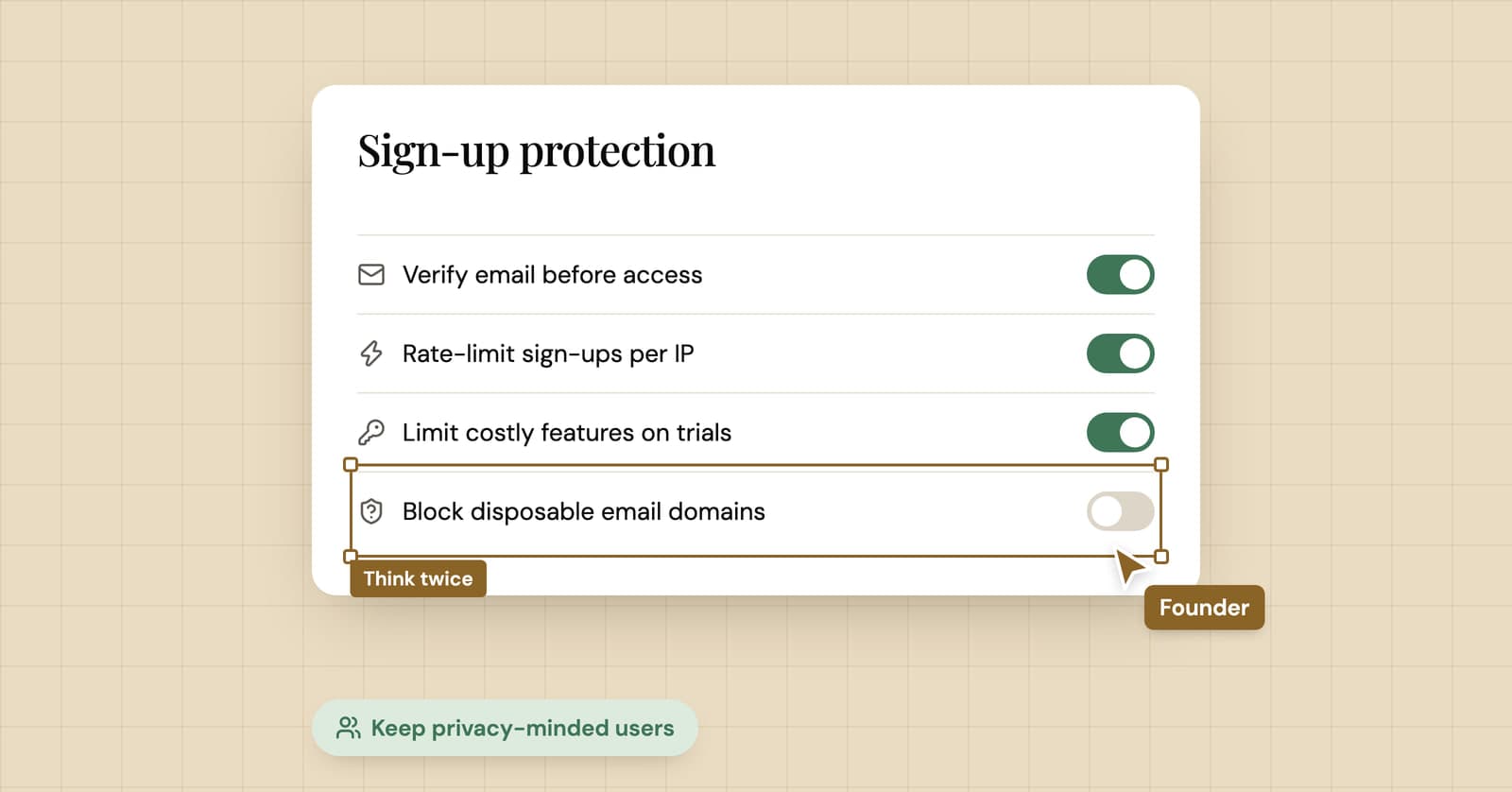
Should you block disposable email addresses at sign-up?
A temp mail company's honest take on blocking disposable email: what it costs you, what it doesn't stop, what works better, and the cases where you should block anyway.
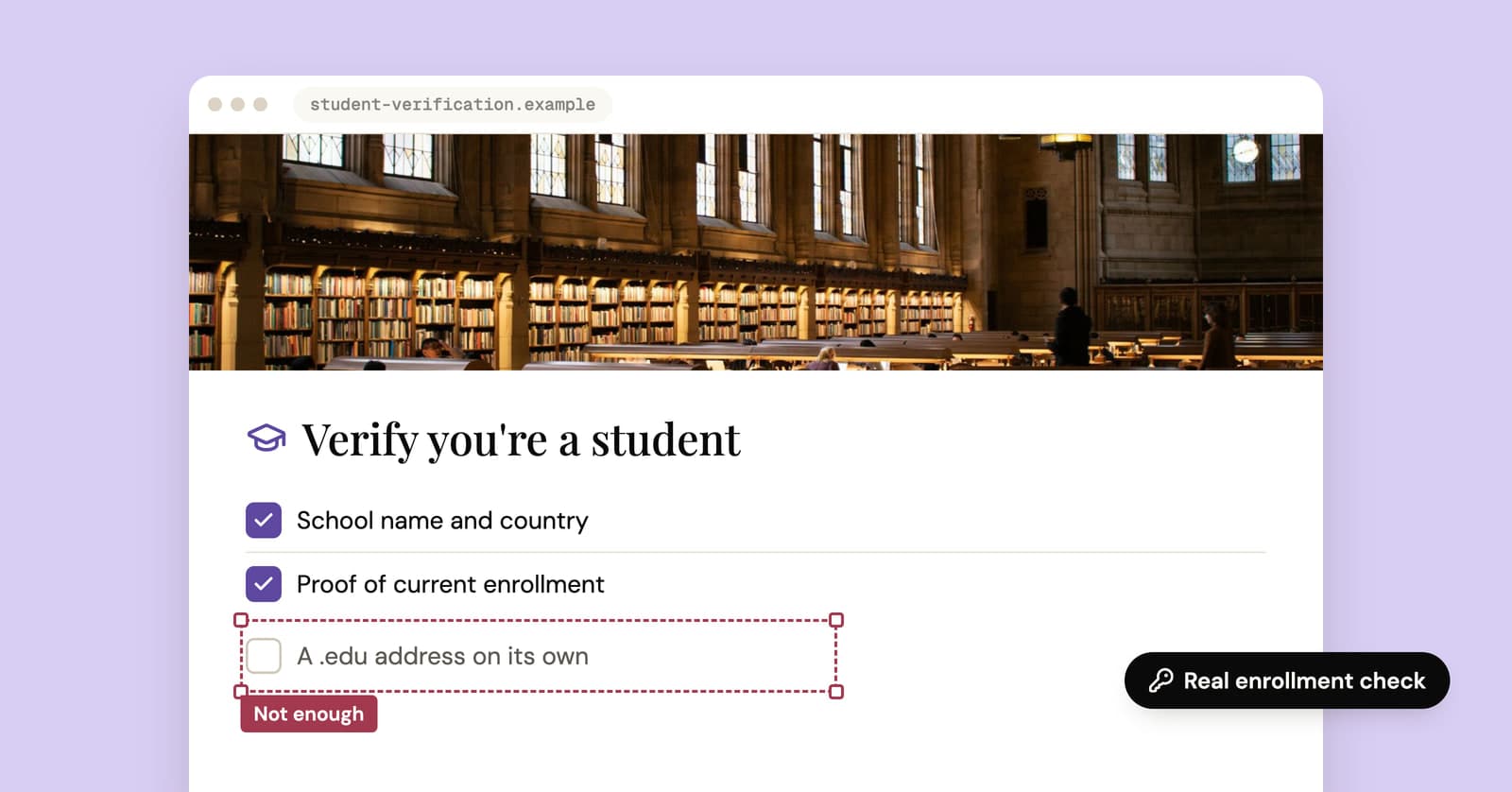
Temporary edu email: why free .edu addresses won't get you student discounts
Sites promising a free .edu address can't give you a real one, and student discounts check enrollment anyway. How verification works, and the legitimate route for students.
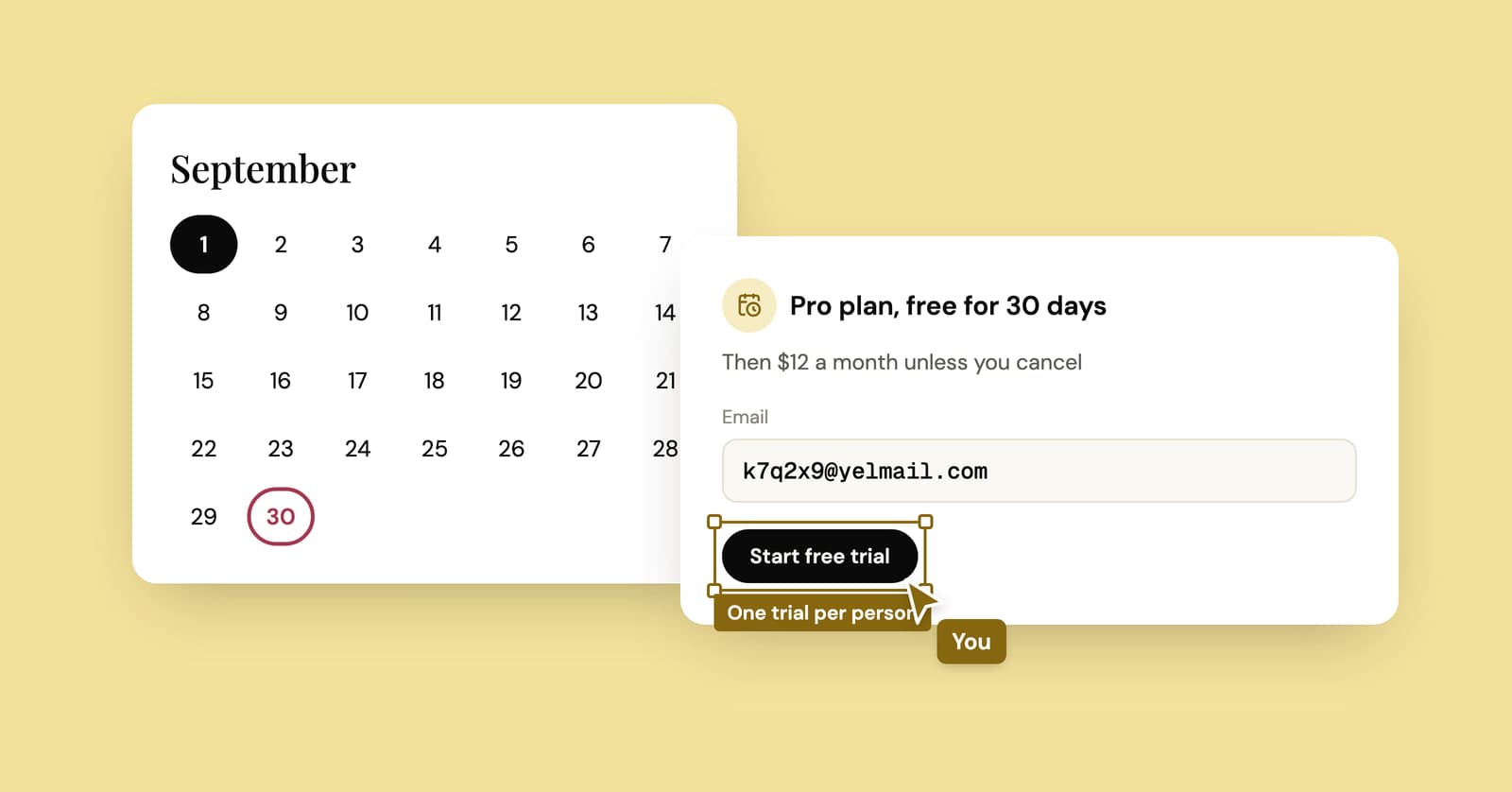
Temp mail for free trials: when it's fine and when it's trial abuse
One trial on a throwaway address to dodge the sales emails is fair. Restarting the same trial again and again is not, and it tends to end with a charge or a closed account.