Temp mail expired? What gets deleted and what doesn't
By the YelMail team6 min read
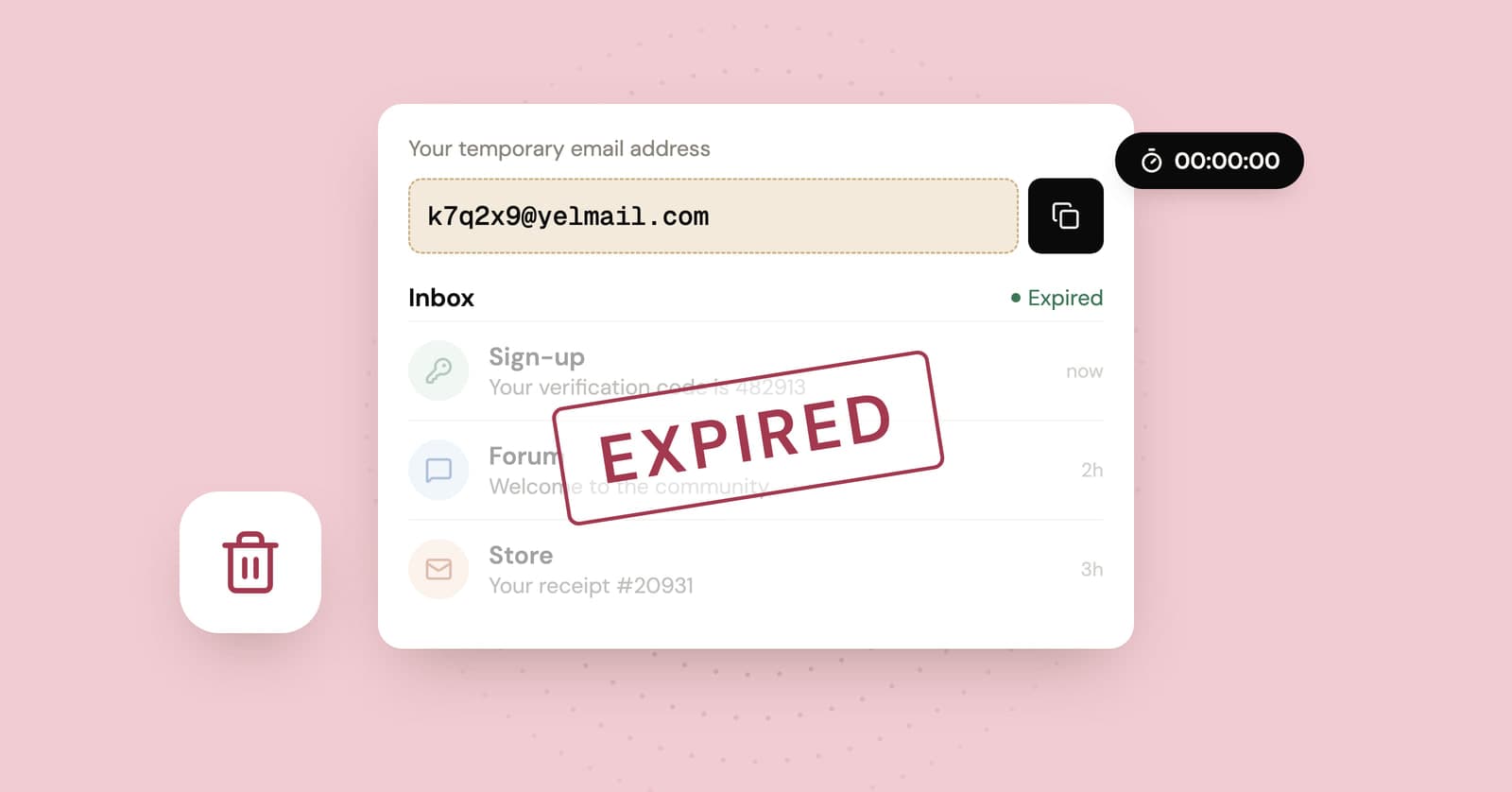
Yes, temp mail expires, and when it does the inbox is wiped: the address stops receiving and every message and attachment in it is deleted. On YelMail Free, an expired address can't be recovered. What doesn't expire is any account you created with it. Those accounts still list the dead address as their contact and recovery email, and that's where the trouble starts.
What gets deleted when a temp email expires?
When a temp email expires, the service deletes everything it held for that inbox: the address, the messages and their attachments. Nothing gets archived somewhere you could ask for it later.
On YelMail, this happens on two timers. Each email on the free plan is deleted 2 hours after it arrives, and the inbox itself expires after 2 hours without use. Press Delete and both happen on the spot. An expired free address can't be recovered, and we built it that way on purpose: mail you're finished with shouldn't sit on someone's server.
What's left afterwards:
| Thing | After the inbox expires |
|---|---|
| The address | Stops accepting mail |
| Emails already received | Deleted |
| Attachments | Deleted with their emails |
| The key your browser used to open the inbox | Opens nothing |
| Accounts you created with the address | Still there, still tied to it |
| Your address in those sites' databases | Still there |
The last two rows are the ones worth reading twice.
What happens to emails sent to an expired address?
Emails sent to an expired temp address don't reach anyone. Depending on the service, the sender gets a bounce or the message is quietly dropped, and either way nobody reads it.
The site on the other end rarely notices. It keeps sending what it sends every account: password resets, "new sign-in from Chrome on Windows" alerts, receipts, the notice that your subscription is about to renew, the email about changed terms. Some senders stop mailing an address after it bounces a few times. Few of them tell you they've stopped.
For a newsletter you never wanted, that's perfect. For an account you still use, it means the only channel the site has for reaching you when something goes wrong is gone.
Can someone else get your expired temp address?
On a public inbox service, nobody needs to wait for it to expire: anyone who types the name can read the mail. On a private service with random names, the chance of a stranger landing on your exact old address is small. Small is not the same as zero.
Public inboxes treat the name itself as the key. Whatever arrived there, anyone else could read too, for as long as the service kept the messages. The risks of public temp inboxes goes into what a stranger can do with that.
Private services are far safer while the inbox is alive. On YelMail, each inbox is tied to a secret token held by the browser that created it, so guessing the address doesn't open it. Once an address has expired, though, it's just a name again. Some services recycle names, some let users choose their own, and when a name is free, whoever asks for it first gets it. Don't build your account security on the idea that a dead address stays dead.
The password reset problem
Whoever can read an email address can reset the password on any account that uses it. Once a temp address expires, that cuts both ways: you can't get into the account, and in the unlucky case that someone else gets the address, they can.
How it usually plays out:
- You join a forum with a temp address, set a password and forget it.
- The address expires. You're still logged in on your laptop, so you don't notice.
- Months later the session ends. You click "Forgot password" and the reset link goes to an address nobody can read.
- Or the rarer, worse version: someone else now controls that address, types it into the same form and gets the link instead of you.
How much to worry depends on what's in the account. A login you used to read one thread isn't worth losing sleep over. An account with your real name, a saved card, private messages or a reputation you built is worth moving today.
What to do if an account still uses an expired temp address
Log in wherever you still can and change the email to one you'll keep. If the site demands a code from the old address, its support team is your only route, and not every platform can help.
In rough order:
- Don't log out. A live session on your phone or in another browser may be all that stands between you and a locked account, so change the email from there.
- Add a second way in, such as an authenticator app, backup codes or a phone number, if the site offers one.
- If the account isn't worth saving, delete it while you can still log in, so nothing is left hanging on a dead address.
- If you're already locked out, contact support with your username, roughly when you signed up, and any order numbers or receipts.
The full step-by-step, including what to tell support, is in how to move an account off temp mail.
How to avoid it next time
Give every account an address that lasts at least as long as you'll use the account. That one rule prevents nearly all of this.
Temp mail is for sign-ups you're finished with in an afternoon. If you'll check back for a few weeks, a long term temporary email inbox on Premium keeps email for 30 days, saved to your account, and can forward it to your personal address. For anything you'll keep for years, use your real address or an alias. If you're weighing up services, how long temp mail lasts compares the different timers.
And the moment a throwaway account starts to matter (you've paid for something, or other people depend on it), move it that day.
Frequently asked questions
Can I reactivate an expired temp mail address?
Not on the YelMail free plan. Expired addresses are deleted along with their messages, and there's nothing left to restore. Some other services let you reopen an address with a saved key or token. If you rely on one of those, check whether the old messages come back too or only the address, and guard that key the way you'd guard a password.
Does deleting my temp inbox delete my account on the website?
No. The inbox and the account are separate things run by separate companies. Deleting or losing the inbox only cuts the account off from its email. If you want the account gone, delete it on the website first, while you can still receive its confirmation emails, and delete the temp inbox afterwards.
Will the website know my temp email has expired?
Often not. If the temp service bounces the mail, the site may mark your address as undeliverable, but plenty of sites keep sending regardless. Either way, the site keeps your account, keeps the dead address on file and has no way to reach you about anything that happens to it.
What if the expired address shows up in a data breach?
The leak exposes your account on that site, not the inbox, which no longer exists. The real risk is the password: if you used the same one anywhere else, change it there. A breach of an account tied to a throwaway address usually reveals much less about you than one tied to your main email, which is half the reason to use one.
Before the timer runs out
If you've just signed up for something you want to keep, switch it to a real address now, while the codes still arrive. Everything else can expire exactly as designed, and for your next one-off sign-up, a fresh temp inbox takes a second.
Keep reading
Temp mail for Instagram, TikTok and X: lurker accounts without the lockout
A temp address gets a lurker account on Instagram, TikTok or X past sign-up. What each platform's rules say, where it goes wrong, and a setup that lasts.
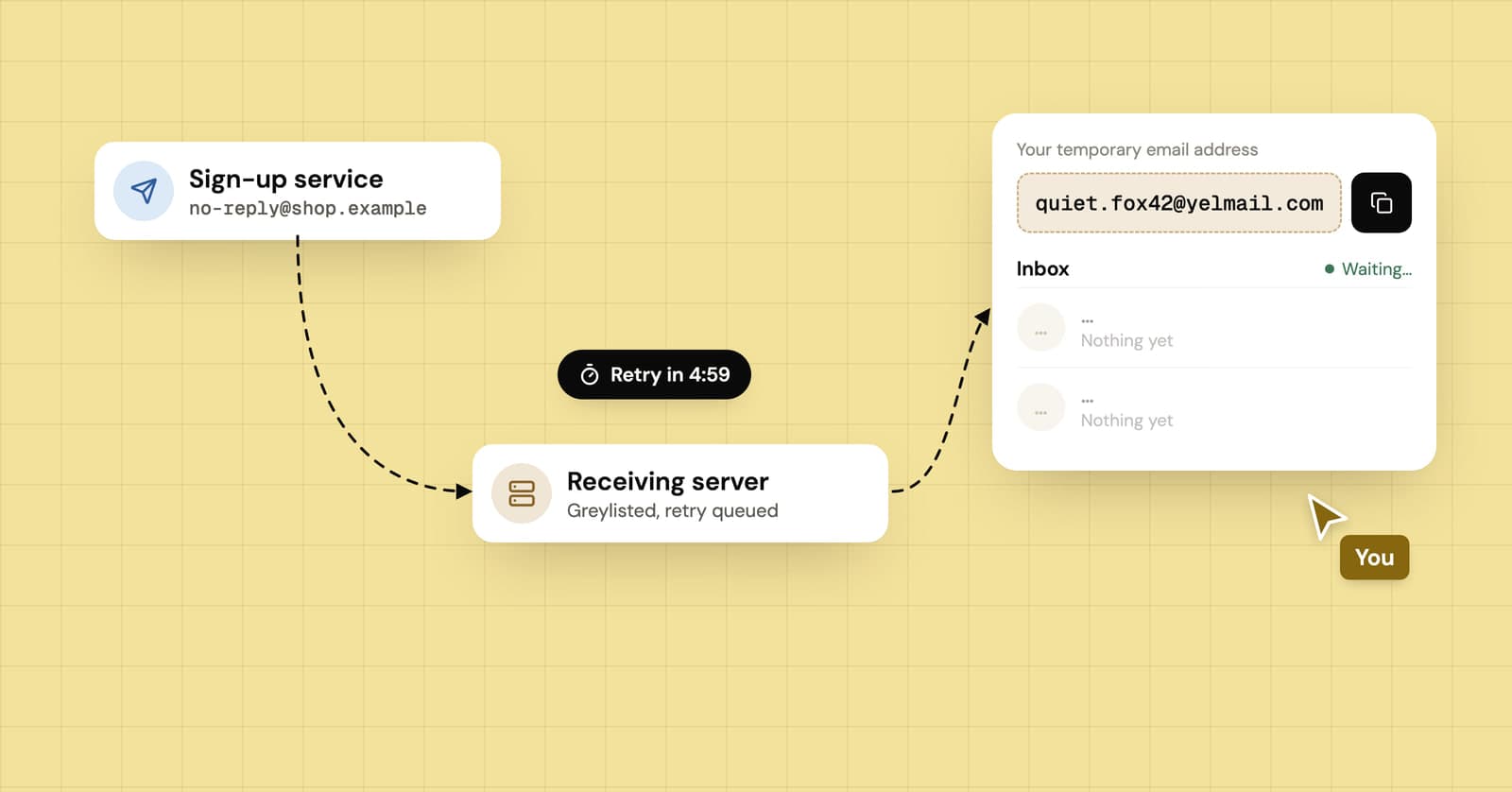
Verification email delayed or not received? Where it gets stuck
Why a verification code can take minutes or hours to show up, what greylisting and sender retries have to do with it, and how to avoid typing a code that already expired.
How to download gated content without the sales emails that follow
What really happens after you fill in a download form, how to get the PDF without the follow-up sequence, and when your real address is worth handing over.