Verification email delayed or not received? Where it gets stuck
By the YelMail team7 min read
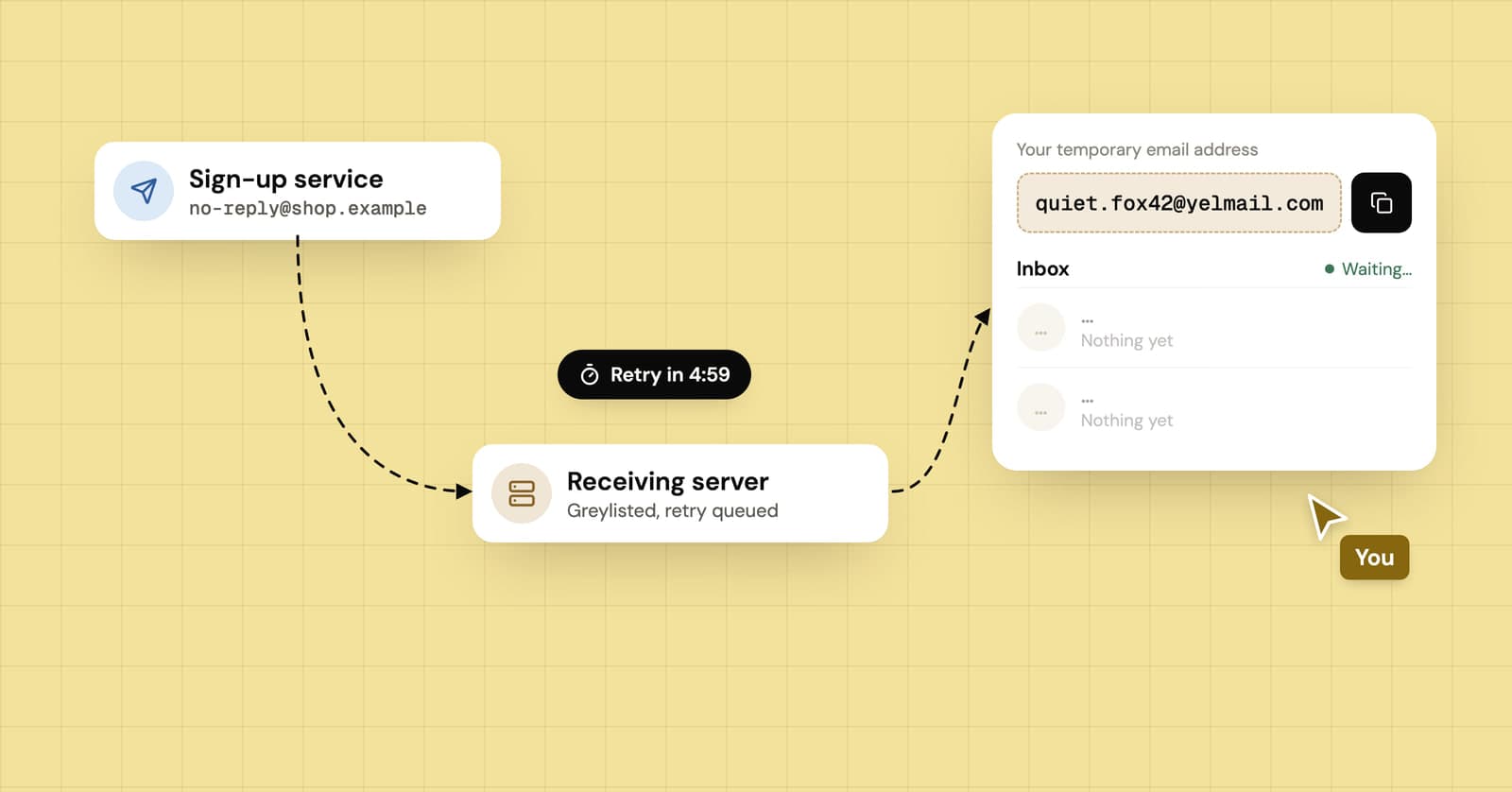
A verification email that is delayed or not received has usually not vanished. It is sitting in a queue somewhere between the site and your inbox: the site's own send queue, its email provider's rate limits, or a receiving server that told it to try again later. Wait two or three minutes, resend once, and only ever type the newest code.
How long should a verification email take?
A healthy sign-up flow delivers its code in seconds, and a minute or two is still normal. After about five minutes, something along the way is slowing it down. After fifteen, stop waiting and start checking, because even if the email turns up, the code inside may already be dead.
Those are rules of thumb, not promises, and a small site on a busy morning will always be slower than a big one with a dedicated email provider. But a late email is usually a delayed one, and delayed email usually arrives. Eventually.
Where does a verification email get stuck?
It can stall at any of five points between your click on "Send code" and the message appearing in your inbox. Which one is slow decides whether waiting will help.
- The site's queue. On launch days or during a big sale, your code waits behind thousands of other messages.
- The sending service. Most sites send through an email provider that caps how fast each customer can send.
- The handoff. The sending server looks up which server takes mail for your domain (its MX record) and connects.
- The receiving server. It accepts the message, refuses it, or says "try again later". That last answer is behind many of the really long delays.
- Filtering. Spam checks and security scans run before the message lands, and some work email systems hold mail for a scan.
From your side, each one tends to look like this:
| Where it stalls | What you notice | Does waiting help? |
|---|---|---|
| The site's queue | Everything from that site is slow, for everyone | Yes, usually minutes |
| Sending limits | Slow at busy times, fine an hour later | Yes |
| "Try again later" from your mail server | The first email from a new sender is late, later ones are fast | Yes, but the code may expire first |
| Spam or security filtering | The email is in spam, a quarantine or a tab you never open | No. Go and look for it |
| Blocked, or never sent | Nothing arrives, at any address | No |
What is greylisting, and why does it slow codes down?
Greylisting is a spam defense where a mail server temporarily refuses email from a sender it hasn't seen before and only accepts it when the sender tries again. Real mail servers retry. A lot of spam software doesn't bother, so the trick filters out junk at the cost of delaying the first message from anyone new.
How long you wait depends on the sender's retry schedule. Wikipedia's article on greylisting puts the typical delay at about 15 minutes, and much longer for badly configured senders. The SMTP standard itself says the retry interval should generally be at least 30 minutes. Some senders retry sooner, but one running on conservative settings can hold your code for half an hour before its second attempt.
There's a second trap. Big senders spread mail across many servers, and the retry can come from a different machine than the first attempt. A greylisting server that tracks senders by address may treat that retry as a brand-new stranger and defer it again.
Why do codes arrive after they've expired?
Because the clock starts when the site creates the code, not when you receive it. Codes are usually valid for a short window, and a message that spent twenty minutes in a retry queue can arrive already expired.
Resending makes this worse in a way that isn't obvious. On many sites, a new code cancels the old one. So you press resend, the first email finally shows up, you type it in, and it's rejected because it was replaced three minutes ago. Emails can also arrive out of order, so the one at the top of your inbox isn't always the newest.
- Match the code (or "Verify" link) to your most recent request. Check the time on each email, not its position in the list.
- If a code fails, don't work through the older ones. Ask for one fresh code and wait for that email.
Should you keep pressing resend?
No. Press it once, after two or three minutes, and then leave it alone. Every extra press adds another code that cancels the last, and many sites put you on a cooldown or lock the form after a handful of tries.
If the first email was deferred by a receiving server, it's already in a retry queue. A second request usually goes to the same server and gets deferred the same way, so all you've added is one more code to keep track of.
What should you check on your end?
A lot of "never arrived" emails did arrive, just somewhere you weren't looking. Before contacting the site, go through this:
- The spam or junk folder, plus any tabs your provider sorts mail into (Promotions, Updates, Other)
- Filters, forwarding rules and blocked senders you may have set up years ago and forgotten
- A full mailbox, which can bounce new mail without telling you
- The address on the form. Autofill loves swapping in an old address, and one wrong letter sends your code to a stranger
- If you're using a temporary inbox, whether it's still active and whether the site accepts disposable addresses at all
Some sites quietly refuse temporary domains, and no amount of waiting fixes that. Our guide to why sites block temporary email covers how to spot it.
Is the problem the site or your inbox?
Try a second address with a different provider, if you have one. If the code lands there quickly, the holdup is between the sender and your usual mail server: filtering, greylisting or a block. If nothing arrives anywhere, the site isn't sending, and only its support team can fix that.
For sign-ups you don't need to keep, you can skip your main inbox entirely. A free temp mail inbox needs no account and shows mail as soon as it arrives (live, with a 10-second refresh as backup), and YelMail puts a one-click copy button on verification codes. If a code is late there too, the delay happened before it reached the inbox. For an account you'll want to recover later, use an address you'll still have next year.
If you run the site sending the codes
Most of the fixes above are things your users shouldn't have to know. A few choices on the sending side remove the problem at the source:
- Give codes a validity window long enough to survive a slow retry. A code that dies before a greylisted email gets through is a support ticket waiting to happen.
- Consider accepting the previous code for the rest of its lifetime when someone asks for a new one, so a late email isn't useless.
- Show a visible countdown before "Resend" becomes available. People press what they can press.
- Keep verification mail on a separate sending stream from newsletters, so a marketing blast never queues ahead of a login code.
Then test the whole flow with real inboxes rather than your send logs. Our guides on testing password reset emails and magic links vs email codes go into the details.
Frequently asked questions
Why do I get verification emails hours after I asked for them?
Usually the first delivery attempt was deferred and the sender retried on a slow schedule. Each failed attempt pushes the next one further out, so a message can sit in a queue for hours before a receiving server accepts it. By then the code has almost certainly expired, so request a new one and use only that.
Why does my code say invalid when it just arrived?
Either it expired while it was in transit or a newer code replaced it. Many sites cancel older codes as soon as you ask for another, and emails don't always arrive in the order they were sent. Check the timestamps, use the code from your latest request, and if that fails too, request one more and wait for it.
Why do some sites' emails arrive instantly and others take ages?
It comes down to how the sender is set up. Sites that use a dedicated transactional email service and keep codes apart from marketing mail tend to deliver in seconds. Smaller or busier senders push everything through one queue, retry slowly, and may be new to your mail server, which is exactly what greylisting holds back.
Will a late code still work when it finally arrives?
Only if it's still inside its validity window and you haven't asked for a newer one since. Try it once. If the site rejects it, don't cycle through older codes from the same inbox. Ask for a fresh code and give that specific email a few minutes to arrive before touching the resend button again.
When the next code is late
Wait a couple of minutes, resend once, and type only the newest code. For sign-ups you'd rather keep out of your real inbox, a temp mail address shows codes the moment they land, and our temp mail glossary explains terms like greylisting and MX records if you want to dig further.
Keep reading
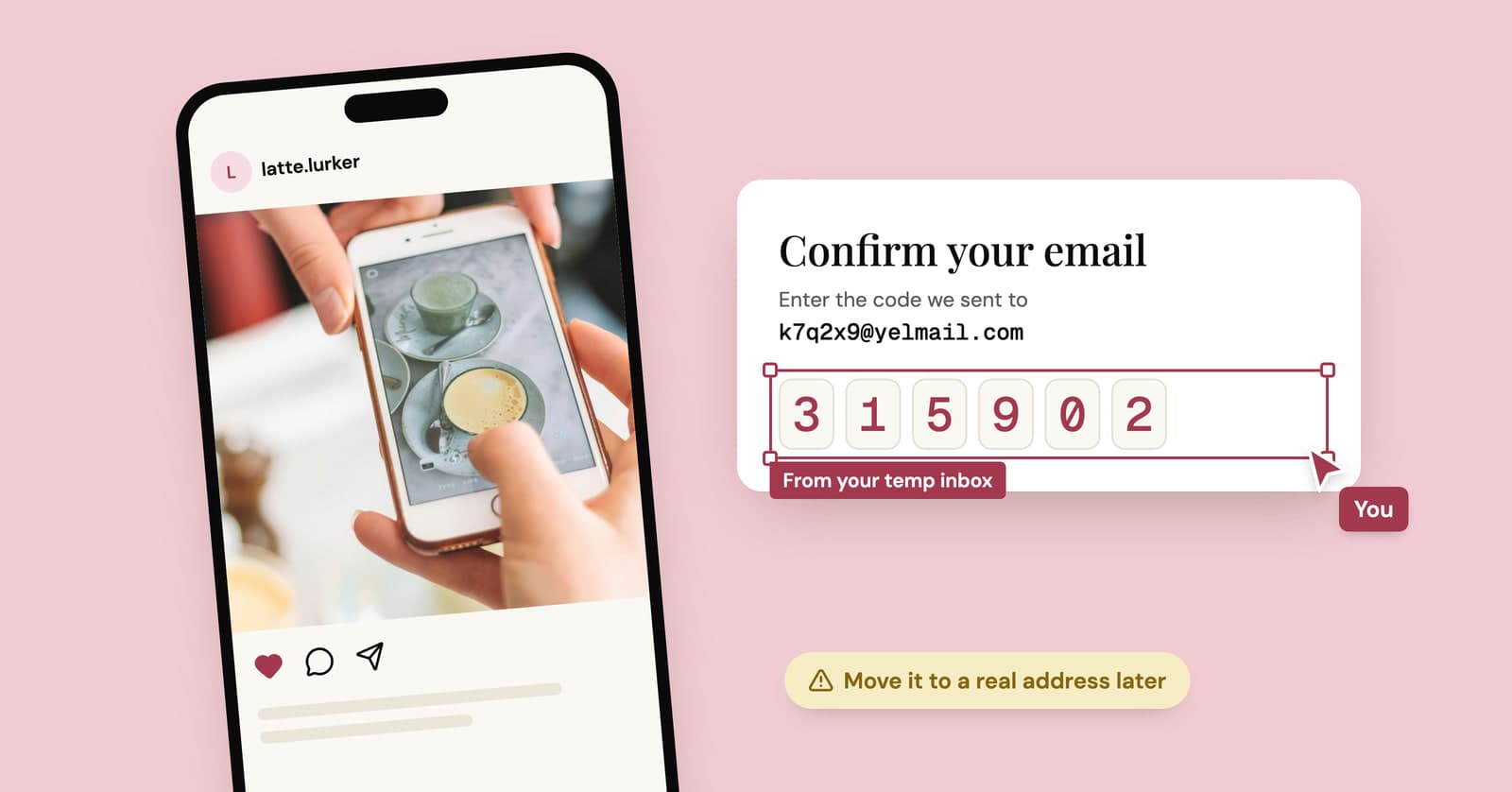
Temp mail for Instagram, TikTok and X: lurker accounts without the lockout
A temp address gets a lurker account on Instagram, TikTok or X past sign-up. What each platform's rules say, where it goes wrong, and a setup that lasts.
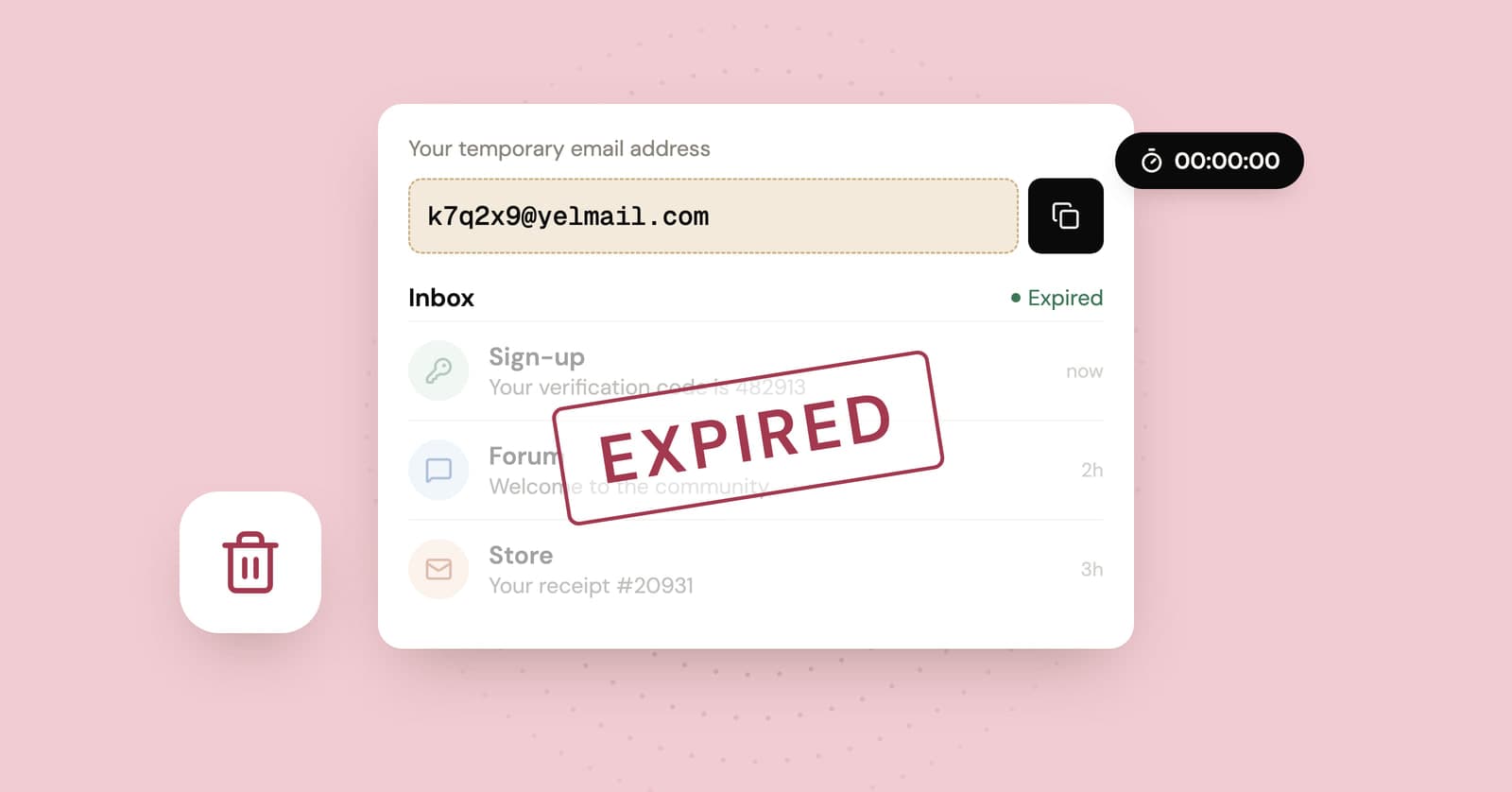
Temp mail expired? What gets deleted and what doesn't
When a temp inbox expires, the messages go and the address stops working. The accounts you signed up for with it stay behind, and that is the part worth thinking about.
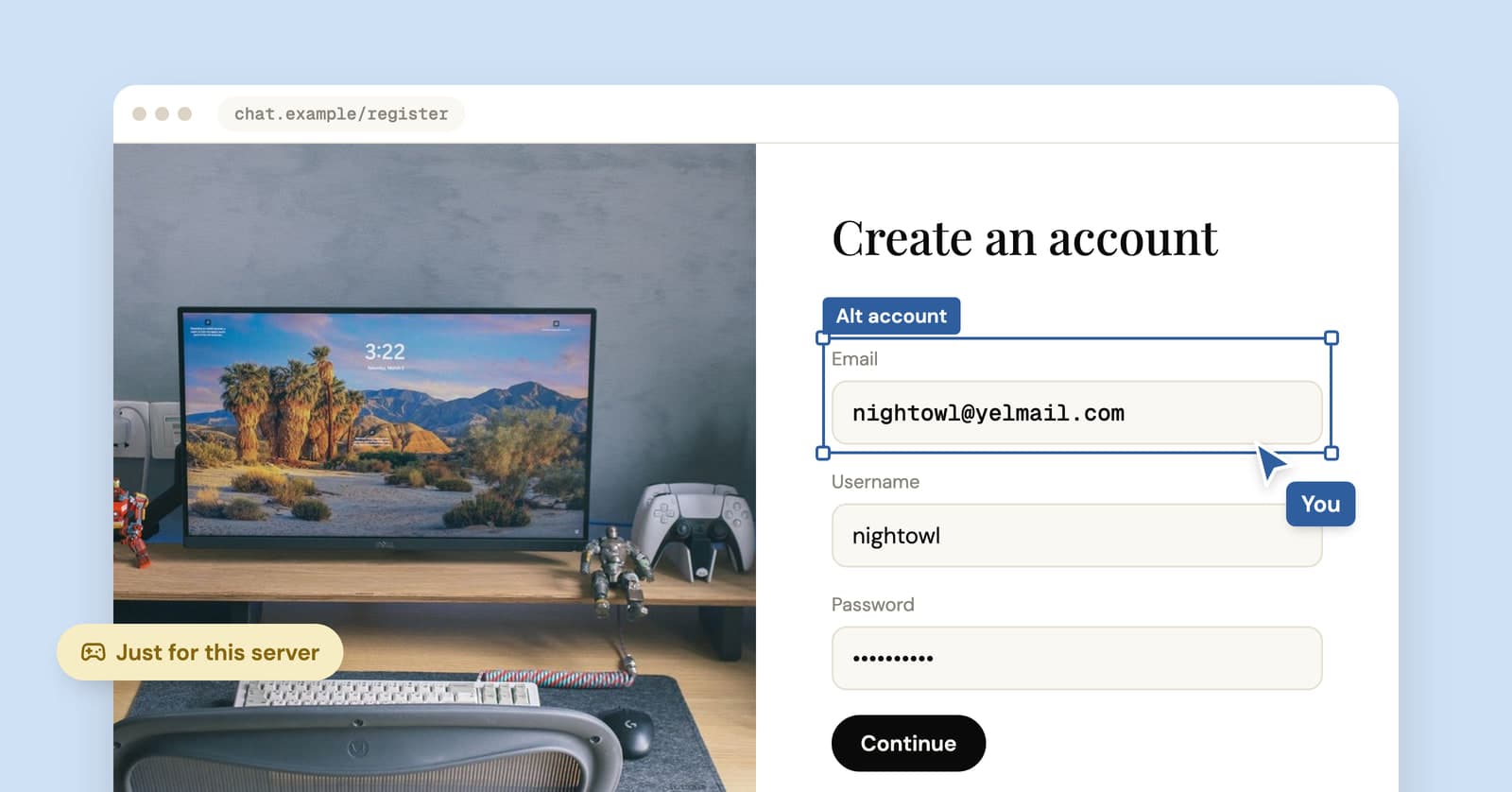
Temp mail for Discord: fine for an alt, risky for your main
A temp address gets you into Discord in a minute. Where that works, when Discord asks for a phone, and how to keep the account if you end up liking it.