How to test password reset emails: a QA checklist
By the YelMail team8 min read
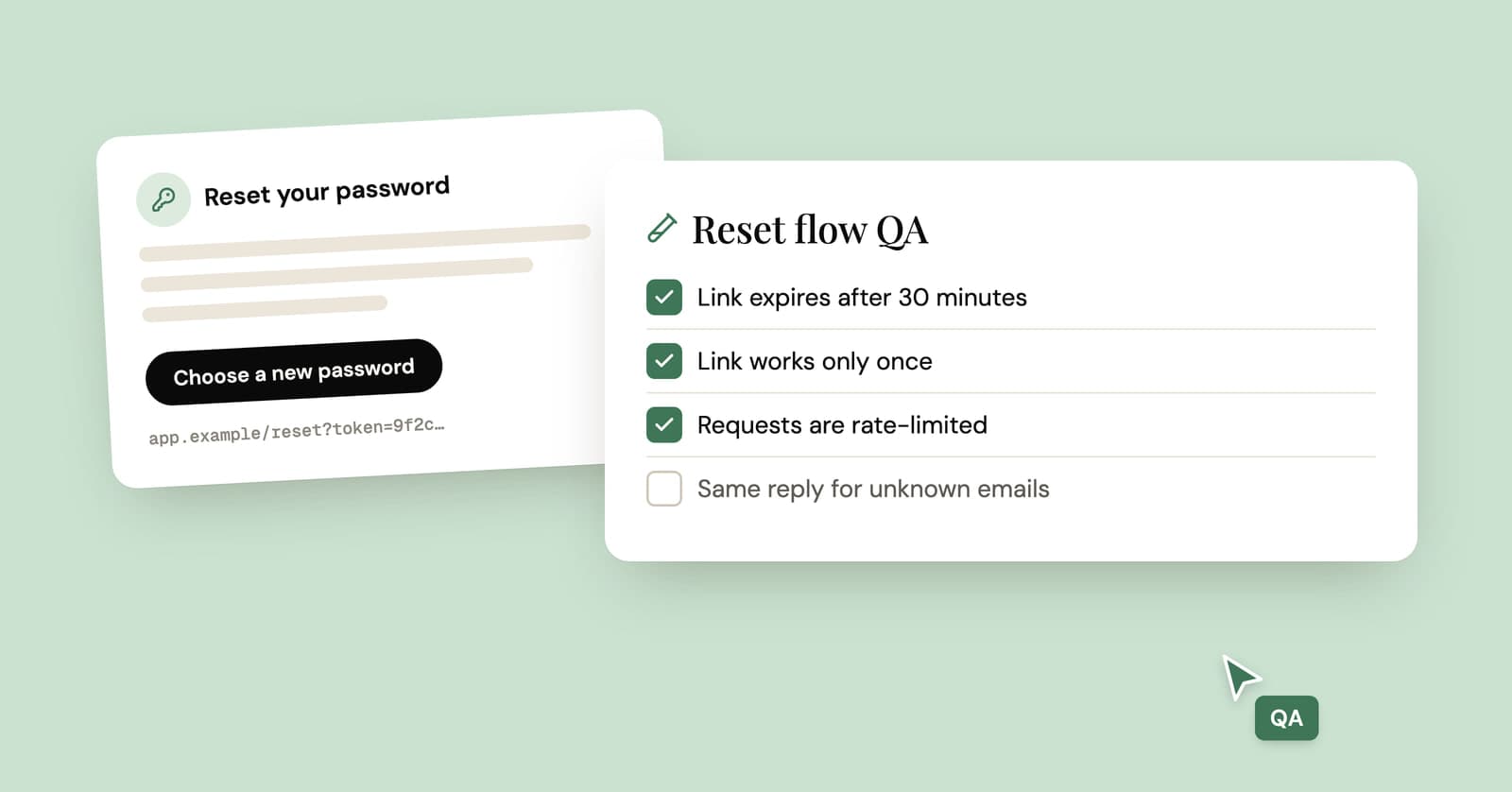
To test a password reset email, request a reset for a test account whose inbox you can read, then check four things: the request form leaks nothing, the email carries a link to your real domain, the token works once and then expires, and the reset ends old sessions and sends a confirmation. The password reset email checklist below covers each stage.
Most of it follows the OWASP Forgot Password Cheat Sheet, turned into things a tester can actually do. Where we go beyond OWASP, we say so.
Which email address should you test with?
Use a real inbox you can read, one per test account. The reset email has to actually arrive for most of these checks to mean anything, so the reserved example.com style addresses that work for seed data are useless here.
A separate inbox per account keeps tests from reading each other's reset emails, which happens quickly when three people share [email protected]. For manual QA, a free temp mail inbox is enough: paste the address into your staging sign-up, then request the reset. For automation you'll want inboxes you can create from code, covered at the end. Our guide to test email addresses for developers explains when a local mail catcher does the job instead.
Stage 1: the forgot password form
The forgot password form should behave identically whether or not the account exists, and it should hold up when someone hammers it. Test it from the outside, as an attacker would.
- Same message. Submit a registered address and an unregistered one. The page should say the same thing for both, something like "If an account exists, we've sent a link".
- Same status and body. Compare the raw responses in your browser's dev tools, not just the visible text. A 200 for one and a 404 for the other gives the game away.
- Same timing, roughly. Time a batch of requests for each case. If known addresses are consistently slower, the app is probably sending the email inside the request. Moving the send to a background job usually fixes it.
- Rate limits. Request resets for one address repeatedly. At some point the app should stop sending, per account and per IP, or anyone can flood a user's inbox with reset emails.
- No lockout. Requesting resets must not lock the account. OWASP is explicit: lockouts here let anyone who knows a username deny that person access.
For the unregistered case, use a fresh inbox that has no account behind it, then look at what arrives. There are two defensible designs: send nothing, or send a short "someone tried to reset a password, but there's no account for this address" note. Either is fine. What matters is that it's the one you chose, and a real inbox is the only way to check.
Stage 2: the email itself
The email should arrive promptly, come from a sender users recognize, and contain a link to your real domain over HTTPS, with a token nobody could guess. Most checks here take seconds once the email is in front of you.
The link host
This is the big one. If your app builds the reset URL from the request's Host header, an attacker can request a reset for a victim with a forged header, and the victim receives a genuine email whose link points at the attacker's server. PortSwigger's write-up on password reset poisoning walks through the attack.
Test it by sending the request with headers you control:
curl -s -X POST https://staging.your-app.example/api/password/forgot \
  -H "Content-Type: application/json" \
  -H "X-Forwarded-Host: attacker.invalid" \
  -d '{"email":"YOUR_TEST_INBOX"}'
Then open the email. The link must still point at staging.your-app.example. Repeat with -H "Host: attacker.invalid" (your load balancer may reject that one outright, which is also a pass). The fix is to build links from a configured base URL, never from the request.
The rest of the email
- The link uses HTTPS and your own domain (staging's, while you test on staging), not a tracking domain you didn't expect or a raw IP.
- Request three resets and compare the tokens. They should look unrelated: long, random, and not a timestamp, a user id or a counter.
- The plain text part contains the full link on its own line, so it still works in clients that show text only.
- The email says how long the link lasts and what to do if you didn't ask for it. Unexpected reset emails make people nervous, for reasons we cover in verification codes you didn't request, so "you can ignore this email" earns its place.
- It never contains a password, old or new.
- It still makes sense with images off. A button that is only an image disappears in clients that block remote images, and YelMail blocks them by default, so a temp inbox shows you that view without any setup.
Stage 3: the token
The reset token must work once, expire on time, and stop working as soon as anything about the account changes. This table is the heart of the checklist.
| Test | How | Expected |
|---|---|---|
| Happy path | Open the link, set a new password | Password changes |
| Reuse | Open the same link after a successful reset | Refused |
| Expiry | Wait past the token lifetime (see below) | Refused, with a way to request a new link |
| Superseded | Request two resets, use the first link | Refused (our recommendation; decide and test it) |
| Tampered | Change one character of the token | Refused, same error as any invalid token |
| Password changed elsewhere | Change the password in settings, then use an old link | Refused |
| Guessing | Submit many wrong tokens quickly | Rate limited |
| Link scanner | GET and HEAD the link before the user clicks |
Token still works for the user |
| Referrer leak | Check the reset page's response headers | Referrer-Policy: no-referrer |
Two rows deserve a note.
The scanner row matters because some company mail systems fetch links in incoming mail before the employee sees them. If opening the link consumes the token, corporate users get "link expired" on the first click. The reset page should only consume the token when the form is submitted. The same problem, and its fix, is covered in more depth in magic links vs email codes.
The referrer row matters because the token sits in the URL. Any third-party script, font or image on the reset page could receive that URL in a Referer header. Set the policy, and keep analytics and chat widgets off that page entirely.
Stage 4: after the reset
A successful reset should enforce your normal password rules, send the user to sign in rather than signing them in, deal with other sessions, and send a confirmation email. These are the checks people forget, because the happy path already looks finished.
- The new password has to meet the same policy as sign-up. Try a short one and a very common one.
- The user is not logged in automatically. OWASP recommends against it, and it also means two-factor authentication still applies at the next sign-in, which you should test separately.
- Other sessions are handled. OWASP allows either asking the user or ending them automatically. We'd end them by default: if someone else was in the account, a reset is exactly when you want them out. Test it with a second browser that was signed in before the reset.
- Every other outstanding reset link for the account stops working.
- A "your password was changed" email arrives at the account's address, without the password in it, and tells the user what to do if it wasn't them.
How do you test expiry without waiting an hour?
Make the token lifetime configurable and set it very short in the test environment, or move the clock instead of waiting for it. Nobody should be sitting through a 60-minute timer in CI.
- In unit tests, freeze or advance time with your framework's fake clock.
- In integration tests against staging, read the lifetime from config and set it to a minute or two.
- If neither is possible, update the token's issue time directly in the test database. It's crude, and it's still better than skipping the test.
Automating the checklist
Nearly all of this runs in CI if each test can create a real inbox, trigger the flow, and read the email from code. The example below uses the mail helper and inbox fixture from our guide to reading verification emails in Python. Swap the paths and field names for your app's.
from urllib.parse import parse_qs, urlparse

import httpx

import mail

APP_HOST = "staging.your-app.example"
app = httpx.Client(base_url=f"https://{APP_HOST}", timeout=10.0)


def test_reset_link_works_once(inbox):
    app.post("/api/signup", json={"email": inbox["address"], "password": "old-password-123456"})
    app.post("/api/password/forgot", json={"email": inbox["address"]})

    email = mail.wait_for_message(inbox["id"], match=lambda m: "reset" in m["subject"].lower())
    link = mail.extract_link(email, contains="/reset")
    assert urlparse(link).hostname == APP_HOST

    body = {"token": parse_qs(urlparse(link).query)["token"][0], "password": "new-password-654321"}
    assert app.post("/api/password/reset", json=body).status_code == 200
    assert app.post("/api/password/reset", json=body).status_code >= 400

    notice = mail.wait_for_message(inbox["id"], match=lambda m: "changed" in m["subject"].lower())
    assert "new-password-654321" not in (notice["text"] or "")
That one test covers the link host, single use and the confirmation email. The same pattern extends to the rest of the table. If your suite is in TypeScript, the Playwright version of the helper is in our guide to testing sign-up emails with an API.
Frequently asked questions
How long should a password reset link be valid?
OWASP only says tokens should expire "after an appropriate period", so it's your call. We'd pick something between 15 and 60 minutes. Shorter limits the damage from a leaked email; longer forgives slow delivery and people who read mail in batches. Whatever you choose, state it in the email, and test both sides of the boundary.
Is it safe to put the reset token in the URL?
It's the standard approach, and it's safe enough if you handle the side effects. URLs end up in browser history, server logs, mail security scanners and Referer headers. Keep the token single use and short-lived, consume it only when the form is submitted, and send Referrer-Policy: no-referrer on the reset page. A code the user types avoids some of that, at the cost of an extra step.
Should requesting a new reset link invalidate the old one?
We think so, though OWASP doesn't require it. With one live link per account, a user who asks twice can't get confused about which email works, and an older link sitting in a forwarded or leaked email stops being useful. Say in the email that only the newest link works, and add it to your token tests.
Can I test password reset emails without a real inbox?
Partly. A local mail catcher shows you the email and lets you test tokens, expiry and the confirmation message during development. What it can't show you is your real sending setup: the production email provider, link tracking that rewrites URLs, and delivery time. For those, run the same checks in staging against a real inbox.
Where to start
Begin with the link host test and the scanner row, since neither shows up in a normal happy-path test. Then move the rest into CI with a fresh inbox per test, and run the whole checklist again whenever someone touches the auth code.
Keep reading
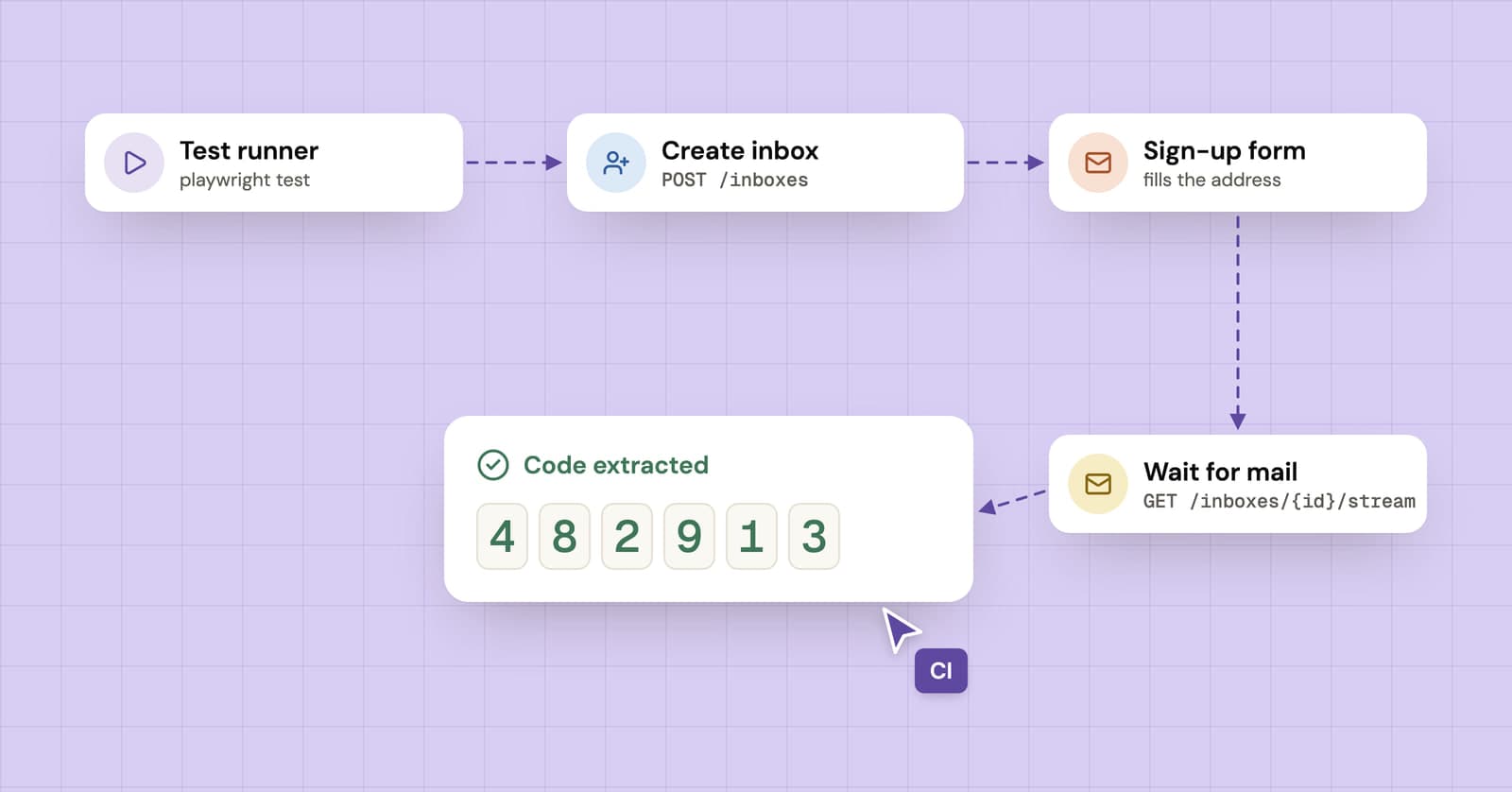
How to test sign-up and verification emails with an API
A practical guide to end-to-end email testing: create a disposable inbox from your test, wait for the verification email and pull out the code or link.
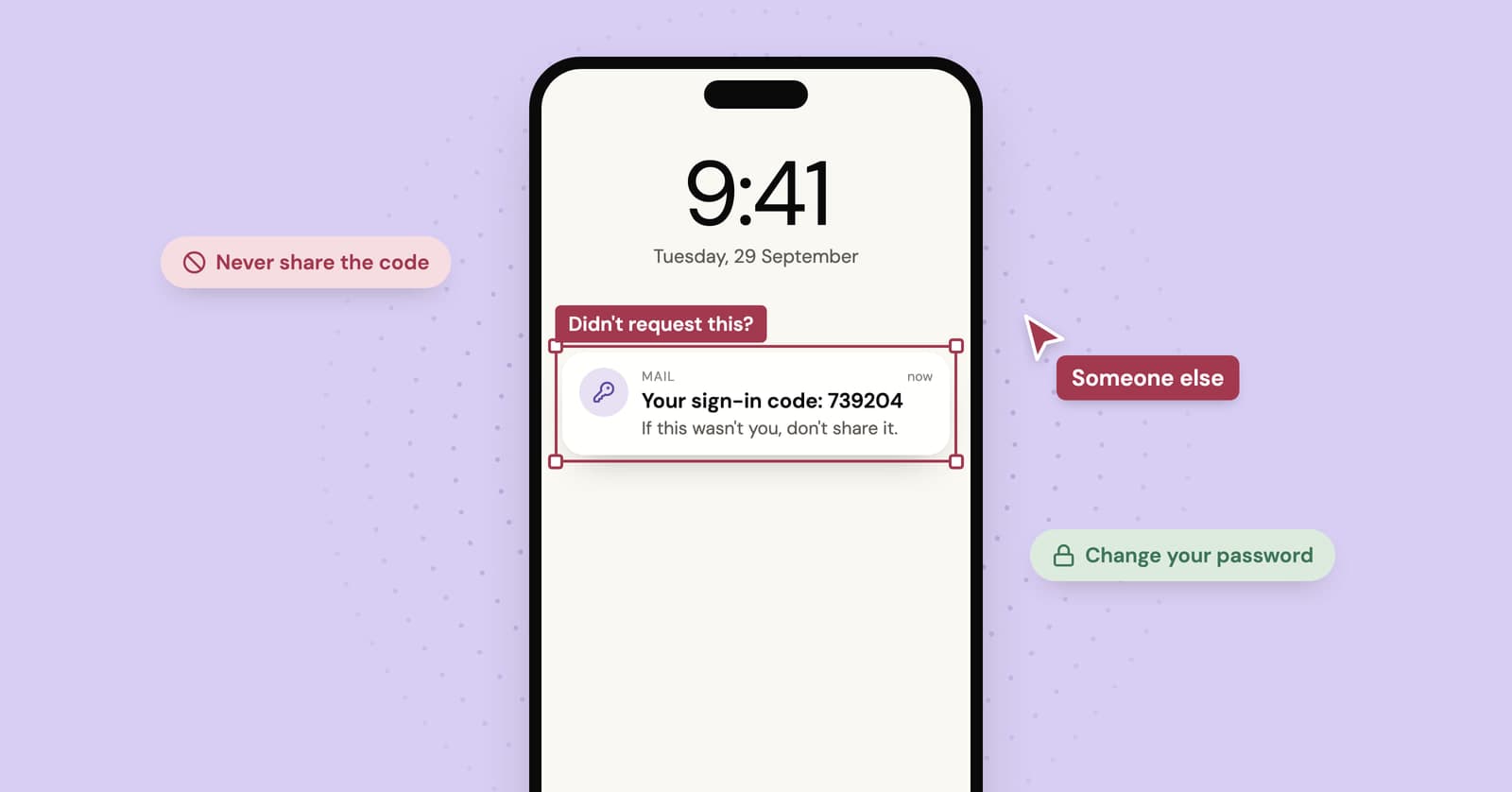
Got a verification code you didn't request? What it means and what to do
An unexpected code usually means someone typed your address by mistake. Sometimes it means someone has your password. How to tell the difference and what to do next.
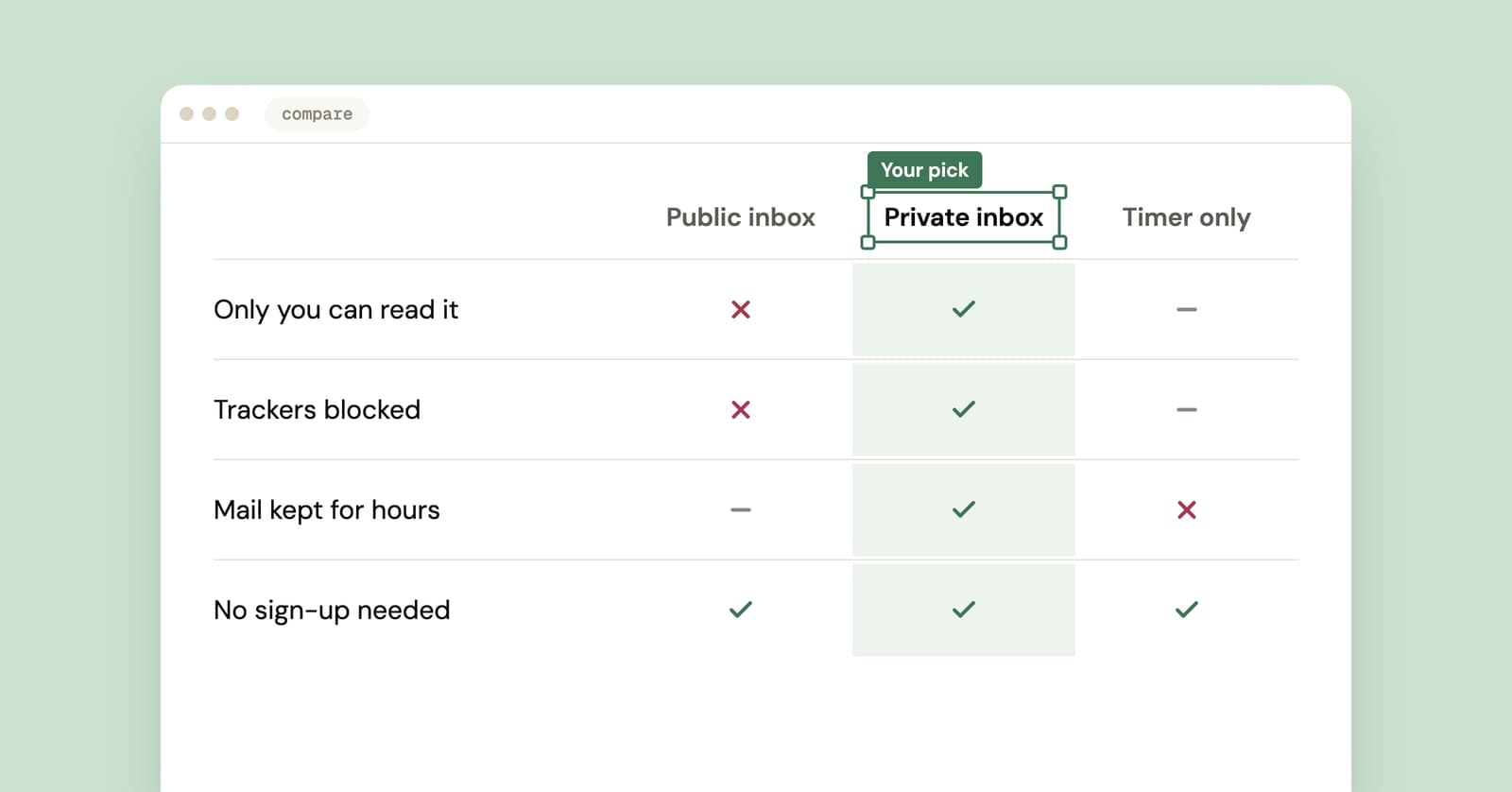
Best temp mail service? An honest checklist from people who run one
We run a temp mail service, so read this with that in mind. Here is the checklist we'd judge any provider by, us included, plus a five-minute test you can run yourself.