Temp mail for Facebook: why it backfires, and what to use instead
By the YelMail team6 min read
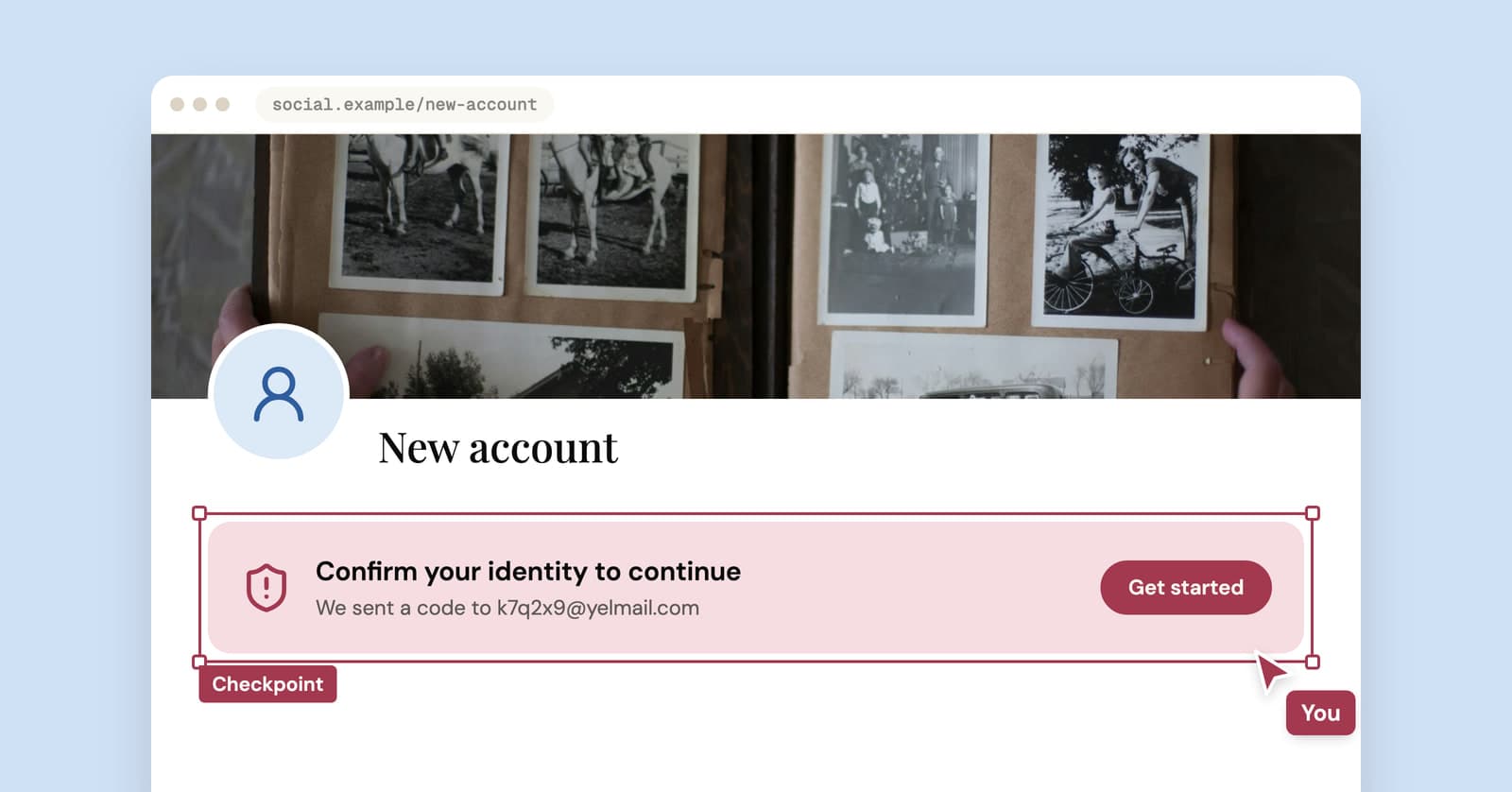
Using temp mail for Facebook usually gets you through sign-up and then works against you. Meta's terms ask for the name you use in everyday life, accurate information and a single personal account. When Facebook locks an account for unusual activity, getting back in depends on contact details you can still reach, and a temp inbox that expired last month isn't one of them.
Can you sign up for Facebook with a temporary email?
Often, yes. Facebook sends a confirmation code to the address you give, and a temp inbox receives it like any other.
Some disposable domains may be refused, and the list changes over time. If that happens, pressing Change in YelMail gives you a new address to try. But "will it work" is the easy question. The harder one is whether the account holds up once the inbox is gone, and on Facebook the answer is often no.
What do Facebook's terms expect from you?
Meta's Terms of Service ask you to use the same name you use in everyday life, to provide accurate information about yourself and to create only one account, your own. If Meta disables your account for breaking its rules, you agree not to create another without its permission.
The help center is just as direct: it says maintaining more than one personal account is against its Community Standards. So the "secret second Facebook" people often want a temp address for is off the table under Meta's own rules, whatever email you use.
The terms don't mention disposable email. Still, "accurate information" is hard to square with an address built to stop working in two hours. Our view: on Facebook, the bigger problem with a temp address is recovery, and recovery is where Facebook gets strict.
If what you really want is separation, Meta points people to Pages for businesses, organizations and brands, and lets you add another name, such as a nickname or maiden name, to your one account. It used to offer additional profiles inside one account too, but its help center now says new ones can no longer be created.
Why do lockouts make temp mail risky on Facebook?
Facebook may lock an account when it sees unusual activity, and getting back in can mean confirming your identity with details on the account. A dead email address removes one of the few paths you have.
Facebook says you'll find out about a lock either from an email telling you the account was locked or from a message when you log in. With a temp address, the first of those goes to an inbox nobody is reading. You'll then be asked to follow on-screen steps, and Facebook may ask you to confirm your identity.
It gets harder if you're logged out and can't reach the email or phone on the account. Facebook's help for recovering an account without that access asks you to use a device you've logged in with before, supply new contact details that have never been used on the account and pass its security checks. It can work. It's not a process you want to rely on, and signing up with a temp address all but guarantees you'll end up there if anything goes wrong.
Before you give Facebook anything but a lasting address, check yourself against this list:
- Would losing this account cost you photos, messages or contacts you care about?
- Will you run a Page, a group or ads from it?
- Will you buy or sell on Marketplace with it?
- Do you log in to other apps with "Continue with Facebook"?
One yes, and a temp address is the wrong choice.
If you already signed up with a temp address
Swap in a permanent address now, while you're still logged in. The confirmation code goes to the new address, so this usually works even if the temp inbox has already expired, as long as you haven't been logged out.
- Click your profile picture at the top right, then Settings & privacy, then Settings.
- Open Accounts Center, then Personal details, then Contact info.
- Choose Add new contact, then Add email, enter the new address and select your account.
- Enter the confirmation code Facebook sends to the new address.
- Back in Contact info, click the temp address, choose Delete email and re-enter your password if asked.
Do step 5 last, so the account is never left without a confirmed address.
Menus move around. If yours look different, search Facebook's help center for "add or remove an email". Our guide to moving an account off temp mail covers the general approach, including what to try when you're already locked out.
Better ways to keep Facebook out of your main inbox
Give Facebook a lasting address that isn't your main one, then turn down the email it sends. You keep full recovery and still get a cleaner inbox.
- An email alias. It forwards to your real inbox, lasts as long as you want and can be switched off if it starts attracting spam. Our temp mail vs email alias comparison explains how aliases work, and if you're on an iPhone, see how Hide My Email compares with temp mail.
- Plus addressing. Something like [email protected] lets you filter everything Facebook sends into its own folder. It's not private, since your real address is visible to anyone who looks, but it's free and takes ten seconds. More in our post on Gmail plus addressing.
- A saved YelMail Premium inbox. An address name you choose, email kept for 30 days and forwarding to a verified personal address so security codes still reach you. It works, though if you already use an alias service, that does the same job.
Then open Facebook's notification settings and switch off the email notifications you don't want.
Where temp mail does belong around Facebook
On the pages Facebook sends you to, not on Facebook itself. The personality quiz from an ad, the giveaway, the "free guide" landing page, the shop that pops up a discount form the moment you arrive from a sponsored post. Those are one-off sign-ups where you want the first email and nothing after it, which is exactly what a disposable email is for.
Frequently asked questions
Does Facebook allow disposable email addresses?
Meta's terms don't mention them. They do require accurate information and the name you use in everyday life, and some disposable domains may be refused at sign-up. Even when one is accepted, it leaves the account without a working email for security notices and recovery, which is the real problem with using one.
Can I make a second Facebook account with a temp email?
No. Facebook's help center says maintaining more than one personal account goes against its Community Standards, and the email address you use doesn't change that. If you need a presence for a business, organization or brand, Meta's answer is a Page run from your one personal account.
What happens to my Facebook account when the temp email expires?
Nothing, at first. The account keeps working on any device where you're logged in. Security emails, confirmation codes and lock notices simply go nowhere. The trouble starts if you're logged out or locked: recovery then runs through contact details you can't reach, which is slow and uncertain. Add a lasting address while you're still logged in.
Is plus addressing enough to keep Facebook mail separate?
For sorting, yes. A +facebook tag lets you route everything Facebook sends into one folder and spot it at a glance. It won't hide your real address, though, because anyone can strip the tag and see it. If the goal is keeping your main address out of Facebook's hands entirely, an alias is the better fit.
Keep Facebook on an address that lasts
For Facebook itself, use an alias or a plus address you'll still have in five years. Keep temp mail for the quizzes, giveaways and landing pages the ads lead to, and open a free temp mail inbox for those.
Keep reading
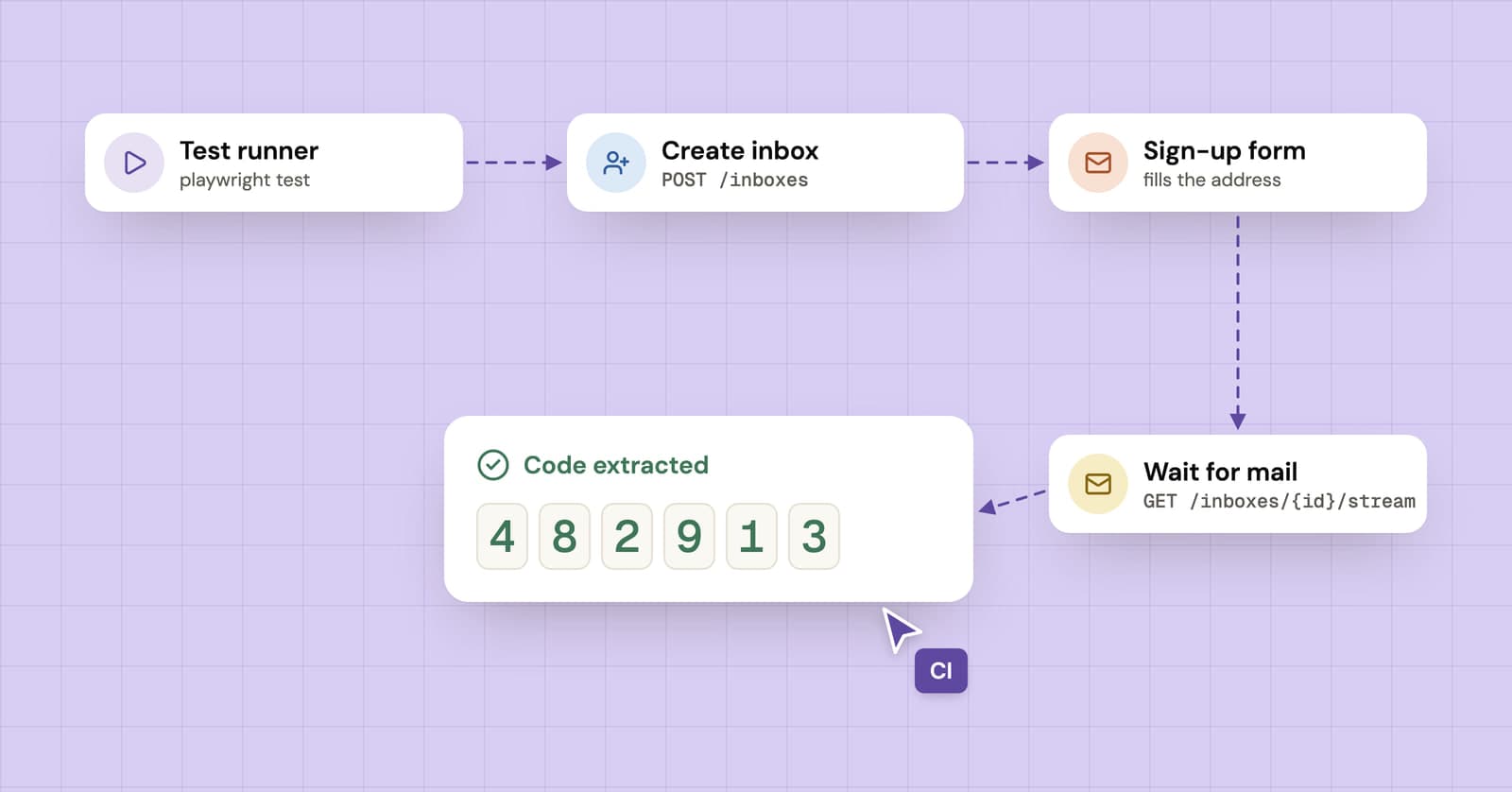
How to test sign-up and verification emails with an API
A practical guide to end-to-end email testing: create a disposable inbox from your test, wait for the verification email and pull out the code or link.
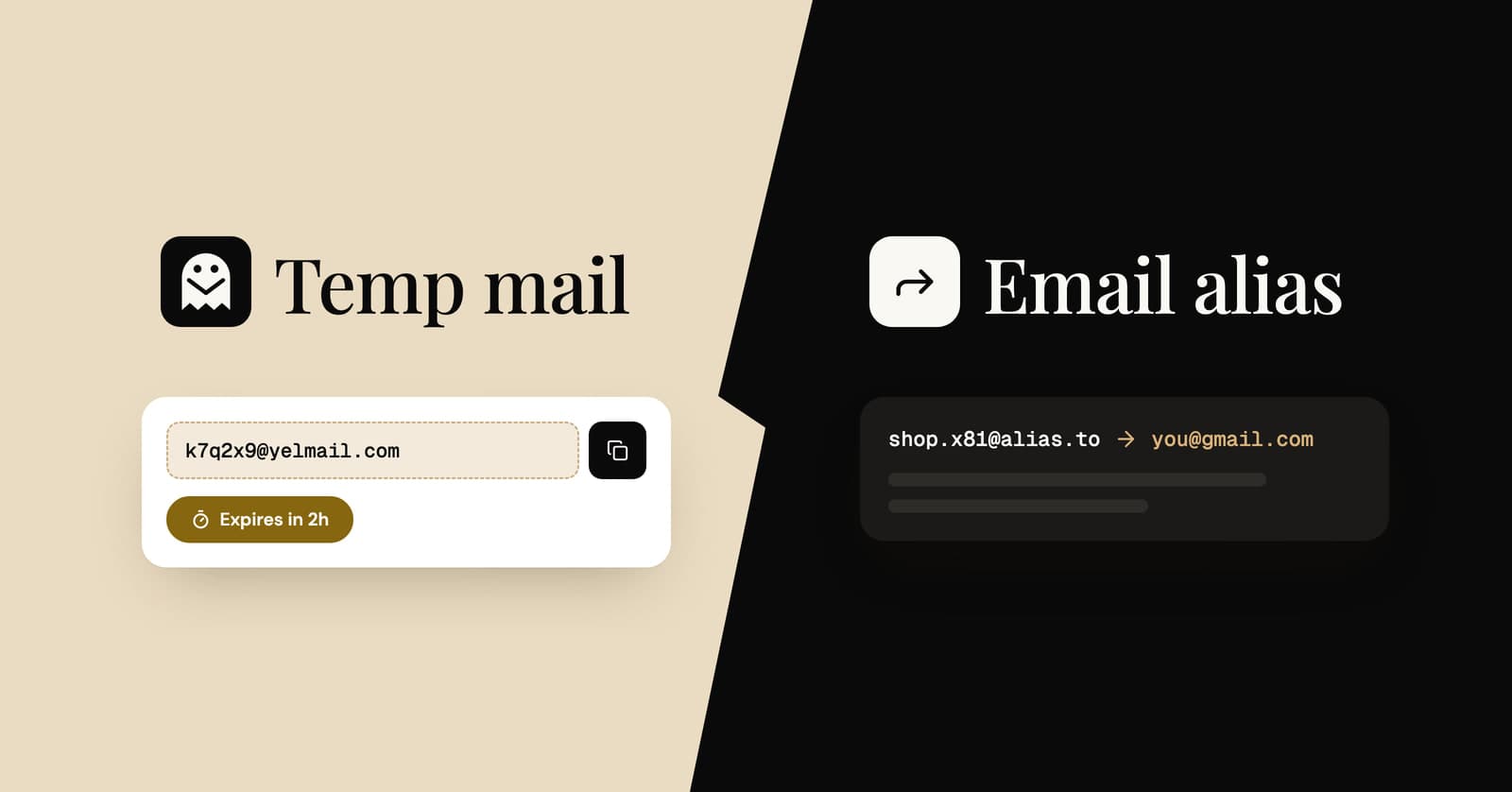
Temp mail vs email alias: which one should you use?
Four ways to keep your real address private, compared side by side, with a simple rule for choosing the right one for each sign-up.
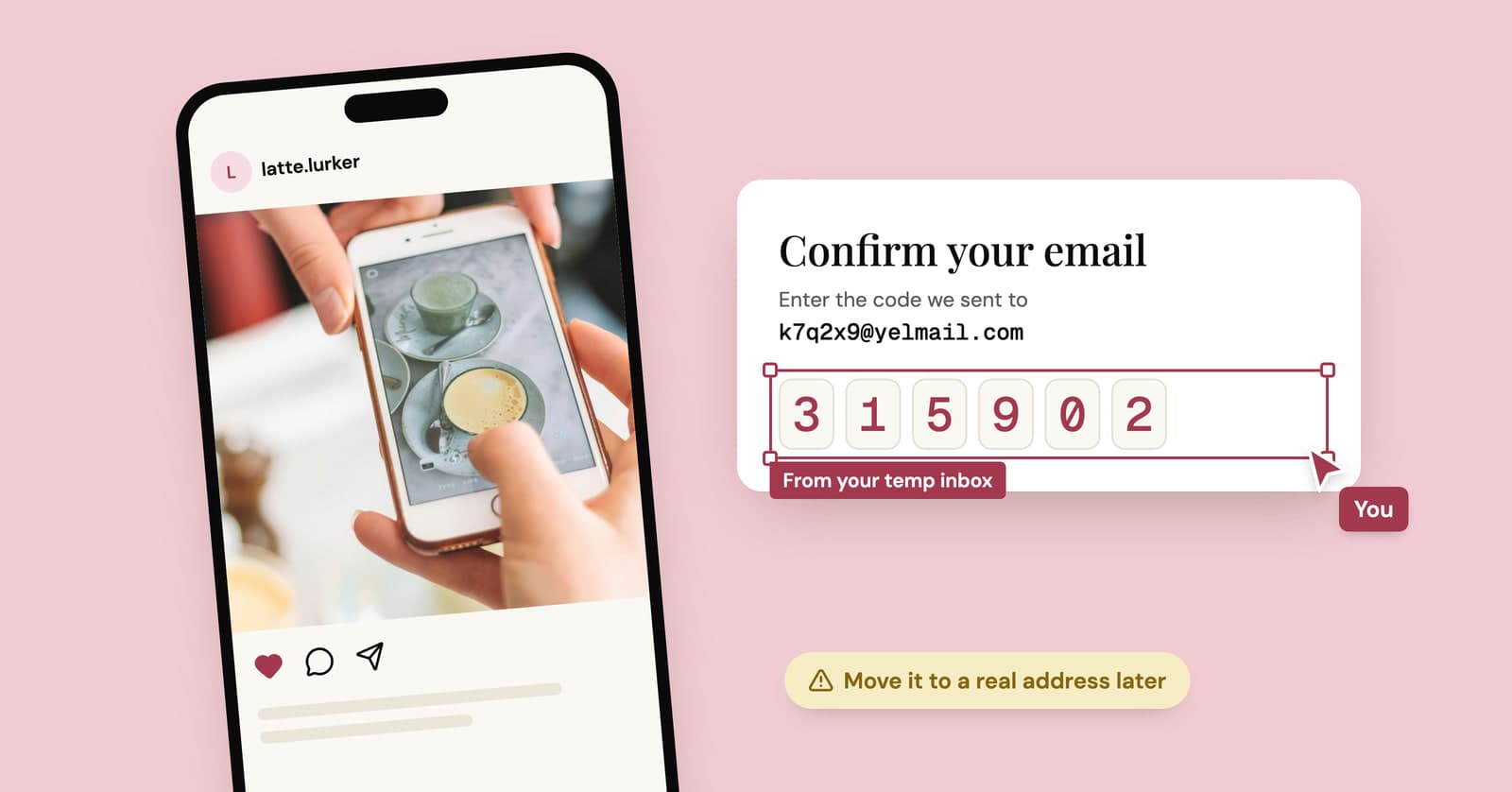
Temp mail for Instagram, TikTok and X: lurker accounts without the lockout
A temp address gets a lurker account on Instagram, TikTok or X past sign-up. What each platform's rules say, where it goes wrong, and a setup that lasts.