Email spoofing vs phishing: what's the difference?
By the YelMail team9 min read
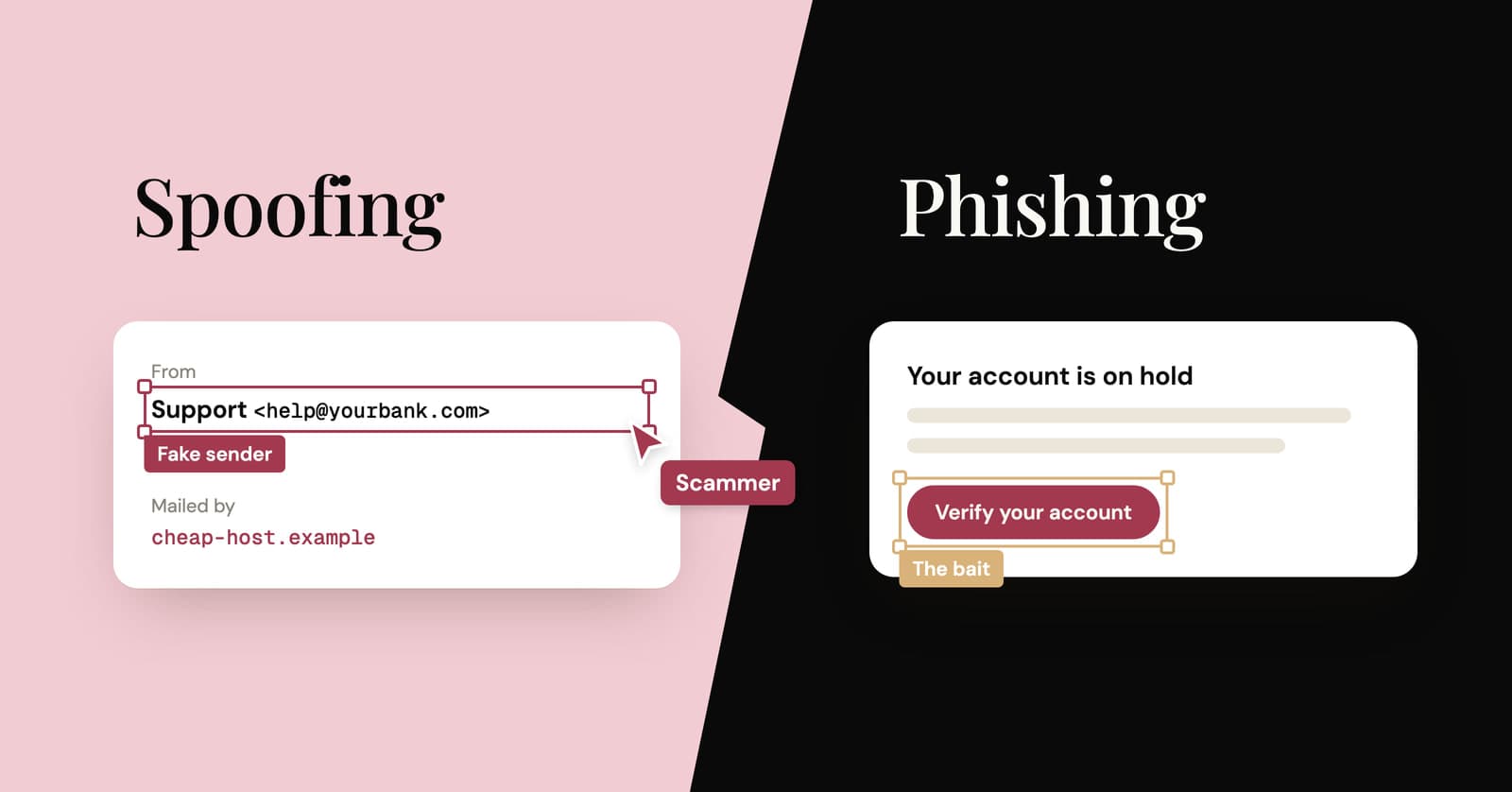
Email spoofing is faking the sender of an email so it appears to come from someone else. Phishing is the scam itself: a message built to get your password, a code or money out of you. Spoofing is a technique and phishing is a goal. They often travel together, but plenty of phishing involves no spoofing at all, just a lookalike domain or a hacked account.
What is email spoofing?
Email spoofing means putting someone else's name or address in the From line of an email. It works because the From line is text the sender writes, and email's original design never checked it.
Think of the return address on a paper envelope. Nothing stops you writing any address you like there, and the post office delivers the letter anyway. Email started out the same way. The checks came later, bolted on through DNS records, and they only protect domains that set them up properly.
Spoofing comes in three common shapes.
Exact-domain spoofing
The From line says [email protected], but the message came from a server that has nothing to do with the bank. This is the kind that SPF, DKIM and DMARC exist to stop. If the bank's domain publishes a strict DMARC policy, receiving servers can reject the fake outright.
Display-name spoofing
The name says "YourBank Security" and the address behind it is something like [email protected]. Many phone mail apps show only the name, which is exactly why this works. Authentication can't help, because the real sending domain may pass every check for itself.
Lookalike domains
yourbank-security.com, or the bank's name with one letter swapped for a similar-looking one. Strictly speaking, that isn't spoofing at all. The scammer registered the domain, so they can set up SPF, DKIM and DMARC for it, and every check passes. That's the uncomfortable part.
What is phishing?
Phishing is a message that tries to trick you into handing over personal or financial information, usually by pretending to be a company or person you trust. The FTC's guide on recognizing phishing describes it as scammers using email or text messages to get your personal and financial information.
What the scammer wants varies:
- Your login, typed into a fake sign-in page
- A verification code, with a story about why you should read it back
- Card details, or a payment to a "new" bank account
- For you to open an attachment
The hooks repeat, and the FTC lists the usual ones: a problem with your account or payment, a suspicious login, an invoice you don't recognize, a refund or a coupon for something free. Spear phishing is the targeted version, aimed at you personally with details that make it believable. The same tricks also arrive by text message.
Email spoofing vs phishing side by side
Spoofing is about who the message claims to be from. Phishing is about what the message wants you to do. You can have either one without the other.
| Email spoofing | Phishing | |
|---|---|---|
| What it is | Faking the sender | A scam to get information or money |
| Technique or goal | Technique | Goal |
| Needs you to act | No | Yes: click, reply, pay or type a code |
| Happens without the other | Yes, for example spoofed spam | Yes, through lookalike domains or hacked real accounts |
| What catches it | SPF, DKIM and DMARC | Spam filters, your judgment, and two-factor authentication to limit the damage |
| Warning signs | Failed authentication, a mismatched address | Urgency, a login link, a request for a code or payment |
How do SPF, DKIM and DMARC stop spoofing?
They let a domain publish, in DNS, which servers may send its mail and the key to check its signatures, then tell receivers what to do with mail that fails. Together they make faking a well-protected domain hard. They do nothing about lookalike domains.
SPF: which servers may send
The domain lists the servers allowed to send its mail, and the receiving server checks the connecting server against that list. The catch is that SPF checks the envelope sender, a hidden return address used during delivery, not the From line you see. A spoofer can pass SPF for their own domain while your bank's name sits in the visible From line.
DKIM: a signature on the message
The sending server signs each message with a private key, and the matching public key sits in DNS under the signing domain. A pass proves that domain signed the message and the signed parts weren't changed on the way. On its own, though, DKIM doesn't care whether the signing domain matches the From line.
DMARC: tying it to the address you see
DMARC is the part that looks at the From address you actually read. A message passes only if SPF or DKIM passes for the same domain as the From address (subdomains usually count). The domain owner also publishes a policy for failures: do nothing special, send to spam, or reject. DMARC is now on the IETF standards track as RFC 9989, which replaced the original RFC 7489.
YelMail is receive-only for a related reason: a temp mail service that let anyone send from its domains would be a gift to spammers and phishers. Why temp mail can't send email goes into the details.
How do you check if an email is spoofed?
Check the real address behind the display name, then look at the authentication details your mail app shows. In Gmail, click the down arrow below the sender's name and read the "mailed by" and "signed by" lines.
- Reveal the full address. Tap or click the sender's name. The name is decoration. The domain after the @ is what counts.
- Read mailed-by and signed-by. In Gmail on a computer, open the email and click the down arrow below the sender's name. Google's help page on authentication says an authenticated message shows "Mailed by" with a domain name and "Signed by" with the sending domain. Both should be the company's own domain or one it clearly uses for email.
- Look for warning marks. Gmail shows a question mark next to the sender's name when it can't confirm the message came from who it claims. It shows "via" when the message was sent from a domain other than the one in the From address.
- Check the headers in other apps. Open the full headers and find the Authentication-Results line. You want to see spf=pass, dkim=pass and dmarc=pass. In Gmail, the same raw headers are under More, next to Reply, then Show original.
- Hover over links. On a phone, long-press. Where a link goes matters more than who the email says it's from.
Two caveats from Google's own page keep this honest. A message that isn't authenticated isn't necessarily spam, since authentication sometimes fails for real organizations, especially on mailing lists. And spammers can authenticate their mail too.
Why passing every check doesn't make an email safe
Authentication tells you which domain sent a message, not whether that domain is honest. A scammer's own domain passes its own checks.
Three situations beat the checks every time:
- Lookalike domains. Registered by the scammer, fully authenticated, one letter off.
- Hacked real accounts. When a real mailbox is taken over, its phishing goes out from the real domain with perfect authentication. Your colleague's address, your supplier's, your friend's.
- Free webmail. Anyone can open a free account, and mail from it passes the provider's checks.
So judge the content as well as the envelope. Were you expecting this email? Does it want a login, a code or a payment? Is there a deadline? If the answer to the last two is yes, go to the site by typing its address, or call the company on a number you already have.
Why a temp inbox suits sign-ups you're unsure about
If you're not sure a site is legitimate, sign up with a temporary address and see what arrives. Anything shady that follows, phishing included, lands in an inbox that isn't connected to your real accounts and will soon stop existing.
In YelMail, remote images and tracking pixels are blocked by default, email HTML is sanitized, and scripts never run. Opening a suspicious message there doesn't report back to the sender or run anything, so you can check the sender's address and where the links point without any pressure to act. The inbox is also receive-only, so there's no way to be talked into replying from it.
What it can't do is stop you clicking a link and typing your real password into a fake page. And if a verification code turns up for a sign-up you never started, in any inbox, read what to do with a code you didn't request.
What should you do with a spoofed or phishing email?
Don't click, reply or open attachments. Report it through your mail app's phishing or spam option, and if you already typed in a password or code, change that password and turn on two-factor authentication right away.
In the US, the FTC suggests forwarding phishing emails to the Anti-Phishing Working Group at [email protected] and reporting the scam at ReportFraud.ftc.gov.
If you took the bait, act in this order:
- Password entered: change it on the real site, and anywhere else you used the same one. Sign out other sessions if the site allows it.
- Code shared: assume someone got in. Change the password, check recent activity and turn on two-factor authentication.
- Card details given: call your bank or card issuer on the number on the back of the card.
- Attachment opened: run a malware scan and update your system.
The data breach checklist covers the longer clean-up if an account was compromised.
Frequently asked questions
Can someone spoof my email address?
Yes. Anyone can type your address into the From line of an email they send from their own server. Whether it gets delivered depends on your email domain's SPF, DKIM and DMARC setup and on how strict the receiving server is. A sudden batch of bounce messages for emails you never sent is the usual sign. It doesn't prove your account was hacked, but changing your password is a sensible precaution.
Does a question mark or "via" in Gmail mean an email is phishing?
No. Google says unauthenticated messages aren't necessarily spam, and authentication sometimes fails for real organizations, especially on mailing lists. "Via" only means the message was sent from a domain other than the one in the From address, which is normal for newsletters sent through email services. Both are reasons to look closer before you click, not verdicts.
What is spear phishing?
Spear phishing is phishing aimed at one person or a small group, using details that make it believable: your name, your employer, a supplier you really use, a recent order. Because it's tailored, it often comes from a lookalike domain or a real account that has been taken over, so it can pass authentication checks. The defense is to confirm any request for money or logins through a different channel.
Can phishing emails get past spam filters?
Yes. Filters catch a lot, but a phishing email from a newly registered lookalike domain, or from a real account that has been taken over, can look clean to automated checks. That's why the last filter is you. Slow down whenever a message asks you to log in, pay or share a code, and go to the site directly instead of through the link.
The short version
When an email wants a login, a code or money, check the real address and the mailed-by line, then reach the site by typing its address yourself. For sign-ups you're not sure about, a free temp inbox keeps whatever follows away from your real mail, and the temp mail glossary explains any term here that didn't click.
Keep reading
Best temp mail service? An honest checklist from people who run one
We run a temp mail service, so read this with that in mind. Here is the checklist we'd judge any provider by, us included, plus a five-minute test you can run yourself.
Is YOPmail safe? The real risk of public temp inboxes
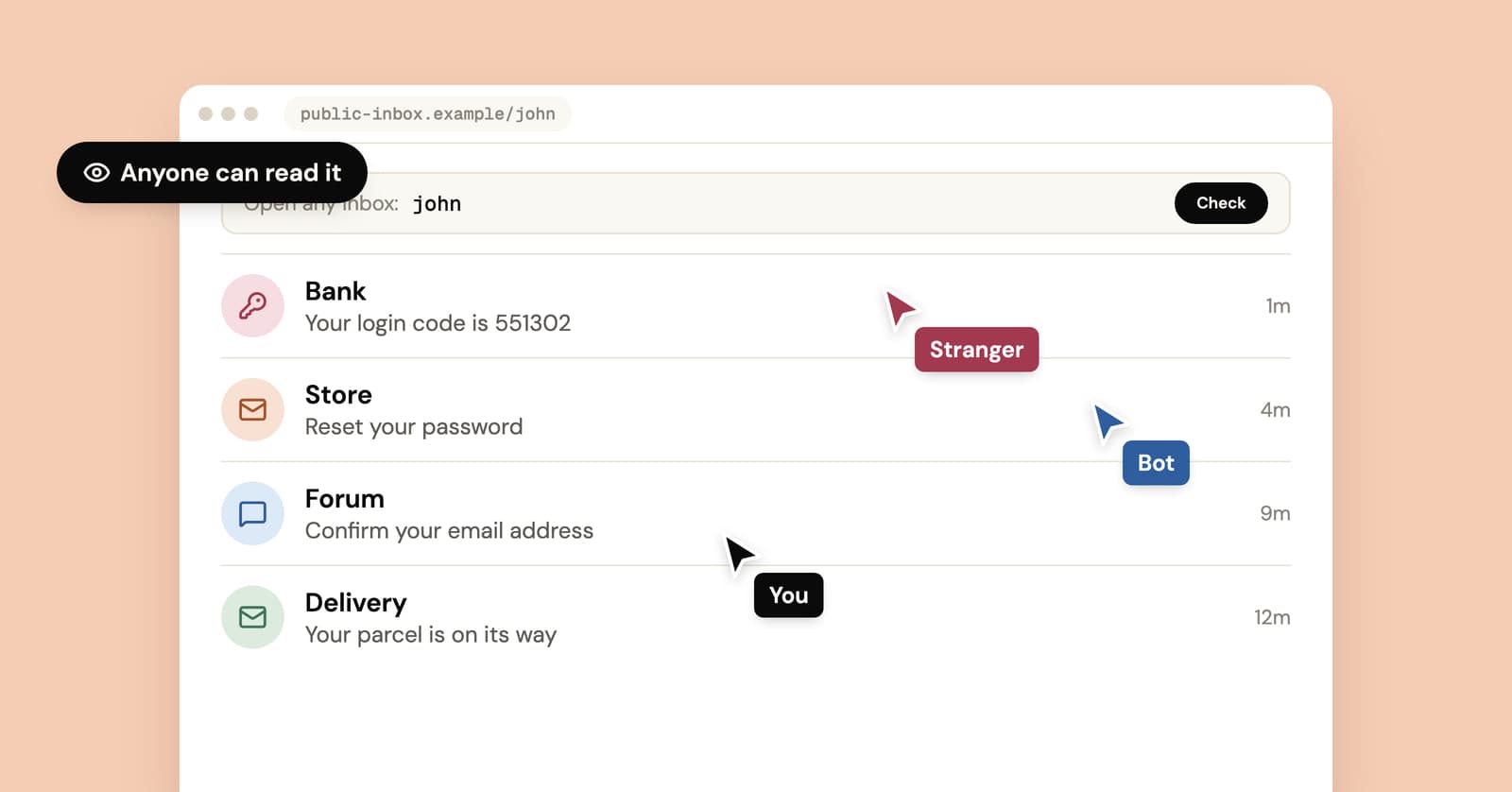
YOPmail and Mailinator inboxes open for anyone who types the name. What that means for your codes and password resets, when it doesn't matter and how to check any service.
How to stop email bombing, and find what the flood is hiding
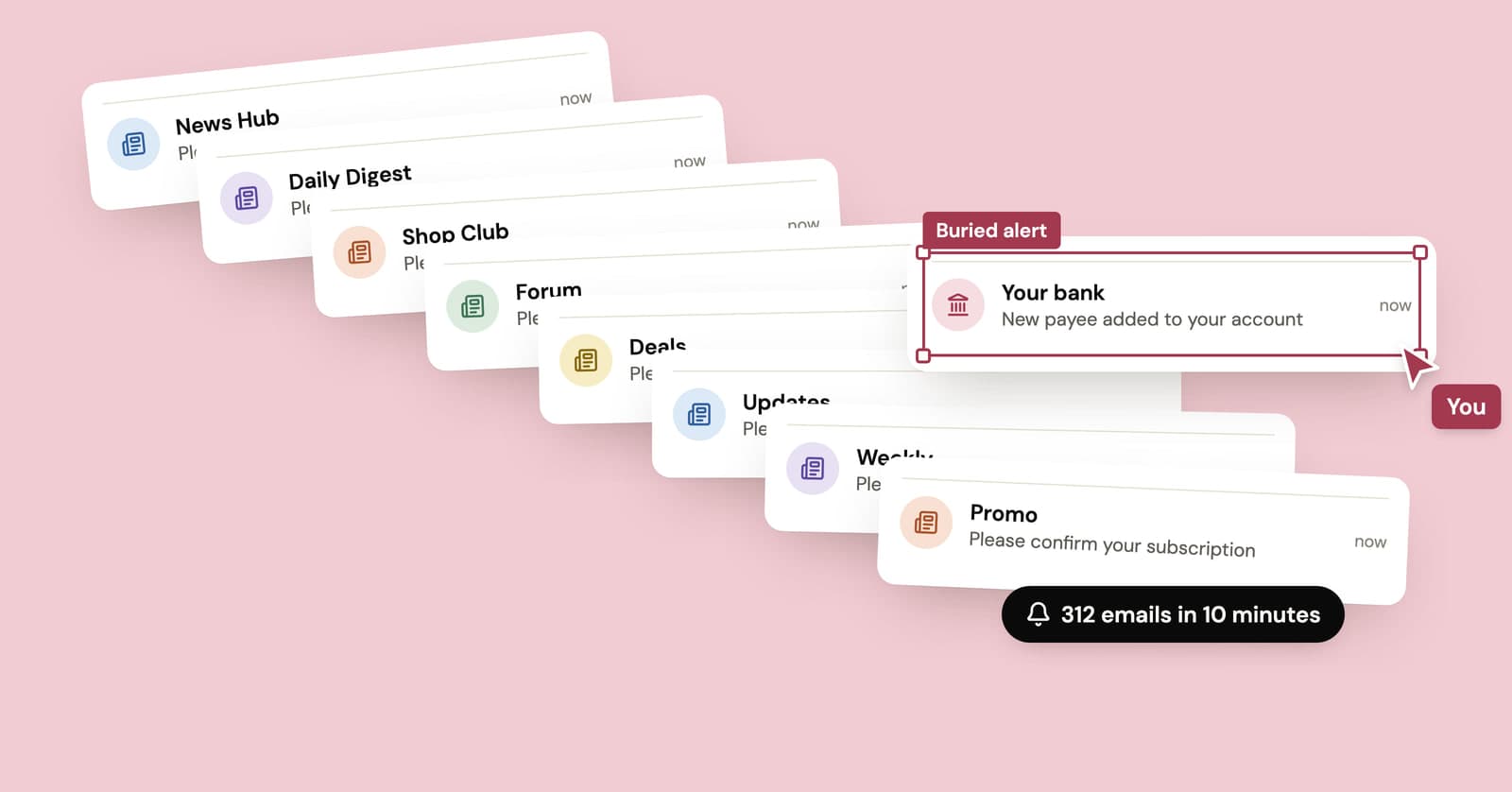
A subscription bomb fills your inbox with hundreds of real confirmation emails, usually to hide the one that matters. What to check first and how to dig out.