Temp mail password? There isn't one. What gets you back in instead
By the YelMail team6 min read
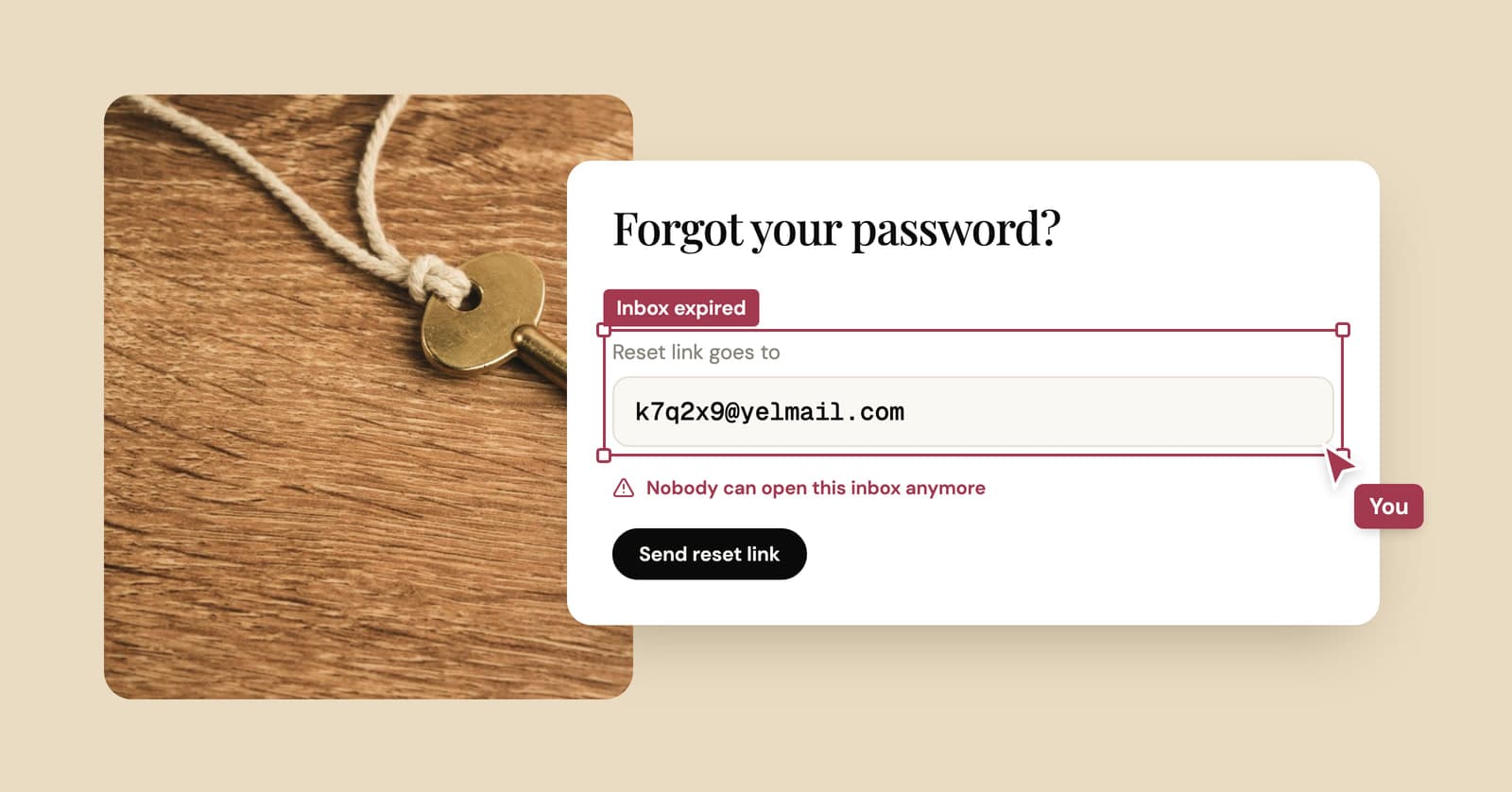
There's no temp mail password to recover, because a free YelMail inbox has no login at all. The browser that created it holds a secret access token, and that token is the only key. Reopen the site in the same browser before the inbox expires and your mail is still there. Clear the token, switch devices or let the inbox expire, and it's gone for good.
Why doesn't temp mail have a password?
Temp mail has no password because a password needs an account, and making you create one would defeat the point of a throwaway inbox. The access token does a password's job without asking you for anything.
When you open YelMail, the inbox is created on the spot and your browser is handed a long random token. Every time the page checks for new mail, it presents that token. The address alone isn't enough: there are no public mailboxes, and someone who knows or guesses your address still can't open the inbox.
Some services advertise "temp mail with a password". That's really a lightweight account. Nothing wrong with it, but the password then becomes the only lock, and a weak one makes the inbox easy for someone else to open.
What happens if you close the tab, clear cookies or switch devices?
Closing the tab or restarting the browser is fine, as long as the inbox hasn't expired. Clearing cookies, closing a private window or opening the site somewhere else leaves the token behind, and the inbox with it.
| What you do | Can you get back in? | Why |
|---|---|---|
| Close the tab and come back later | Yes, if it hasn't expired | The token is still in your browser |
| Quit and reopen the browser | Yes, same condition | Same reason |
| Clear cookies or site data | No | That's where the token was kept |
| Close a private or Incognito window | No | The browser discards site data when the private session ends |
| Open the site in another browser or on your phone | No, you get a new inbox | The token stays in the first browser |
| Leave a free inbox unused for 2 hours | No | It expired and was deleted |
| Press Delete | No | Deleted on the spot |
Two traps catch people. The first is private browsing. Google's own help page for Chrome says that after an Incognito session ends, Chrome doesn't retain site data, and other browsers' private modes behave much the same way. The second is a browser setting or privacy extension that clears cookies every time you close the browser. In both cases, quitting counts as clearing.
How do you get the same inbox on your phone?
Scan the QR code on the inbox page to carry the address over to your phone, then paste it into the app or site there. The mail keeps arriving in the browser that created the inbox, so that's where you read it.
That covers the most common case: you're signing up in a phone app with your laptop open next to you. Show the QR code on the laptop, scan it with the phone's camera, paste the address into the app, and read the code on the laptop screen.
If you'd rather read mail on the phone itself, open YelMail in the phone's browser and start the inbox there, so the phone holds the token. Using temp mail on iPhone and Android covers the phone side in more detail.
Can you recover an expired temp inbox?
No. When a free YelMail inbox expires, its messages and attachments are deleted and the address can't be recovered, by you or by our support team.
Be skeptical of anything that promises to "recover any temp mail". If a service can hand back an inbox after its stated expiry, it was keeping your mail longer than it told you. And if you're worried about the accounts still tied to the old address, what happens when a temp email expires explains the risk and what to do about it.
Forgot the password to an account you made with temp mail?
Reset the account's password now, while the temp inbox is still alive, and change the account's email to a permanent address while you're in there. Once the inbox expires, reset emails have nowhere to go.
Order matters. Open the temp inbox first (on YelMail Free, using it resets the 2-hour timer), then request the reset, then update the email in the account's settings. If the inbox is already gone, moving an account off temp mail covers the options you have left, including what to tell support.
How to keep an inbox you can always get back into
An inbox you can always get back into has to live in an account, not a browser. With YelMail Premium, inboxes are saved to your account instead of living in a single browser, so you can sign in on any device and find them there.
Premium holds up to 25 inboxes, keeps email for 30 days, lets you choose the address name and can forward new mail to a verified personal address. The Premium plans page has the details.
On the free plan, a few habits prevent most lockouts:
- Do sign-ups with more than one step in a normal window, not a private one.
- Finish anything that needs the inbox before you clear cookies.
- Start on the device you'll read mail on, or use the QR code to carry the address across.
- If a second email is on its way, keep checking the inbox. Each visit resets the 2-hour timer.
Frequently asked questions
Can I log in to my temp mail from another computer?
Not with a free inbox. It has no login, and the token that opens it lives only in the browser that created it, so another computer simply gets a fresh address. With Premium, your inboxes are saved to your account instead, and signing in from any device shows them, along with the email they've received in the last 30 days.
Is my temp inbox safe if someone knows the address?
Yes, on YelMail. Knowing the address lets someone send you mail and nothing more. Reading it takes the access token held by the browser that created the inbox, or the Premium account it's saved to. Public inbox services work differently: there, typing the name is enough to read everything that arrived.
Why did I get a different address when I came back?
Your browser didn't present a token for a live inbox. Usually the old one expired after 2 hours without use, cookies were cleared, or you came back in a private window or a different browser. The old address can't be restored, so use the new one. If an account still depends on the old address, change its email on that site.
Can I save emails before the inbox expires?
Copy what you'll need, like a code, an order number or a license key, into a note or password manager, and save any attachment to your device. For mail you'll want for weeks, Premium keeps it for 30 days and can forward new messages to your personal inbox as they arrive, so a copy lands somewhere permanent.
The short version
A free inbox belongs to one browser and lasts as long as you keep using it. Anything you want to keep belongs on an address that doesn't expire. For the next one-off code, a free temp mail inbox is ready the moment the page loads.
Keep reading
Public Wi-Fi login email: why they ask and what to give them
The café Wi-Fi page wants your email before it lets you online. Why it asks, where the address ends up, and what to type instead of your real one.
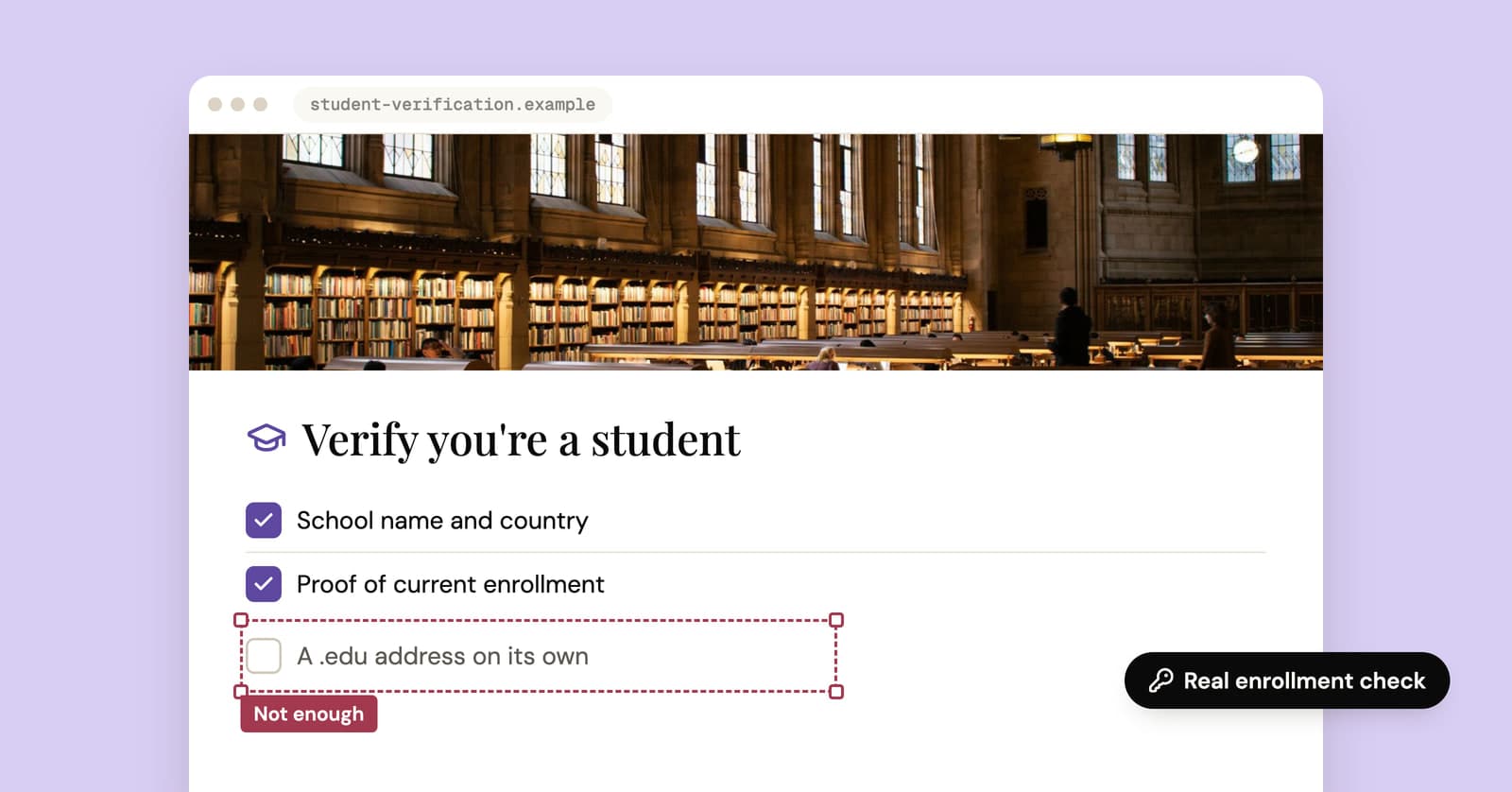
Temporary edu email: why free .edu addresses won't get you student discounts
Sites promising a free .edu address can't give you a real one, and student discounts check enrollment anyway. How verification works, and the legitimate route for students.
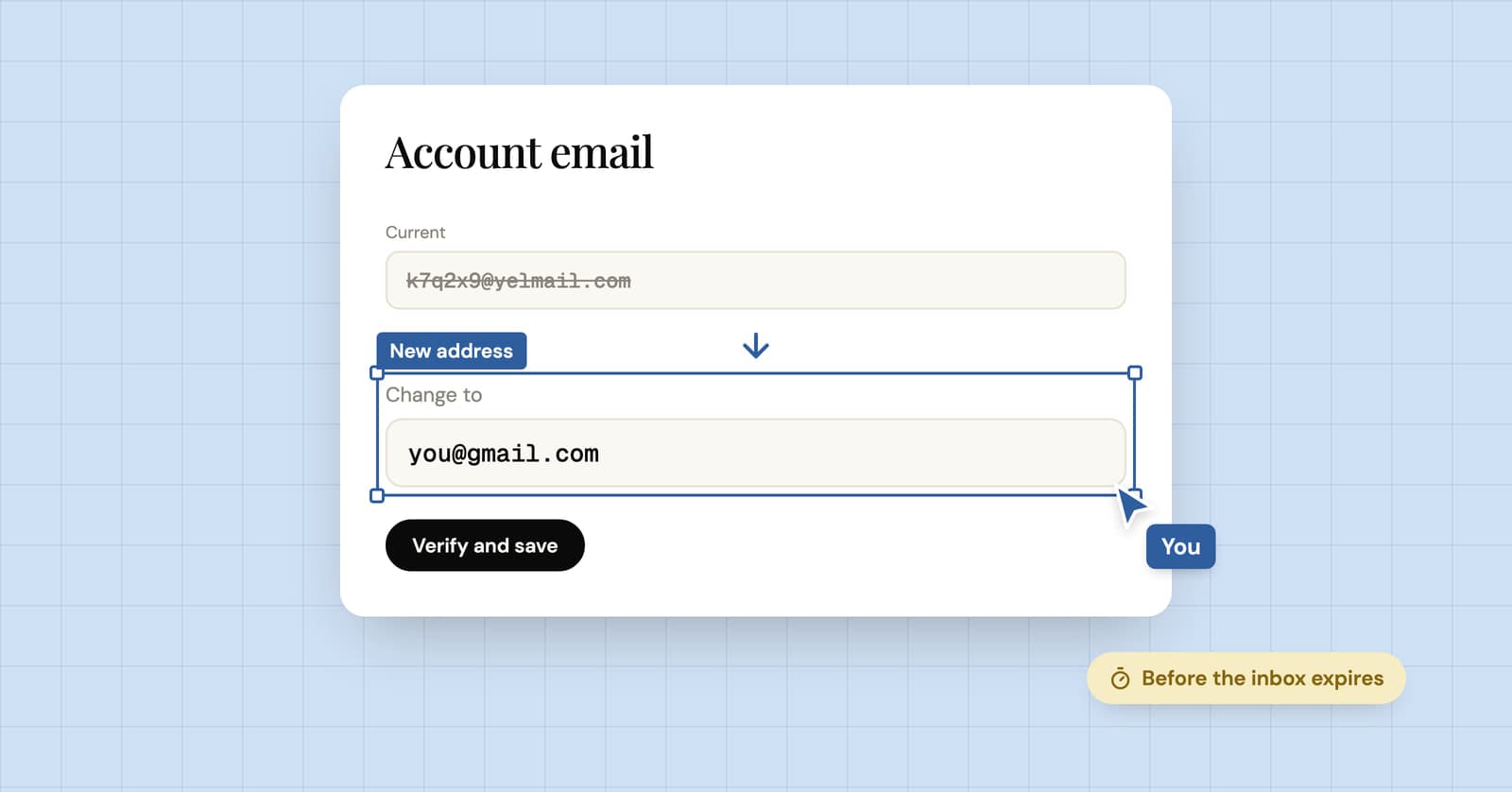
How to change an account's email from temp mail to a real one
You used a temp address and the account turned out to matter. Here is how to switch it to an email you'll keep, and what your options are if the temp inbox is already gone.