Temp mail on iPhone and Android: how to use it without an app
By the YelMail team7 min read
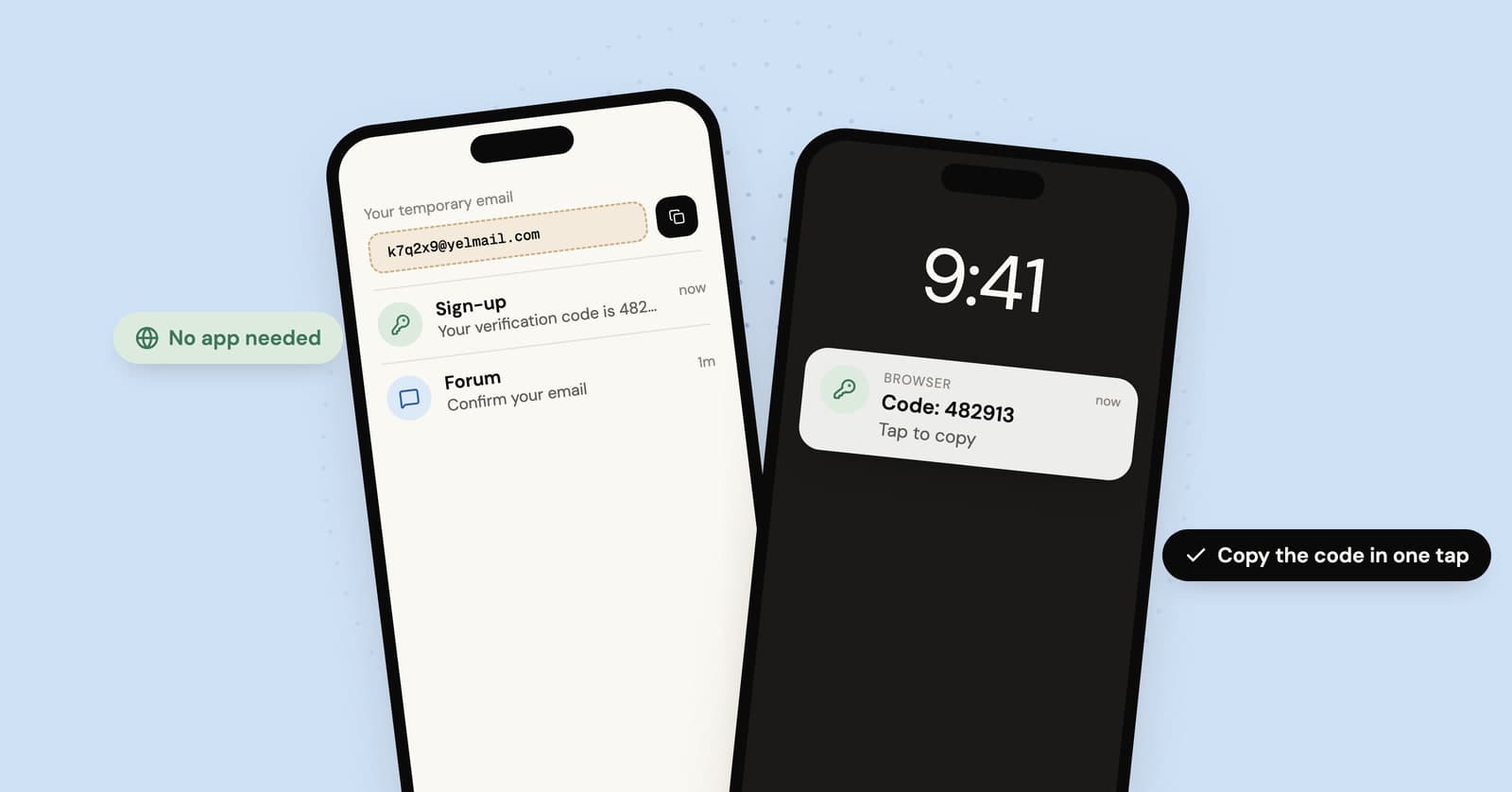
To use temp mail on iPhone or Android, open a temp mail site in Safari or Chrome. The inbox is created as the page loads, so you copy the address, paste it into the app or site that wants it, then switch back to the browser to pick up the code. Nothing to install. The one rule: finish the whole sign-up in the same browser you started in.
Do you need a temp mail app on your phone?
No. A mobile browser does everything a temp mail app does for a one-off sign-up: it gives you an address, receives the mail and lets you copy the code. What an app adds is mostly convenience, like an icon and notifications, and the icon you can get from the browser too.
App stores do have temp mail apps from various publishers. If you try one, look at who makes it, read its privacy details in the store, and be wary of any permission a mail viewer has no reason to ask for, such as your contacts, photos or location. Our own apps are coming. Until then, the website works in any phone browser.
How do you use temp mail on your phone?
The whole thing takes about as long as reading this list. It works the same way on iPhone and Android.
- Open your browser and go to yelmail.com. Your address is ready as soon as the page loads, with no sign-up.
- Tap the copy button next to the address.
- Switch to the app or website asking for your email and paste it in.
- Go back to the browser tab. New mail appears on its own. If you've been away for a while, give the page a moment to catch up.
- When the verification email arrives, tap the code's copy button, switch back and paste it.
On iPhone
Safari works fine, and so does any other browser, as long as you stick to one. What trips people up is opening the temp mail site from a link inside another app. Many apps open links in their own built-in browser, which usually keeps its own data, so an inbox created there stays there. Open the site in Safari directly and you'll always know where your inbox is.
On Android
Chrome works fine, as does any other browser you use regularly. Many Android phones can show two apps side by side, which saves a lot of switching: put the browser with your inbox on one half and the app you're signing up for on the other.
Can you add temp mail to your home screen?
Yes. Both iPhone and Android let you put a website on the home screen so it opens with one tap, much like an app.
iPhone (Safari): open yelmail.com, tap Share (depending on your Safari layout, it's either its own button or inside the page menu next to the address), scroll down and tap Add to Home Screen. Apple's guide to adding a website icon to the Home Screen has the details, including an Open as Web App switch that makes the icon open in its own window.
Android (Chrome): open yelmail.com, tap the three-dot menu to the right of the address bar, and choose the option to install or add to the home screen. Menu names change between versions; Google's help page on using web apps in Chrome has the current wording.
The iPhone catch
A web app on the iPhone Home Screen keeps its own website data, separate from Safari. The WebKit project, which makes Safari's engine, notes that this data is kept isolated from Safari. In practice, an inbox you opened in Safari won't be in the Home Screen web app, and the other way round.
That's not a problem once you know it. Pick one and use it for the whole sign-up. If you'd rather the icon just open the page in Safari with your existing inbox, leave Open as Web App turned off when you add it.
How do you use a temp address on your phone but read mail on your computer?
Use the QR code. On YelMail's page on your computer, the QR button shows your address as a QR code. Scan it with your phone's camera, copy the address it shows, and paste it into the app you're signing up for. No fiddly typing of random letters on a small keyboard.
The QR code carries the address only, not the inbox. The inbox and its private key stay in the browser on your computer, and that's where the verification email shows up. That's handy for app sign-ups: you tap through the app on your phone and read the code on the bigger screen.
Why did your temp inbox disappear on your phone?
Almost always because the phone opened the page somewhere other than where you created the inbox, or the browser forgot the inbox's key. On YelMail, the free inbox belongs to the browser that created it. Reopen the site in that same browser and the inbox comes back until it expires. These are the usual ways that link breaks:
- Private or incognito tabs. Close them and the browser throws away the key. The inbox can't be reopened after that.
- Switching browsers. Safari and Chrome keep separate data, and the built-in browsers inside other apps usually keep their own as well.
- Clearing history and website data. That wipes the key along with everything else.
- Home Screen web app vs Safari on iPhone. Two separate places with separate data.
- Expiry. Free emails are kept for 2 hours, and the inbox expires after 2 hours without use. Using it resets the timer. An expired free address can't be recovered.
There's no password to reset for a free inbox, because it never had one. Our piece on recovering a temp mail inbox explains how access works and what can and can't be brought back.
When should you not use temp mail on your phone?
When the account is one you'll want back. Phones make it very easy to sign up for things in ten seconds, and plenty of apps sign you in with a code sent by email. That's fine until you get a new phone, reinstall the app, and it sends a login code to an address that stopped existing months ago.
For apps you plan to keep, use an address that will still be there. On iPhone, an iCloud+ subscription includes Hide My Email, and our comparison of Hide My Email and temp mail covers when each makes sense. If you've already signed up with a temp address and want to keep the account, move it to a permanent address while the inbox still works.
A middle path is YelMail Premium, where saved inboxes belong to your account rather than one browser, so they show up on any device where you sign in, and email is kept for 30 days. See Premium plans if that fits how you use your phone.
Frequently asked questions
Is there a temp mail app for iPhone?
There are several in the App Store from different publishers, but you don't need one. Any temp mail site works in Safari, and you can add it to your Home Screen so it opens like an app. If you do install one, check the publisher and the privacy details in its store listing, and skip any app that wants access it has no reason to need.
Can I open the same temp inbox on my phone and my computer?
Not on the free plan. The inbox is private to the browser that created it, and the QR code only shares the address, so read your mail where you created the inbox. With Premium, saved inboxes belong to your account instead of a single browser, so signing in on both your phone and your computer shows the same inboxes.
Does closing the browser tab delete my temp inbox?
Not in a normal tab. Open the site again in the same browser and the inbox comes back, as long as it hasn't expired from two hours of inactivity. Private and incognito tabs are different: closing them throws away the key the browser was holding, and after that the inbox can't be opened again from anywhere.
Why did a new address appear when I opened the site from my home screen?
On iPhone, a website added to the Home Screen as a web app keeps its own data, separate from Safari. It doesn't see the inbox you created in Safari, so it makes a fresh one. Use one or the other for each sign-up, or add the icon with Open as Web App turned off so it opens in Safari.
Try it on your phone
Open yelmail.com in your phone's browser and the inbox is ready before you've finished scrolling. If you're at a computer, open the free temp mail inbox there and scan the QR code to get the address onto your phone.
Keep reading
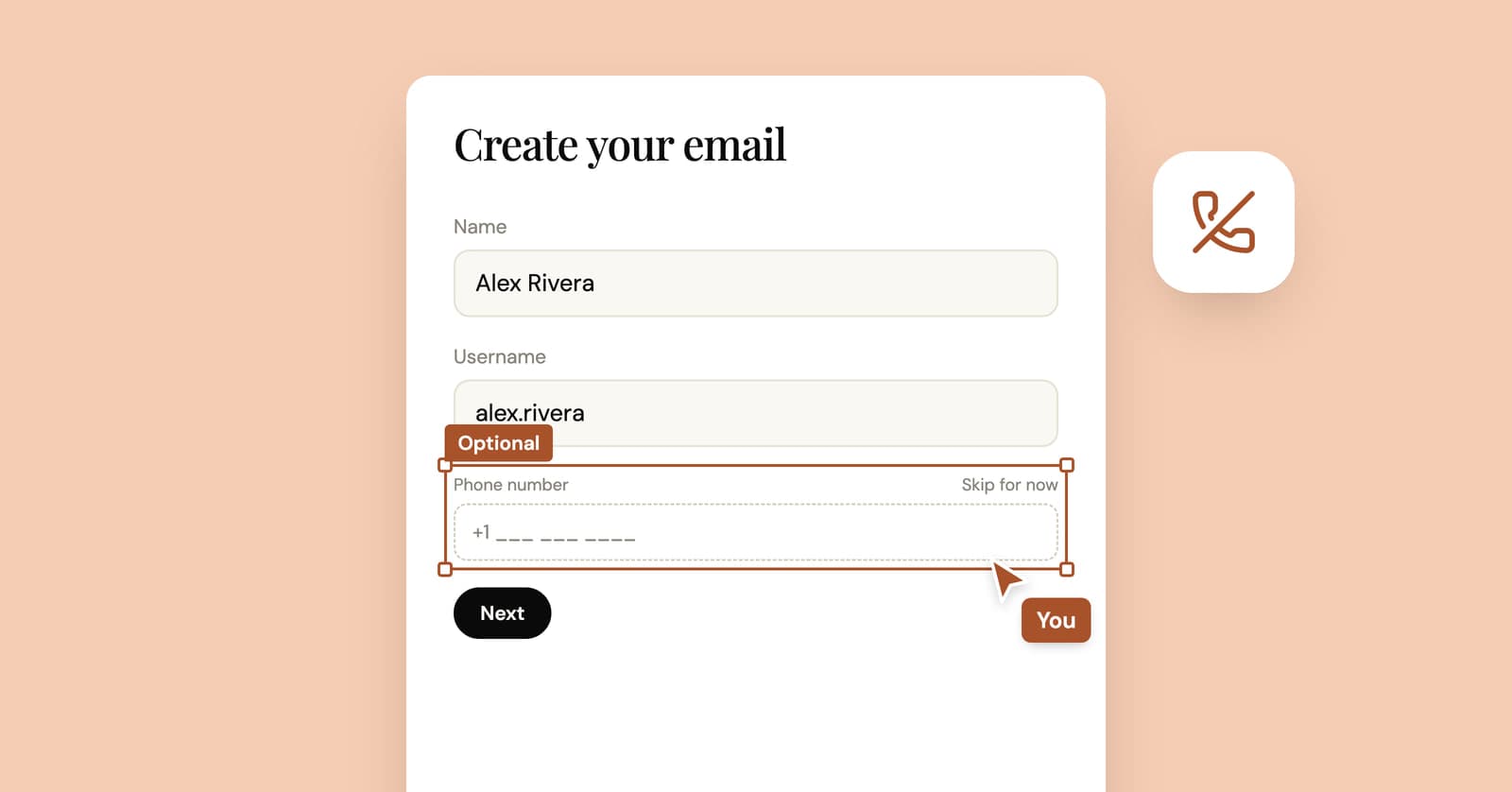
How to create an email account without a phone number
Some email providers never ask for a phone number, some ask only sometimes, and at least one lists it as required. What their own pages say, and what you give up without one.
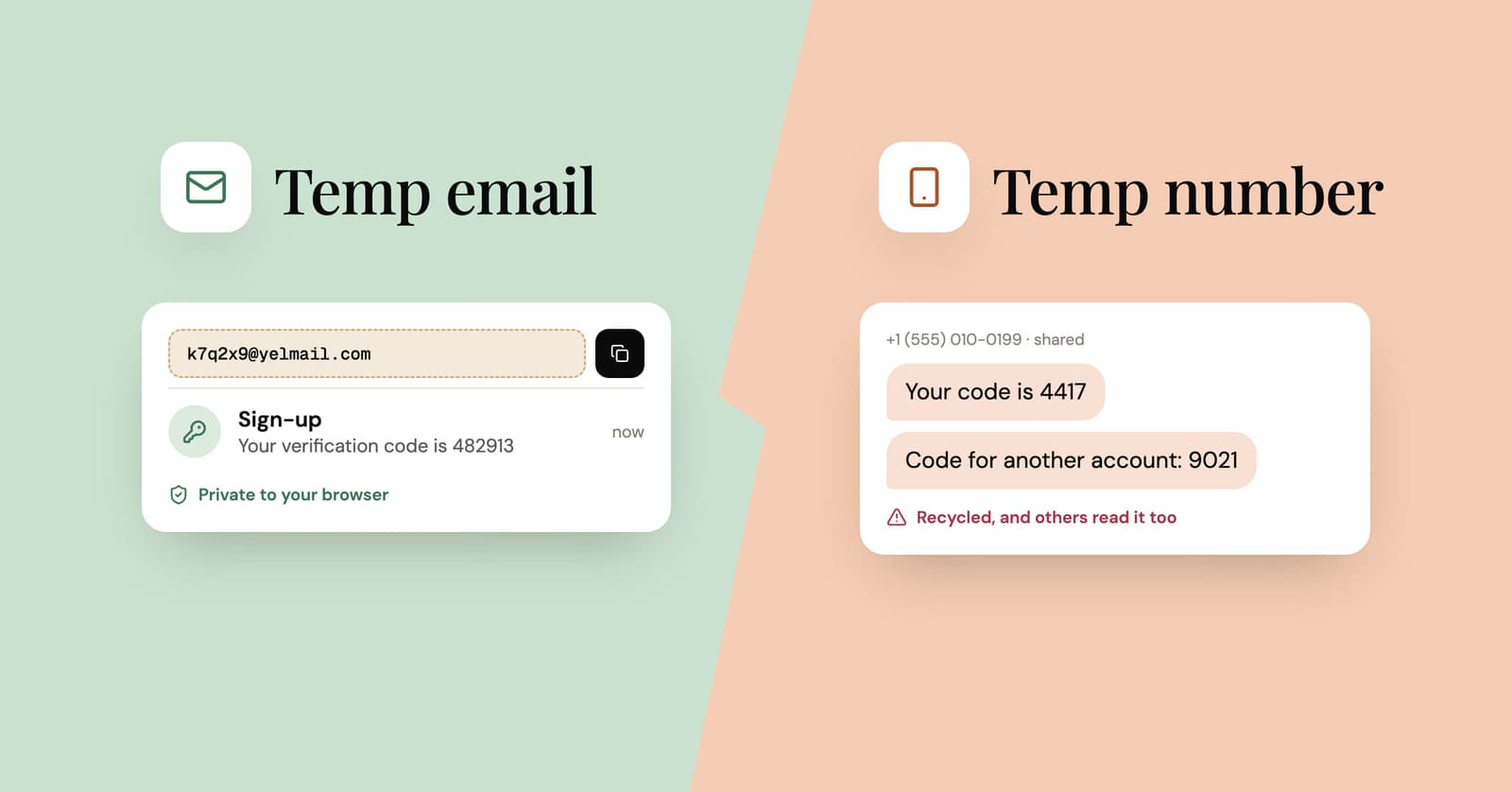
Temp mail vs temp phone numbers: why the number is the bigger risk
Sites ask for a phone number because numbers are hard to fake in bulk. Why free SMS numbers are riskier than temp mail, and what to do when a sign-up insists on one.
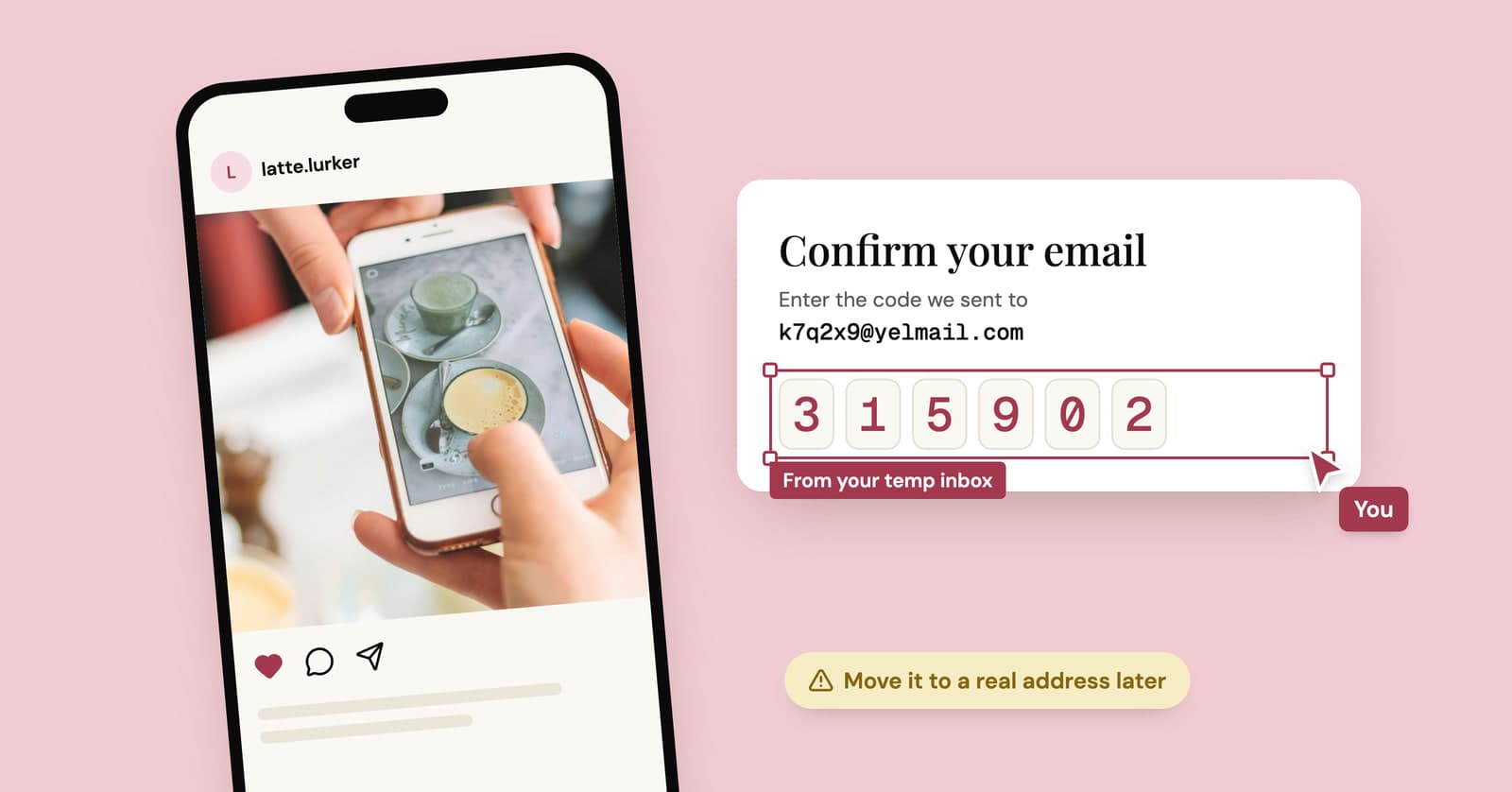
Temp mail for Instagram, TikTok and X: lurker accounts without the lockout
A temp address gets a lurker account on Instagram, TikTok or X past sign-up. What each platform's rules say, where it goes wrong, and a setup that lasts.