Public Wi-Fi login email: why they ask and what to give them
By the YelMail team7 min read
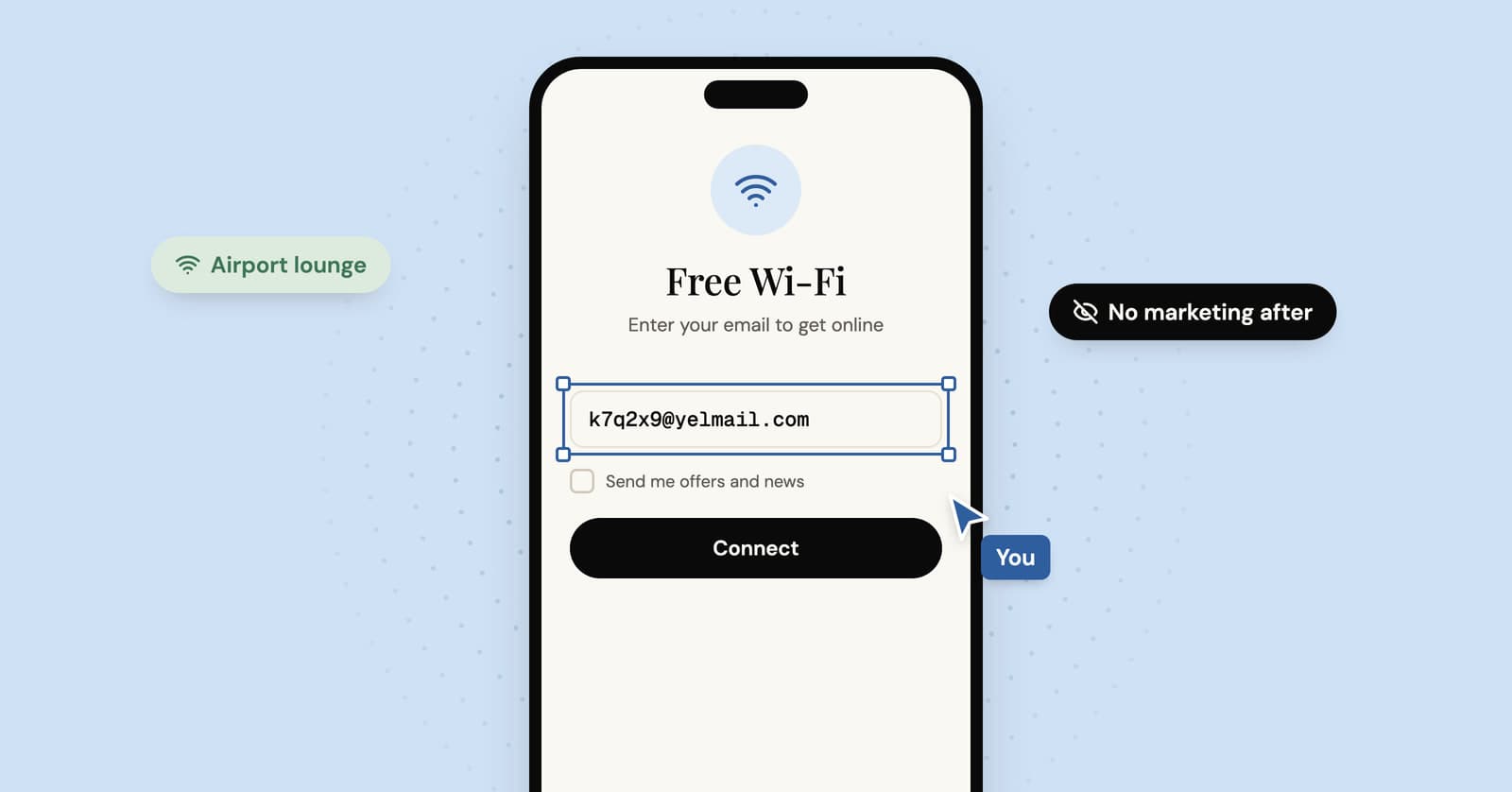
A public Wi-Fi login page that asks for your email is usually collecting marketing contacts, with free internet as the reward. You rarely need to hand over your main address. For an airport or café network you'll use once, a disposable address is fine. If the captive portal emails you a code or a link to confirm, use an address you can open right then.
Why does public Wi-Fi ask for your email?
Mostly for marketing. The login page is a sign-up form, and the Wi-Fi is what you get for filling it in.
That page has a name: a captive portal, the web page a network shows newly connected devices before letting them onto the wider internet. Your phone or laptop notices it and usually pops it up in a small browser window. Some venues use it for nothing more than a "tick to accept the terms" box. The ones that ask for your email have decided they want something back.
There can be other reasons alongside the marketing one. A venue may want a record that you accepted its terms, a way to cap time per guest, a link to its loyalty program, or a count of how often people come back. Some portals also confirm the address by sending a code or a link, which mostly exists to stop people typing nonsense.
What happens to the email you type in?
It often ends up with two companies: the vendor that runs the Wi-Fi login and the venue that bought it. Many guest Wi-Fi products are sold as marketing tools, and the list of collected addresses is a large part of the pitch.
Your address then goes into the venue's mailing list, often through a consent box that was ticked before you got there or a line of fine print saying that connecting means agreeing to offers. The portal may also recognize your device on later visits by its network hardware address, which is how a venue can count return visits without asking you anything.
Some portals offer "Connect with Facebook" or a similar social login. Depending on what you approve, that can share more than an email address, such as your name and profile details. The email field is the lesser evil.
None of this is sinister, just a coffee shop that wants you back. It's also why an airport lounge you sat in once can still be emailing you about spa packages a year later. The same logic applies to the PDF behind an email form: the thing you wanted was the bait.
Is it OK to use a disposable email for Wi-Fi login?
Yes, when the portal is free and only collecting marketing contacts. Where access is paid for or tied to your booking, give the details you were asked for.
A disposable address is better than a made-up one for two reasons. First, if the portal sends a confirmation code, a made-up address never receives it. Second, a made-up address like "asdf@" at a big provider may belong to a real person, who then gets the marketing instead of you.
Where it goes wrong: don't use fresh addresses to reset a free time limit or to get around a paid tier. That's taking something the venue sells, and it breaks the network's terms.
Hotels are a special case. Many hotel portals ask for your room number and surname rather than an email, since they already know who you are. If one does email you an access code for the stay, remember that a free YelMail inbox expires after two hours without use, so it may be gone by the next morning. For a multi-day stay, an email alias or a saved Premium inbox, which keeps mail for 30 days, is the better fit.
How to log in to public Wi-Fi with a temporary email
Get the temporary address ready before you join the network, because the portal won't let you reach anything else until you've logged in.
1. Open a temp inbox while you still have a connection
On your phone, use mobile data to open a free temp mail inbox. The address is ready the moment the page loads. Copy it. There's nothing to install; our guide to temp mail on iPhone and Android covers doing this in a mobile browser.
If your inbox is open on a laptop that's already online and it's your phone joining the Wi-Fi, use the QR code button. It shows the address as a QR code, so you can scan it onto the phone and paste it into the portal there. The inbox itself stays on the laptop, so that's where any code will arrive.
2. Join the network and wait for the login page
It usually appears on its own. If it doesn't, open your browser and try a site you don't normally visit. Portals can't cleanly intercept secure pages, and browsers open the sites you use often over a secure connection automatically, so an unfamiliar one gives the portal its chance.
3. Paste the address and untick the extras
Paste your temp address into the email field. Untick any marketing boxes, and skip the social login buttons.
4. Confirm if it asks
If the portal sends a code or a link, it lands in your temp inbox in real time, and the code copies with one click. Some portals open a short window of access so you can reach your inbox to confirm; others expect you to have mobile data, which is why step 1 matters.
5. Leave it to expire
Once you're online, you don't need the inbox any more. It expires on its own after two hours without use, or you can press Delete to remove it and its messages immediately.
Public Wi-Fi safety basics
Public Wi-Fi is usually safe for everyday browsing, because most websites now encrypt what you send. The FTC's advice on whether public Wi-Fi is safe says the same, with a few precautions that still matter:
- Check the network name with staff before joining. A hotspot with a name close to the real one is an easy trick.
- Look for the padlock or "https" before logging in to anything.
- Never type your email password into a Wi-Fi login page. A portal has no reason to need it, so treat one that asks as a scam.
- Keep your phone, laptop and browser updated, and turn on two-factor authentication for accounts that matter.
- For banking or work on the move, your phone's own hotspot is simpler than wondering about the café's network.
Your device can help too. Apple devices can use a private Wi-Fi address that differs from network to network, and on open networks the default setting rotates it every two weeks. That makes it harder for network operators to follow one device across places and visits.
A VPN hides your traffic from the network you're on. It doesn't make you invisible; it moves the trust from the café to the VPN company, so pick one you'd trust with your browsing history.
Frequently asked questions
Can the Wi-Fi owner see what I do online?
Partly. The network operator can usually see which websites your device connects to and when, but not the pages you read or what you type on sites that use HTTPS, which is most of them. A VPN hides even the site names from the network. The VPN provider can then see them instead, so the question becomes which of the two you trust more.
Why does the Wi-Fi login page keep coming back?
Most portals let you in for a set session and then ask again, and many recognize devices by their network hardware address. If that address changes, because your device uses a rotating private Wi-Fi address or you switched devices, the portal treats you as a new guest. Reconnecting and logging in again usually fixes it, with a fresh temp address if the old inbox has expired.
Do I have to give my email to use hotel Wi-Fi?
Usually not your real one. Hotels already know who you are from the booking, and many portals ask for a room number and surname instead. If the page asks for an email on top of that, it's mostly for marketing. The exception is when the hotel sends your access code by email, in which case use an address you'll still be able to open for the whole stay.
Will a temporary email work on every Wi-Fi portal?
Not every one. Many portals only check that the address looks valid, but some reject known disposable domains or insist on a confirmation link. If a portal refuses your address, press Change for a new one or try an address on a Premium domain, though no domain is guaranteed to work everywhere. Networks that ask for booking or payment details are meant for paying guests, so use what they ask for.
Before the next portal pops up
Open a free temp mail inbox on your phone while you still have signal, and the address will be ready when the login page appears. For a short layover, a 10 minute mail style inbox is about as much commitment as airport Wi-Fi deserves.
Keep reading
How to create an email account without a phone number
Some email providers never ask for a phone number, some ask only sometimes, and at least one lists it as required. What their own pages say, and what you give up without one.
Temporary edu email: why free .edu addresses won't get you student discounts
Sites promising a free .edu address can't give you a real one, and student discounts check enrollment anyway. How verification works, and the legitimate route for students.
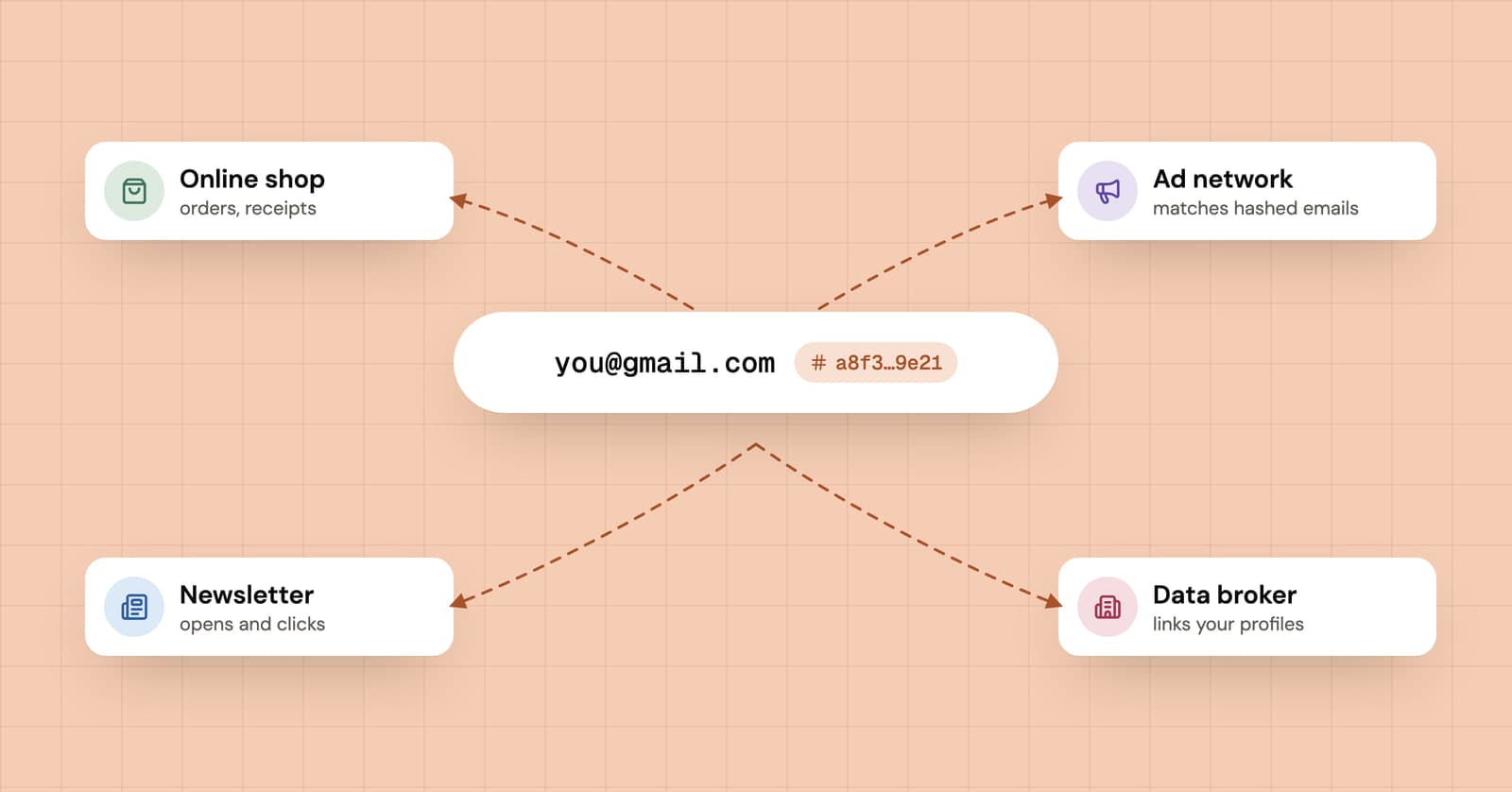
Why do companies want your email address? What they use it for
Your email address is the most stable identifier you hand out online. What companies do with it, from newsletters to hashed-email ad matching, and what changes when you give a throwaway.