The Gmail dot trick: what it does and why it won't protect your inbox
By the YelMail team6 min read
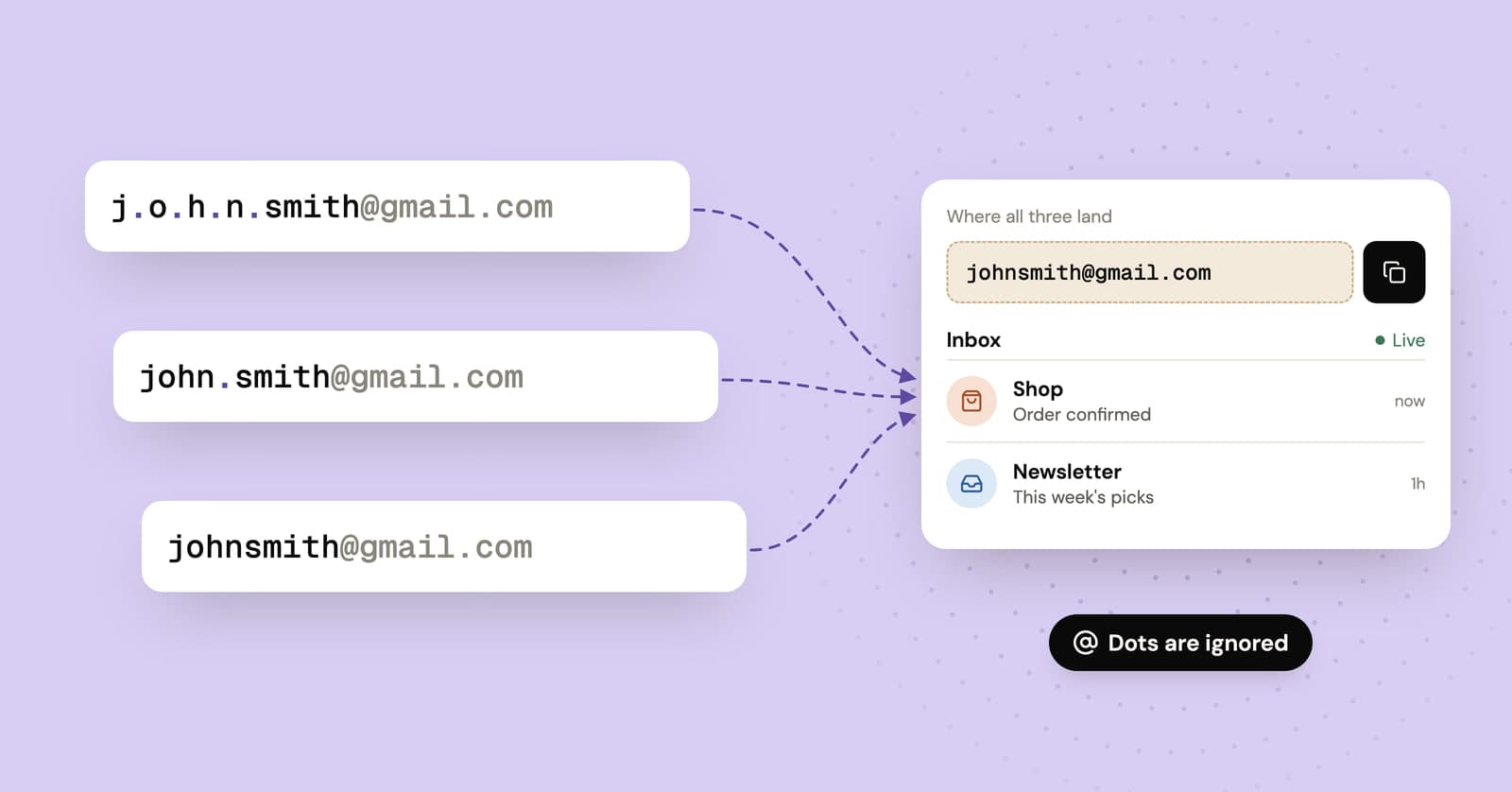
The Gmail dot trick works because Gmail ignores dots in the username part of an @gmail.com address, so [email protected], [email protected] and [email protected] all reach the same inbox. It won't hide your address, though, and some sites already treat every dotted spelling as the same person, so it's closer to a curiosity than a privacy tool.
Do dots matter in Gmail addresses?
No, not in a personal @gmail.com address. Google's help page says so plainly: dots don't matter in Gmail addresses. Mail to any dotted version reaches you, and nobody else can sign up for a dotted copy of your username.
There's one exception worth remembering. If you use Gmail through work, school or another organization's own domain, dots do change the address. On company.com, jane.doe and janedoe can be two different people.
The number of spellings grows quickly. Each gap between two characters can hold a dot or not, so a username with 8 characters has 7 gaps and 128 possible spellings. Two dots in a row, or a dot at the very start or end, isn't valid in a normal address, so that's the ceiling. Plenty of "dot trick generator" sites will list every variation for you. You don't need them.
What is the Gmail dot trick good for?
Not much. Its one real advantage is that a dotted address looks like any ordinary address, so it gets through sign-up forms that refuse a plus sign.
The honest list of uses is short:
- Writing your address the way that reads best.
jane.doeon a business card is clearer thanjanedoe, and both arrive. - Getting past a form that rejects
+. A dot looks like any other address, so the validation lets it through.
Developers get a little more out of it. If you're testing your own app's sign-up flow, dotted variants give you several "different" users that all land in one inbox. Past a handful of test accounts, it gets messy, and our guide to test email addresses for developers covers better options.
As a way to track who leaked your address, it's weak. You have to remember which spelling went to which site, and a single dot is easy to miss when you're squinting at a header. Google documents filtering for plus tags, not for dotted spellings. If sorting mail is what you're after, Gmail plus addressing is the tool built for it.
Does the Gmail dot trick give you any privacy?
None. Every dotted version contains your whole username, and taking the dots out again takes no effort at all.
A company that wants to match you across sites can remove the dots before comparing addresses, and some sites do exactly that at sign-up to catch duplicates. So [email protected] on a shopping site and [email protected] on a newsletter are the same person to anyone who bothers to check. If you're wondering why companies want to connect those dots in the first place, we wrote about why websites want your email address.
The only thing a dot does that a plus tag doesn't is avoid announcing itself. It's still your address.
Can you use the dot trick to make multiple accounts?
Sometimes it technically works, but it's a bad idea. Many sites ban duplicate accounts in their terms, especially ones opened for another free trial or sign-up bonus, and the sites that care about this often strip dots from Gmail addresses to catch it.
If a site does link the accounts, it can close all of them, including the one you actually use. And every one of those accounts points at the same inbox, so there's no pretending they belong to different people. If you need a separate account for a legitimate reason, like keeping a hobby apart from your work life, a genuinely separate address makes far more sense than a respelling of the one you already have.
Why am I getting emails for accounts I never created?
Usually because someone typed an address wrong, or because someone signed up somewhere with a version of yours. Google says dots aren't why people get each other's mail; in its words, the sender "probably mistyped or forgot the correct address."
The dots do matter on the other side, though. Some services treat [email protected] and [email protected] as two separate customers. That means a stranger can open an account with a dotted version of your address, and every email from that service, from the welcome message to "your payment failed, update your card", lands in your inbox looking like it's about an account of yours.
Treat those emails with suspicion:
- Don't click links or buttons in the message.
- Open the service by typing its address into your browser, and sign in to your own account if you have one.
- If you don't have an account there, ignore the mail or contact the service's support through its website.
- Never pass on a code you didn't ask for. Our post on verification codes you didn't request explains what those usually mean.
Dot trick vs plus addressing vs temp mail
All three give you something new to type into a form, but only temp mail keeps your real address out of the site's database and its mail out of your inbox.
| Gmail dot trick | Gmail plus addressing | Temp mail | |
|---|---|---|---|
| Hides your real address | No | No | Yes |
| Obvious to the site | No | Yes, the tag is visible | Sometimes, if the domain is on a blocklist |
| Accepted by forms that reject "+" | Usually | No | Usually |
| Shows who leaked your address | Barely | Yes, if the tag survives | Nothing reaches you anyway |
| Keeps mail out of your inbox | No | No | Yes |
| Fine for accounts you'll keep | Yes | Yes | No |
The last row matters most. A temporary address expires, so it's the wrong choice for anything you'll need to recover later. Our temp mail vs email alias comparison covers the better options for accounts you plan to keep.
Frequently asked questions
Does the dot trick work on work or school Google accounts?
No. Google's help page says that when you use Gmail through a work, school or other organization domain, dots do change your address. On those domains jane.doe and janedoe can belong to two different people, so adding a dot to a colleague's address can send your email to someone else entirely.
Can someone else create a Gmail account with a dotted version of my address?
No. Google treats every dotted version of your username as yours and won't let anyone register one. If you're getting mail clearly meant for someone else, Google's explanation is that the sender mistyped or misremembered the address, not that another account shares yours.
Does the dot trick work with Outlook, Yahoo or iCloud?
Don't count on it. Google documents the dot rule for Gmail, and other providers set their own rules about what counts as the same address. On another service, a dotted spelling could be a completely different mailbox that belongs to a stranger, so check that provider's help pages before you hand out a variation of your address.
Is the Gmail dot trick safe to use?
It's harmless for you in the sense that mail to any dotted version only reaches your inbox. The risk is confusion later: a site that stored j.smith may not find your account when you type jsmith into its password reset form. If you use a variation anywhere that matters, save the exact spelling in your password manager.
What to use instead
If you want sorting, use a plus tag. If you want a site to never see your real address, give it one that isn't yours at all: a forwarding alias for accounts you'll keep, or a free temporary inbox for everything else.
Keep reading
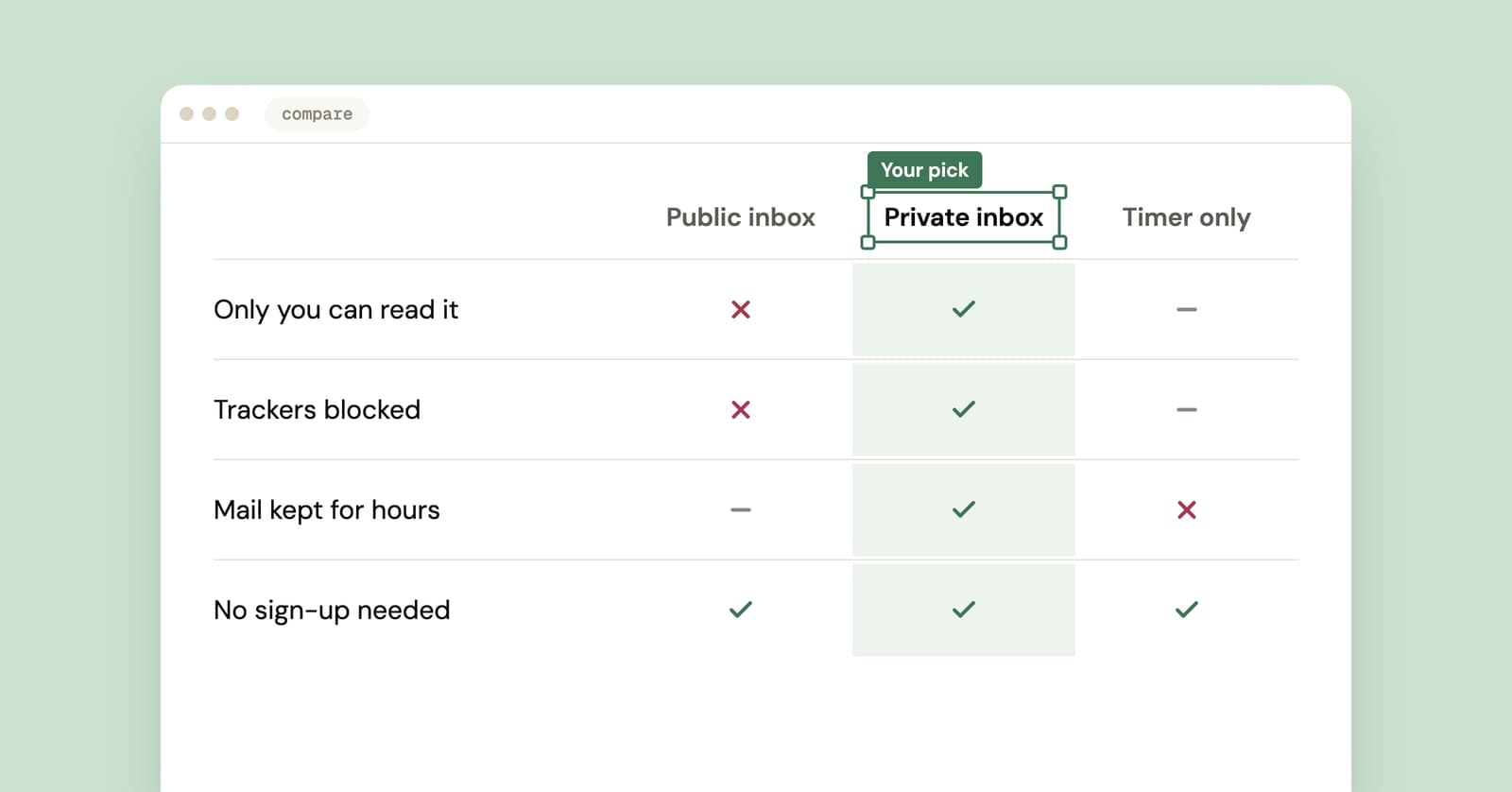
Best temp mail service? An honest checklist from people who run one
We run a temp mail service, so read this with that in mind. Here is the checklist we'd judge any provider by, us included, plus a five-minute test you can run yourself.
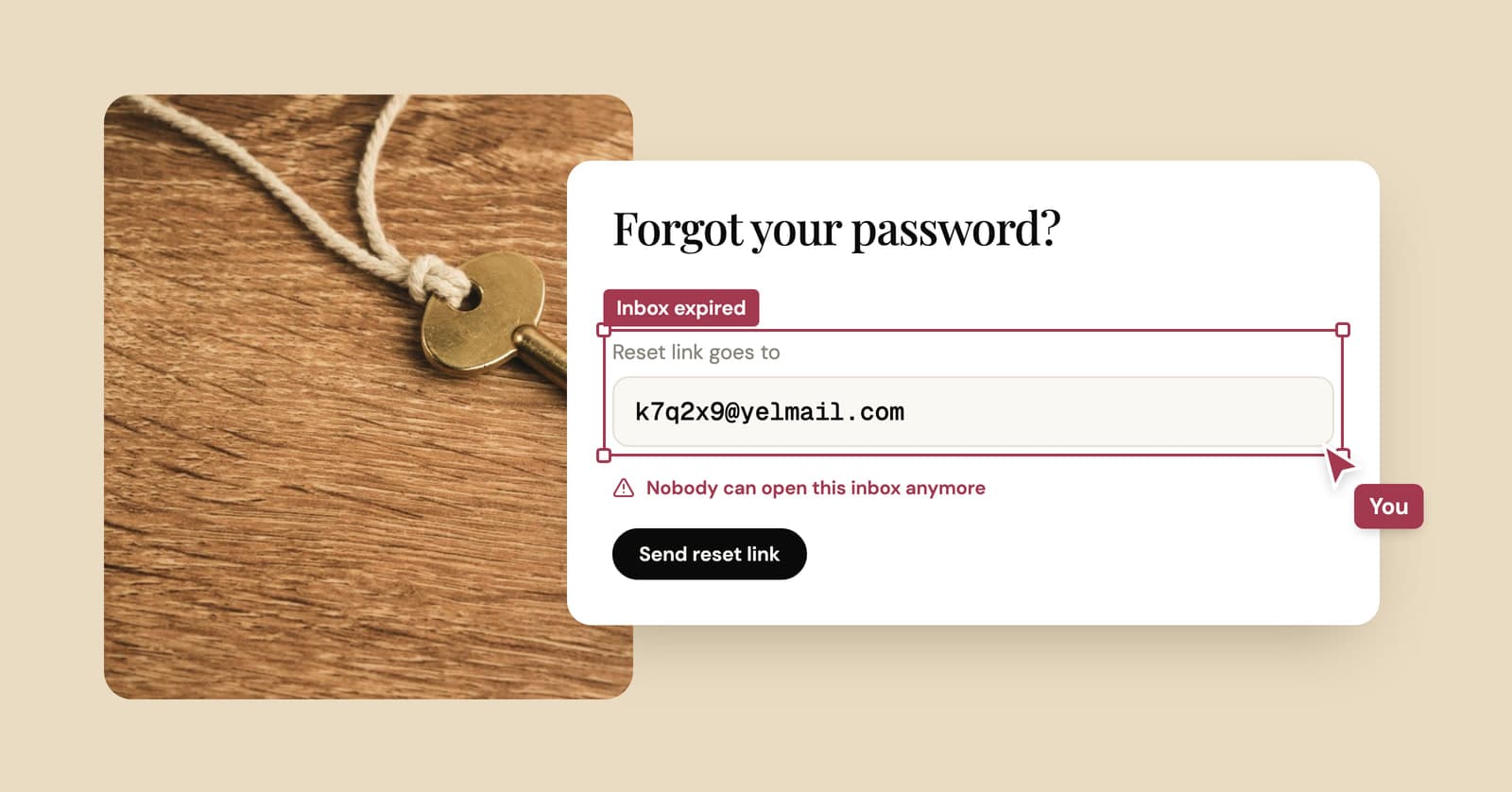
Temp mail password? There isn't one. What gets you back in instead
A free temp inbox has no login and no password. Your browser holds the key, and that decides when you can get back in and when the inbox is gone for good.
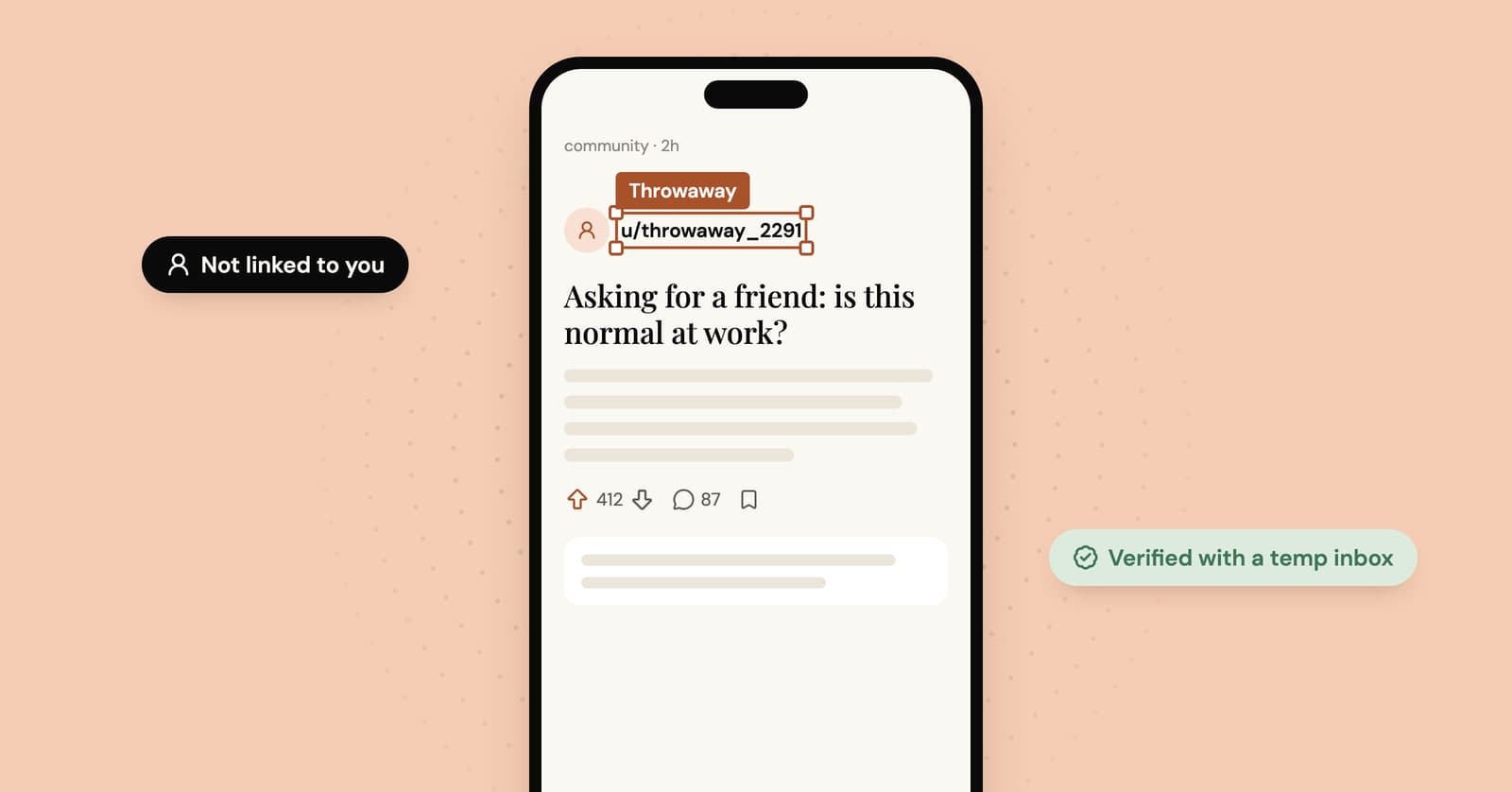
Throwaway email for Reddit: keep the throwaway actually separate
Reddit lets you run more than one account. How to give a throwaway its own email, what exposes throwaways anyway, and the two things Reddit won't tolerate.